
Face26
Revitalize photos with AI: enhance, unblur, colorize, animate, and restore effortlessly.
Key Takeaways
- What it is
- Revitalize photos with AI: enhance, unblur, colorize, animate, and restore effortlessly.
- Pricing
- Freemium
- Best for
- AI Photo Enhancer
- Unblur Images
- Colorize Photos
- Rating
- 4.5/5
What is Face26?
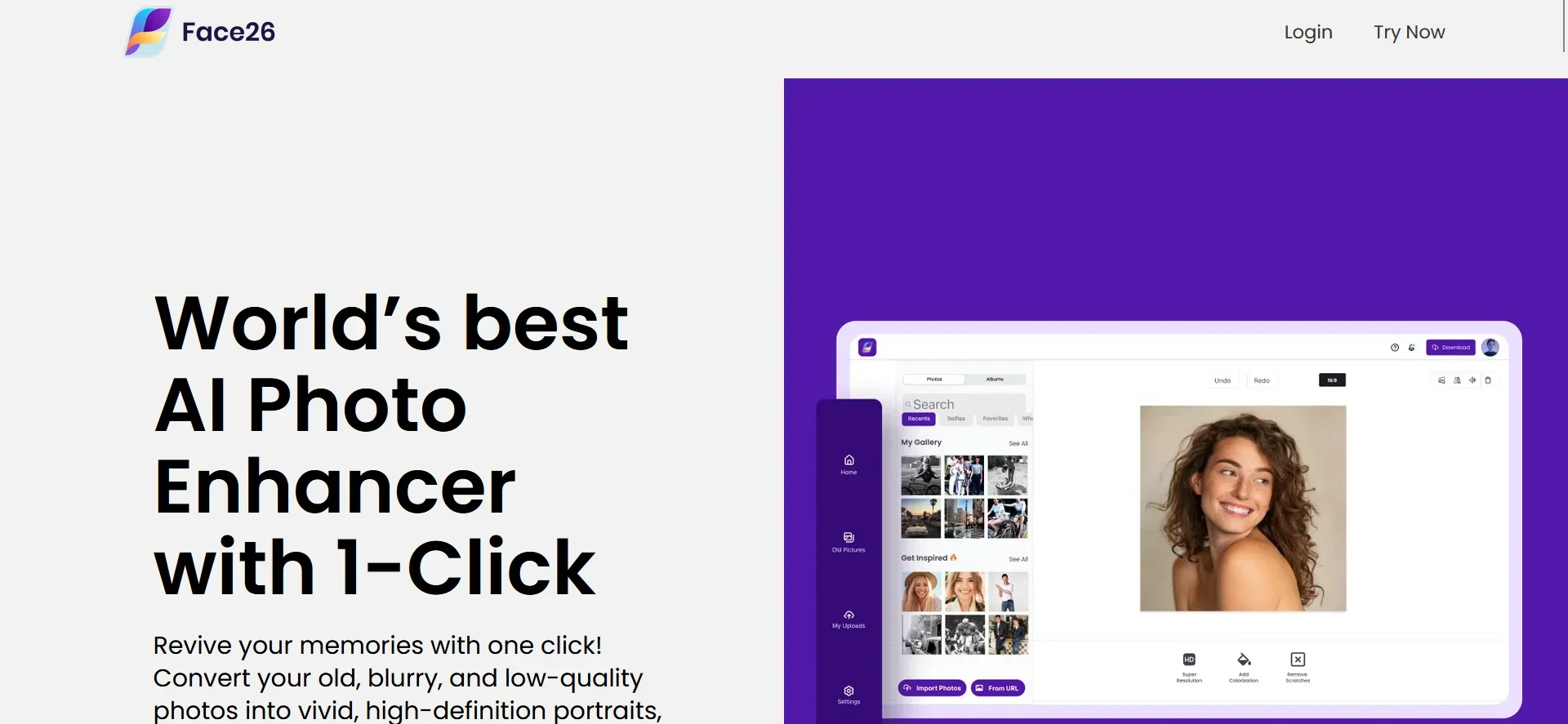
Face26 is an innovative AI-powered photo enhancer designed to breathe new life into your old, blurry, or low-quality photos. In an era where visual content is king, the ability to transform less-than-perfect images into high-definition masterpieces is invaluable. Face26 stands out by offering a suite of tools that cater to a wide array of photo enhancement needs, from unblurring images and colorizing black and white photos to restoring vintage snapshots and animating still portraits. With its user-friendly interface and powerful AI algorithms, Face26 promises to revolutionize the way we enhance and interact with our photographs.
Face26 distinguishes itself with its comprehensive approach to photo enhancement. Unlike other tools that specialize in one aspect of photo editing, Face26 provides a full suite of features that address nearly every need one might have, from unblurring and colorizing to animating and retouching. Its AI algorithms, trained on over 2 million high-resolution images, ensure that it delivers superior results, making it a standout choice for users looking to enhance their photos with minimal effort.
Face26 emerges as a powerful, user-friendly AI photo enhancer that stands out for its versatility and quality of results. It offers an impressive array of tools that cater to a wide range of photo editing needs, making it an indispensable resource for anyone looking to enhance their images. With its focus on privacy, ease of use, and the ability to deliver high-definition outcomes, Face26 is poised to become a favorite among photographers, content creators, and anyone in need of photo enhancement. Whether you're restoring old family photos, refining a professional portfolio, or simply bringing your creative visions to life, Face26 offers the tools and quality to make it happen.
Who is Using Face26?
Content Creators
For creating visually appealing content with enhanced images.
Graphic Designers
To refine and retouch images within their design projects.
Historians and Archivists
Employing the tool to restore and preserve historical photographs.
Social Media Enthusiasts
For personalizing and enhancing images before sharing them online.
Uncommon Use Cases
Real estate agents using it to enhance property photos; educators incorporating enhanced images in teaching materials.
Key Features
Rating Breakdown
Pricing Plans
Free Tier
Free
- Face26 offers a range of features accessible without charge
- Allowing users to test its capabilities
Subscription Plans
- Detailed pricing plans are available on the Face26 website
- Catering to different user needs and budgets
Which Face26 plan should you pick?
Start with Face26's free usage and one premium credit; upgrade to Premium when you need more filters, faster processing, multiple results, or watermark-free downloads.
Premium
Good for users who need additional filters, faster processing, multiple results, watermark-free downloads, or commercial use.
Face26 Use Cases
Restore old photos
Upload old, damaged, yellowed, blurry, or compressed images and apply AI restoration tools.
Outcome: Cleaner, sharper, more vivid photos.
Create HD portraits from group photos
Select a face in a group, zoom it, and enhance the facial details.
Outcome: A higher-definition individual portrait.
Colorize black-and-white photos
Upload a monochrome or aged photo and apply the AI colorization tool.
Outcome: A colorized version of the original image.
Prepare product images
Remove backgrounds, generate backgrounds, and improve product-photo quality.
Outcome: Cleaner product visuals for online use.
Make AI images more realistic
Upload an AI-generated image and apply Face26's realism enhancement.
Outcome: A more photo-realistic image.
Workflow Ideas with Face26
Enhance and export a photo
- 1Upload a photo in Face26's Photo Enhancer Editor
- 2Enhance the photo automatically with one click
- 3Save and download the enhanced image
Restore a group-photo portrait
- 1Upload the group photo
- 2Select the Face Zoom tool and choose a detected face
- 3Render and download the enhanced portrait
Make an AI image realistic
- 1Upload the AI-generated image
- 2Apply the AI Photo Realism enhancer
- 3Save and download the realistic version
How Face26 fits into your stack
While Face26 operates primarily as a web-based application, ensuring broad compatibility across devices, specific details regarding integration with other platforms or software were not provided. However, its accessibility via both desktop and smartphone browsers makes it a versatile tool for on-the-go photo editing.
Pros
- +Ease of Use: Intuitive interface makes photo enhancement accessible to users of all skill levels.
- +Versatility: Offers a comprehensive suite of tools for various photo editing needs.
- +Quality Results: Delivers high-definition photos without compromising on quality.
- +Privacy-Focused: Ensures user data and images are encrypted for privacy.
Cons
- −Learning Curve: New users may need time to familiarize themselves with the full range of tools.
- −Cost: While offering exceptional features, the pricing may be a consideration for some users.
- −Internet Dependency: Requires an internet connection to access and use the web-based application.
Limitations & when to consider alternatives
Known limitations
- Web processing requires internet access. Face26 operates as an online tool and requires an internet connection for upload, processing, and results.
- Free use has download limits. Free users can optimize images, but watermark-free downloads and additional premium results require credits or Premium access.
- Commercial use requires Premium. Face26 states that commercial use of its AI technology requires upgrading to Premium.
- Output quality depends on the source image. Enhancement effectiveness may vary with the original image's quality and detail.
Look elsewhere when
- You need a native desktop installer
- You need custom model training on your own photos
- You need shared team workspaces
How to Use Face26
- 1
Face26 offers a straightforward, easy-to-navigate interface, but for those looking to delve deeper into its capabilities, tutorials and guides are available on the website. These resources are designed to help users maximize the tool's potential, covering everything from basic photo uploads to advanced enhancement techniques.
Who is Face26 For?
Photographers
Face26 provides quick enhancement, restoration, retouching, colorization, and upscaling tools.
Casual users
The web and mobile apps are designed for simple photo improvements without editing expertise.
Families and personal-history projects
Face26 can restore, colorize, sharpen, and create portraits from old family, class, and yearbook photos.
E-commerce users
Background removal, custom product backgrounds, and product-photo enhancement support online merchandising.
Frequently Asked Questions
Can Face26 be used for free?
Yes. Face26 can be used without payment, and new users receive one premium credit for a watermark-free download.
What types of images can Face26 enhance?
Face26 says it can enhance digital photos, scanned images, old photos, and damaged photos.
How does Face26 enhance images?
Its deep-learning system analyzes an image, identifies areas needing improvement, and applies enhancements.
Are uploaded photos stored on Face26 servers?
Data is generally retained only for the short period needed to provide functionality, unless consent is given for AI improvement.
Can Face26 colorize black-and-white photos?
Yes. Its colorization tool adds realistic color to black-and-white and old photos.
Can Face26 upscale images?
Yes. Face26 offers 2x and 4x upscaling, including enhancement toward HD resolution.
Community reviews
Be the first to share your experience.
Sign in to leave a review for Face26.
Face26 Alternatives
Looking for alternatives to Face26? Here are similar tools in the same category:
Learn to Master Face26
With Skill Leap courses
Get in-depth training on Face26 and 50+ other AI tools with our expert-led video courses.
Start 7-Day Free Trial