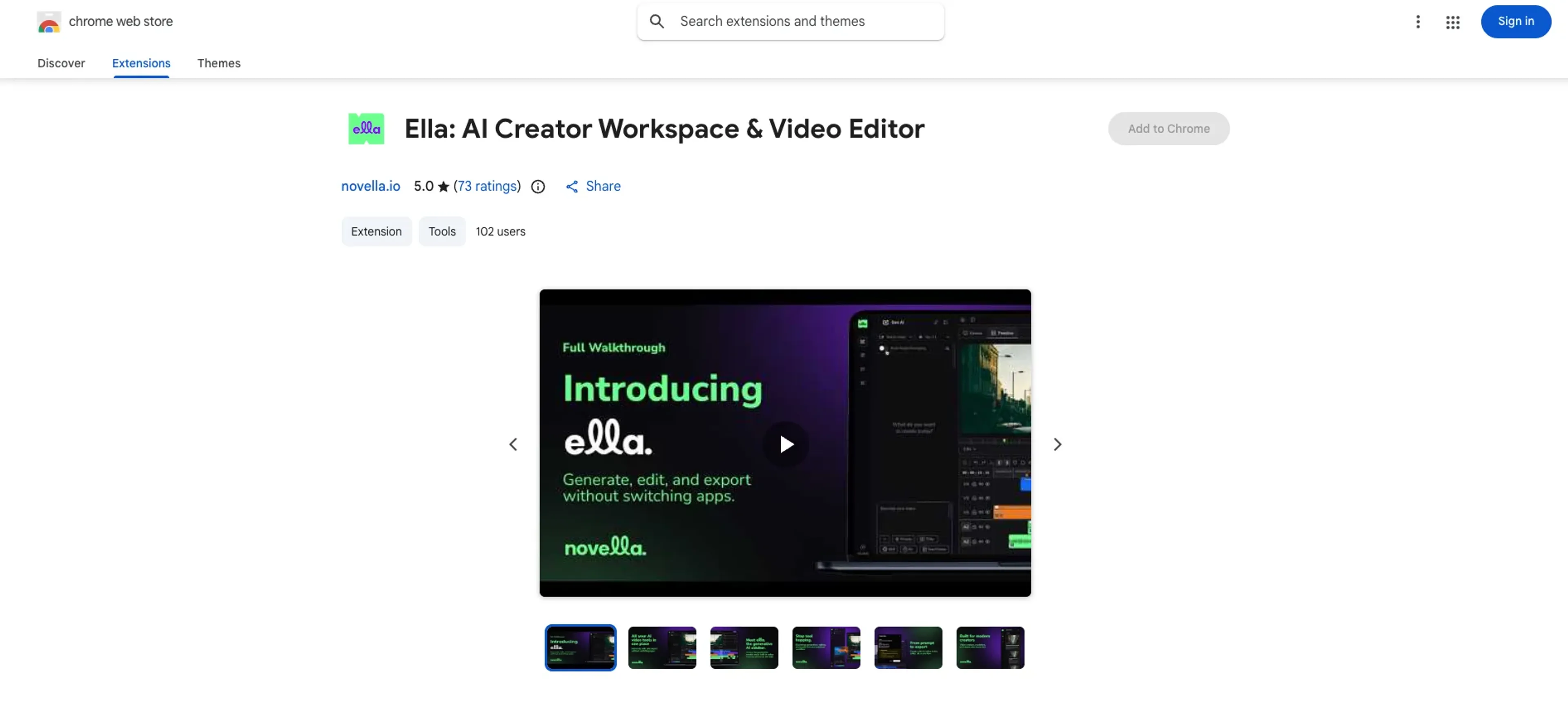
Ella by Novella is a browser-based AI creator workspace and video editor that lives in the Chrome sidebar. It brings generative models, a native timeline editor, cloud storage, and high-resolution export into a single workspace so creators can generate, edit, and ship short-form and social video without bouncing between multiple tools.
Key Features:
Chrome Sidebar Workspace: Runs as a Chrome extension in the side panel, keeping Ella present alongside whatever site is open, which suits fast edits, repurposing content, and on-the-fly ideation.
Multi‑model AI Generation: Centralizes access to many generative models for video, images, and audio so users can produce b‑roll, concepts, captions, and more without separate AI tools.
Prompt Capture & Refinement: Lets users grab text from any webpage or text field and send it directly into Ella’s prompt box, then refine or expand it into ready-to-use creative directions.
Native Cloud Timeline Editor: Provides a browser-based timeline to import footage, trim, adjust timing, layer audio, and tweak visuals with real-time playback and no extra installs.
Auto Captions, Effects, and Music: Generates automatic subtitles, visual effects, backgrounds, and music tracks aimed at TikTok, Reels, and Shorts style content.
BYOK & Token System: Supports “bring your own API key” for power users and offers Novella token bundles for extra AI generations and storage on top of subscription credits.
High‑Resolution Export & Storage: Includes 1080p and 4K export with no watermark on paid plans plus up to 50 GB of cloud storage for projects and assets.
Pros
All-in-one video stack: Combines AI generation, editing, and export in a single interface, cutting down on app-switching and file chaos.
Always-available editor: The side-panel design is surprisingly handy for creators who want to cut quick clips while browsing scripts, forums, or social feeds.
Creator-centric workflow: Short-form video, captions, and effects are front and center, which suits modern content teams more than legacy broadcast-style editors.
Flexible for power users: BYOK support, keyboard shortcuts, and credit bundles give advanced users more control over cost and creative tooling.
Low hardware demands: Cloud processing and a lightweight extension reduce dependence on powerful local machines.
Cons
Chrome-focused availability: Best experienced in Chrome or Chromium-based browsers, which leaves Firefox and Safari users out in the cold for now.
Credit management: Heavy AI generation can burn through monthly credits quickly, so high-volume creators must keep an eye on usage or buy bundles.
Younger ecosystem: Compared with long-established NLEs, integrations, plug-ins, and advanced finishing workflows are still relatively limited.
Who is Using Ella?
Independent Content Creators: YouTube, TikTok, and Reels creators who need to turn scripts and ideas into edited vertical videos quickly.
Social & Marketing Teams: Brand and social managers producing ongoing streams of short clips, promo assets, and campaign variants.
AI-first Filmmakers & Editors: Creators experimenting with AI-generated visuals, b‑roll, and voiceovers inside a more traditional timeline.
Agencies & Small Studios: Boutiques that want a lighter cloud editor for social deliverables without committing to heavy desktop stacks.
Education & Nonprofits: Teams that need explainer videos, training content, and outreach clips on limited budgets and hardware.
Uncommon Use Cases: Used by product managers to mock up feature walkthroughs directly from spec documents; adopted by course creators who capture forum posts or articles into prompts, then turn them into video lessons.
Pricing:
Free Access: Core browser-based timeline editor offered at no cost for getting started, with AI features tied to included or purchasable credits.
Starter Plan: $14.00 per month. Includes 1080p and 4K export, 50 GB cloud storage, and 1,000 monthly AI credits suitable for light creators.
Pro Plan: $32.00 per month. Adds 3,000 monthly credits while keeping 1080p and 4K export and 50 GB storage for growing channels and small teams.
Max Plan: $65.00 per month. Offers 8,000 monthly credits plus 1080p and 4K export and 50 GB storage aimed at heavy daily production.
Annual Billing: Yearly plans list roughly an 18% discount compared with paying month to month.
Disclaimer: Please note that pricing information may not be up to date. For the most accurate and current pricing details, refer to the official Ella by Novella website.
What Makes Ella Unique?
Ella stands out by putting a genuine editing timeline into the Chrome sidebar and wiring it directly into multi-model AI generation. Instead of treating AI as a separate clip factory, it treats it as a native part of the editing workflow, from prompt-captured ideas through to final export.
How We Rated It:
Accuracy and Reliability: 4.5/5
Ease of Use: 4.6/5
Functionality and Features: 4.7/5
Performance and Speed: 4.4/5
Customization and Flexibility: 4.5/5
Data Privacy and Security: 4.3/5
Support and Resources: 4.2/5
Cost-Efficiency: 4.6/5
Integration Capabilities: 4.0/5
Overall Score: 4.4/5
Fast Browser-Native AI Video Workspace For Modern Creators:
Ella offers a focused, AI-enhanced editor that fits neatly into a Chrome sidebar yet still provides a serious timeline, high-res export, and a thoughtful blend of credits, BYOK, and storage. For creators who live inside the browser and want to move from idea to finished short-form video without hauling around heavyweight software, it provides a nimble, genuinely fun toolkit that trades brute-force complexity for speed and clarity.