Elara Spatial
Turns smartphone photos of water-damaged rooms into insurer-ready claim estimates.
Key Takeaways
- What it is
- Turns smartphone photos of water-damaged rooms into insurer-ready claim estimates.
- Pricing
- Freemium · $29.99 per month
- Best for
- 3D Room Reconstruction
- Damage and Material Identification
- Traceable Estimate Lines
- Rating
- 4.1/5
What is Elara Spatial?
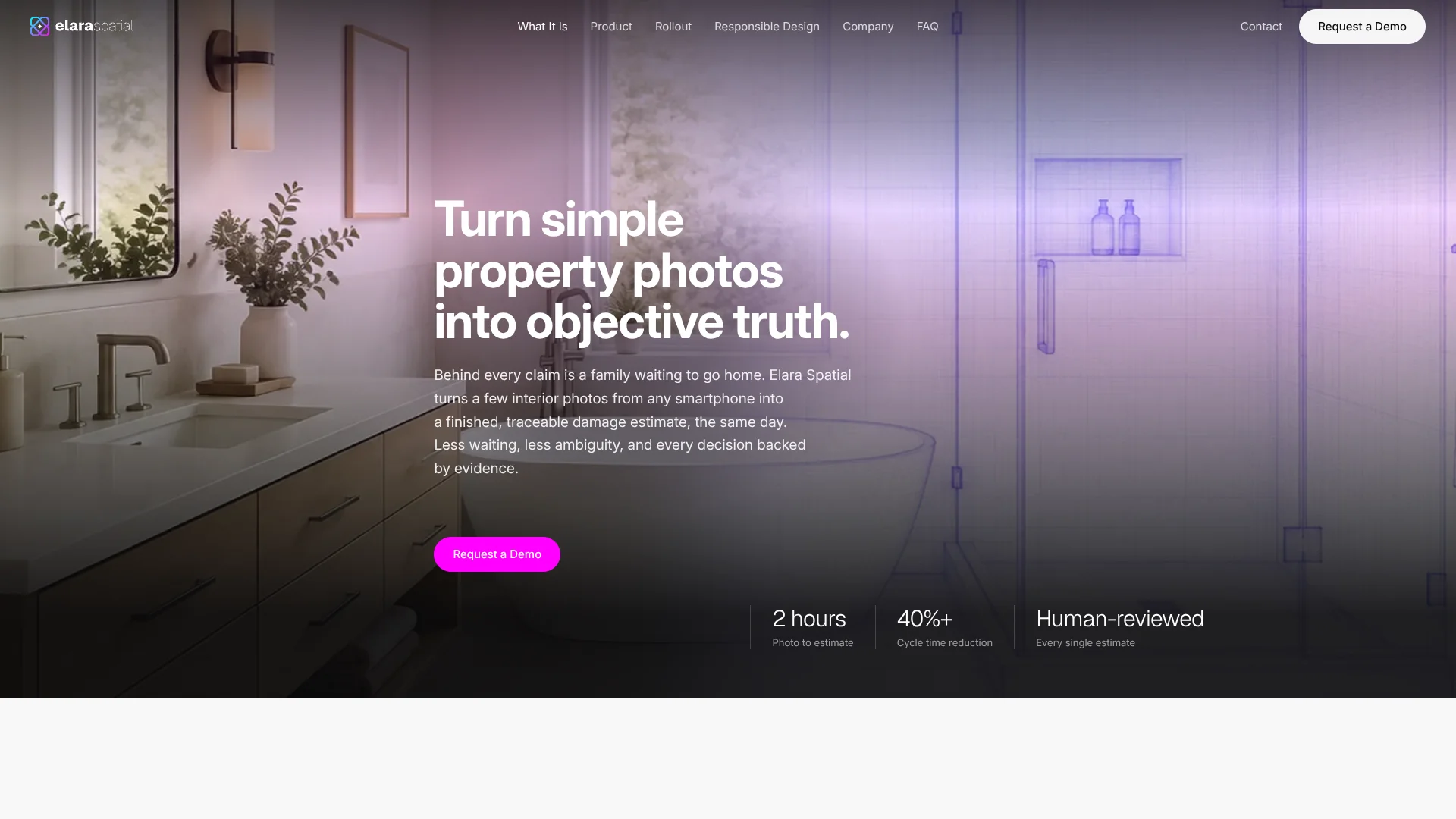
Elara Spatial’s Lumasite turns smartphone photos of interior property damage into claim documentation and a draft estimate. It is built for insurance carriers and the adjusters who review property claims. The goal is to replace days of inspection and manual measuring with a same-day estimate.
Each estimate line links back to the photo that supports it and uses the carrier’s pricing rules. Lumasite rebuilds rooms in 3D to measure them, then identifies visible damage and materials. An adjuster reviews and approves every estimate, so the AI does not make the final claim decision.
Lumasite is aimed at carriers, adjusters, claims managers, and mitigation teams handling interior water damage. Policyholders can take requested photos through a phone browser, without installing an app. The current claim focus is water damage, so carriers assessing other types of property loss will need another workflow.
Who is Using Elara Spatial?
Property Claims Adjusters
Room measurements and draft scopes arrive ready for review, giving adjusters more time for complex claims and customer decisions.
Claims Managers
Cycle-time, first-pass, and adoption reporting helps managers see how the workflow is performing.
Mitigation Technicians
Photos taken before or after mitigation can document room conditions for a desk adjuster.
Policyholders
A phone-browser capture link lets homeowners document interior damage without scheduling a site visit.
Uncommon Use Cases
Comparing room conditions before and after mitigation; capturing damage during a first-notice-of-loss call.
Key Features
Rating Breakdown
Pricing Plans
Free Tier
Free
- 30-day free trial available
Basic Plan
$29.99 per month
Enterprise Plan
- Custom pricing based on server and business needs
Which Elara Spatial plan should you pick?
Request a demo to discuss fit, deployment, and pricing for your carrier’s claim workflow.
Elara Spatial Use Cases
Interior Water-Damage Estimates
A room-by-room photo record becomes a draft estimate based on the carrier’s pricing rules.
Outcome: An adjuster-reviewed estimate with line items traceable to the source photos.
Policyholder-Led Claim Capture
A homeowner documents damage at home using a camera link opened from a phone browser.
Outcome: Photos and a draft estimate reach the desk adjuster without a scheduled site visit.
Field Adjuster Documentation
A field adjuster photographs rooms on site rather than spending hours measuring and writing up the damage.
Outcome: Documentation and a draft estimate are ready for desk review.
Before-and-After Mitigation Records
Damage can be documented both before and after mitigation work.
Outcome: A record of room conditions at both stages.
Claim Workflow Performance Tracking
Carrier teams monitor cycle time, first-pass rate, and adoption as claims move through the process.
Outcome: ROI evidence without a separate analytics project.
Workflow Ideas with Elara Spatial
Policyholder Water-Damage Claim
- 1Send the policyholder a capture link by text or email.
- 2The policyholder photographs the damaged rooms in a phone browser.
- 3An adjuster reviews the resulting documentation and draft estimate.
Field Adjuster Walkthrough
- 1Photograph damaged rooms on site with a phone.
- 2Let Lumasite reconstruct the rooms and draft the estimate.
- 3Review and approve the estimate before it is finalized.
Mitigation Documentation
- 1Capture room conditions before or after mitigation work.
- 2Send the photos into the claim documentation and estimating workflow.
- 3Have a desk adjuster review the estimate and supporting images.
How Elara Spatial fits into your stack
Phone-Browser Capture
Policyholders and field teams use a link to take photos on a phone. No special device or app download is required.
Claim Estimating
Lumasite reconstructs rooms, identifies visible damage, and prepares an estimate using the carrier’s pricing rules.
Xactimate and XactAnalysis
For Verisk users, estimates fit into Xactimate and XactAnalysis workflows instead of requiring a separate estimating destination.
Cotality Measurements
Elara Spatial also supports Cotality for measurements.
Claim Operations Reporting
Built-in reporting gives carriers visibility into cycle time, first-pass rate, and adoption.
Pros
- +Photo-to-estimate workflow: Turns room photos into a draft estimate without a site visit.
- +Evidence trail: Lets reviewers check estimate lines against the photos and pricing rules behind them.
- +No policyholder app: Photo capture starts from a link opened in a phone browser.
- +Adjuster oversight: Keeps estimate approval and coverage decisions with people.
Cons
- −Narrow claim focus: Its current water-damage scope makes it less useful for other property losses.
- −Carrier-led setup: Teams need to work with Elara Spatial to fit the product to their claim process.
- −Human review remains necessary: Estimates still need adjuster approval before they are final.
Limitations & when to consider alternatives
Known limitations
- Interior Water Damage Only. The FAQ says the current claim scope is interior water damage; additional perils are on the roadmap.
- Adjuster Approval Required. Every estimate is reviewed and approved by an adjuster before it becomes final.
- No Coverage Decisions. Lumasite documents damage and estimates repairs, but coverage and payment decisions remain with people.
- Weekend and Holiday Processing. Outside catastrophe events, claims are not processed on weekends or holidays.
Look elsewhere when
- You need estimates for property-loss types beyond interior water damage.
- You need an AI system to make coverage or payment decisions.
- Your workflow requires estimates to be finalized without adjuster review.
How to Use Elara Spatial
- 1
Set Up the Carrier Workflow
Work with Elara Spatial to configure the process around carrier pricing rules and existing claim tools.
- 2
Choose Who Captures the Damage
The policyholder, field adjuster, desk adjuster, or mitigation technician can start the capture workflow.
- 3
Open the Capture Link
For policyholder capture, send a link by text or email; it opens the camera in the phone browser.
- 4
Photograph the Damaged Rooms
Follow the guided capture so Lumasite can reconstruct the rooms and document visible damage.
- 5
Review the Draft Estimate
An adjuster checks the documentation and photo-linked estimate lines, then approves the estimate.
- 6
Track Workflow Results
Review cycle time, first-pass rate, and adoption reporting to see how the process is working.
Who is Elara Spatial For?
Insurance Carriers
Carriers can use Lumasite to shorten claim handling time while keeping estimates tied to their pricing rules.
Adjusters and Claims Managers
The product takes on room documentation and measurement work, leaving adjusters to review estimates and make claim decisions.
Mitigation and Third-Party Adjusters
Teams documenting damage before or after mitigation can send a room walkthrough into the carrier’s estimate process.
Policyholders
People with a water-damage claim can photograph rooms at home through a link from their insurer.
Frequently Asked Questions
What kinds of claims does Elara Spatial handle?
Lumasite currently handles interior water-damage claims, from small leaks to flooded floors.
Does a policyholder need to install an app?
No. The policyholder opens a link in a phone browser and takes the requested photos.
Does AI make the final estimate or coverage decision?
No. An adjuster reviews and approves every estimate. Coverage and payment decisions stay with people.
Does Elara Spatial publish plan prices?
The official site directs visitors to request a demo and does not publish plan prices.
Which claim tools does Lumasite connect with?
Elara Spatial names Xactimate and XactAnalysis, and says it supports Cotality for measurements.
Community reviews
Be the first to share your experience.
Sign in to leave a review for Elara Spatial.
Elara Spatial Alternatives
Looking for alternatives to Elara Spatial? Here are similar tools in the same category: