
Eesel App
Transforms your browser tab into a productivity hub.
Key Takeaways
- What it is
- Transforms your browser tab into a productivity hub.
- Pricing
- Freemium
- Best for
- Document Aggregation
- Smart Search
- Customizable Interface
- Rating
- 4.3/5
What is Eesel App?
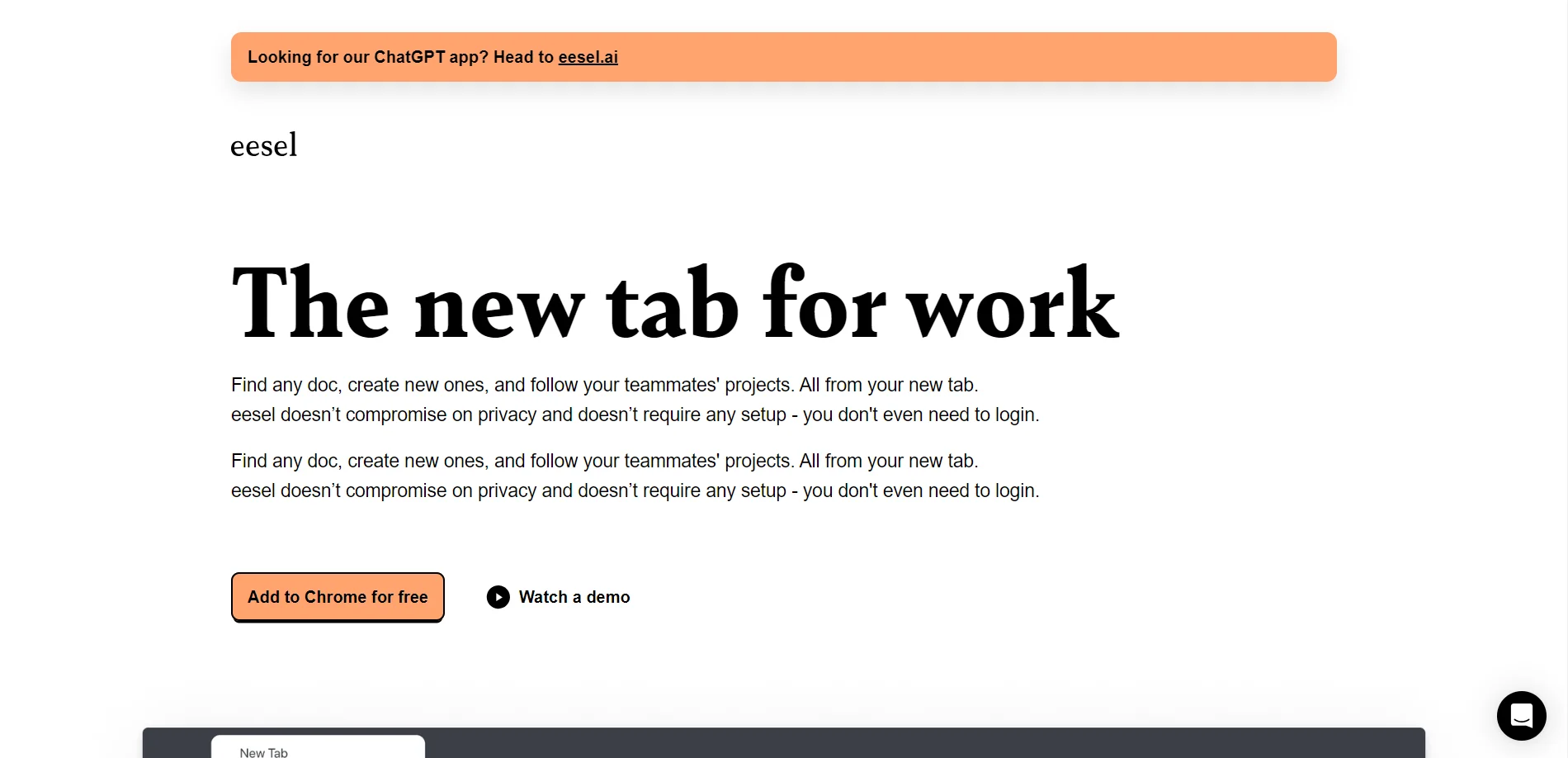
Eesel is a browser extension designed to revolutionize how professionals manage their digital workspace. By transforming your browser's new tab into a productivity hub, Eesel offers seamless access to all your work-related documents and tools. It's ideal for individuals and teams looking to streamline their workflows and boost efficiency by consolidating access to their digital resources.
Eesel stands out with its ability to transform the browser's new tab into a comprehensive work hub, a game-changer for digital professionals. Its AI-driven document aggregation and search capabilities are unmatched, allowing for a more organized and efficient work environment.
Eesel offers a powerful solution for those looking to optimize their digital workspace. By centralizing access to documents and tools, it enhances productivity and efficiency. Whether you're a freelancer, a project manager, or part of a tech startup, Eesel provides a seamless and intuitive way to manage your work life. With its competitive pricing and robust features, Eesel is a valuable addition to any professional's toolkit.
Who is Using Eesel App?
Remote Workers
Benefiting from Eesel's ability to manage documents and tools efficiently while working from different locations.
Project Managers
Utilizing Eesel for tracking and organizing project-related documents and resources.
Freelancers
Leveraging the tool to keep all client documents and communication organized in one place.
Tech Startups
Employing Eesel to enhance team collaboration and document management.
Uncommon Use Cases
Used by legal professionals to organize case files; adopted by educators for managing course materials and resources.
Key Features
Rating Breakdown
Pricing Plans
Free Tier
Free
- Eesel offers a free version that provides access to basic features
Which Eesel App plan should you pick?
Start with the free usage allowance to validate the workflow, then choose Enterprise for SSO, higher limits, and advanced security requirements.
Free usage
Good for evaluating the product with $50 of usage and no credit card required.
Enterprise
Good for organizations needing SSO, HIPAA, BAA, signed agreements, higher knowledge-base limits, and dedicated support.
Eesel App Use Cases
Automate helpdesk tickets
Connect a helpdesk and let an AI agent read, answer, triage, or escalate incoming tickets.
Outcome: Faster support handling with less manual work.
Deploy a website chatbot
Add a chat bubble, inline assistant, or public chat link powered by company knowledge.
Outcome: Visitors get self-service answers.
Create an internal knowledge agent
Connect company documentation and let teammates ask questions through Slack or supported channels.
Outcome: Employees find answers without searching multiple systems.
Support ecommerce shoppers
Connect Shopify, WooCommerce, BigCommerce, or Magento to answer catalog and order questions.
Outcome: Automated product and order support.
Generate business content
Use an AI content agent to research and draft blog posts using connected knowledge and tools.
Outcome: Faster content production.
Workflow Ideas with Eesel App
Launch a supervised helpdesk agent
- 1Connect Zendesk, Freshdesk, Intercom, Gorgias, or another supported helpdesk
- 2Train the agent on help-center articles, documents, and past tickets
- 3Run in draft mode, review replies, and gradually enable autonomous handling
Create an internal knowledge assistant
- 1Connect sources such as Google Drive, Notion, Confluence, PDFs, or websites
- 2Configure the agent’s prompt, tone, rules, and actions
- 3Deploy it to Slack or another supported internal channel
Automate ecommerce support
- 1Connect Shopify, WooCommerce, BigCommerce, or Magento
- 2Allow the agent to access catalog, inventory, customer, and order information
- 3Deploy the agent on the website to answer questions and handle shopping requests
How Eesel App fits into your stack
Browser
The Chrome extension brings the eesel AI agent into helpdesks, inboxes, documents, and any browser tab. It can draft replies, add pages as knowledge, and chat with company documentation.
Team chat and tickets
Eesel AI operates inside helpdesks such as Zendesk, Freshdesk, Intercom, Gorgias, and Jira, and communicates through Slack, Microsoft Teams, and email.
Knowledge and files
Teams connect Google Drive, Google Docs, Notion, Confluence, SharePoint, websites, PDFs, documents, CSVs, and text files as agent knowledge.
Automation and APIs
Triggers activate agents and configured actions can reply, tag, assign, close, route, look up information, process refunds, and send messages. Developers can also use the documented API and CLI.
Pros
- +Time Efficiency: Significantly reduces the time spent searching for documents by providing instant access.
- +User-Friendly Interface: The intuitive design makes it easy for users of all technical abilities to navigate and customize.
- +Enhanced Productivity: By centralizing access to documents and tools, Eesel helps maintain focus and streamline work processes.
- +Seamless Integration: Works well with widely-used productivity applications, enhancing its utility for various professionals.
Cons
- −Initial Learning Curve: While intuitive, it may take some time for users to fully leverage all customization features.
- −Limited Offline Functionality: Eesel's features are primarily web-based, which may limit access when offline.
Limitations & when to consider alternatives
Known limitations
- Trial access is time-limited. New accounts receive a 7-day trial, with a possible additional 7-day extension.
- Plan interaction limits apply. Team and Business plans limit monthly AI interactions to 1,000 and 3,000 respectively.
- Image files are not read by default. The Google Drive integration reads text, so image files are not usable by the bot by default.
- Custom actions require the Custom plan. Custom web-request actions are available only on the Custom plan and require support enablement.
- Some integrations are plan restricted. For example, the Microsoft Teams integration is available only on the paid Business plan.
Look elsewhere when
- You need native iOS or Android apps.
- Your workflow requires image-based knowledge understanding.
- You need a dedicated code-generation tool.
How to Use Eesel App
- 1
Create an account
Sign up at dashboard.eesel.ai and use the free trial or free usage allowance to test the platform.
- 2
Choose a quickstart
Select helpdesk automation, website chatbot, or internal knowledge agent based on your goal.
- 3
Connect knowledge sources
Add help centers, documents, PDFs, Google Drive, Notion, Confluence, websites, or past tickets.
- 4
Customize the agent
Set its tone, instructions, rules, language behavior, and available actions.
- 5
Test before deployment
Review drafts or simulate behavior before allowing the agent to respond autonomously.
- 6
Deploy into existing tools
Use a helpdesk, chat bubble, Slack, browser extension, ecommerce store, or another supported integration.
Who is Eesel App For?
Customer support teams
Use AI agents to draft replies, resolve tickets, triage issues, and escalate edge cases.
Ecommerce teams
Connect store data so agents can answer product, inventory, order, and return questions.
Content teams
Use agents to research, write, and publish content such as blog posts.
Operations teams
Deploy AI teammates that perform actions across connected business tools.
Internal IT and knowledge teams
Create internal knowledge agents that answer questions in Slack or other supported channels.
Frequently Asked Questions
How do I sign up?
Create an account at dashboard.eesel.ai. No credit card is required for the 7-day free trial.
Can I extend my free trial?
You can extend the trial by an additional 7 days from the dashboard.
How long does setup take?
Most teams can get their first agent running in under 15 minutes.
How many agents can I create?
The number of agents depends on the selected plan.
Can my agent handle multiple languages?
Agents can respond in the language customers use, with automatic translation available for chat widgets.
Can I control what the agent sends?
Start in draft mode, review replies, configure escalation rules, and gradually grant autonomous access.
Community reviews
Be the first to share your experience.
Sign in to leave a review for Eesel App.
Eesel App Alternatives
Looking for alternatives to Eesel App? Here are similar tools in the same category:
Learn to Master Eesel App
With Skill Leap courses
Get in-depth training on Eesel App and 50+ other AI tools with our expert-led video courses.
Start 7-Day Free Trial