
Duckie
Enhances SaaS support with AI, integrates seamlessly, boosts productivity.
Key Takeaways
- What it is
- Enhances SaaS support with AI, integrates seamlessly, boosts productivity.
- Best for
- Knowledge Search
- Resolution Memory
- Bug Investigation
- Rating
- 4.4/5
What is Duckie?
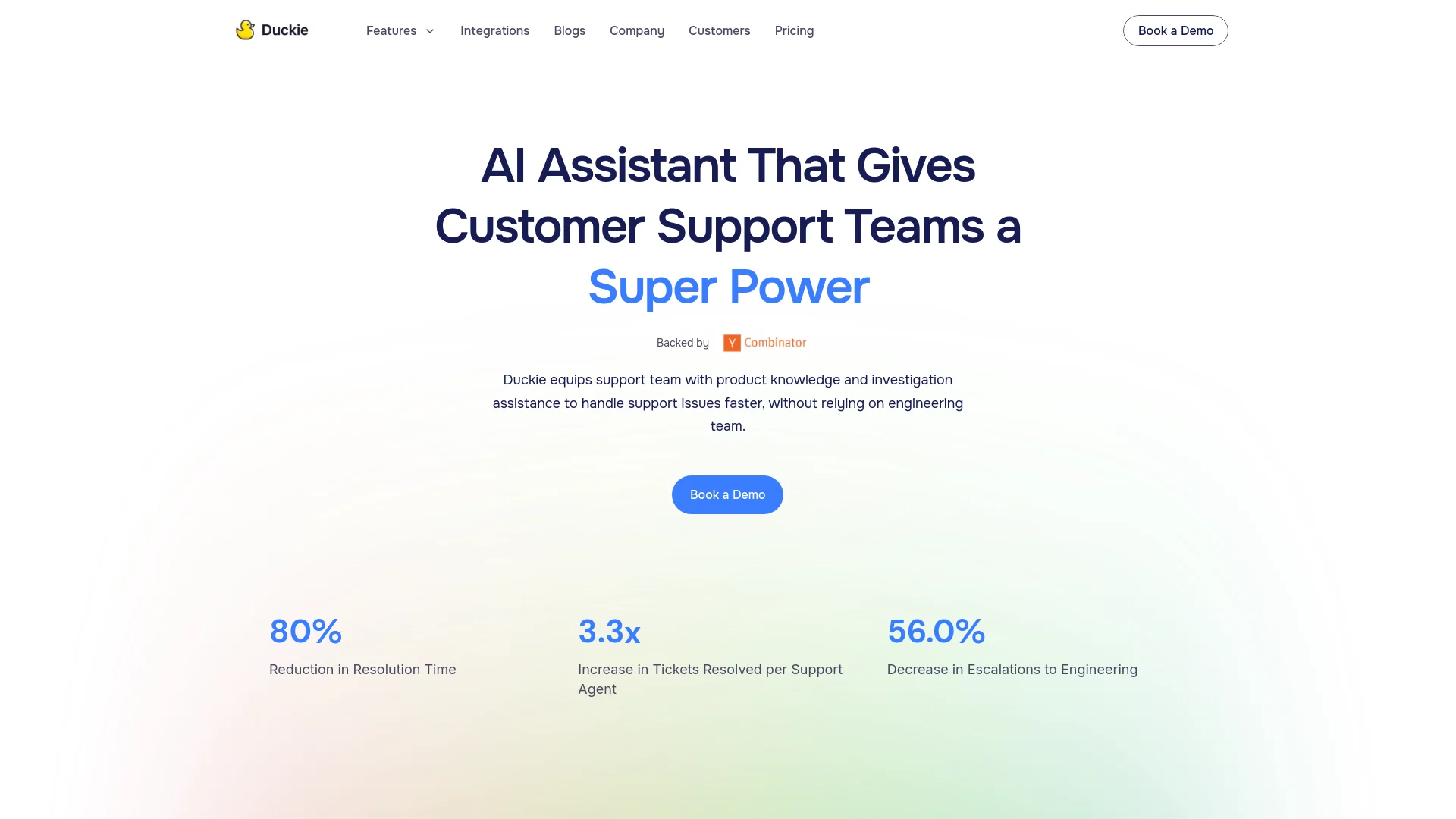
Duckie is an AI copilot specifically designed for SaaS customer support teams, transforming how support queries are managed. By seamlessly integrating with popular support platforms like Slack and Zendesk, Duckie helps to reduce resolution times, improve customer satisfaction, and enhance overall productivity. Its advanced features streamline support workflows and provide intelligent solutions to common customer service challenges.
Duckie’s unique selling point is its memory feature that remembers and reuses past solutions, drastically reducing the time spent on repetitive issues. Its deep integration with key support platforms ensures it becomes an integral part of the existing workflow rather than a standalone tool.
Duckie is a powerful tool for enhancing customer support operations, especially in SaaS environments. Its memory feature and robust integration capabilities make it a valuable asset for businesses aiming to improve support efficiency and customer satisfaction. With Duckie, organizations can expect to streamline their support processes, reduce resolution times, and provide a better overall experience for their customers.
Who is Using Duckie?
SaaS Providers
Streamlining their support processes with AI-driven tools.
E-commerce Platforms
Managing high volumes of customer inquiries more effectively.
Tech Startups
Improving support efficiency while focusing on product development.
Customer Support Outsourcing Companies
Offering enhanced support services through AI capabilities.
Uncommon Use Cases
Educational tech platforms use Duckie for managing support queries from students and faculty; non-profit organizations leverage it for efficient management of donor and volunteer interactions.
Key Features
Rating Breakdown
Pricing Plans
Free Trial
- Start with a no-cost trial to evaluate Duckie’s features and benefits
Subscription Model
- Offers various subscription plans tailored to different business sizes and needs
Duckie Use Cases
Automated ticket resolution
Respond to incoming support tickets using knowledge, runbooks, guidelines, and connected tools.
Outcome: Faster responses and more tickets resolved without manual intervention.
Escalation and triage
Classify conversations, apply escalation rules, and route complex or sensitive issues to human teams.
Outcome: High-risk and complex cases reach the appropriate human queue.
Backend investigation
Use connected systems and custom tools to investigate technical or account issues.
Outcome: Support teams can resolve issues using live operational context.
Bug intake to engineering
Gather information from support conversations and create or synchronize Jira, Linear, or GitHub issues.
Outcome: Customer-reported problems become structured engineering work.
Website customer support
Embed a Duckie chat widget on a website and connect it to an agent deployment.
Outcome: Visitors can receive AI-powered support directly on the site.
Workflow Ideas with Duckie
Support ticket resolution
- 1Receive a ticket from Zendesk, Intercom, Slack, or another connected channel
- 2Search knowledge and follow the assigned runbook or workflow
- 3Send a response, take connected-tool actions, or escalate to a human
Bug report to engineering
- 1Collect reproduction details from the customer conversation
- 2Create or update a Jira, Linear, or GitHub issue
- 3Send follow-up messages and keep support informed
Safe agent deployment
- 1Create and configure an agent with knowledge, tools, and guardrails
- 2Test responses in the playground or with historical conversations
- 3Deploy in Shadow mode, review results, then activate Live mode
How Duckie fits into your stack
Slack Integration
Operates within Slack for immediate access to information and functionalities.
Zendesk Compatibility
Enhances ticket handling and resolution processes directly within Zendesk.
Custom API Connections
Provides APIs for creating bespoke integrations to meet specific needs.
Sentry Integration
Integrates with Sentry for real-time error tracking and management.
Pros
- +Increased Efficiency: Saves support agents up to 60 minutes per day, significantly boosting productivity.
- +Improved Customer Satisfaction: Faster response times lead to enhanced customer experiences.
- +Reduction in Engineering Tickets: By delivering detailed bug reports, Duckie reduces the number of tickets escalated to engineering teams by 1.5 times.
- +Scalability: Adapts easily to growing support needs without requiring additional resources.
Cons
- −Initial Setup Requirement: Requires configuration with existing knowledge bases and integration setups.
- −Learning Curve: New users may need time to become familiar with all features and functionalities.
- −Dependence on Integration: The tool’s efficiency relies on smooth integration with other platforms used by the support team.
Limitations & when to consider alternatives
Known limitations
- Requires an existing support channel. Quickstart prerequisites include admin access to at least one support channel such as Zendesk, Intercom, or Slack.
- Requires source knowledge or help content. Duckie expects documentation, help content, or custom knowledge articles for agents to reference.
- Human review may still be required. Guardrails can stop processing, create internal notes, and route conversations to human queues.
- Initial deployments should be reviewed. Duckie recommends Shadow mode so teams can review drafted responses before going Live.
- No dedicated mobile or desktop application documented. The getting-started documentation describes setup through Duckie's web app rather than native mobile or desktop installers.
Look elsewhere when
- You need a native mobile application.
- You need native image analysis or document uploads.
- You need a coding-focused AI assistant.
How to Use Duckie
- 1
A range of tutorials is available on Duckie’s official website and YouTube channel, covering everything from basic setup to advanced features.
Who is Duckie For?
Support teams
Duckie helps support teams scale volume, reduce response times, and maintain consistent customer responses.
Support operations leaders
Leaders can manage agents, workflows, deployments, guardrails, analytics, and knowledge gaps from a centralized platform.
Customer support agents
Agents can focus on complex, high-value conversations while Duckie handles repetitive inquiries and routine actions.
Teams with existing support tools
Duckie connects to existing ticketing, messaging, documentation, issue-tracking, and productivity systems.
Frequently Asked Questions
What is Duckie?
Duckie is an AI-powered support platform that automates conversations, resolves tickets, and helps teams build support agents.
Who is Duckie for?
Duckie is built for support teams that want to scale support, reduce response times, free agents for complex work, and maintain quality with guardrails.
What integrations does Duckie support?
Supported platforms include Zendesk, Intercom, Freshdesk, HubSpot, Plain, Pylon, Slack, Discord, Microsoft Teams, Notion, Confluence, Google Drive, Jira, Linear, and GitHub.
How does Duckie use company knowledge?
Duckie connects documentation sources, indexes the content, and lets agents search that knowledge when responding to customers.
Can Duckie take actions?
Yes. Agents can update tickets, create issues, send messages, use connected app tools, and call custom HTTP-based tools.
How should a team launch a Duckie agent?
Teams should test in the playground, start in Shadow mode for review, and switch to Live mode after validating responses.
Community reviews
Be the first to share your experience.
Sign in to leave a review for Duckie.
Duckie Alternatives
Looking for alternatives to Duckie? Here are similar tools in the same category:
Learn to Master Duckie
With Skill Leap courses
Get in-depth training on Duckie and 50+ other AI tools with our expert-led video courses.
Start 7-Day Free Trial