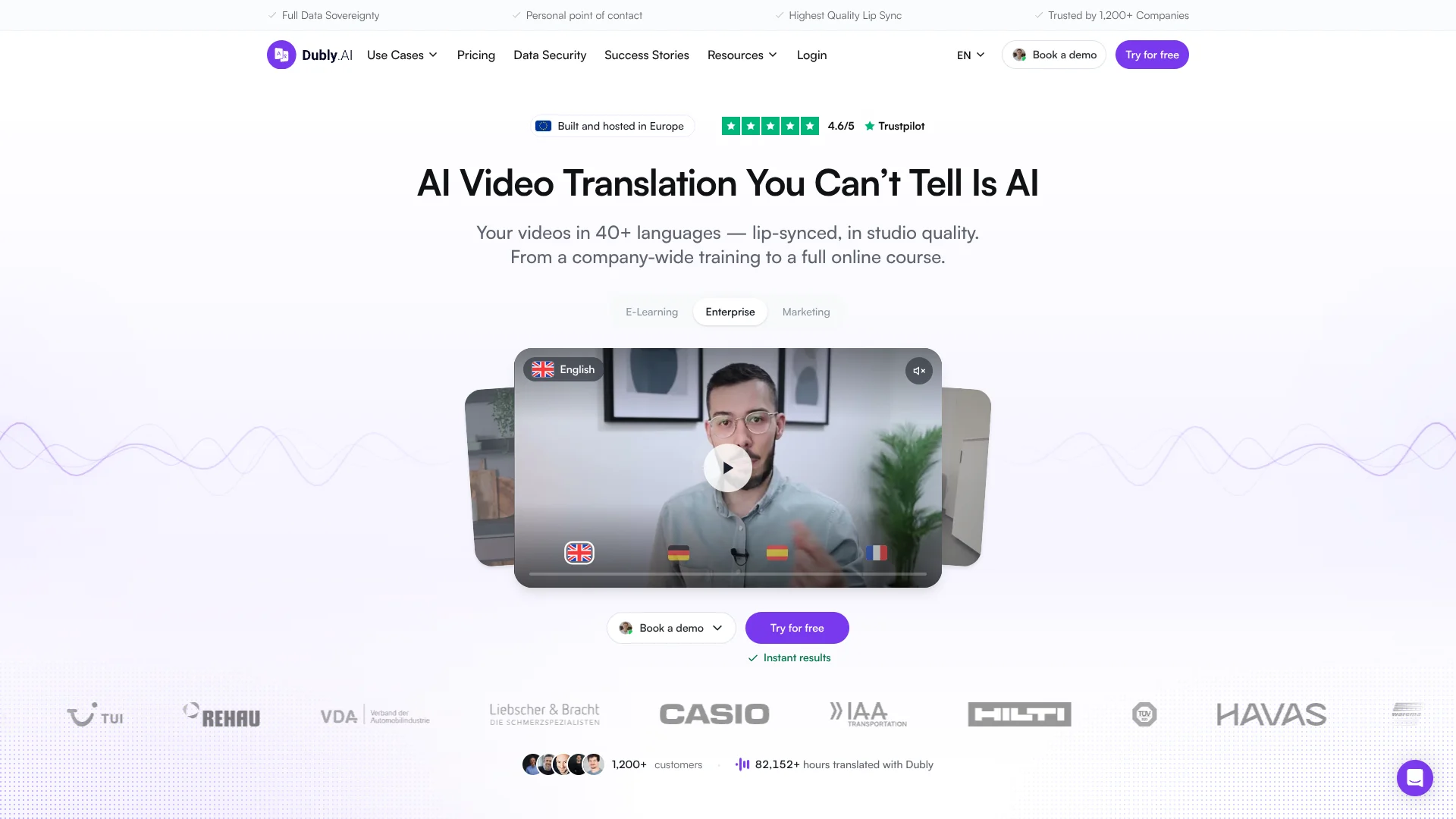
Dubly.AI
Dub videos into new languages in the speaker’s cloned voice.
Key Takeaways
- What it is
- Dub videos into new languages in the speaker’s cloned voice.
- Pricing
- $99.37 per month
- Best for
- Voice cloning and lip sync
- Translation editor
- Glossary and terminology controls
- Rating
- 4.2/5
What is Dubly.AI?
Dubly.AI translates videos into more than 40 target languages, then can dub them in the original speaker’s cloned voice and adjust mouth movements to match. It is built for teams and creators localizing training, marketing, and other video content. Instead of arranging a separate recording for every language, you can edit the translated text, review it with colleagues, and export localized videos and subtitles.
The full feature set stays the same across credit volumes, according to Dubly.AI; API access, editing, and team roles are not reserved for a higher tier. A reviewer can check a specific dub without using a paid seat, and edits to source text can be applied across target languages.
Dubly.AI is a strong fit for organizations with video libraries to localize and people who can review translations in-market. It does not provide its own human translation review service, so teams handling sensitive or nuanced content need to arrange that review themselves.
Who is Using Dubly.AI?
Learning and development managers
Training teams can localize course videos and invite local colleagues to review each language.
Video localization producers
Producers can edit translated segments, manage terminology, and prepare dubbed exports for release.
Marketing content managers
Campaign teams can adapt product demos, ads, and brand videos for target markets.
YouTube creators
Creators can turn a source recording into voice-cloned versions for viewers who speak other languages.
Native-language reviewers
Reviewers can check assigned videos and languages without taking up a paid seat.
Uncommon Use Cases
Publishers can dub multi-speaker news videos; customer support teams can localize video help content.
Key Features
Rating Breakdown
Pricing Plans
25 credits per month
$99.37 per month
- Converted from €89.00 per month; Dubly.AI does not list a USD price.
- 25 credits cover 25 minutes of dubbing or 12 minutes with lip sync.
- Prices exclude VAT.
Enterprise
- For high-volume arrangements.
- Invoicing and direct debit are available by arrangement.
Which Dubly.AI plan should you pick?
Start with a monthly credit volume close to your expected video minutes, and consider Enterprise for high-volume work or custom procurement needs.
Monthly subscription
Good for teams with recurring video localization needs that want credits refreshed monthly.
Enterprise
Good for high-volume teams that need custom arrangements such as invoicing or direct debit.
Dubly.AI Use Cases
Localize e-learning courses
Course teams can translate lessons and retain the instructor’s recognizable voice in each version.
Outcome: Learners can watch dubbed course videos in their chosen language.
Adapt marketing videos
Marketing teams can prepare localized versions of ads, product demos, and customer testimonials.
Outcome: One source video can be prepared for multiple language markets.
Expand a creator’s audience
Creators can dub selected videos and publish versions for viewers in other languages.
Outcome: More audiences can hear the creator’s content in their own language.
Review translations with local colleagues
Teams can assign a reviewer to a finished dub before publishing it.
Outcome: A colleague familiar with the target language can check the translation.
Automate recurring video localization
Organizations can connect Dubly.AI’s API to a video workflow to start translation and lip sync programmatically.
Outcome: Video localization can run through an API-based workflow instead of one upload at a time.
Workflow Ideas with Dubly.AI
Localize a training course
- 1Add company terms and preferred translations to a glossary.
- 2Upload a course video or import a YouTube link, then select target languages.
- 3Edit the translated segments and invite local reviewers before exporting.
Prepare a multilingual marketing video
- 1Upload the source video and choose the languages for the campaign.
- 2Review the cloned voice and translated text, then enable lip sync if needed.
- 3Export the video with subtitles for the intended channel.
Automate recurring localization
- 1Set up a workflow that sends video jobs to the Dubly.AI API.
- 2Pass the target languages and lip-sync preference with each job.
- 3Check processing status and route the completed video for review.
How Dubly.AI fits into your stack
Video translation workspace
The web app takes video uploads or YouTube links and returns dubbed video, audio, and subtitle files.
Team review
Projects, folders, and role-based access let colleagues and external language reviewers work on localized videos.
Video publishing
MP4 video exports, MP3 audio, and SRT subtitles can be downloaded for publishing in a separate channel.
API workflows
The API can connect localization steps to an organization’s CMS, DAM, or LMS workflow.
Data handling
Dubly.AI says customer videos are hosted in Germany, encrypted with AES256-GCM, and not used to train AI models.
Pros
- +Original-voice dubbing: Clones a speaker’s voice for translated audio.
- +Editable translations: Review and revise individual segments without a per-revision charge.
- +No-cost reviewer seats: External reviewers can check a dub without using a seat.
- +Germany-based hosting: The company says videos are stored on servers in Germany and are not used to train AI models.
Cons
- −Credit-based usage: Translation minutes consume credits, and lip sync uses twice as many.
- −Human review is on you: Dubly.AI does not provide a service where its own translators review your videos.
Limitations & when to consider alternatives
Known limitations
- Upload size. The listed MP4 and MOV upload limit is 5 GB per file.
- Lip sync uses more credits. Lip sync costs 2 credits per minute per target language, compared with 1 credit for dubbing; partial minutes round up.
- Monthly credits expire. Credits in a monthly subscription expire at the end of that month; one-time purchase credits do not expire.
- No in-house human translation review. Dubly.AI provides reviewer access for your own colleagues or language experts, but does not sell a human review service.
- Lip-sync quality depends on the footage. Dubly.AI recommends a clearly visible, well-lit face and intelligible speech for the best results.
Look elsewhere when
- You need Dubly.AI to supply professional human translation review.
- Your workflow requires a native desktop app or mobile app.
How to Use Dubly.AI
- 1
Start with a sample
Book a personal demo to see a video translated and lip-synced using your own footage; the site describes this as a free trial.
- 2
Prepare the source video
Upload an MP4 or MOV file up to 5 GB, or import a YouTube link.
- 3
Choose target languages
Select one or more of the available target languages for the video.
- 4
Review the translation
Edit individual segments and set terminology or pronunciation preferences before generating the final voice track.
- 5
Add lip sync and subtitles
Enable lip sync when the speaker’s face is visible, and choose whether to create burned-in subtitles.
- 6
Export or automate
Download the video, audio, or subtitle file, or use the API for a recurring workflow.
Who is Dubly.AI For?
E-learning and training teams
Course and training libraries can be dubbed for learners in multiple languages.
Marketing teams
Localized ads, product demos, and brand videos can keep the original speaker’s voice.
Content creators
Creators can prepare dubbed versions of videos for viewers in other language markets.
Publishers
Video publishers can translate and review content for audiences in different markets.
Enterprise teams
Organizations with data, procurement, or team-review requirements can use Germany-based hosting and role-based access.
Frequently Asked Questions
Does Dubly.AI have a free plan?
The site offers a free trial through a personal demo, where it translates and lip-syncs a video using your footage. It does not list a permanent free plan.
How does Dubly.AI charge for translation?
One credit covers one minute of video in one target language. Lip sync costs 2 credits per minute per language, and partial minutes round up.
Can my team review translations?
Yes. You can invite users with roles including external Reviewer, assign reviewers to a dub, and make edits to translated segments.
Does Dubly.AI have an API?
Yes. API access is included with purchases and supports automated video translation workflows, including lip sync.
What happens to uploaded videos?
Dubly.AI says videos are hosted on servers in Germany and are not used to train AI models.
Community reviews
Be the first to share your experience.
Sign in to leave a review for Dubly.AI.
Dubly.AI Alternatives
Looking for alternatives to Dubly.AI? Here are similar tools in the same category: