
Draftwise
Transform legal drafting with AI-driven, secure, integrated tools.
Key Takeaways
- What it is
- Transform legal drafting with AI-driven, secure, integrated tools.
- Best for
- Instant Data Access
- Advanced Integration
- Enterprise-Level Security
- Rating
- 4.6/5
What is Draftwise?
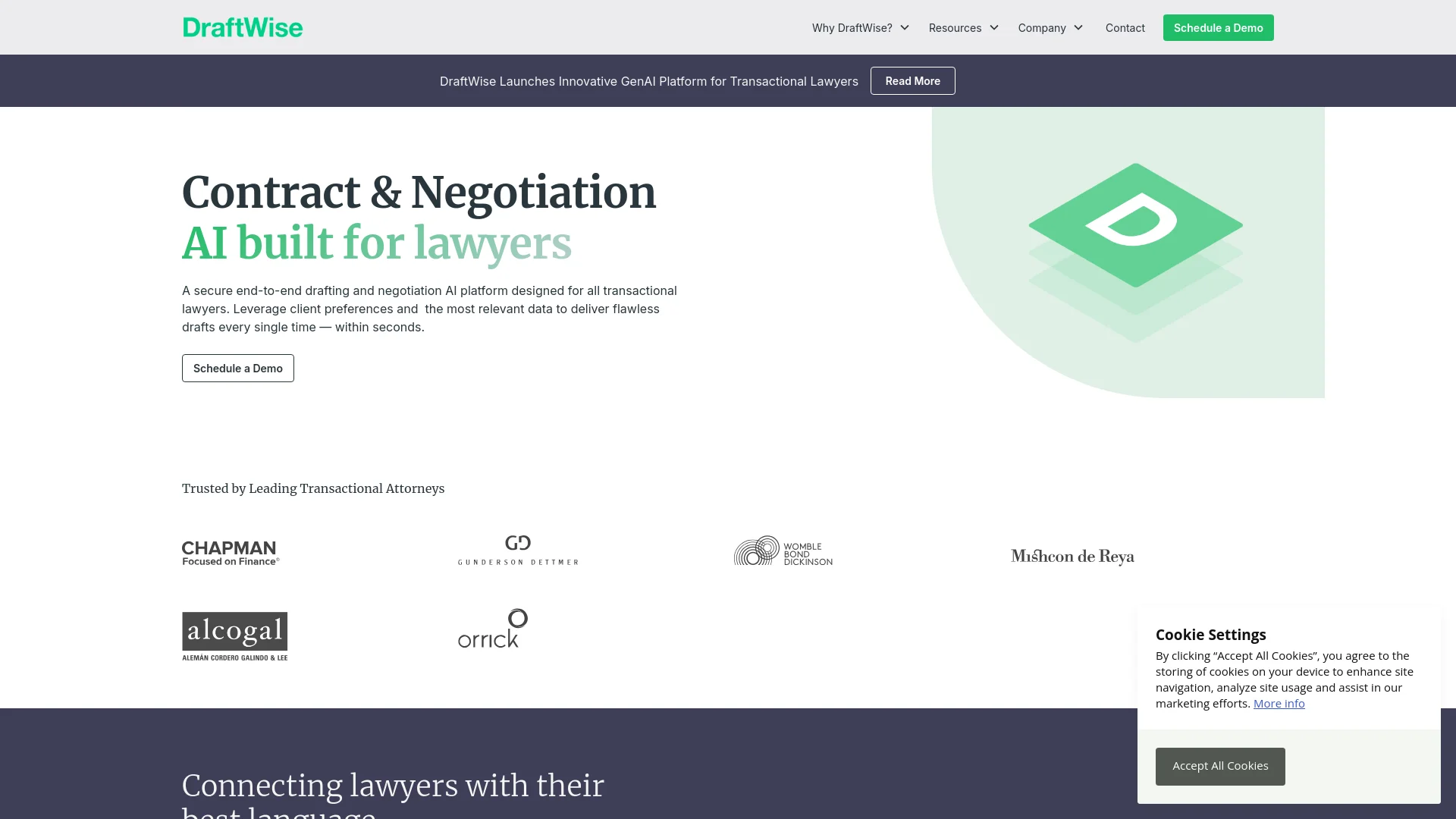
Draftwise is a cutting-edge AI platform designed to revolutionize the way transactional lawyers draft and negotiate contracts. By leveraging firm-wide data, Draftwise offers instant access to the most relevant and preferred language for various legal situations. The platform focuses on enhancing productivity and accuracy in legal documentation while ensuring robust security and seamless integration.
Draftwise stands out by combining security and integration with AI-driven insights and recommendations. Its seamless integration with Microsoft Word and Outlook ensures that lawyers can access necessary tools and data within their usual working environment, enhancing the drafting and negotiation process.
Draftwise excels in providing a secure and efficient platform for legal drafting and negotiation. Its AI-driven recommendations and seamless integration capabilities make it an invaluable tool for transactional lawyers, enhancing the drafting process and ensuring high-quality outcomes for legal professionals and their clients.
Who is Using Draftwise?
Top Global Law Firms
Utilized by Vault10, AMLaw 100, and Magic Circle firms for efficient contract negotiations.
In-House Legal Teams
Used by in-house teams at Fortune 50 companies for managing corporate transactions.
Transactional Lawyers
Helps in drafting and negotiating complex contracts more efficiently.
Legal Educators
Employed in legal education to teach contract drafting and negotiation skills.
Uncommon Use Cases
Government agencies use it for contract management; non-profits adopt it for compliance documentation.
Key Features
Rating Breakdown
Pricing Plans
Subscription Model
- Tailored subscription plans based on the firm's size and needs
Custom Quotes
- Pricing is customized according to specific requirements and usage
Draftwise Use Cases
Precedent-powered drafting
Search prior deals and insert relevant negotiated language into a new contract.
Outcome: Drafts reflect the firm’s established language and positions.
Automated contract markup
Apply playbook rules to uploaded documents and generate suggested redlines.
Outcome: Reviews are completed faster and more consistently.
Contract proofreading
Detect incorrectly defined terms, inconsistent cross-references, and formatting issues.
Outcome: Contracts require less manual proofreading.
Negotiation benchmarking
Compare terms against past negotiations and market-tested language from EDGAR filings.
Outcome: Lawyers receive context for negotiation decisions.
Deal intelligence
Merge contract data from Google Drive, SharePoint, NetDocs, and iManage into continuously updated deal intelligence.
Outcome: Teams can track deadlines, renewals, payment schedules, and related obligations.
Workflow Ideas with Draftwise
Build and apply a playbook
- 1Upload example contracts and describe representation needs
- 2Refine and save the generated playbook rules
- 3Upload a document and apply automated redlines
Draft from firm precedent
- 1Connect the firm’s document-management system
- 2Search prior deals for relevant clauses and positions
- 3Insert selected language into the current Microsoft Word contract
Review and negotiate a contract
- 1Analyze the contract against firm guidelines and prior negotiations
- 2Review suggested revisions, missing definitions, and risk flags
- 3Apply approved redlines and compare terms with market benchmarks
How Draftwise fits into your stack
Microsoft Word and Outlook
Fully integrated to improve user experience directly within these applications.
Secure DMS Integration
Enables integration with secure document management systems to streamline workflows.
Data Import
Supports uploading of reference documents and playbooks for customized drafting assistance.
API Access
Provides API access for further customization and integration with other tools.
Pros
- +Efficiency in Drafting: Reduces time spent on drafting and reviewing contracts by providing quick access to preferred contractual language and clauses.
- +Enhanced Accuracy: Minimizes errors and improves contract quality through precise recommendations and data-driven insights.
- +Security Assurance: Offers robust security measures to protect data and drafts from unauthorized access.
- +User-Friendly Interface: Intuitive design allows easy navigation and utilization of features without a steep learning curve.
Cons
- −Initial Setup Requirement: Requires setup and integration with existing systems, which may take some time.
- −Learning Curve: New users might need time to fully understand all functionalities.
- −Dependence on Data Quality: Effectiveness of recommendations depends on the quality and comprehensiveness of the data input into the system.
Limitations & when to consider alternatives
Known limitations
- Enterprise-oriented access. The primary product pages direct prospective customers to book a demo, while the documented free access is a limited Playbook Studio trial.
- AI Associate availability. The AI Associate announcement says the capability was available to select Draftwise customers.
- Trial data retention. Uploaded data from the Playbook Studio trial is securely deleted when the trial ends.
- Deployment support requirements. Cloud and on-premise deployments may require firm IT involvement, installation, administration, upgrades, or limited support access.
- Best fit for contract-focused legal work. Draftwise is positioned around transactional contract drafting, review, negotiation, precedent, and deal intelligence rather than general-purpose assistance.
Look elsewhere when
- You need a public self-serve developer API.
- You need a native mobile app.
- You need a standalone desktop application.
- You need model fine-tuning on your own data.
How to Use Draftwise
- 1
Explore a variety of tutorials and guides on the Draftwise website to assist users from basic setup to advanced feature utilization.
Who is Draftwise For?
Transactional lawyers
Draftwise applies firm precedent, client preferences, and negotiated positions during contract drafting, review, and negotiation.
Law firms
Law firms can connect document-management systems and institutional deal history to make firm knowledge searchable and reusable.
In-house legal teams
Draftwise helps legal departments automate contract review, apply legal guidelines, and benchmark terms against market data.
Legal departments
Legal departments can use Draftwise to draft, counter, and close deals while standardizing review and negotiation practices.
M&A teams
Deal Table consolidates contract data and identifies deadlines, payment schedules, renewals, and auto-renewals.
Frequently Asked Questions
What is Draftwise?
Draftwise is precedent-powered contract drafting and review AI for lawyers. It searches firm deal history, applies preferred language, and works directly in Microsoft Word.
What does Draftwise use as its source of knowledge?
Draftwise connects to a firm’s documents, clauses, tags, deal history, document-management systems, and knowledge repositories.
Does Draftwise support secure deployment?
Yes. Draftwise documents cloud, private-cloud, existing-cloud-infrastructure, and on-premise deployment options.
How does Draftwise protect firm data?
Draftwise states that data is encrypted at rest with AES-256 and in transit with TLSv1.2 or TLSv1.3. It also describes SOC 2 compliance and security certifications.
Can Draftwise create playbooks?
Yes. Users can upload example contracts and describe representation needs; Draftwise generates tailored playbook rules that can be refined and saved.
Is there a free trial?
Playbook Studio offers a free trial and states that uploaded data is securely deleted after the trial ends.
Community reviews
Be the first to share your experience.
Sign in to leave a review for Draftwise.
Draftwise Alternatives
Looking for alternatives to Draftwise? Here are similar tools in the same category:
Learn to Master Draftwise
With Skill Leap courses
Get in-depth training on Draftwise and 50+ other AI tools with our expert-led video courses.
Start 7-Day Free Trial