
Dosu
Streamline GitHub management: automate responses, triage bugs, update docs.
Key Takeaways
- What it is
- Streamline GitHub management: automate responses, triage bugs, update docs.
- Best for
- AI-Driven Issue Response
- Bug Triage
- Dynamic Documentation
- Rating
- 4.5/5
What is Dosu?
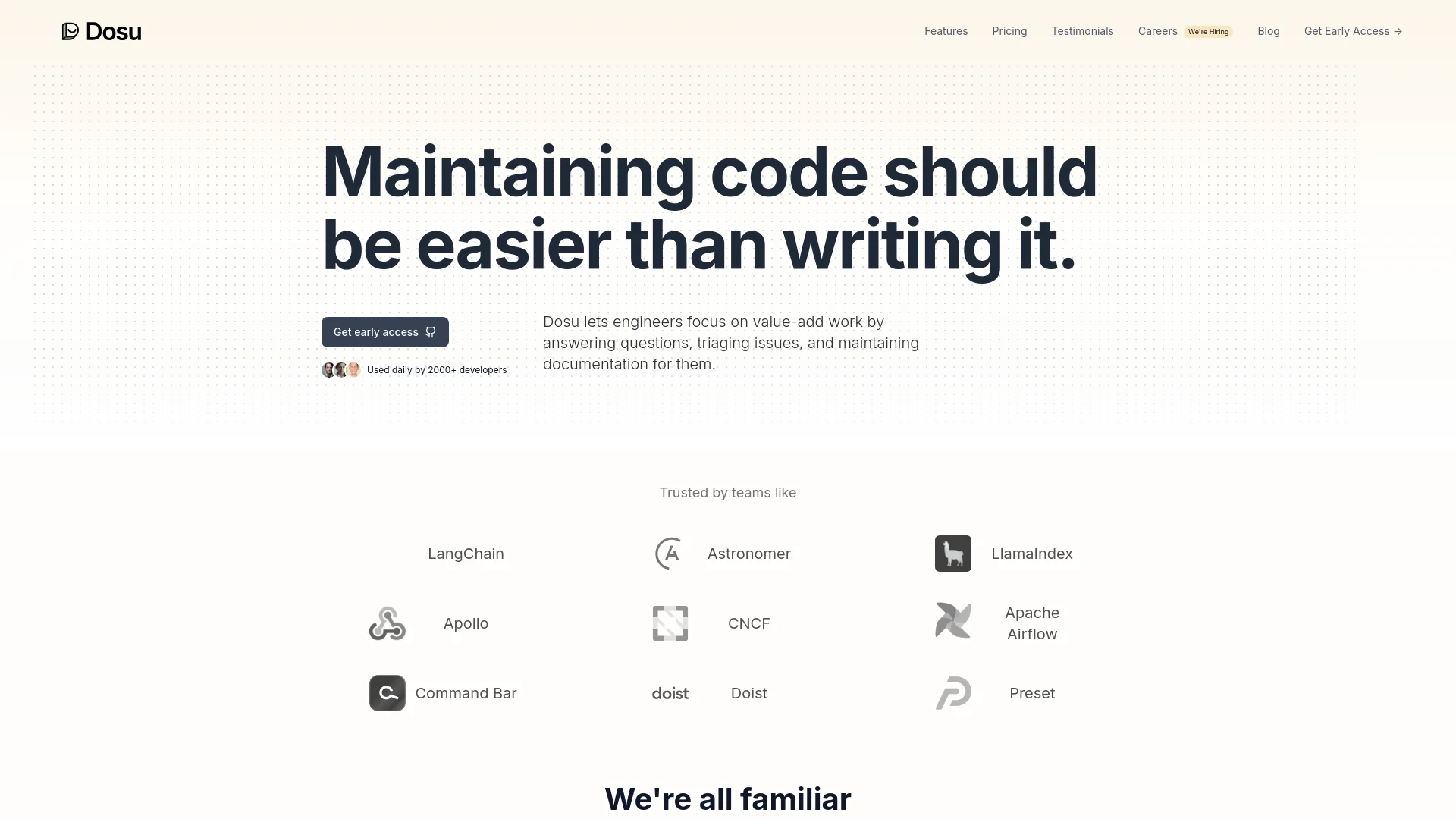
In the ever-evolving landscape of software development, maintaining and managing code can often be just as challenging as writing it. Enter Dosu, a revolutionary AI tool designed to integrate seamlessly with your GitHub repository. Dosu acts as your AI teammate, streamlining the process of responding to issues, triaging bugs, and building better documentation. It's crafted specifically to make the life of developers easier, ensuring that maintaining code is no longer a daunting task.
Dosu stands out with its AI-driven approach to managing GitHub repositories. Its capability to respond in the user's native language within minutes and its proactive issue resolution mechanism sets it apart from conventional tools. Moreover, its upcoming integrations promise a comprehensive solution that extends beyond GitHub, making it a versatile tool in the developer's toolkit.
Dosu excels in transforming the GitHub experience for developers, enhancing both productivity and code quality. Its unique AI capabilities and multilingual support make it an indispensable tool for developers around the globe. As it continues to evolve, integrating with more platforms and tools, Dosu is set to become even more essential in the tech ecosystem.
Who is Using Dosu?
Software Development Teams
Enhancing efficiency in issue management and code maintenance.
Project Managers
Overseeing project progress and documentation without manual monitoring.
Quality Assurance Professionals
Assisting in bug triage and maintaining high standards of code quality.
Tech Startups
Providing scalable solutions for managing growing codebases.
Uncommon Use Cases
Educational institutions utilize it for teaching coding and version control practices; non-profit organizations use it to manage community-driven projects efficiently.
Key Features
Rating Breakdown
Pricing Plans
Free Trial
- Get started with Dosu with an initial free trial period
Subscription Plans
- Detailed pricing plans are available on the Dosu website
Which Dosu plan should you pick?
Start with Free for public repositories and basic evaluation; upgrade to Pro for private repositories, integrations, more credits, and team collaboration, or choose Enterprise for SSO, self-hosting, and governance.
Free
Good for individuals testing Dosu on public repositories with 200 monthly credits.
Pro
Good for teams needing private repositories, integrations, additional users, collaboration, and 4,000 monthly credits.
Enterprise
Good for regulated or large organizations needing custom credits, SSO, self-hosting, governance, and enterprise support.
Dosu Use Cases
Self-documenting pull requests
Connect a repository and let Dosu identify documentation affected by code changes, draft updates, and publish accepted changes.
Outcome: Documentation stays aligned with the codebase.
Engineering knowledge Q&A
Ask Dosu questions in GitHub, Slack, or the web app using connected code, documents, issues, pull requests, and conversations.
Outcome: Teams receive grounded answers with citations.
Coding-agent context
Connect the Dosu MCP Server or CLI to coding agents so they can search the team's reviewed knowledge during implementation.
Outcome: Agents get project-specific context instead of relying only on general training data.
Open-source issue support
Use Dosu in public repositories to answer questions, respond to issues, and help maintainers manage repository activity.
Outcome: Maintainers spend less time repeating support answers.
Documentation synchronization
Import existing documentation from repositories or supported knowledge platforms and keep it updated as code changes.
Outcome: Existing documentation remains synchronized with project changes.
Workflow Ideas with Dosu
Keep repository documentation current
- 1Connect a GitHub or GitLab repository as a Source
- 2Enable monitoring for published Documents
- 3Review and accept Dosu's proposed documentation updates after code changes
Answer engineering questions in Slack
- 1Connect Slack as a Source and add the relevant channels
- 2Create a Slack Agent connected to the appropriate Library
- 3Mention Dosu to receive a cited answer from connected project knowledge
Give coding agents project context
- 1Create a Dosu MCP Server scoped to selected Sources
- 2Connect it to a compatible coding agent
- 3Let the agent search project Documents, code, and team knowledge during a task
How Dosu fits into your stack
GitHub Integration
Fully integrated with GitHub, providing seamless functionality.
Future Integrations
Plans to support Slack, Linear, Jira, and Zendesk.
Pros
- +Enhanced Productivity: Automates routine tasks, allowing developers to focus on more complex problems.
- +24/7 Availability: Operates round the clock, addressing issues and queries at any time, which is crucial for global teams.
- +Language Versatility: Communicates in multiple languages, making it a versatile tool for international teams.
- +User-Friendly: Easy to integrate and use within existing GitHub environments, requiring minimal setup.
Cons
- −Platform Dependency: Currently limited to GitHub, which might not cater to teams using other version control systems.
- −Learning Curve: New users need to familiarize themselves with its features and integration points.
- −Pending Integrations: Full potential not yet realized without integrations with other commonly used tools like Slack and Jira.
Limitations & when to consider alternatives
Known limitations
- Free usage is limited. The Free plan includes 200 credits per month and is limited to public repositories.
- Private repositories require a paid plan. Private repository access is included with Pro and higher plans rather than the Free plan.
- Some connectors are not generally available. GitLab, Confluence, Microsoft Teams, and Coda are documented as beta, gated, or upcoming connectors.
- Self-hosting is enterprise-only. Self-hosted deployments are available for enterprise customers rather than standard self-serve plans.
- SSO requires Enterprise. SAML 2.0 SSO is available on the Enterprise plan and requires guided setup with Dosu.
Look elsewhere when
- You need a native mobile app.
- You need a browser extension.
- You need image analysis or vision input.
How to Use Dosu
- 1
Explore detailed tutorials and user guides available on the Dosu website to maximize the tool's potential.
Who is Dosu For?
Individual developers
Dosu generates and maintains documentation, specifications, and agent memory for developers working independently.
Engineering teams
Teams can share knowledge, connect collaboration tools, and keep documentation synchronized with code changes.
Open-source maintainers
Dosu helps maintainers answer issues, triage repositories, and keep project documentation current.
Coding-agent users
Dosu supplies project-specific context to coding agents through its MCP Server and CLI.
Enterprise organizations
Enterprise customers can use SSO, self-hosting, custom access controls, auditability, and dedicated support.
Frequently Asked Questions
What does Dosu do?
Dosu connects to engineering tools, learns from code and conversations, generates documentation, and serves that knowledge to people and coding agents.
How do I add Dosu to a GitHub repository?
Sign in, install the Dosu GitHub App, add the repository as a Library Source, and create an Agent.
How does Dosu keep documentation current?
Dosu monitors connected repositories, checks pull requests and merge requests, and proposes documentation updates when code changes affect published Documents.
What integrations does Dosu support?
Dosu supports GitHub, Slack, Notion, and web search generally, with GitLab, Confluence, Microsoft Teams, and Coda listed as beta or upcoming connectors.
Does Dosu train AI models on customer code?
No. Dosu states that it does not and will not train AI models on private customer data.
Can Dosu be self-hosted?
Self-hosted deployments are available for enterprise customers that need Dosu in their own environment.
Community reviews
Be the first to share your experience.
Sign in to leave a review for Dosu.
Dosu Alternatives
Looking for alternatives to Dosu? Here are similar tools in the same category:
Learn to Master Dosu
With Skill Leap courses
Get in-depth training on Dosu and 50+ other AI tools with our expert-led video courses.
Start 7-Day Free Trial