Document Crunch
AI-driven contract review tool for construction professionals.
Key Takeaways
- What it is
- AI-driven contract review tool for construction professionals.
- Best for
- Risk Review
- Project Playbook
- Standardized Review Process
- Rating
- 4.7/5
What is Document Crunch?
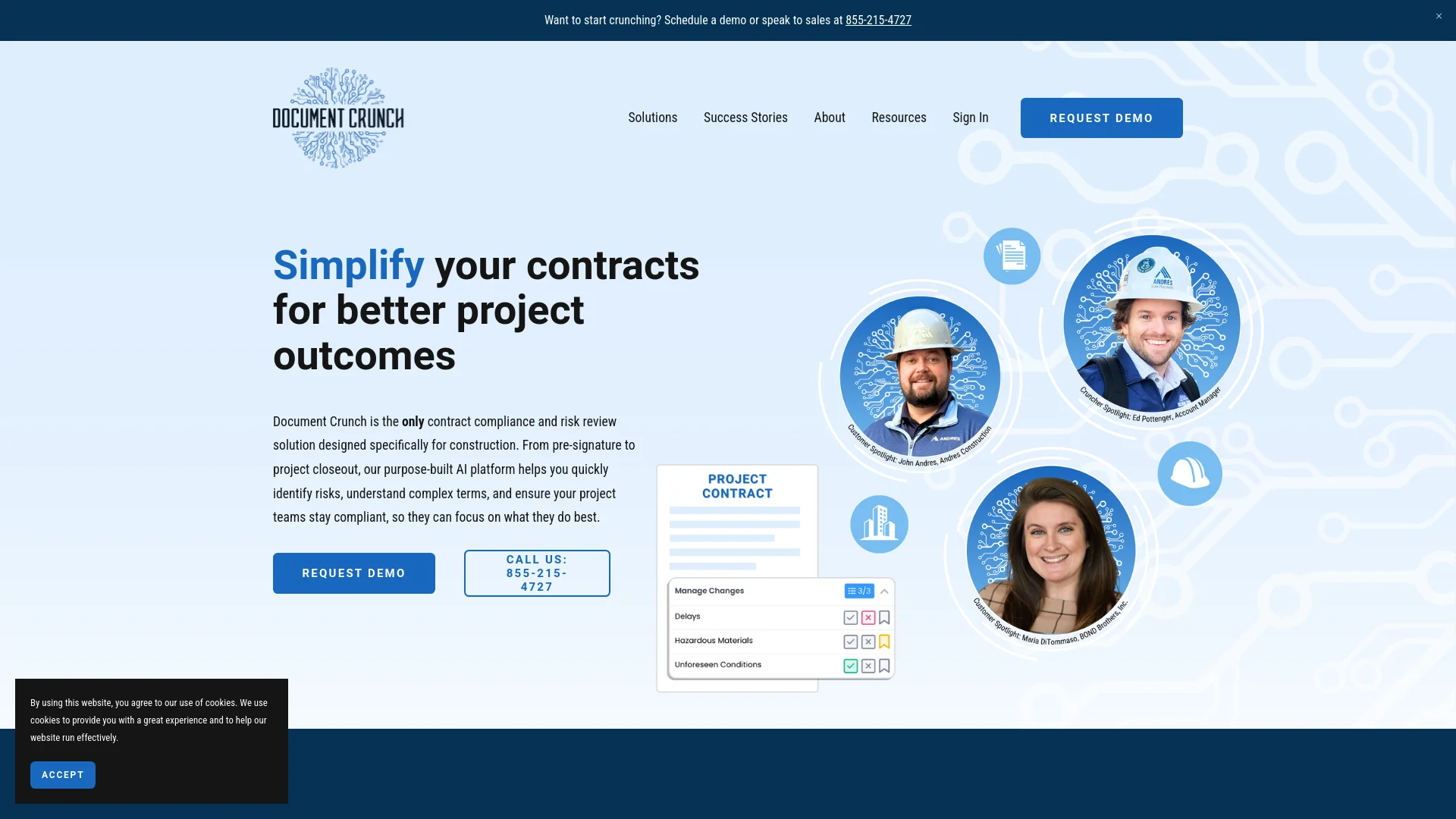
Document Crunch is an advanced AI tool designed to simplify contract reviews in the construction industry. Utilizing CrunchAI™, it quickly identifies critical risks and deciphers complex legal jargon, streamlining the contract review process for construction professionals.
Document Crunch is distinct for its focus on the construction industry, offering AI-driven simplification of legal terms and seamless integration with tools like Procore and Microsoft Word.
Document Crunch transforms complex construction contracts into more manageable formats, offering significant time savings and risk mitigation. Its AI capabilities, industry-specific focus, and integration with tools like Procore and Microsoft Word provide a unique advantage for construction professionals.
Who is Using Document Crunch?
Construction Managers
Streamlining contract reviews to focus on project execution.
Risk Management Professionals
Efficiently identifying and managing contract risks.
Legal Teams in Construction Firms
Automating initial contract review processes.
Project Teams
Using the playbook for consistent understanding of contract terms.
Uncommon Use Cases
Educational institutions use it for construction management courses; independent contractors manage project contracts.
Key Features
Rating Breakdown
Pricing Plans
Free Trial
- Comprehensive free trial period available
Subscription Plans
- Tailored subscription options
- Details available on the Document Crunch website
Document Crunch Use Cases
Contract risk review
Upload contracts and apply reviews or playbooks to surface obligations, gaps, and risk provisions.
Outcome: Faster, more consistent contract analysis.
Specifications review
Analyze specifications, flag vague language and coordination gaps, and ask questions across the specification set.
Outcome: Earlier identification of scope conflicts and hidden obligations.
Project-wide document questions
Use Project Assist to query contracts, specifications, amendments, subcontracts, and RFIs together.
Outcome: Document-backed answers without searching files individually.
Construction deliverables
Generate submittal logs, notice letters, scope matrices, warranty matrices, redlines, and other project artifacts.
Outcome: Ready-to-download Word, PDF, or Excel outputs.
Drawing and specification checks
Upload drawing-set PDFs, chat with extracted sheet text, and compare drawing requirements with specifications.
Outcome: Faster discovery of buried details and document mismatches.
Workflow Ideas with Document Crunch
Upload and review a contract
- 1Create or open a project
- 2Upload PDF, DOC, or DOCX files
- 3Apply reviews or playbooks and inspect cited findings
Investigate a project risk
- 1Open Project Assist
- 2Ask a focused question across selected project documents
- 3Open citations to verify the answer against source clauses
Generate a project artifact
- 1Ask Project Assist for a submittal log, notice, matrix, or redline
- 2Review and refine the output in chat
- 3Download the result as XLSX, PDF, or DOCX
How Document Crunch fits into your stack
Microsoft Word Integration
Works within MS Word for familiar editing.
Procore Integration
Enhances project management by linking with Procore.
API Access
Enables custom integrations for developers.
Flexible Document Handling
Supports various document formats for versatility.
Pros
- +Time Efficiency: Reduces contract review time from days to minutes.
- +Enhanced Understanding: Translates legal jargon into plain English for better team comprehension.
- +Risk Mitigation: Identifies potential contract risks early to avoid disputes.
- +Integration Capability: Seamlessly integrates with Microsoft Word and Procore for smooth workflows.
Cons
- −Specialized Focus: Primarily tailored for the construction industry, limiting its use for other sectors.
- −Learning Curve: Users may need time to adapt to the AI features and playbook format.
- −Document Format Dependency: Requires specific document formats for optimal functionality.
Limitations & when to consider alternatives
Known limitations
- Supported uploads are limited. The upload flow supports PDF, DOC, and DOCX files with a maximum size of 500MB.
- Drawing analysis is text-based. Drawing previews extract text but do not interpret line work, symbols, geometry, spatial relationships, takeoffs, or visual changes.
- Large project queries may be slower. Project Assist response times increase as more documents are included in a query.
- Exports have a page limit. AI-generated exports are limited to approximately 90 pages per request.
- Procore limitations apply. The Procore integration does not include automated workflows, Procore mobile support, full permission synchronization, or automatic saving of generated documents into Procore.
Look elsewhere when
- You need a native iOS or Android application
- You need visual drawing interpretation
- You need direct project-management-system export
- You need automated workflows inside Procore
How to Use Document Crunch
- 1
Visit the Document Crunch website for detailed tutorials on setup and feature utilization.
Who is Document Crunch For?
General contractors
Identify contract and compliance risks, clarify obligations, and manage project risk from pursuit through closeout.
Specialty contractors
Review scopes, subcontracts, and project requirements to understand responsibilities and potential exposure.
Owners
Review construction documents and monitor risks, obligations, and compliance requirements across projects.
Insurers
Analyze construction documentation and identify provisions or risks affecting project exposure.
Attorneys and risk teams
Accelerate contract reviews, standardize analysis, and provide source-cited findings for construction projects.
Frequently Asked Questions
What types of documents can Document Crunch analyze?
It analyzes prime and subcontracts, scopes of work, NDAs, purchase orders, insurance policies, specifications, and other construction documents.
Is Document Crunch only for general contractors?
No. The platform serves general contractors, specialty contractors, owners, insurers, attorneys, and other construction-document stakeholders.
Where does CrunchAI get its information?
CrunchAI uses construction-specific data, standard contracts, industry practices, proprietary legal benchmarks, and retrieval-augmented generation grounded in uploaded documents.
How does CrunchAI reduce hallucinations?
It checks findings against supporting and conflicting evidence and links responses to source documents, pages, and clauses.
Can Document Crunch analyze multiple project documents together?
Yes. Project Assist queries contracts, specifications, amendments, subcontracts, and other project documents in one conversation.
Does Document Crunch replace legal counsel?
No. It supports decision-making and flags issues, while encouraging professional legal review for state-specific laws and regulatory requirements.
Community reviews
Be the first to share your experience.
Sign in to leave a review for Document Crunch.
Document Crunch Alternatives
Looking for alternatives to Document Crunch? Here are similar tools in the same category: