Dispute Panda
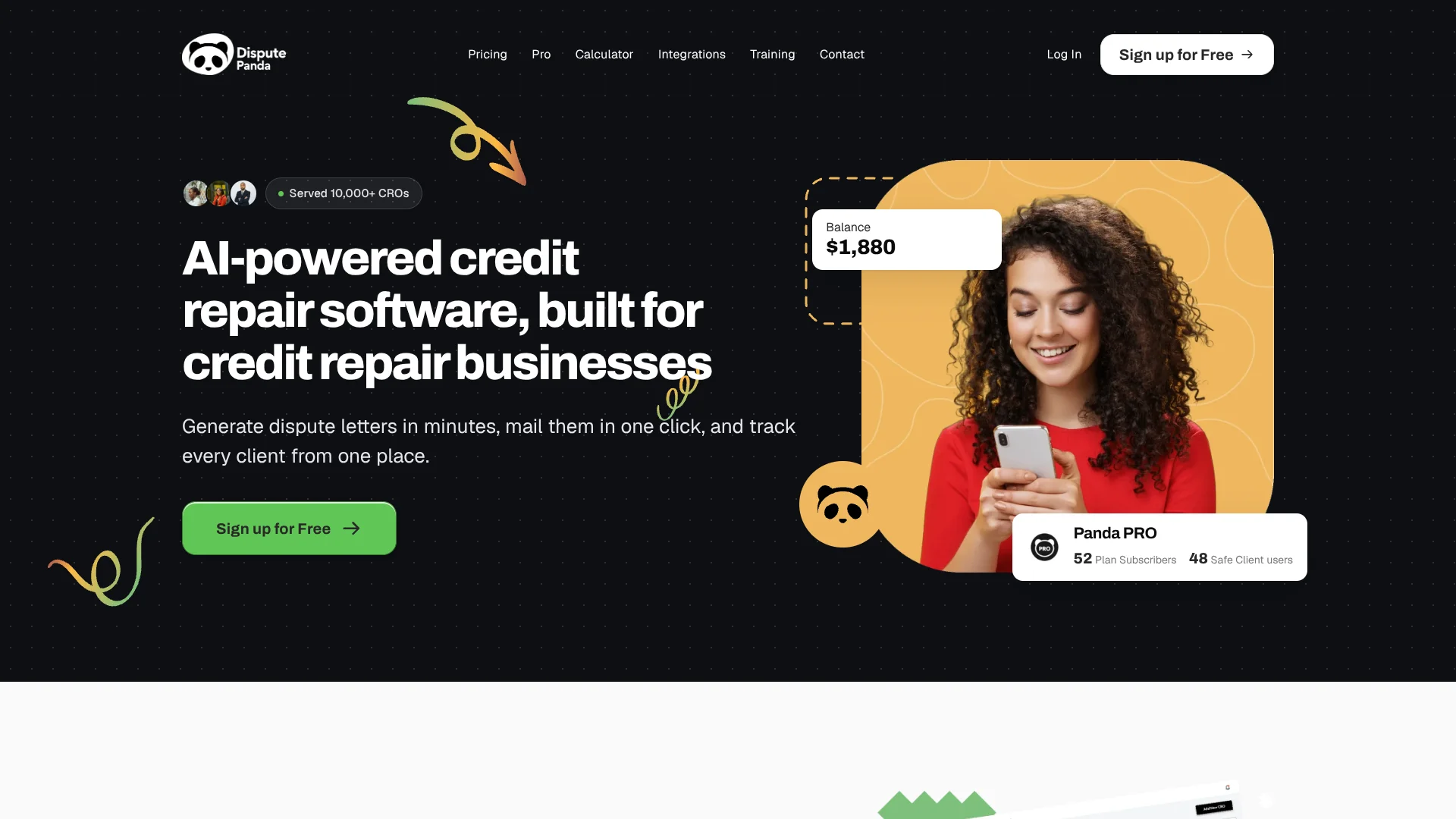
AI-guided bureau dispute rounds for credit repair businesses managing client cases.
Key Takeaways
- What it is
- AI-guided bureau dispute rounds for credit repair businesses managing client cases.
- Pricing
- Freemium · $17 per attack · $197 per month · $1,970 per year
- Best for
- Panda AI Attacks
- Five Non-Static Attack Types
- Re-import Summaries
- Rating
- 4.0/5
What is Dispute Panda?
Dispute Panda helps credit repair businesses prepare and manage client disputes. Its Panda AI can plan a dispute round, choose which creditors to challenge, and generate letters for Equifax, Experian, and TransUnion. The goal is to replace much of the repeated letter preparation and mailing work with a client-by-client process that also keeps reports and dispute history in one place.
A dispute round is called an Attack, and Panda AI can select creditors and create letters for all three major credit bureaus in that round. The five named Non-Static Attack types give businesses different ways to group the letters.
Credit repair organizations that manage many clients may value the client records, letter history, and optional Pro tools for onboarding and billing. Attack credits cost extra, even with Pro, so businesses sending many disputes need to account for that variable cost.
Who is Using Dispute Panda?
Credit Repair Business Owners
Client management, payment forms, and branded account reports help owners run the service side of their business.
Credit Repair Specialists
Panda AI and the Attack types help specialists prepare letters for client dispute rounds.
Client Onboarding Coordinators
Built-in onboarding forms collect information from new clients into their profiles.
Credit Repair Operations Staff
Team invites let staff work on the same client accounts, while history keeps reports and letters accessible.
Uncommon Use Cases
Branded client-result graphics for attracting leads; direct creditor letters for disputes beyond the bureaus.
Key Features
Rating Breakdown
Pricing Plans
Free
Free
- Free to sign up.
- Add clients and prepare Attacks.
- Credits never expire while you are on the Free plan.
Pay-As-You-Go
$17 per attack
- One Attack covers letters to Equifax, Experian, and TransUnion.
- You pay for the creation of Non-Static Attacks.
- Bulk credit purchases can reduce the price to as low as $12 per Attack.
- Attacks to debt collectors and secondary credit bureaus are free.
Pro Monthly
$197 per month
- The pricing page lists a $1 first 14 days, then $197 every month.
- Includes Pro business features; Attack credits are separate.
Pro Yearly
$1,970 per year
- Billed annually.
- Includes Pro business features; Attack credits are separate.
Which Dispute Panda plan should you pick?
Start with Free to add clients and prepare dispute work, then choose Pay-As-You-Go for paid Attacks or Pro when you need its business tools.
Free
Good for credit repair businesses that want to set up client records and prepare Attacks without a monthly subscription.
Pay-As-You-Go
Good for businesses that want to pay for Non-Static Attacks as they create them rather than subscribe to Pro.
Pro Monthly
Good for businesses that need Pro features such as onboarding forms, payment forms, and team invites.
Pro Yearly
Good for businesses that want Pro features and prefer annual billing.
Dispute Panda Use Cases
Prepare a Dispute Round
Panda AI plans an Attack and generates letters for selected credit report items across the three bureaus.
Outcome: A set of dispute letters for Equifax, Experian, and TransUnion.
Compare Credit Reports
Re-import Summaries show changes between a client's latest report and the previous round.
Outcome: A view of what changed since the last round.
Mail Dispute Letters
Panda Mail sends letters by USPS first-class or certified mail from the platform.
Outcome: Letters sent without preparing each mailing outside the platform.
Onboard New Clients
A built-in form gathers new-client information and places it in the client's profile.
Outcome: Client details collected through one shareable form.
Automate Connected Workflows
The Zapier integration connects Dispute Panda with other apps for workflows such as automated emails and reports.
Outcome: Connected workflows across Dispute Panda and apps available through Zapier.
Workflow Ideas with Dispute Panda
Run a Client Dispute Round
- 1Add the client and import their credit report.
- 2Review the report items and select an Attack type.
- 3Generate the letters, then mail them through Panda Mail or handle mailing yourself.
Review Changes After a Round
- 1Import the client's latest credit report.
- 2Check the Re-import Summary for changes since the prior round.
- 3Use the updated report to prepare the next Attack.
Bring a New Client Into the Business
- 1Send the client a built-in onboarding form.
- 2Review the information added to the client's profile.
- 3Connect a merchant account and send a client payment form if needed.
How Dispute Panda fits into your stack
Credit Repair Workspace
Client profiles hold credit reports, dispute letters, and mailed-letter history, keeping dispute work organized by client.
Credit Reports
Reports can be imported for review, with one-click JSON imports available through Credit Monitoring on Pro.
Mailing
Panda Mail sends letters by USPS first-class or certified mail, with mail status available in the platform.
Client Operations
Pro adds forms for onboarding and payments, plus team invites and branded CRO Account Reports.
Connected Apps
The Zapier integration links Dispute Panda with other apps for automated workflows, emails, and reports.
Pros
- +Three-bureau letters: One Attack covers Equifax, Experian, and TransUnion.
- +No monthly fee to start: The Free plan lets businesses add clients and prepare Attacks.
- +Flexible dispute formats: Five Non-Static Attack types organize items in different ways.
- +Mailing built in: First-class and certified letters can be sent through Panda Mail.
- +Client tracking: Credit reports, generated letters, and mailed letters are available in a client's history.
Cons
- −Variable dispute costs: Paid Non-Static Attacks are charged per use, so expenses rise with volume.
- −Pro is a separate subscription: Paying for Pro does not include unlimited Attack credits.
- −Business-specific scope: The features are built around credit repair organizations rather than general-purpose AI work.
Limitations & when to consider alternatives
Known limitations
- Attack credits are separate from Pro. The Pro subscription provides its listed business features, but does not include unlimited Attacks.
- Mail status depends on USPS scans. First-class mail may not show every status update if USPS does not scan or report the mail piece.
- Mail follows business-day processing. Panda Mail processes letters Monday through Friday; requests submitted after 12 PM Pacific go out the next business day.
- Some report imports require a supported source. The help center documents report imports for specific services, including SmartCredit, Identity IQ, and MyScore IQ.
Look elsewhere when
- You need a native mobile app or desktop installer.
- You need a documented developer API or single sign-on.
- Your workflow requires guaranteed status updates for every first-class mail piece.
How to Use Dispute Panda
- 1
Create a Free Account
Sign up to add clients and prepare Attacks; paid Non-Static Attacks require credits.
- 2
Add a Client and Their Report
Create the client record and import or upload their credit report so the account items are available for review.
- 3
Choose an Attack
Select one of the five Non-Static Attack types or use Static Letters, depending on how you want items grouped.
- 4
Review and Generate Letters
Check the report items for the round and generate letters for the selected bureaus and creditors.
- 5
Mail and Track
Send through Panda Mail or mail the letters yourself; the client's history stores generated and mailed letters.
- 6
Add Pro Tools If Needed
Pro provides features such as onboarding forms, payment forms, team invites, and branded reports; Attack credits are still separate.
Who is Dispute Panda For?
Credit Repair Organizations
Client records, dispute rounds, and mailing tools are designed for organizations handling consumer credit repair.
Credit Repair Professionals
Professionals can use Panda AI to prepare dispute letters and track each client's dispute history.
Credit Repair Businesses Scaling Operations
Pro adds onboarding, payment forms, team invites, and branded reports for businesses building a larger operation.
Financial Professionals Offering Credit Repair
The platform supports professionals who manage client credit reports and dispute letters as part of their services.
Frequently Asked Questions
Is Dispute Panda free?
The Free plan costs $0 and lets you add clients and prepare Attacks. Non-Static Attacks require credits.
How much does an Attack cost?
The listed price is $17 per Attack. Bulk credit purchases can lower the price to as little as $12 per Attack.
Does Pro include unlimited Attacks?
No. Pro unlocks its listed business features, while Attack credits are billed separately.
Can Dispute Panda mail letters?
Yes. Panda Mail offers USPS first-class or certified mail from the platform.
Does Dispute Panda connect to other apps?
Yes. Its Zapier integration connects it with apps available through Zapier.
Can I add team members?
Yes. The Pro plan includes the ability to invite team members to work on the account.
Community reviews
Be the first to share your experience.
Sign in to leave a review for Dispute Panda.
Dispute Panda Alternatives
Looking for alternatives to Dispute Panda? Here are similar tools in the same category: