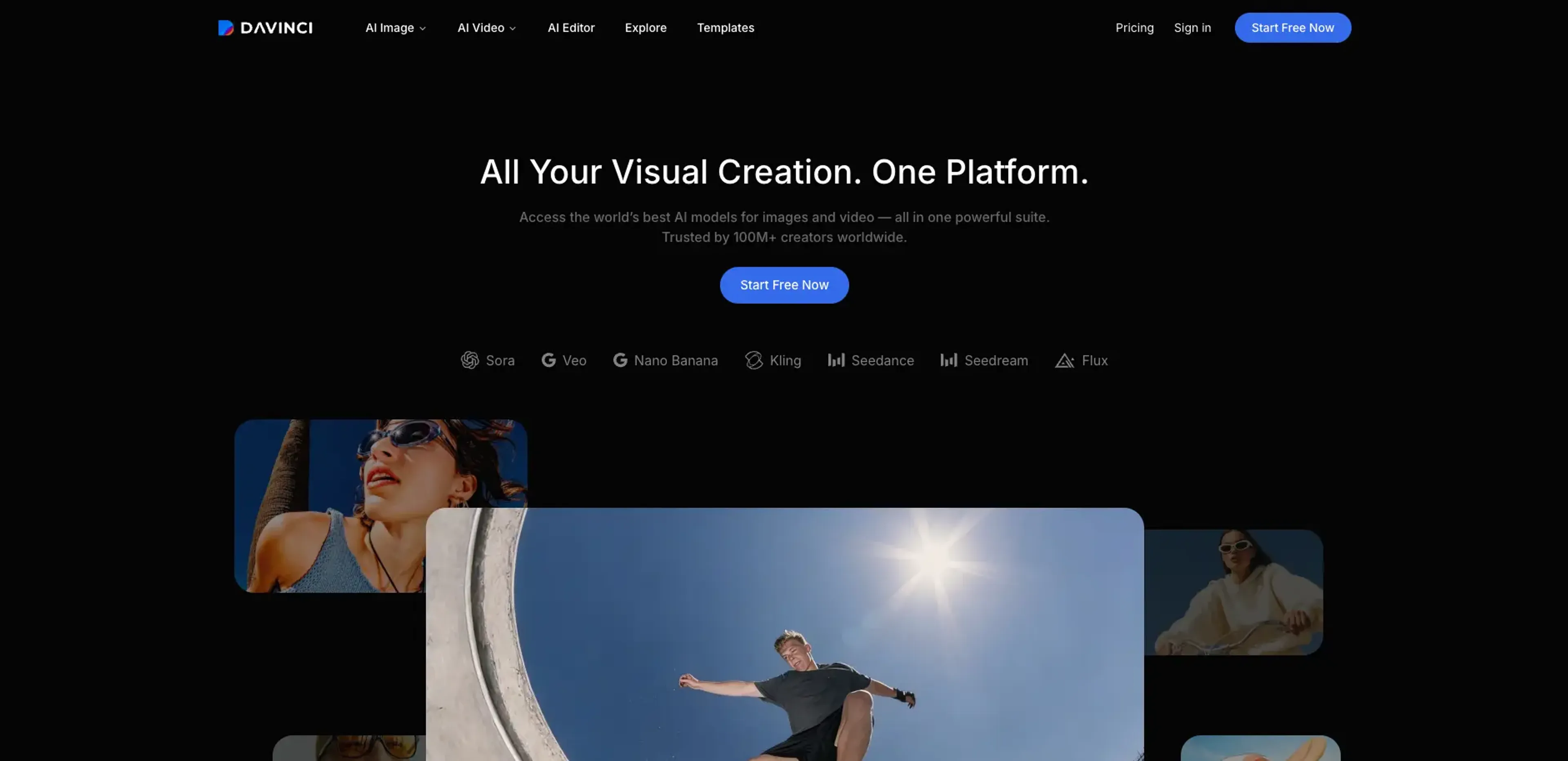
DaVinci AI is a generative media suite that lets creators produce and edit images and short-form video using dozens of frontier models in a single workspace. It targets creative teams, marketers, and designers who need campaign visuals for social, ads, and web without juggling separate tools. The platform combines model selection, generation, editing, and auto-resizing so ideas can move from prompt to production-ready assets in minutes.
Key Features:
Multi-Model Image & Video Generation: Access models like Sora, Veo, Nano Banana, Kling, Seedance, Seedream, Flux, and more under one subscription for text-to-image, image-to-image, text-to-video, and image-to-video.
DaVinci Editor: Work in a unified editor that supports image and video generation, refinement, and remixing so all creative iterations live in one place.
Smart Channel Resizing: Automatically resize designs for social, ads, and web formats while preserving layout and visual balance, instead of rebuilding assets per channel.
Object-Aware Editing Tools: Use features such as Change Background, Replace or remove objects, Restyle, Relight, Spotlight, Upscale, and Resize Image to clean up scenes and match brand aesthetics.
Product-To-Video Workflows: Turn static product photos into short, commercial-style videos with camera motion tuned for social feeds, storefronts, and ad placements.
Mobile Creation Apps: Create on iOS and Android using the same 50+ model set, so teams can generate images, videos, and upcoming audio from mobile without a desktop.
Pros
Unified model hub: One account covers many leading image and video models, which reduces the need to manage multiple tools and credits.
Production-focused tools: Auto-resize, upscaling, and product-to-video features are tailored to ad, social, and ecommerce workflows rather than just one-off art.
Clear output ownership stance: The company states that user data is not used to train models without permission and that users own what they create, with defined usage rights.
High-volume friendly tiers: Published credit counts and image/video equivalents make it practical to forecast output for ongoing campaigns.
Mature mobile experience: Native apps with the core feature set mean teams can ideate and ship creative assets away from their desks.
Cons
Annual billing emphasis: Public pricing focuses on plans billed annually, which may not suit users who prefer month-to-month commitment.
Credit ceilings: Heavy experimentation or very large teams can hit monthly credit limits and need to upgrade or ration usage.
Audio still pending: Audio Generation is advertised as “coming soon,” so the suite is not yet a full image‑video‑audio stack.
Who is Using DaVinci AI?
Performance marketers: Generate and test multiple ad visuals, then auto-resize winning creatives for each paid channel.
Social media managers: Produce feed, Story, and short-form video content from prompts or reference images on tight timelines.
Ecommerce and DTC teams: Convert catalog photos into high-res images and product videos tailored to marketplaces and storefronts.
Designers and art directors: Build visual concepts, moodboards, and polished key visuals by cycling through different models and restyle tools.
Agencies and production studios: Standardize client creative workflows in one suite instead of stitching together separate generation and editing tools.
Uncommon Use Cases: Internal communications teams creating quick explainer visuals and motion pieces; founders and small merch brands mocking up product visuals before full photo shoots.
Pricing:
Basic: $19.99 per month. Includes 2,200 credits, up to 1,100 images, up to 55 videos, standard generation speed, standard queue priority, and full access to core AI tools.
Pro: $39.99 per month. Includes 5,000 credits, up to 2,500 images, up to 125 videos, priority generation speed, priority queue access, and full access to core AI tools.
Ultimate: $99.99 per month. Includes 15,000 credits, up to 7,500 images, up to 375 videos, turbo generation speed, high-priority queue access, and full access to core AI tools.
Creator: $199.99 per month. Includes 40,000 credits, up to 20,000 images, up to 1,000 videos, maximum performance generation, highest queue priority, and full access to core AI tools.
Disclaimer: Please note that pricing information may not be up to date. For the most accurate and current pricing details, refer to the official DaVinci AI website.
What Makes DaVinci AI Unique?
DaVinci AI stands out by acting as a model-agnostic hub that aggregates many top-tier image and video models into one editor alongside production-grade tools like auto-resize, object-aware edits, and product-focused video generation. Paired with native mobile apps and a clear statement that user content is not used for training without permission, it targets day-to-day marketing and design output rather than only experimental art.
How We Rated It:
Accuracy and Reliability: 4.1/5
Ease of Use: 4.5/5
Functionality and Features: 4.4/5
Performance and Speed: 4.2/5
Customization and Flexibility: 3.8/5
Data Privacy and Security: 4.6/5
Support and Resources: 3.7/5
Cost-Efficiency: 4.3/5
Integration Capabilities: 3.2/5
Overall Score: 4.1/5
DaVinci AI As A Central Hub For Generative Image And Video Work:
DaVinci AI is best suited for creators and teams that care less about tinkering with one model and more about shipping a steady stream of social, ad, and product visuals from a single place. It will not replace full video editing suites or heavy project management, and audio tools are still on the horizon, but as a focused engine for prompt-to-production image and short video workflows, it is a strong option.