
DashVox
Turn transit downtime into hands-free coding, debugging, research.
Key Takeaways
- What it is
- Turn transit downtime into hands-free coding, debugging, research.
- Pricing
- Freemium
- Best for
- Voice-first, multi-device access
- Remote AI coding over SSH
- Agent Mode for multiple sessions
- Rating
- 4.1/5
What is DashVox?
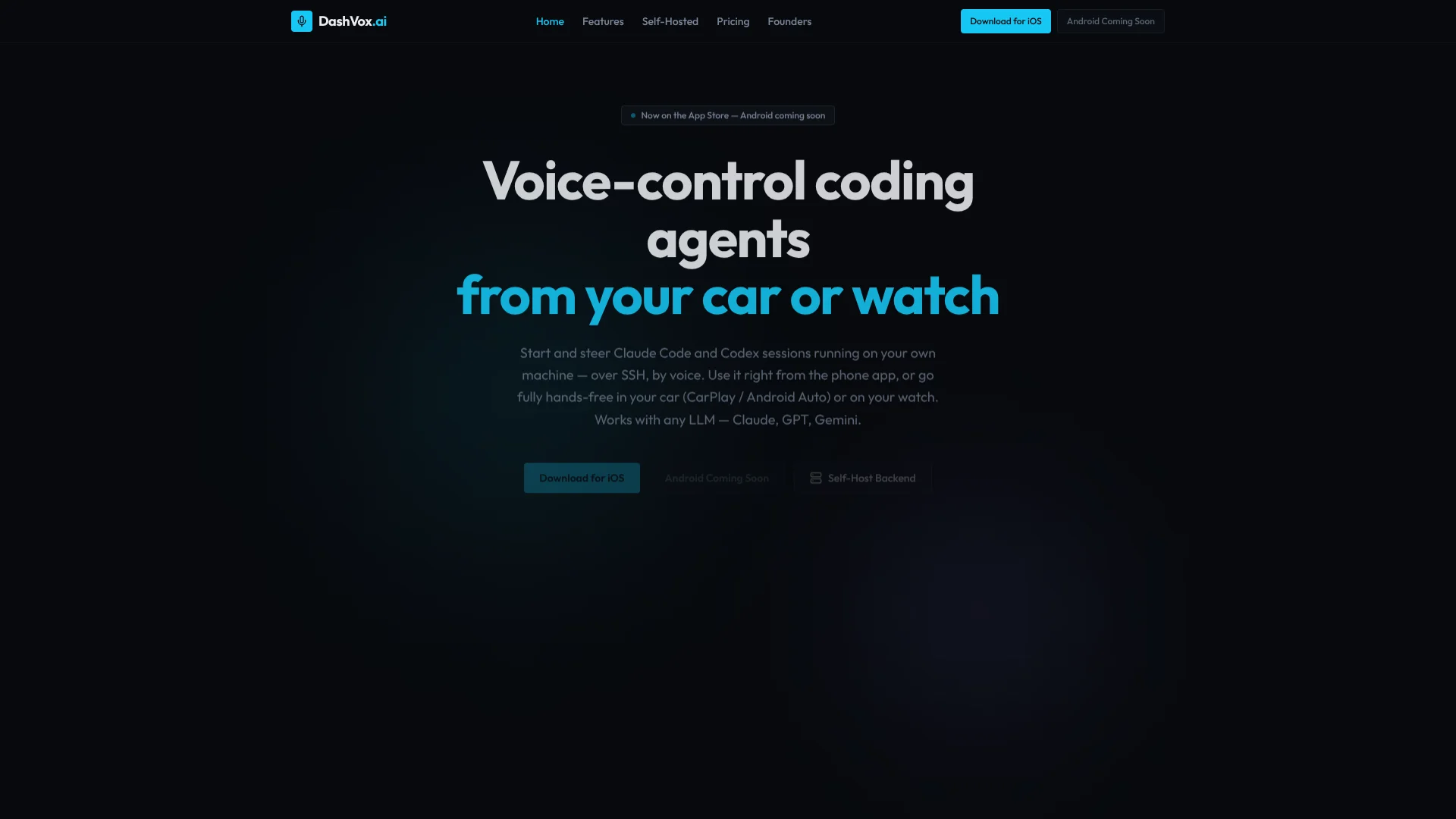
DashVox is a voice-first AI coding assistant for developers who rely on agentic tools like Claude Code or Codex. It connects phone, car, and wearables to a self-hosted backend over SSH, turning downtime in transit into hands-free coding, debugging, and research time.
DashVox is unusual in how sharply it targets one scenario: driving or walking while steering AI coding agents on a private machine. Few assistants blend CarPlay, SSH control, and multi-session agent orchestration quite this specifically for engineers.
DashVox delivers a very focused, voice-first companion for developers already experimenting with AI agents. Strong self-hosting support and car or watch access create real-world utility, even if the setup and niche audience keep it squarely in power-user territory.
Who is Using DashVox?
Software Engineers and App Developers
Triggering agents, running tests, and reviewing diffs by voice away from desks.
DevOps and SRE Teams
Checking deployments, logs, and pipelines through voice commands routed to remote agents.
Engineering Managers and Tech Leads
Listening to summaries of builds, migrations, or incidents during commutes, then approving actions.
Indie Hackers and Startup Founders
Letting voice-controlled agents keep side projects progressing on home servers or tiny VPS boxes.
Uncommon Use Cases
Live-coding speakers steering sessions from stage audio; accessibility-focused developers favoring long voice interactions.
Key Features
Rating Breakdown
Pricing Plans
Self-Hosted
Free
- Includes unlimited conversations, unlimited SSH sessions, all LLM providers, Agent Mode, full data control, no account required, and self-hosting on your own hardware
Cloud
Free
- Includes everything in Self-Hosted, plus cloud sync across devices, Firebase authentication, managed infrastructure, automatic updates, and push notifications. Hosted at api.dashvox.ai with Google, Apple, or email sign-in
Which DashVox plan should you pick?
Start with Self-Hosted for free and full local control; upgrade to Ultimate for managed infrastructure or Enterprise for organizational controls and SSO.
Self-Hosted
Good for developers who need a free deployment, unlimited conversations, unlimited SSH sessions, and local data control.
Ultimate
Good for individuals who want a managed cloud VM, pre-configured coding agents, cloud sync, and automatic updates.
Enterprise
Good for teams that need managed machines per seat, organizational budgets, admin controls, and SAML/OIDC SSO.
DashVox Use Cases
Voice-driven coding
Start and steer Claude Code or Codex sessions by voice from a phone, watch, or car.
Outcome: Coding work continues without staying at a keyboard.
Incident response
Connect over SSH, tail logs, run health checks, restart services, and kick off tests.
Outcome: Teams can begin triage before reaching a laptop.
Multi-agent task management
Ask Agent Mode to start frontend, backend, and test sessions and monitor their progress.
Outcome: Multiple coding sessions are coordinated autonomously.
Hands-free web research
Ask DashVox to search the web and summarize traffic, news, or documentation aloud.
Outcome: Users receive spoken research summaries without touching a screen.
Remote development access
Connect DashVox to a development machine using SSH profiles and manage sessions remotely.
Outcome: Existing repositories, environments, and running services remain accessible from anywhere.
Workflow Ideas with DashVox
Start and monitor a coding task
- 1Open DashVox on the phone, car display, or wearable
- 2Speak a request to start a coding-agent session
- 3Receive spoken progress updates and approve prompts by voice
Handle an incident away from the desk
- 1Connect to the affected machine over SSH
- 2Tail logs or run a health check by voice
- 3Restart a service or launch tests and hear the result
Run parallel agent sessions
- 1Tell Agent Mode to start frontend, backend, and test sessions
- 2Let DashVox monitor each session and manage prompts
- 3Review the audit trail and spoken completion summaries
How DashVox fits into your stack
Mobile, car, and wearable
DashVox is primarily a voice-first mobile experience with native CarPlay support and voice interaction through Apple Watch, Wear OS, and Android Auto. Users issue coding requests, approve actions, and hear agent responses while away from a desk.
Desktop / IDE
The self-hosted Java server runs on Windows, macOS, or Linux and connects to a user's development machine over SSH. It acts as the backend for controlling coding agents such as Claude Code and Codex.
Automation and APIs
DashVox orchestrates multi-step coding-agent work, including starting multiple sessions, running tests, checking logs, restarting services, and requesting approvals by voice.
Pros
- +Hands-free productivity in transit: CarPlay and Android Auto make coding agents usable during real-world commutes.
- +Strong privacy posture: Self-hosted backend keeps source code local, with encrypted SSH keys and optional cloud auth.
- +Model choice and flexibility: Supports Anthropic, OpenAI, and Google models so teams can pair agents with preferred LLMs.
- +Agent-first workflow design: Remote session management and Agent Mode focus on real engineering tasks, not small talk.
Cons
- −Setup complexity: Running the backend, SSH, and API keys assumes solid dev-ops experience.
- −Platform gaps today: Android, Wear OS, and Ray-Ban Meta support are still labeled as coming soon.
- −Niche audience: Aimed at developers with remote machines and agentic workflows, not general business users.
Limitations & when to consider alternatives
Known limitations
- Cloud credentials are not encrypted at rest. DashVox states that cloud-stored SSH keys and provider API keys are not yet encrypted at rest.
- Android availability is still pending. The official site labels Android and Android Auto as coming soon.
- Cloud usage requires subscription and credits. Cloud Ultimate combines a subscription with prepaid usage credits for models and managed compute.
- Self-hosting requires Java 21. The self-hosted server requires Java 21 or later and local network access from the phone.
- Driving remains the user's responsibility. DashVox warns that users must operate vehicles safely and follow local law.
Look elsewhere when
- You need a browser extension.
- You need a dedicated desktop application.
- You need file or image analysis.
- You need developer API access.
How to Use DashVox
- 1
Install the iOS app
Download DashVox from the App Store to use the phone, CarPlay, and Apple Watch experience.
- 2
Choose a backend
Use Self-Hosted for local control or choose Cloud Ultimate for a managed VM and pre-configured agents.
- 3
Connect a development machine
Open Settings, go to SSH Profiles, and add a host using password or private-key authentication.
- 4
Start a voice session
Speak a request to ask questions, start coding sessions, search the web, or manage remote work.
- 5
Use Agent Mode when appropriate
Ask DashVox to coordinate multiple coding-agent sessions and monitor their progress.
- 6
Review results and approvals
Listen to spoken summaries, approve actions by voice, and inspect session output when a screen is available.
Who is DashVox For?
Software teams
Teams can use managed cloud machines, seats, budgets, admin controls, and voice-based engineering workflows.
Lean SaaS startups
The Enterprise page specifically names lean SaaS startups as a target for coding and incident-response workflows.
Larger engineering organizations
Larger organizations can use SSO, per-seat billing, usage budgets, and administrative controls.
On-call engineers
Engineers can triage incidents, inspect logs, run health checks, and restart services away from a laptop.
Developers who commute or work away from a desk
DashVox is designed for voice-first control of coding agents from phones, cars, watches, and earbuds.
Frequently Asked Questions
Can I use Claude Code while driving?
Yes. DashVox provides a hands-free voice mode and native CarPlay controls while coding agents run over SSH.
Do I need my own machine?
No. Self-Hosted runs on your hardware, while Cloud Ultimate provides a managed VM with pre-configured coding agents.
Can I run my own backend?
Yes. Download the server JAR, run it on your machine, and point the app to its URL.
Does DashVox train on my prompts?
No. DashVox says conversations are not used for model training or ad targeting.
Which AI models does DashVox support?
It supports major LLMs including Claude, GPT, and Gemini, plus custom endpoints for self-hosted or enterprise models.
Can my team respond to incidents with DashVox?
Yes. On-call users can connect over SSH, inspect logs, run diagnostics, restart services, and run tests by voice.
Community reviews
Be the first to share your experience.
Sign in to leave a review for DashVox.
DashVox Alternatives
Looking for alternatives to DashVox? Here are similar tools in the same category:
Learn to Master DashVox
With Skill Leap courses
Get in-depth training on DashVox and 50+ other AI tools with our expert-led video courses.
Start 7-Day Free Trial