
Darwin AI
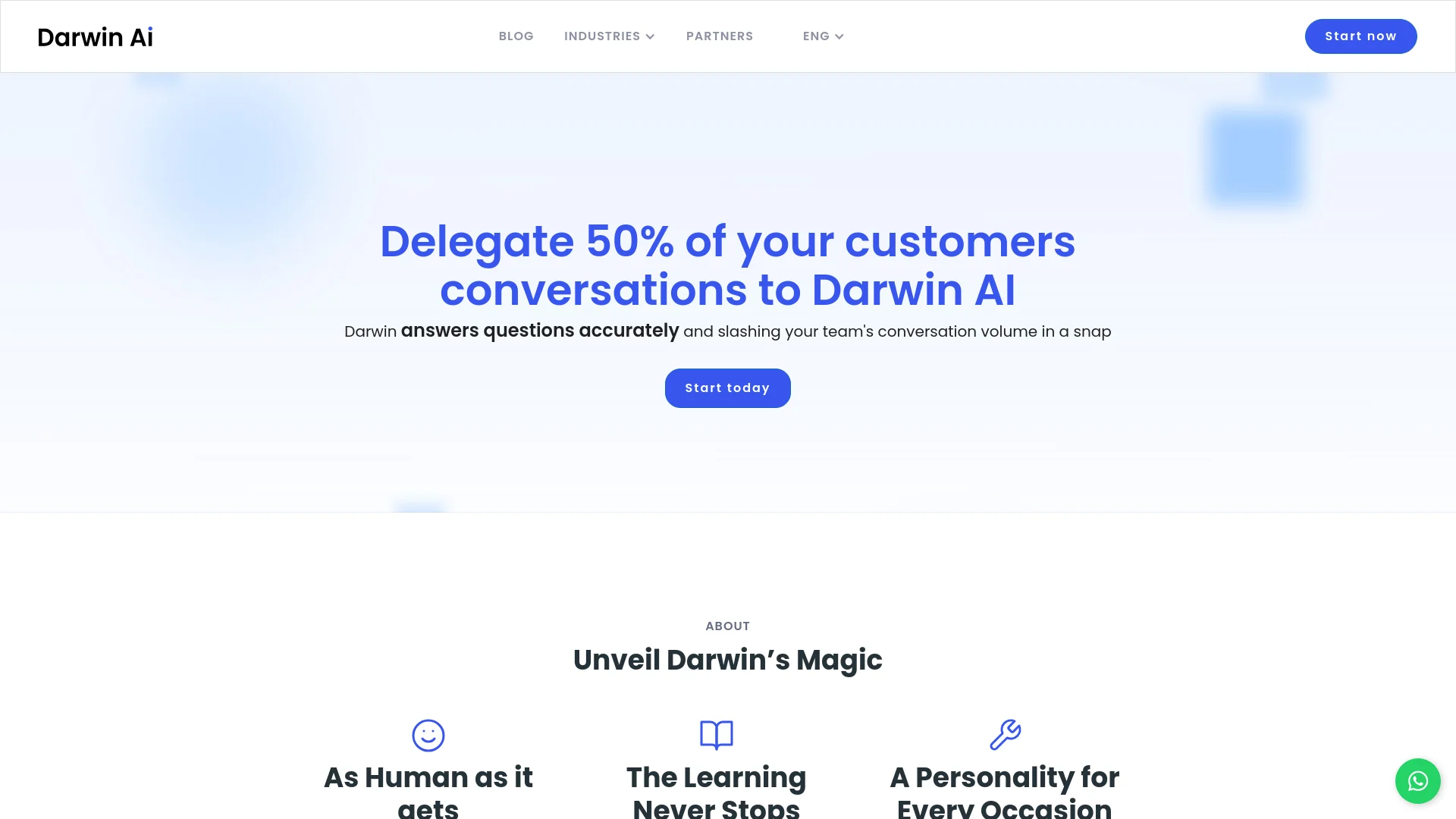
Automates SMB tasks with human-like, adaptable AI interactions.
Key Takeaways
- What it is
- Automates SMB tasks with human-like, adaptable AI interactions.
- Best for
- Human-like Interactions
- Continuous Learning
- Customizable Personality
- Rating
- 4.6/5
What is Darwin AI?
Darwin AI is a state-of-the-art conversational AI tool designed to automate a significant portion of tasks for small to medium-sized businesses (SMBs), particularly in customer interactions. It aims to enhance efficiency by managing inbound queries, handling outbound sales, and collecting customer feedback through natural, context-aware dialogues. Darwin AI is crafted for ease of use by non-technical teams and strives to maintain a personal touch in communications, emulating human interaction with features like emojis and audio responses.
Darwin AI stands out with its ability to conduct human-like conversations and adapt to various business environments. Its continuous learning feature and customizable personality make it a dynamic virtual team member that enhances customer service experiences.
Darwin AI excels in automating customer interactions and repetitive tasks for SMBs, significantly improving operational efficiency and customer satisfaction. Its advanced conversational capabilities and adaptability across various business settings offer a distinct advantage in the realm of conversational AI tools.
Who is Using Darwin AI?
Automotive Dealerships
For customer qualification and test-drive scheduling.
Real Estate Agencies
To handle property visit bookings and client inquiries.
Educational Institutions
For course recommendations and student feedback collection.
Retail Businesses
In managing product inquiries and payment processes.
Uncommon Use Cases
Small law firms use it for client intake; local gyms use it for membership management and class bookings.
Darwin AI is utilized across various sectors
Key Features
Rating Breakdown
Pricing Plans
Free Trial
- Offers a 1-week free trial to explore Darwin AI's capabilities
Subscription Plan
- Pricing is customized based on business needs and usage. For detailed pricing
- Visit the Darwin AI website
Darwin AI Use Cases
Inbound lead qualification
Use the Alba AI worker to qualify inbound leads through conversational interactions.
Outcome: Transforms leads into sales opportunities.
Outbound lead reactivation
Use Bruno to reactivate inactive or previously contacted leads.
Outcome: Re-engages leads through automated conversations.
Customer support and satisfaction
Use Eva for customer experience, support, and CSAT/NPS interactions.
Outcome: Measures and improves customer satisfaction.
Collections and revenue recovery
Use Lucas to automate collections conversations and follow-up.
Outcome: Simplifies the collections process.
Post-sales upselling
Use Sofía to engage customers after purchase and promote relevant offers.
Outcome: Supports post-sales engagement and upselling.
Workflow Ideas with Darwin AI
Inbound lead qualification
- 1Receive a conversation through WhatsApp, webchat, Instagram, or another connected channel.
- 2Route the conversation into a configured pipeline.
- 3Have an AI worker qualify the lead and populate CRM or custom fields.
- 4Transfer qualified or complex conversations to a human agent.
Knowledge-grounded customer support
- 1Upload business files, websites, catalogs, or structured product data.
- 2Configure an AI worker with objectives, rules, and knowledge-base instructions.
- 3Test the worker in the Try It Out environment.
- 4Publish the workflow and review conversations and feedback.
Automated CRM synchronization
- 1Detect an intent or event in a customer conversation.
- 2Trigger an integration or HTTP request.
- 3Create or update records in a CRM or spreadsheet.
- 4Review execution history and automation analytics.
How Darwin AI fits into your stack
WhatsApp Integration
Seamlessly integrates with WhatsApp for efficient communication.
CRM Systems
Compatible with major CRM platforms, ensuring synchronized and up-to-date customer data.
API Access
Provides API access for custom integrations, allowing for tailored AI applications according to specific business needs.
Pros
- +Enhanced Customer Engagement: Provides 24/7 customer service, ensuring every query is addressed promptly.
- +Operational Efficiency: Automates routine tasks, allowing human employees to focus on more complex and strategic activities.
- +Scalability: Capable of managing thousands of interactions simultaneously, which supports business growth.
- +Cost-Effective: Reduces the need for extensive customer service teams, thereby lowering operational costs.
Cons
- −Integration Complexity: Initial setup and integration may be required, especially for businesses with complex existing systems.
- −Reliance on Quality Data: The effectiveness of the AI depends on the quality of data input into the system.
- −Limited to Text-Based Interactions: Currently focused on text-based environments like WhatsApp, with limited support for voice interactions.
Limitations & when to consider alternatives
Known limitations
- PDF and image size limits. Knowledge-base PDFs are limited to 50 MB per file, and images to 5 MB per image.
- Video size limit. Knowledge-base videos are limited to 15 MB per file.
- Website mapping limit. Website knowledge mapping supports up to 5,000 URLs per mapping.
- Traditional WhatsApp API mode is platform-only. With the traditional API connection, the connected number cannot be used in the WhatsApp mobile app; conversations are accessed through Darwin.
- Some reports depend on plan and permissions. Report availability depends on the workspace plan, user role, and connected channels.
Look elsewhere when
- You need a native iOS or Android application.
- You need a downloadable Windows, macOS, or Linux application.
- You need SSO or SAML authentication.
- You need model fine-tuning or weight updates on private data.
How to Use Darwin AI
- 1
Explore a comprehensive range of tutorials and support resources available on the Darwin AI website, covering everything from initial setup to advanced customization.
Who is Darwin AI For?
Retail businesses
Automate customer service and order management.
Real estate companies
Automate lead handling and manage property data.
Education organizations
Optimize student enrollment and follow-up.
Automotive businesses
Manage inventories and automate service appointments.
Consultative sales companies
Automate customer conversations, FAQs, appointment booking, and repetitive sales tasks.
Frequently Asked Questions
How does Darwin AI prevent errors from its digital workers?
Darwin uses manual audits, automated testing, and sentiment analysis to minimize errors and improve accuracy.
What tasks can Darwin optimize?
Darwin can manage schedules, track sales, provide customer service, and integrate with existing workflows.
Does Darwin's AI learn and evolve through conversations?
Darwin improves through interactions, while administrators can manually adjust its behavior and configuration.
Can Darwin adapt to each country's communication style?
Yes. Darwin can adapt its communication style and tone to local culture and customer preferences.
How long does it take to train Darwin?
The company says a customized Darwin implementation can be integrated and functional within a few days.
Can Darwin integrate with internal systems?
Yes. Darwin connects with CRMs, ERPs, databases, spreadsheets, and other business systems.
Community reviews
Be the first to share your experience.
Sign in to leave a review for Darwin AI.
Darwin AI Alternatives
Looking for alternatives to Darwin AI? Here are similar tools in the same category:
Learn to Master Darwin AI
With Skill Leap courses
Get in-depth training on Darwin AI and 50+ other AI tools with our expert-led video courses.
Start 7-Day Free Trial