Cutout Pro
Transform visuals effortlessly: AI-powered editing, enhancement, and art generation.
Key Takeaways
- What it is
- Transform visuals effortlessly: AI-powered editing, enhancement, and art generation.
- Pricing
- Freemium
- Best for
- AI-Powered Background Removal
- Photo Enhancer & Upscaler
- AI Art Generator
- Rating
- 4.7/5
What is Cutout Pro?
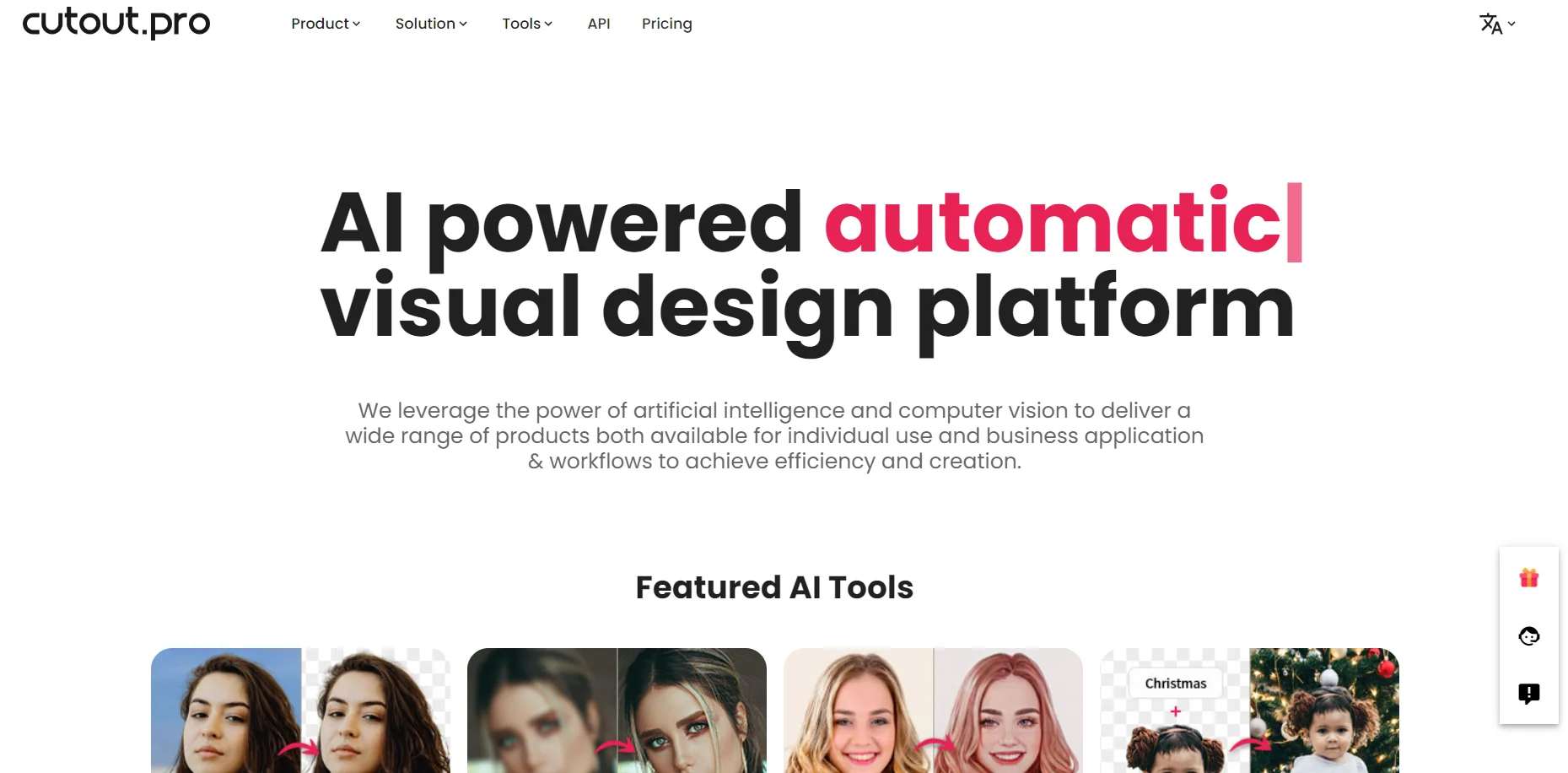
Cutout.Pro is an AI-powered visual design platform that leverages the latest advancements in artificial intelligence and computer vision. It offers a comprehensive suite of tools designed for image and video design, making it an invaluable resource for individuals and businesses aiming to enhance their visual content. From background removal to photo enhancement and upscaled video quality, Cutout.Pro simplifies the process of achieving high-quality, creative visuals without the need for extensive design skills or software knowledge.
Cutout.Pro stands out for its comprehensive approach to visual content generation, combining ease of use with powerful AI-driven features. Its ability to process images and videos with high precision, without requiring professional editing skills, sets it apart in the market. The platform's wide range of tools, from background removal to AI art generation, makes it a one-stop solution for diverse visual content needs.
Cutout.Pro excels at empowering users to create high-quality visual content with ease. Its suite of AI-driven tools, from background removal to photo enhancement and AI art generation, offers unmatched versatility and efficiency. Whether for personal projects, e-commerce, or professional design work, Cutout.Pro delivers exceptional results that make it an essential tool for anyone looking to enhance their visual content. Its user-friendly interface, combined with powerful features, ensures a seamless and productive experience for all users.
Who is Using Cutout Pro?
E-commerce Businesses
Enhancing product images for online listings.
Digital Marketing Agencies
Creating compelling content for campaigns.
Social Media Managers
Designing engaging posts for various platforms.
Graphic Designers
Streamlining their design workflows with efficient tools.
Uncommon Use Cases
Educational institutions use it for teaching marketing and design courses; freelance videographers for quick background edits in video projects.
Key Features
Rating Breakdown
Pricing Plans
Free Tier
Free
- Access to basic features with some limitations
Pro Tier
- Advanced features and higher processing limits
- Starting at competitive prices
Which Cutout Pro plan should you pick?
Start with Free Account for previews and small projects; choose Subscription Plan for recurring volume or Pay as you go for flexible non-recurring usage.
Free Account
Good for personal use, evaluation, unlimited previews, and the included 5 free credits.
Subscription Plan
Good for recurring image-processing needs that benefit from monthly credits and rollover.
Pay as you go
Good for occasional or variable usage when credits should remain available without a recurring subscription.
Cutout Pro Use Cases
Remove product backgrounds
Upload product images and automatically separate the foreground from the background.
Outcome: Transparent product images suitable for listings, catalogs, and marketing.
Create e-commerce product scenes
Upload a product and optional scene reference, then generate a styled product image.
Outcome: More polished product visuals for online commerce.
Remove video backgrounds
Upload video and process it frame by frame without a green screen.
Outcome: Video with a transparent or replacement background.
Generate business designs
Describe a visual concept in natural language and generate designs such as logos, posters, or interface concepts.
Outcome: A fast visual starting point for business and creative work.
Analyze personal image style
Upload a portrait for analysis of face shape, hairstyle, makeup, colors, clothing, jewelry, and overall presence.
Outcome: A personalized image and styling analysis report.
Workflow Ideas with Cutout Pro
Batch product cleanup
- 1Register for a Cutout.Pro account and obtain credits
- 2Download the Mac or Windows desktop app
- 3Drag multiple product images into the app and save the processed files locally
Automated background-removal pipeline
- 1Create a Cutout.Pro API key
- 2Send image files or image URLs to the background-removal endpoint
- 3Save the returned transparent PNG in the application or e-commerce workflow
E-commerce scene generation
- 1Upload a product image
- 2Optionally upload a scene reference and enter a scene description
- 3Generate and download the resulting product visual
How Cutout Pro fits into your stack
API Access
Enables developers to integrate Cutout.Pro's functionalities into custom applications.
Broad File Support
Works with a variety of image and video formats for seamless workflow integration.
High-Volume Processing
Capable of handling large batches of images or videos quickly and efficiently.
Secure and Reliable
Ensures user data privacy and security with a commitment to data protection.
Pros
- +Efficiency Boost: Dramatically reduces the time required for editing images and videos, thanks to automated processes.
- +High-Quality Outputs: Delivers superb cutout quality and enhanced visual details that rival professional editing work.
- +Versatile Toolset: From removing unwanted objects to generating AI art, it caters to a wide range of design needs.
- +User-Friendly Interface: Designed with simplicity in mind, it's accessible to users of all skill levels.
Cons
- −Learning Curve: New users might need time to familiarize themselves with the full range of features.
- −Internet Dependency: Requires a stable internet connection for processing images and videos in the cloud.
- −Limited Offline Functionality: Most features are not accessible without internet access.
Limitations & when to consider alternatives
Known limitations
- Credit-based full-resolution downloads. Free previews are available, but full-resolution downloads consume credits; new accounts receive 5 free credits.
- Image file limits. The API documentation lists supported image files up to 4096×4096 pixels and below 15 MB.
- Limited vector and document uploads. SVG, AI, EPS, and PDF files are not directly supported for logo background removal; they must be exported to a raster image first.
- Web upload is single-file. The standard web version processes one image at a time; batch processing requires the desktop app or batch tools.
- Video output format. Transparent video background removal outputs MOV with an alpha channel, so other formats may require conversion.
Look elsewhere when
- You need direct PDF, SVG, AI, or EPS uploads.
- You need a shared multi-user workspace with roles or invites.
- You need named third-party integrations such as Slack, Zapier, or Notion.
How to Use Cutout Pro
- 1
Explore a selection of tutorials and guides available on their website and YouTube, covering everything from basic tool usage to advanced features.
Who is Cutout Pro For?
E-commerce businesses
Product-image tools help sellers create clean product photos, replace backgrounds, and produce marketplace-ready visuals.
Designers and marketers
The AI Design Generator turns natural-language descriptions into logos, posters, UI concepts, and other visual assets.
Photographers
Background removal, enhancement, color correction, retouching, and image restoration support photo-editing workflows.
Developers and businesses
The API lets teams integrate image and video processing into applications, websites, software, and company workflows.
Frequently Asked Questions
What is Cutout.Pro?
Cutout.Pro is an AI and computer-vision platform for image and video processing, including background removal, enhancement, retouching, generation, and related tools.
Is Cutout.Pro free?
It offers unlimited free previews and 5 free credits after account registration. Paid downloads and higher-volume processing use credits.
What image formats are supported?
The documented image formats are PNG, JPG, JPEG, BMP, and WEBP.
What is the maximum image size?
The API documentation states a maximum resolution of 4096×4096 pixels and a file size below 15 MB.
Does Cutout.Pro provide an API?
Yes. The API provides API-key authentication, HTTP endpoints, code examples, image and video processing services, and credit-based usage.
How can I process many images?
The web batch tools and downloadable Windows/Mac desktop app support batch background removal and local output saving.
Community reviews
1 review from people who use Cutout Pro.
Sign in to leave a review for Cutout Pro.
Robert Quispamsis
Cutout Pro Alternatives
Looking for alternatives to Cutout Pro? Here are similar tools in the same category: