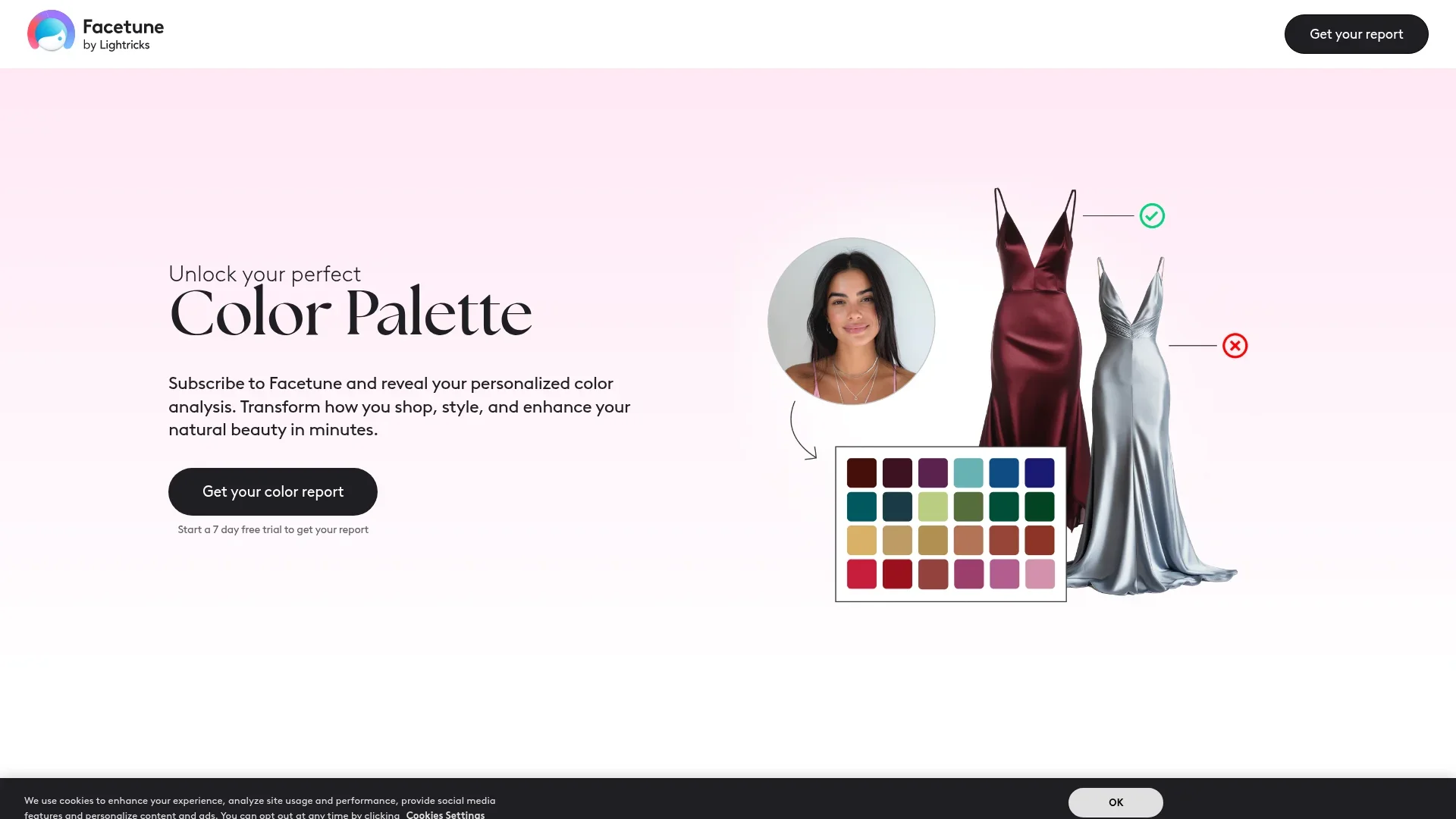
Color Palette Flow
Personalizes style choices with AI-driven color analysis.
Key Takeaways
- What it is
- Personalizes style choices with AI-driven color analysis.
- Pricing
- Freemium · $59.99 per year
- Best for
- Personalized Color Analysis
- Comprehensive Reports
- Facetune Integration
- Rating
- 4.3/5
What is Color Palette Flow?
Color Palette Flow is an AI-powered tool designed to revolutionize how individuals perceive and utilize colors in their personal styling and shopping habits. By leveraging advanced AI technology, this tool offers a personalized color analysis that identifies the color palette best suited to your unique features, such as skin tone, eye color, and hair. Tailored for fashion enthusiasts, stylists, and anyone looking to enhance their natural beauty, Color Palette Flow simplifies the process of making confident style choices by providing a comprehensive report on flattering clothing, makeup, and hair colors.
Color Palette Flow stands out with its integration of advanced AI technology to deliver a highly personalized color analysis. This unique approach allows users to visualize and experiment with their ideal color palette before making real-life purchases, a game-changer for personal styling and shopping.
Color Palette Flow offers a transformative approach to personal styling by using AI to unlock the secrets of color that best complement your natural features. Whether you're looking to refine your wardrobe, enhance your makeup routine, or provide professional styling services, this tool provides invaluable insights and practical applications. With its seamless integration with Facetune, users can confidently experiment with and adopt colors that truly enhance their beauty, making it a must-have for anyone serious about style.
Who is Using Color Palette Flow?
Fashion Enthusiasts
Individuals looking to refine their wardrobe and style with colors that enhance their natural features.
Professional Stylists
Utilizing the tool to provide clients with personalized color recommendations.
Makeup Artists
Employing the tool to determine the best makeup shades for clients.
Personal Shoppers
Using the tool to curate tailored shopping experiences.
Uncommon Use Cases
Adopted by color consultants for workshops; Utilized by apparel brands for customer styling services.
Key Features
Rating Breakdown
Pricing Plans
Free Trial
Free
- 7 days. Explore features and receive a preliminary report during the trial period—no payment required upfront
Yearly Subscription
$59.99 per year
- Unlock full access to Color Palette Flow and Facetune’s complete editing suite with all features included
Which Color Palette Flow plan should you pick?
Start with the seven-day trial to evaluate the color analysis, then choose Yearly for regular use or Monthly for short-term access.
Monthly
Good for users who want short-term access to the color analysis and Facetune’s premium tools.
Quarterly
Good for users who expect to use the analysis and editing tools regularly for several months.
Yearly
Good for users who want ongoing access and the pricing page’s lowest long-term subscription cost.
Color Palette Flow Use Cases
Find your seasonal color type
Upload a natural-light selfie so the AI can classify your coloring within a 12-season system.
Outcome: A personalized seasonal color category.
Build a clothing palette
Review recommended clothing colors and examples based on your skin tone, hair, and eyes.
Outcome: A practical palette for wardrobe and shopping decisions.
Choose makeup shades
Use personalized recommendations to explore makeup colors that complement your features.
Outcome: More targeted makeup selections.
Evaluate hair colors
Review suggested hair shades and preview changes through Facetune’s virtual editing tools.
Outcome: A lower-risk way to compare hair-color options.
Plan a cohesive look
Combine clothing, makeup, hair, and accessory recommendations into a coordinated personal style.
Outcome: More consistent outfit and beauty choices.
Workflow Ideas with Color Palette Flow
Generate a personal palette
- 1Answer questions about your style preferences and goals
- 2Upload a clear selfie taken in natural lighting
- 3Review your seasonal type and personalized palette
Plan a shopping trip
- 1Review recommended clothing and accessory colors
- 2Compare prospective purchases against your palette
- 3Use Facetune to visualize selected colors and looks
Test a new beauty look
- 1Read the makeup and hair-color recommendations
- 2Choose a recommended shade to preview
- 3Use Facetune virtual try-on tools before changing your appearance
How Color Palette Flow fits into your stack
Browser
The color-analysis flow is available through Facetune’s web experience: users answer questions, upload a photo, and receive a personalized color report.
Mobile app
Color Analysis is positioned as a Facetune feature, with results and virtual try-ons available through the Facetune mobile app.
Pros
- +Enhanced Personal Styling: Helps users make informed choices about clothing and makeup, reducing the risk of buying unflattering colors.
- +Cost Savings: By identifying the most flattering colors, users can avoid unnecessary spending on unsuitable fashion items.
- +Seamless Integration with Facetune: Offers a practical way to experiment with recommended colors virtually, enhancing the decision-making process.
- +Comprehensive Guidance: Provides a full suite of recommendations, from clothing to makeup, ensuring users have a holistic understanding of their ideal color palette.
Cons
- −Subscription Requirement: Access to full features and reports requires a yearly subscription to Facetune.
- −Initial Setup: Users must upload a clear photo and answer questions, which might be time-consuming for some.
- −Dependence on Photo Quality: Accuracy of analysis may vary based on the quality and lighting of the uploaded photo.
Limitations & when to consider alternatives
Known limitations
- Requires a clear personal photo. The official instructions require uploading a clear photo, preferably taken in natural lighting.
- Full report requires Facetune access. The color-analysis page directs users to subscribe to Facetune to receive the complete analysis.
- Seven-day trial is temporary. The official offer provides a seven-day trial, after which continued access requires a paid subscription.
- No standalone Color Palette Flow app. The official experience is presented as an online color-analysis feature connected to Facetune.
- Results depend on image conditions. The tool asks for natural lighting and states that lighting conditions are considered during analysis.
Look elsewhere when
- You need a standalone mobile app rather than an online feature.
- You need team workspaces or multi-user collaboration.
- You need a documented developer API.
How to Use Color Palette Flow
- 1
Open the color-analysis experience
Start from the official AI Color Analysis page and select the option to get your color report.
- 2
Answer the style questions
Provide information about your style preferences and goals so the recommendations are more relevant.
- 3
Upload a suitable selfie
Use a clear photo taken in natural lighting with your relevant facial features visible.
- 4
Subscribe or start the trial
Use the seven-day Facetune trial to access the full analysis before deciding whether to continue.
- 5
Review your report
Check your seasonal type, clothing palette, makeup guidance, hair suggestions, and visual dos and don’ts.
- 6
Try the recommendations virtually
Use Facetune’s virtual tools to preview makeup, hair colors, and outfit ideas before making changes.
Who is Color Palette Flow For?
People refining their personal style
The tool identifies colors that complement natural features and supports more confident style choices.
Clothing shoppers
Personalized palettes and best-color guidance can help users avoid unflattering purchases.
Makeup users
The analysis provides makeup recommendations based on the user’s coloring.
People considering hair-color changes
Hair-color suggestions and virtual try-ons help users preview options before making changes.
Facetune users
Facetune subscribers can combine the color report with virtual makeup, hair, and outfit experimentation.
Frequently Asked Questions
Where can I get an AI color analysis?
Answer a few questions, upload a photo, and subscribe to Facetune to receive personalized color-analysis results.
What does the color analysis include?
It includes a seasonal color type, clothing palette, makeup recommendations, hair-color suggestions, and visual examples of suitable and unsuitable colors.
How does the analysis work?
The AI evaluates features such as skin tone, eye color, hair, facial points, and lighting conditions.
Is the color analysis available online?
Yes. The official page says the process happens online, from subscription through receipt of the personalized palette.
Is there a free color analysis?
The full report is available through a seven-day Facetune trial; continued access requires a subscription.
What can I do with the recommendations?
Use the palette for clothing, makeup, hair, accessories, shopping, and virtual try-ons in Facetune.
Community reviews
Be the first to share your experience.
Sign in to leave a review for Color Palette Flow.
Color Palette Flow Alternatives
Looking for alternatives to Color Palette Flow? Here are similar tools in the same category: