
Clientell
AI-driven tool automates customer insights, boosting service and sales.
Key Takeaways
- What it is
- AI-driven tool automates customer insights, boosting service and sales.
- Pricing
- $29.99 per month
- Best for
- Real-Time Interaction Tracking
- Sentiment Analysis
- Automated Reporting
- Rating
- 4.6/5
What is Clientell?
Clientell is a cutting-edge AI tool designed to supercharge customer relationship management for businesses of all sizes. At its core, Clientell harnesses the power of artificial intelligence to analyze customer interactions and provide actionable insights, helping businesses enhance their customer service, boost sales, and improve overall customer satisfaction. Tailored especially for sales teams and customer service departments, Clientell simplifies the complex task of managing multiple customer interactions with ease and efficiency.
Clientell stands out with its robust analytics capabilities, a game-changer for businesses looking to deeply understand and react to customer behavior. Its ability to provide real-time, actionable insights sets it apart from traditional CRM tools, making it an indispensable asset for customer-centric businesses.
Clientell excels in providing deep, actionable insights into customer behavior, making it an essential tool for any customer-focused business. Its standout feature of real-time analytics offers an unmatched advantage in understanding and responding to customer needs promptly and effectively. With its comprehensive set of features and integrations, Clientell not only enhances customer relationships but also drives significant business growth.
Who is Using Clientell?
Retail Businesses
Utilizing the tool to understand and improve customer service interactions.
Financial Services
Employing Clientell to manage client relationships and enhance customer satisfaction.
Healthcare Providers
Leveraging the tool to follow up on patient feedback and improve service delivery.
Hospitality Industry
Using Clientell to refine guest experiences based on real-time feedback.
Uncommon Use Cases
Utilized by non-profits to better engage with donors; adopted by educational institutions to manage alumni relations.
Key Features
Rating Breakdown
Pricing Plans
Free Trial
- Experience Clientell with a 14-day free trial
Standard Plan
$29.99 per month
Enterprise Solutions
- Custom pricing available upon request
Which Clientell plan should you pick?
Start with Plus for one Salesforce org and a solo admin; upgrade to Pro for multiple users and orgs, or Enterprise for SSO, API access, and regulated environments.
Plus
Good for solo admins and builders who need the full Salesforce platform for one user and one organization.
Pro
Good for teams managing multiple Salesforce orgs that need three users, five orgs, unlimited conversations, and advanced AI capabilities.
Enterprise
Good for larger or regulated organizations that need SSO/SAML, audit logs, API access, VPC or on-premise options, and managed services.
Clientell Use Cases
Build Salesforce flows
Describe a required automation in plain English, such as routing leads or tagging opportunities.
Outcome: Clientell creates, tests, and deploys the flow after approval.
Clean and migrate data
Upload CSV data or describe duplicate, formatting, and missing-field problems.
Outcome: Clientell maps fields, flags issues, and performs approved bulk operations.
Document a Salesforce org
Ask Clientell to map objects, fields, flows, Apex, dependencies, and configuration.
Outcome: The organization receives searchable documentation and dependency context.
Manage users and permissions
Describe access changes, permission updates, field-level security, or profile changes.
Outcome: Clientell prepares and applies the approved Salesforce security changes.
Build reports and dashboards
Describe the desired report, dashboard, filters, groupings, or charts.
Outcome: Clientell creates or updates the Salesforce reporting assets.
Workflow Ideas with Clientell
Email request to deployed Salesforce change
- 1Connect an email source such as Gmail or Outlook
- 2Have Clientell read the requirement and Salesforce context
- 3Review, approve, and deploy the proposed change
CSV import with AI field mapping
- 1Upload a CSV file and identify the target Salesforce object
- 2Review suggested mappings and data-quality warnings
- 3Approve the import and inspect the execution log
Jira issue to Salesforce fix
- 1Connect Jira and select the relevant issue
- 2Ask Clientell to diagnose and plan the Salesforce change
- 3Review the diff, test in a sandbox, and deploy with approval
How Clientell fits into your stack
Salesforce Integration
Clientell effortlessly integrates with Salesforce, enhancing data synchronization and user experience.
Slack Compatibility
Enables alerts and reports directly within Slack, facilitating quicker team communication.
API Access
Offers developers robust API access to connect and extend functionality with other systems.
Email Platforms
Integrates with major email services for seamless communication tracking.
Pros
- +Enhanced Customer Insights: Provides deep insights into customer behavior and preferences, enabling personalized engagement strategies.
- +Increased Productivity: Automates routine tasks, allowing team members to focus on more strategic activities.
- +Scalability: Easily scales to accommodate growing amounts of data and interactions as business needs expand.
- +User-Friendly Interface: Designed with simplicity in mind, ensuring ease of use regardless of tech proficiency.
Cons
- −Initial Setup Complexity: Requires a detailed initial setup to fully tailor the system to specific business needs.
- −Dependence on Data Quality: The accuracy of insights is heavily dependent on the quality of the input data.
- −Limited Language Support: Currently supports a limited number of languages, which could be a barrier for global businesses.
Limitations & when to consider alternatives
Known limitations
- Salesforce-focused product. The core Clientell agent is purpose-built for Salesforce and does not support HubSpot, Pipedrive, or Microsoft Dynamics as its primary CRM.
- No permanent Salesforce data storage. Clientell states that Salesforce data is processed temporarily and deleted after the functionality is delivered, although some anonymized or aggregated metadata may be retained.
- Human approval remains required. Clientell does not independently push changes to production; users must review and approve proposed deployments.
- Connector availability varies. The integrations page states that connector availability is confirmed per organization and may change.
- MCP access is early access. The Salesforce MCP server is described as early access, with access provided by the Clientell team rather than through self-service signup.
Look elsewhere when
- You need a native mobile app.
- You need a dedicated desktop installer.
- You need a free ongoing plan.
- You need independent production deployment without approval.
How to Use Clientell
- 1
Explore the comprehensive tutorial series on YouTube, covering everything from basic setup to advanced features of Clientell.
Who is Clientell For?
Salesforce admins
Clientell is designed for admins who want to build flows, manage permissions, clean data, document orgs, and deploy changes using plain-English requests.
RevOps teams
RevOps teams can automate Salesforce operations, data cleanup, reporting, routing, and process changes without relying on an IDE.
IT teams
IT teams can use Clientell for governed Salesforce changes, audit trails, sandbox validation, deployments, and rollback.
Salesforce partners
Salesforce consulting firms and partners can use Clientell to increase delivery capacity and co-deliver client projects.
Salesforce developers
Developers can use Clientell for Apex, LWC, deployment, metadata analysis, dependencies, and MCP-based org context.
Frequently Asked Questions
What is Clientell?
Clientell is an AI admin agent for Salesforce. Users describe tasks in plain English, and Clientell generates Salesforce configurations, validates them, and deploys them with human approval.
How much does Clientell cost?
The Plus plan starts at $99 per month, Pro starts at $499 per month, and Enterprise is custom-priced. New users receive a 14-day trial without a credit card.
Does Clientell require Salesforce Data Cloud or Agentforce?
No. Clientell states that it connects directly to Salesforce through OAuth 2.0 and does not require Data Cloud, Agentforce, or additional Salesforce add-ons.
What can Clientell build?
Clientell can build and modify flows, reports, dashboards, validation rules, fields, permission sets, Apex, Lightning Web Components, and data operations.
Does Clientell deploy changes automatically?
No. Clientell builds and tests proposed changes, then requires human approval before deployment. It also provides audit logs and rollback.
What integrations does Clientell support?
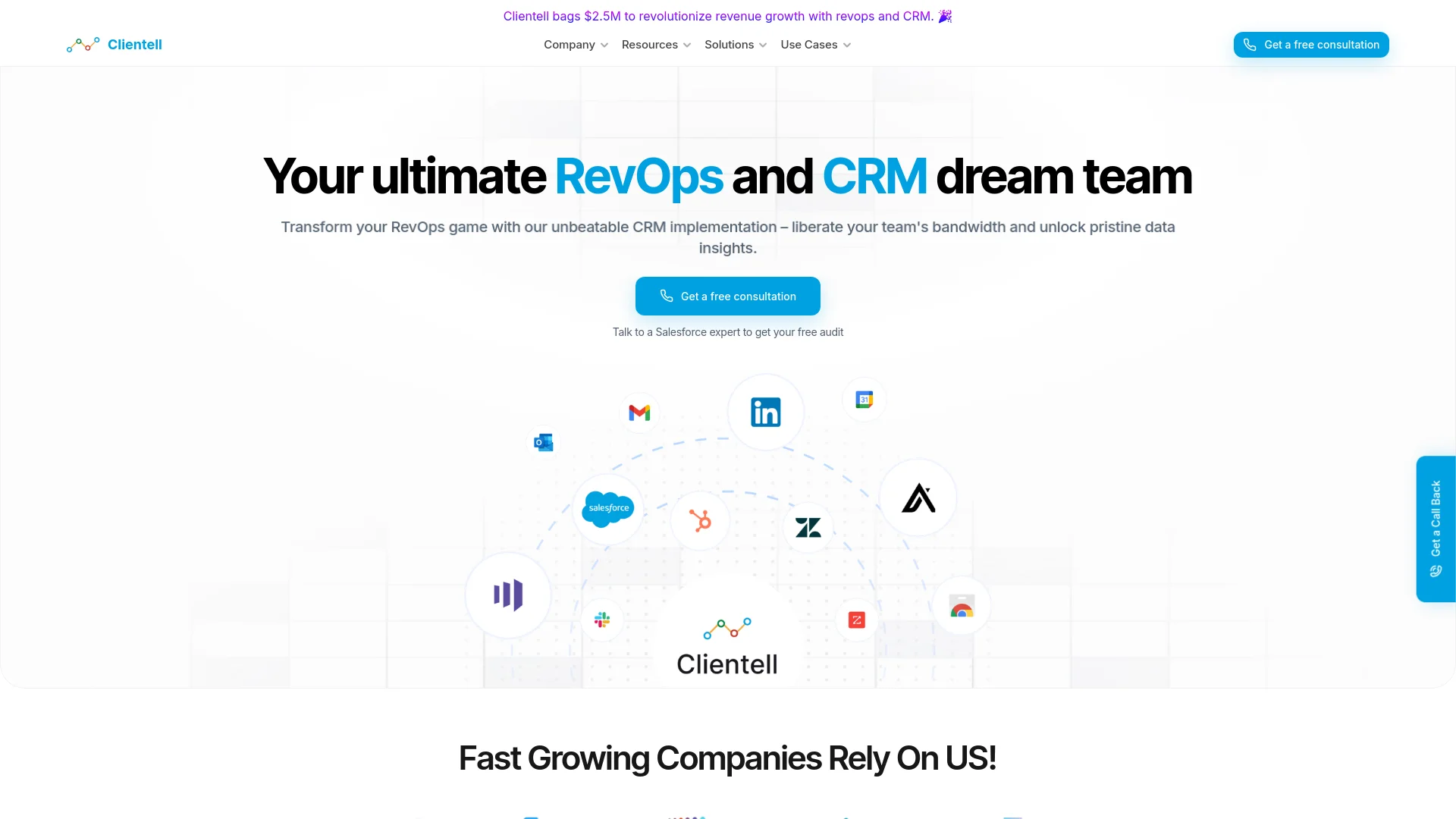
Documented connectors include Gmail, Outlook, Google Calendar, Google Drive, Dropbox, SharePoint, GitHub, Jira, Microsoft Teams, and Slack.
Community reviews
Be the first to share your experience.
Sign in to leave a review for Clientell.
Clientell Alternatives
Looking for alternatives to Clientell? Here are similar tools in the same category:
Learn to Master Clientell
With Skill Leap courses
Get in-depth training on Clientell and 50+ other AI tools with our expert-led video courses.
Start 7-Day Free Trial