
Cleric
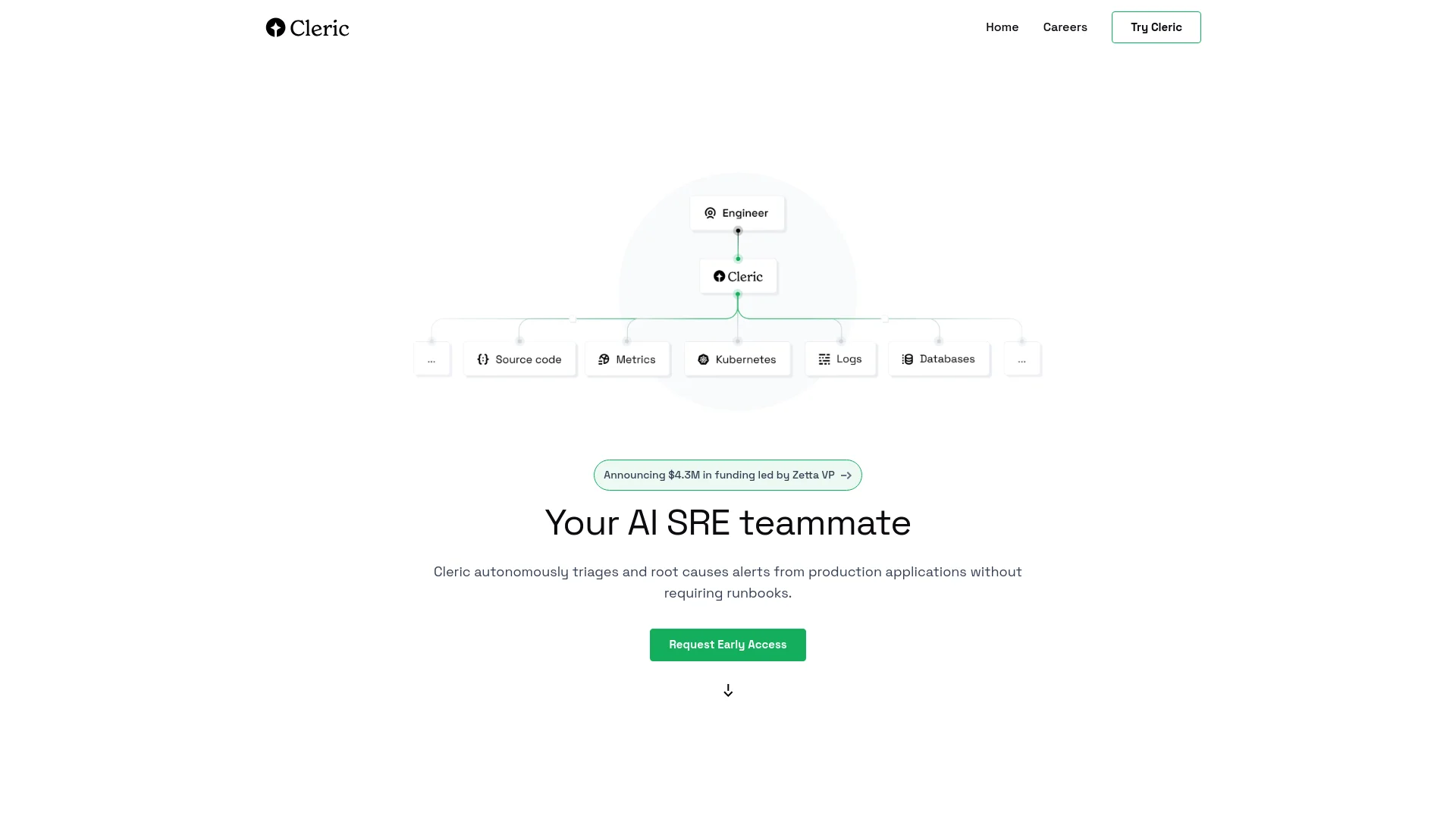
Autonomously triages and roots cause alerts in complex infrastructures.
Key Takeaways
- What it is
- Autonomously triages and roots cause alerts in complex infrastructures.
- Best for
- Autonomous Alert Investigation
- Intelligent Runbook Execution
- Critical Alert Prioritization
- Rating
- 4.5/5
What is Cleric?
In today's fast-paced digital world, the efficiency and reliability of software operations are paramount. Enter Cleric, an AI-powered tool designed to enhance the operational efficiency of production applications. Its primary function is to autonomously triage and root cause alerts without the need for manual intervention or extensive runbooks. This innovative solution is tailored for IT professionals and teams managing complex infrastructures, particularly those dealing with Kubernetes and cloud environments. Cleric simplifies the daunting task of alert management by automatically investigating issues and prioritizing critical alerts, thereby transforming the landscape of operational troubleshooting.
Cleric stands out by offering autonomous problem-solving capabilities within complex Kubernetes and cloud environments. Its unique ability to conduct intelligent runbook execution and first-principles reasoning without human intervention sets it apart, providing a new level of self-service and operational efficiency.
Cleric excels in providing autonomous, efficient, and secure management of production application alerts, making it an indispensable tool for IT professionals and teams working in complex digital environments. Its innovative approach to automatic issue investigation and critical alert management offers significant time and cost savings, positioning Cleric as a leader in AI-driven operational tools.
Who is Using Cleric?
IT Administrators
Managing and maintaining the efficiency of server operations.
DevOps Teams
Streamlining operations across development and production environments.
Cloud Service Managers
Overseeing vast cloud infrastructures where quick response to alerts is crucial.
Software Engineers
Focused on improving application performance through better backend stability.
Uncommon Use Cases
Educational institutions utilizing Cleric for training IT students on modern infrastructure management; Non-profits leveraging it to maintain their digital tools effectively.
Cleric is particularly beneficial for
Key Features
Rating Breakdown
Pricing Plans
Request Early Access
- Currently
- Cleric is available through an early access program
- Interested parties are encouraged to join the waitlist to start using the platform
Which Cleric plan should you pick?
Start with Starter for basic production investigations, then upgrade when you need custom agents, scheduling, private-network access, or enterprise controls.
Starter
Good for teams that need regression detection, production issue investigation, Slack or web access, integrations, and operational memory.
Team
Good for teams that need custom agents and alert routing.
Pro
Good for organizations that need scheduled agents, monitors, private resources, SSO options, audit logs, and priority support.
Enterprise
Good for organizations needing custom retention, deployment regions, security review, a DPA, and named customer success support.
Cleric Use Cases
Alert investigation
Automatically investigate alerts from observability tools, cloud providers, or CI/CD pipelines.
Outcome: A concise diagnosis with evidence and next steps.
Root-cause analysis
Test possible causes against logs, metrics, traces, and infrastructure changes.
Outcome: A ranked, evidence-backed explanation of why the issue occurred.
Deployment failure debugging
Connect regressions and performance issues to the deployment or source change that caused them.
Outcome: Specific remediation recommendations, such as reverting a configuration change.
On-call automation
Start investigations when alerts fire and filter irrelevant alerts before escalation.
Outcome: Less alert fatigue and earlier investigation results.
Fix recommendation
Use incident history, runbooks, and prior fix patterns to recommend the next step.
Outcome: Context-aware remediation guidance for the customer’s stack.
Workflow Ideas with Cleric
Automatically investigate production alerts
- 1Connect observability and production tools.
- 2Route matching Slack alerts to the appropriate Cleric agent.
- 3Review the diagnosis, evidence, and recommended next steps.
Verify a deployment change
- 1Release a change into production.
- 2Have Cleric monitor the change for regressions for up to 14 days.
- 3Review any detected regression and proposed fix.
Investigate and resolve an incident
- 1Start an investigation from an alert, page, scheduled monitor, or failed deploy.
- 2Let Cleric correlate logs, metrics, traces, and changes.
- 3Send the evidence-backed diagnosis to the responsible engineer in Slack.
How Cleric fits into your stack
Kubernetes Integration
Fully compatible with Kubernetes, allowing for seamless management of containerized applications.
Cloud Environments
Designed to work efficiently across various cloud platforms, enhancing its adaptability.
API Accessibility
Offers API access for custom integrations, enabling flexibility in extending its capabilities.
Secure Data Handling
Ensures data privacy with read-only access and in-VPC deployment.
Pros
- +Time Efficiency: Cleric drastically reduces the time required for diagnosing and resolving alerts in production environments.
- +Cost-Effective: By automating the triage and investigation process, Cleric lowers operational costs and minimizes the need for extensive manual labor.
- +Scalability: Designed to handle large-scale infrastructures, Cleric efficiently manages numerous alerts without compromising performance.
- +Enhanced Problem-Solving: With its AI-driven approach, Cleric democratizes problem-solving within complex environments, making advanced diagnostics accessible to more teams.
Cons
- −Complexity for Beginners: New users may face a learning curve understanding and navigating the advanced features of Cleric.
- −Limited Public Information: As a relatively new and evolving tool, some specifics about its capabilities and enhancements are not widely documented.
- −Dependency on Infrastructure: Being deployed within a VPC, its performance and capabilities are somewhat dependent on the user's existing infrastructure.
Limitations & when to consider alternatives
Known limitations
- Credit-based usage. Change verification, issue investigations, and chats consume credits; additional credits may be required after the included allocation is used.
- Deployment monitoring window. Change verification checks a production change for up to 14 days.
- No customer-data model training. Cleric does not use customer data to train Cleric or its underlying models.
- Enterprise-only advanced identity controls. Okta and custom SAML or OIDC are listed on the Pro plan rather than the entry-level plans.
Look elsewhere when
- You need a native mobile application.
- You need a desktop installer.
- You need user-facing code generation.
How to Use Cleric
- 1
For new users, Cleric provides comprehensive tutorials and documentation, accessible upon joining the early access program, to ensure users can maximize the tool's potential from setup to advanced usage.
Who is Cleric For?
Engineering teams
Cleric helps teams investigate production issues, verify deployments, and reduce operational toil.
Site reliability engineers
It performs cross-system investigations across logs, metrics, traces, infrastructure, and code.
On-call engineers
Cleric filters alert noise and delivers evidence-backed findings to the responsible engineer.
Platform and infrastructure teams
It handles Kubernetes, cloud, observability, deployment, and infrastructure failures.
Frequently Asked Questions
What does Cleric do?
Cleric is an AI SRE that investigates production issues, queries operational data, identifies root causes, and recommends solutions.
How does Cleric investigate issues?
It collects evidence from logs, metrics, infrastructure state, observability tools, and source code, then correlates findings across systems.
Can Cleric investigate alerts automatically?
Yes. Matching Slack alerts can be routed automatically to the appropriate agent for investigation.
How are Cleric’s plans billed?
Plans include monthly credits. Change verification and issue investigations cost credits, while chats are billed by running minute.
What happens when Cleric finds a problem?
Cleric provides a diagnosis, supporting evidence, confidence information, and recommended next steps in Slack.
Does Cleric train on customer data?
No. Cleric states that customer data is not used to train Cleric or its underlying models.
Community reviews
Be the first to share your experience.
Sign in to leave a review for Cleric.
Cleric Alternatives
Looking for alternatives to Cleric? Here are similar tools in the same category:
Learn to Master Cleric
With Skill Leap courses
Get in-depth training on Cleric and 50+ other AI tools with our expert-led video courses.
Start 7-Day Free Trial