Clarion
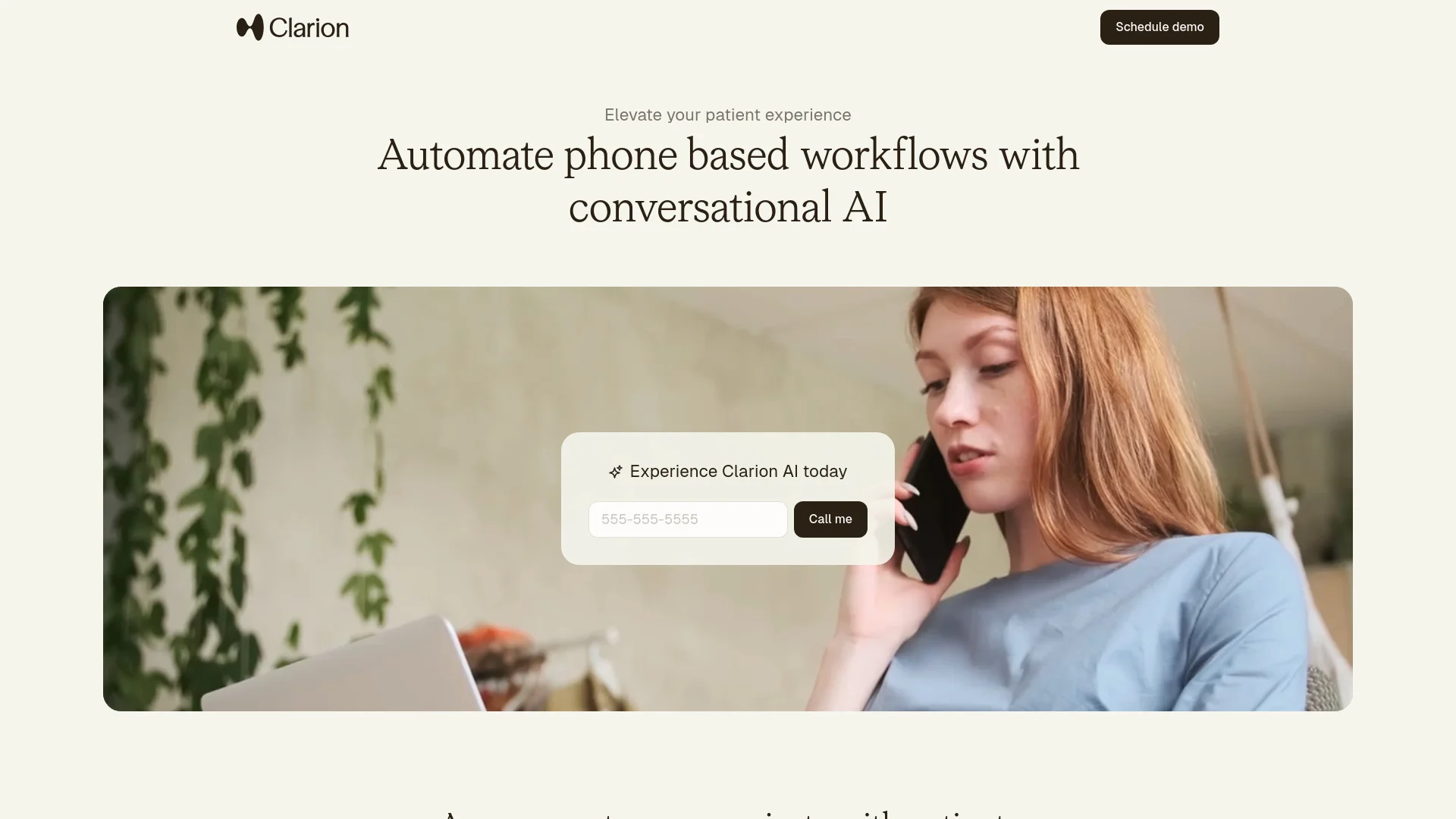
Automates healthcare workflows, enhancing patient engagement and efficiency.
Key Takeaways
- What it is
- Automates healthcare workflows, enhancing patient engagement and efficiency.
- Best for
- Automated Appointment Management
- Billing and Insurance Assistance
- Prescription Refill Processing
- Rating
- 4.6/5
What is Clarion?
Clarion is an innovative AI tool designed to revolutionize the way healthcare providers manage phone-based workflows. By automating routine tasks such as appointment scheduling, billing inquiries, and prescription refills, Clarion aims to elevate the patient experience while freeing up healthcare staff to focus on delivering exceptional in-person care. This tool is particularly beneficial for clinics looking to maximize growth, reduce no-shows, and capture after-hours demand by engaging with patients 24/7 through natural AI conversations.
Clarion stands out with its outcome-based pricing model, which ensures that users only pay for successful interactions. This aligns the tool's success with that of the healthcare provider, offering a risk-free approach to adopting AI-driven solutions. Additionally, its seamless integration with existing systems and personalized patient interactions set it apart from traditional communication tools.
Clarion excels in providing a comprehensive solution for automating phone-based workflows in healthcare settings, making it an essential tool for clinics and hospitals aiming to enhance patient communication and operational efficiency. Its unique outcome-based pricing model and seamless integration capabilities offer unparalleled advantages in patient engagement and administrative cost reduction.
Who is Using Clarion?
Healthcare Clinics
Utilizing Clarion to automate patient communication and streamline administrative tasks.
Hospital Systems
Adopting the tool to enhance patient engagement and reduce operational inefficiencies.
Specialty Practices
Leveraging AI to manage high volumes of patient interactions without increasing staff.
Dental Offices
Employing the tool for scheduling and follow-up communications.
Uncommon Use Cases
Used by telemedicine providers to manage virtual patient interactions; adopted by mental health facilities to facilitate appointment scheduling and follow-ups.
Key Features
Rating Breakdown
Pricing Plans
Outcome-Based Pricing Model
- Charges are incurred only when the AI successfully resolves a patient issue or request
- Aligning Clarion's goals with the user's success
Clarion Use Cases
Appointment management
Book, reschedule, cancel, and backfill appointments through automated patient conversations.
Outcome: Keeps schedules full and reduces staff workload.
Referral conversion
Follow up with new patient referrals, answer questions, and schedule appointments.
Outcome: Turns referrals into scheduled visits faster.
Billing and insurance support
Handle coverage questions and payment-related conversations through natural language interactions.
Outcome: Reduces phone back-and-forth for staff and patients.
Prescription refills
Manage refill requests and provide after-hours patient support.
Outcome: Extends support availability beyond office hours.
No-show recovery
Contact patients, reduce no-shows, and automatically backfill cancelled appointment slots.
Outcome: Improves schedule utilization.
Workflow Ideas with Clarion
Referral-to-appointment workflow
- 1Receive or identify a new patient referral
- 2Answer patient questions and collect required information
- 3Schedule the patient through the practice system
Cancellation-backfill workflow
- 1Detect a cancelled appointment
- 2Contact eligible patients about the open slot
- 3Book the replacement appointment automatically
After-hours refill workflow
- 1Receive a prescription refill request by phone or message
- 2Collect and verify the required patient information
- 3Route or complete the request according to practice rules
How Clarion fits into your stack
Browser
Clarion provides a web-based front-office platform for managing patient communications, dashboards, conversation logs, and workflow configuration.
Automation and APIs
Its REST API, webhooks, HL7/FHIR support, and workflow automation connect Clarion to healthcare systems and custom applications.
Knowledge and files
Clarion processes incoming faxes and referrals, extracts patient and insurance details, and uses them to initiate outreach and scheduling.
Pros
- +Round-the-Clock Support: Provides 24/7 access to patient support across multiple channels, ensuring constant availability.
- +Enhanced Patient Engagement: Delivers personalized conversations that build trust and satisfaction among patients.
- +Cost-Effective Solution: Significantly reduces administrative staff costs by automating repetitive tasks.
- +Quick Implementation: Can be deployed within 1-2 weeks, minimizing disruption to existing workflows.
Cons
- −Initial Learning Curve: Some users may require time to adapt to the new AI-driven processes.
- −Language Limitations: Currently supports only English and Spanish, which may limit reach to non-English and non-Spanish speaking patients.
Limitations & when to consider alternatives
Known limitations
- Outcome-based pricing. Clarion does not publish standard subscription tiers; its documented model charges when the AI successfully resolves a patient issue or request.
- API access requires an add-on. The API documentation says customers must request an API add-on and API key during onboarding.
- Not a real-time safety monitor. Clarion’s standard terms state that the technology is not a real-time safety monitor.
- Demo behavior may differ from production. Clarion says demo features may be customized for specific clients and may not reflect the final product.
- Limited documented language support. Clarion currently documents English and Spanish support, while saying additional language capabilities are being expanded.
Look elsewhere when
- You need a free self-serve plan.
- You need a native mobile application.
- You need model fine-tuning on your data.
- You need a real-time safety monitoring system.
How to Use Clarion
- 1
Schedule a demo
Use Clarion’s demo flow to evaluate its healthcare communication and workflow-automation capabilities.
- 2
Define the practice workflow
Specify protocols, business rules, brand requirements, and escalation conditions for the AI agent.
- 3
Connect practice systems
Work with Clarion to integrate EHR and IVR systems, or use API, HL7, and FHIR connectivity.
- 4
Customize the agent
Configure the agent’s personality and knowledge to match the practice’s staff and communication style.
- 5
Launch patient channels
Deploy the configured agent through voice, SMS, and web interactions.
- 6
Monitor and improve
Review live dashboards, conversation logs, and QA feedback to improve automation performance.
Who is Clarion For?
Cardiology practices
Clarion offers healthcare communication automation tailored to cardiology workflows.
Primary care practices
Clarion supports appointment management, patient inquiries, and specialty-aware primary care communication.
Orthopedic clinics
Clarion automates patient communication and administrative workflows for orthopedic practices.
Value-based care organizations
Clarion targets care-gap outreach, patient engagement, and other value-based care requirements.
Healthcare organizations
Clarion is built for medical groups and healthcare organizations managing high call and messaging volumes.
Frequently Asked Questions
How does Clarion’s pricing model work?
Clarion uses outcome-based pricing and charges when its AI successfully resolves a patient issue or request.
Does Clarion have an API?
Yes. Clarion provides a secure, documented REST API for integrations and custom applications; API access requires an API add-on and key.
How does Clarion integrate with existing systems?
Clarion integrates with popular EHRs, supports call forwarding, and provides API, HL7, and FHIR connectivity.
Does Clarion support languages other than English?
Clarion currently supports Spanish in addition to English.
How does Clarion handle data governance?
Clarion says customer data is not used to train models or shared with other organizations, and it uses access controls and encryption.
How does Clarion assure quality?
Clarion provides detailed conversation logs and QA workflows for reviewing interactions, giving feedback, and improving performance.
Community reviews
Be the first to share your experience.
Sign in to leave a review for Clarion.
Clarion Alternatives
Looking for alternatives to Clarion? Here are similar tools in the same category: