Civils.ai
Automates construction data extraction, compliance checks, and reporting.
Key Takeaways
- What it is
- Automates construction data extraction, compliance checks, and reporting.
- Pricing
- Freemium · $250
- Best for
- Automated Data Extraction
- Compliance Checking
- Customizable AI Bots
- Rating
- 4.5/5
What is Civils.ai?
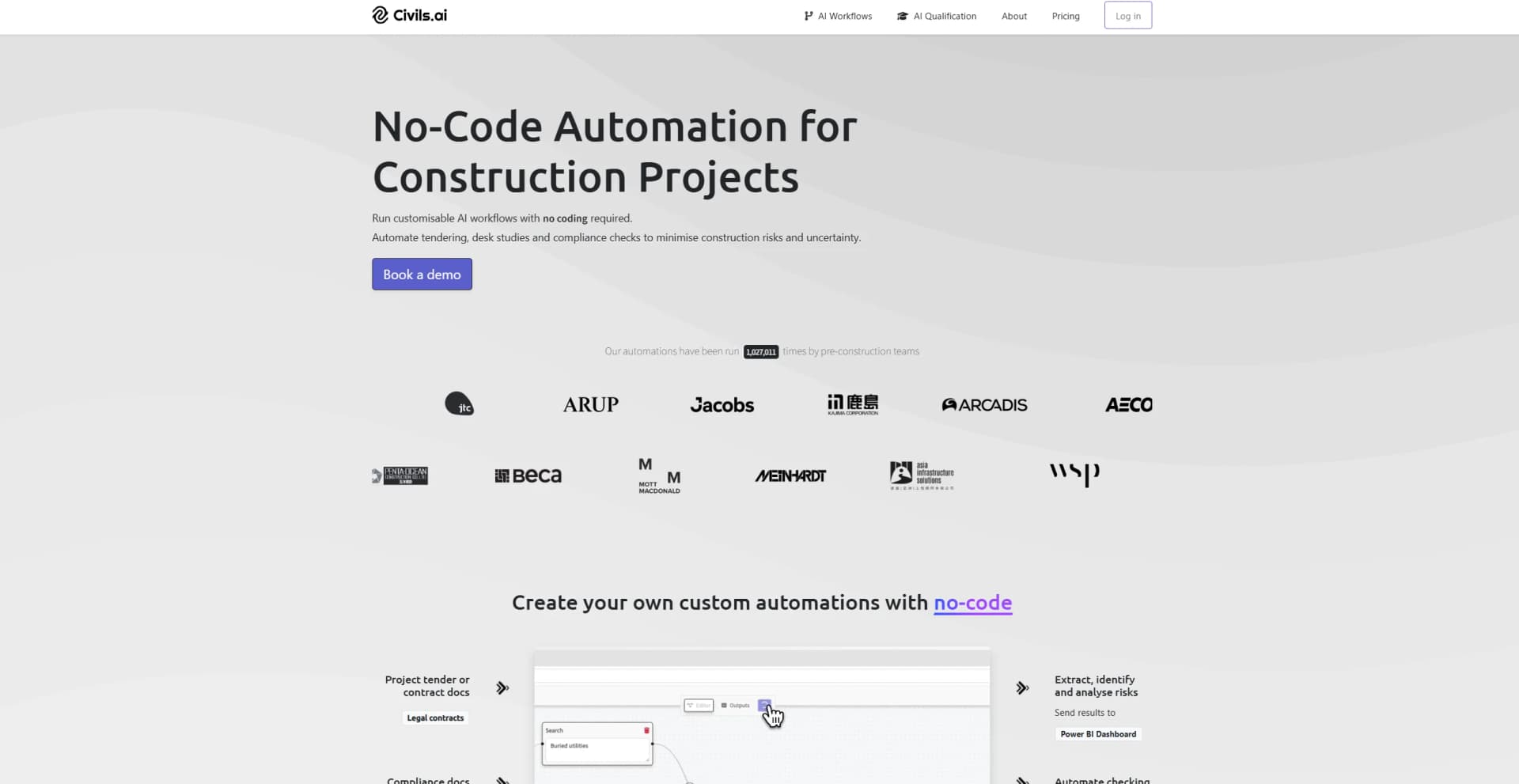
Civils.ai revolutionizes the construction and civil engineering industries by automating repetitive checking and reporting processes. Designed to streamline workflows for construction professionals, Civils.ai offers a customizable AI bot that automatically extracts construction data, answers key questions, and runs checks against a comprehensive library of building codes and project requirements. By integrating advanced AI algorithms, Civils.ai simplifies complex tasks, saving time, reducing errors, and enhancing overall project efficiency.
Civils.ai stands out with its focus on the construction industry, offering proprietary AI fine-tuned for construction document structures and terminology. Its ability to process historic scanned documents and handwritten notes ensures that no valuable data is lost, setting it apart from other AI applications. Additionally, Civils.ai’s commitment to data privacy and security, including options for on-premises data storage, makes it a reliable choice for sensitive project data.
Civils.ai excels in providing a comprehensive solution for automating repetitive tasks in the construction industry. Its advanced data extraction and compliance checking features make it an essential tool for construction professionals looking to enhance efficiency and reduce errors. The unique focus on construction-specific AI and robust data privacy measures further solidify Civils.ai as a standout choice for those in the industry.
Who is Using Civils.ai?
Construction Companies
Utilizing the tool for automating compliance checks and extracting data from project documents.
Civil Engineers
Employing Civils.ai for efficient data management and reporting in large-scale infrastructure projects.
Project Managers
Leveraging the tool to streamline workflows and improve project oversight.
Consulting Firms
Using Civils.ai to enhance the quality and speed of tender evaluations and submissions.
Uncommon Use Cases
Educational institutions using the tool to teach AI applications in construction; freelance engineers employing Civils.ai for small-scale project management.
Key Features
Rating Breakdown
Pricing Plans
Free Tier
Free
- Experience Civils.ai with a limited free trial
Pro Tier
$250
- A one-time payment
Which Civils.ai plan should you pick?
Start with Starter for a single user and initial projects, upgrade to Professional for higher allowances and revision support, and choose Enterprise for multi-user access, integrations, SSO, and custom security requirements.
Starter
Good for an individual user beginning with construction-document automation and up to 10 takeoffs per month.
Professional
Good for users managing multiple projects who need 30 takeoffs per month, more storage, revisions, and priority support.
Enterprise
Good for teams needing unlimited users, custom allowances, API and MCP integrations, SSO/SAML, and security reviews.
Civils.ai Use Cases
Construction tender preparation
Upload tender specifications, contracts, drawings, and site investigations to extract requirements and risks.
Outcome: Faster, more standardized bid and no-bid decisions.
Contract review
Upload contracts and use AI to explain requirements, identify risks, and highlight relevant clauses.
Outcome: More efficient contract understanding and review.
RFI management
Search project archives, specifications, contracts, and drawings for cited answers to RFI questions.
Outcome: Faster access to project ground truth.
Compliance checking
Create a document library containing specifications, contracts, building codes, and codes of practice, then query it.
Outcome: Referenced answers for compliance checks.
Quantity takeoffs
Measure drawings and documents and generate takeoff results with markups and citations.
Outcome: Reduced manual measurement and cross-referencing.
Workflow Ideas with Civils.ai
Prepare a construction bid
- 1Create a project and upload tender specifications, contracts, drawings, and site investigations.
- 2Run pre-scripted searches for requirements, conflicts, and project risks.
- 3Review cited results and use the findings to support the bid or no-bid decision.
Run a compliance check
- 1Create a library for the relevant codes, specifications, contracts, and standards.
- 2Upload the source documents and select the library.
- 3Enter natural-language queries and review the referenced answers.
Automate a repeatable project check
- 1Select a workflow from the gallery or create a custom workflow.
- 2Upload or connect the project documents.
- 3Run the workflow, review markups and citations, and share the outputs with the team.
How Civils.ai fits into your stack
Browser
Civils.ai is a browser-based workspace for uploading construction documents, searching project libraries, running takeoffs, and reviewing annotated outputs.
Knowledge and files
Teams upload drawings, specifications, contracts, geotechnical reports, codes, and other project files for document Q&A, structured extraction, compliance checks, and cited retrieval.
Automation and APIs
Reusable no-code workflows automate checks, risk reviews, tender analysis, and structured extraction. Enterprise plans list API and MCP integrations.
Team chat and tickets
Civils.ai supports shared project repositories, teammate permissions, shared workflows, and shared results for construction teams.
Pros
- +Time Efficiency: Civils.ai drastically reduces the time required to search through project documents and extract relevant data.
- +Error Reduction: Automated checks and data extraction minimize human errors, leading to more accurate project outcomes.
- +Cost Savings: By automating repetitive tasks, Civils.ai helps cut down on labor costs and improves overall project cost-efficiency.
- +Enhanced Collaboration: The tool’s collaborative features make it easier for teams to work together, share insights, and ensure everyone is on the same page.
Cons
- −Initial Learning Curve: Users may need some time to familiarize themselves with the advanced features and customization options.
- −Limited Numerical Reasoning: The tool currently does not support numerical reasoning and calculations, which may limit its use in certain scenarios.
- −File Format Limitations: While Civils.ai supports PDFs, its effectiveness with older documents or non-standard formats may vary.
Limitations & when to consider alternatives
Known limitations
- Not intended for detailed or for-construction work. Civils.ai documents its software as intended for tendering and early-stage project planning, not detailed or for-construction use.
- Outputs require independent verification. Users are responsible for double-checking and validating engineering results with an independent method.
- Takeoff usage is metered. Starter and Professional plans include monthly takeoff allowances, and takeoffs are counted by sheet, trade, and drawing scale.
- Multi-step agent workflows may require custom pricing. Standard searches and checks are unlimited under fair use, but multi-step agent workflows may be priced separately.
Look elsewhere when
- You need a native iOS or Android application.
- You need a downloadable Windows, Mac, or Linux application.
- Your organization needs SSO without an Enterprise contract.
- You need a permanently free plan.
How to Use Civils.ai
- 1
Create a project or library
Create a project for a specific job or a library for reusable codes and standards.
- 2
Upload or connect documents
Upload PDFs, drawings, specifications, contracts, codes, and reports, or connect supported storage such as Autodesk Construction Cloud or SharePoint.
- 3
Choose a workflow
Select a pre-built workflow for tendering, contract review, compliance, quantity takeoffs, or another construction task.
- 4
Ask questions or run checks
Use natural-language searches or run repeatable workflows across the project documents.
- 5
Review citations and markups
Open the referenced document pages, inspect highlighted sections, and review generated markups before relying on the result.
- 6
Share results
Give teammates permission to run workflows and share outputs and results with the project team.
Who is Civils.ai For?
Project managers
Use Civils.ai to search project documents and resolve RFIs and contract questions.
Bid managers
Analyze tender packages, extract requirements, and identify scope or compliance risks.
Engineering teams
Run compliance checks across specifications, contracts, building codes, and codes of practice.
Architects
Search drawings and project documents for design and compliance information.
Quality and design managers
Use document-based AI workflows for compliance checking and project information review.
Frequently Asked Questions
How are takeoffs counted?
One takeoff is one trade on one drawing sheet, with the count affected by scale and multiple trades.
Are AI searches and checks unlimited?
Standard AI searches, document Q&A, and compliance checks are unlimited under fair use; multi-step agent workflows may require custom pricing.
What happens if I exceed my monthly takeoffs?
Civils.ai notifies users when they reach their allowance; users can top up or upgrade.
Who owns the uploaded data?
Users retain ownership of uploaded data and documents, which Civils.ai says are used only to process requests.
How is data secured?
Civils.ai states that data uses TLS in transit, encryption at rest, and account-level project isolation.
Does Civils.ai offer SSO or SAML?
SSO and SAML are available on the Enterprise plan.
Community reviews
Be the first to share your experience.
Sign in to leave a review for Civils.ai.
Civils.ai Alternatives
Looking for alternatives to Civils.ai? Here are similar tools in the same category: