Chatnode
Website-based customer support agents grounded in your business information.
Key Takeaways
- What it is
- Website-based customer support agents grounded in your business information.
- Pricing
- Freemium · $35 per month · $89 per month · $377 per month
- Best for
- Website and file training
- AI Actions
- Live agent handoff
- Rating
- 4.3/5
What is Chatnode?
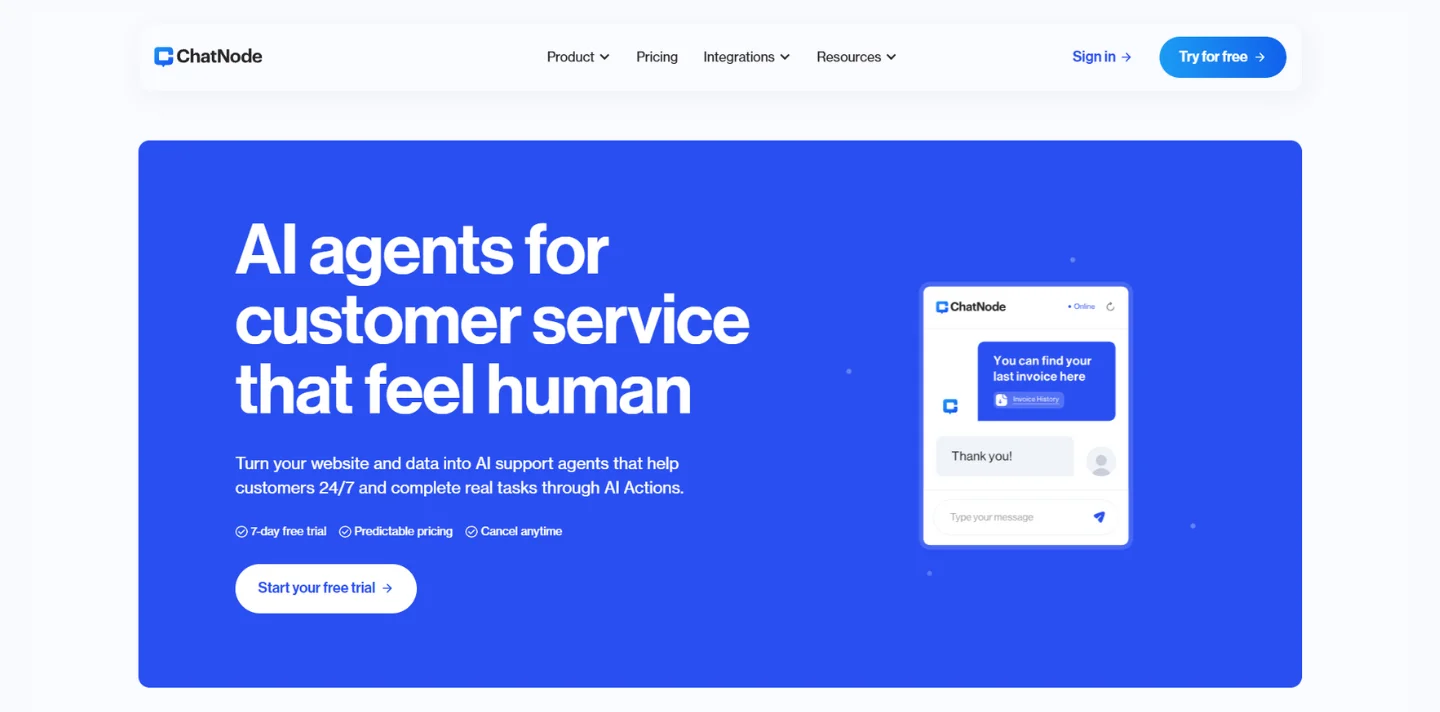
ChatNode turns a company’s website content, files, and connected knowledge sources into AI agents that can answer customer questions on a website. Support and sales teams can also set up actions for tasks such as capturing leads or booking appointments, then pass harder questions to a live agent. It is built for businesses that want customer-facing help grounded in their own information.
ChatNode’s AI Actions let an agent go beyond answering: it can call a custom API, collect lead details, or offer appointment times through Calendly or Cal.com during a chat.
ChatNode is best suited to businesses handling repeated questions about their products, services, or policies. Its answers depend on the quality of the information you connect, and message credits can run out faster with some AI models, so it works best when the knowledge base and credit use are actively managed.
Who is Using Chatnode?
Customer support managers
Support managers can deflect repeated questions while keeping a live-agent path open for complex requests.
Support agents
Agents can review chat history and take over conversations that need human attention.
Marketing managers
Marketing teams can capture visitor contact details and route routine lead questions through an agent.
Sales representatives
Sales reps can offer appointment times in chat through Calendly or Cal.com.
Website managers
Website managers can train an agent on site content and publish it as a chat widget or WordPress plugin.
Uncommon Use Cases
A Slack action can notify a team when a visitor raises a relevant topic; an API action can look up a customer subscription during a support chat.
Key Features
Rating Breakdown
Pricing Plans
Free
Free
- Forever free
- 35 credits per month
- 1 chatbot and 1 team member
- Up to 20 files and URLs
- 500,000 characters per chatbot
- Inactive chatbots are deleted after 14 days
Lite
$35 per month
- Annual billing: $350 per year
- 1 AI Agent and 1 team member
- 1,250 credits per month
- 5 AI Actions per agent
- API access and access to all models
- Unlimited files and URLs; up to 20 MB per file
Standard
$89 per month
- Annual billing: $890 per year
- 3 AI Agents and 3 team members
- 12,500 credits per month
- 10 AI Actions per AI Agent
- Auto-retrain and live agent support
- Automation integrations and custom avatars
Scale
$377 per month
- Annual billing: $3,770 per year
- 8 AI Agents and 5 team members
- 50,000 credits per month
- 20 AI Actions per AI Agent
- Custom domain and removal of ChatNode branding
- Priority support
Enterprise
- Unlimited AI Agents and members
- Unlimited messages per month
- Custom features
- Account manager
Which Chatnode plan should you pick?
Try the Free plan to test an agent on a small set of information, then move to a paid plan when you need more agents, credits, teammates, or actions.
Free
Good for testing one chatbot with a small knowledge base and a limited monthly credit allowance.
Lite
Good for a solo operator who needs one AI agent, API access, and more monthly credits.
Standard
Good for a small team that needs multiple agents, three team members, auto-retrain, and live agent support.
Scale
Good for a growing business that needs more agents and credits, five team members, a custom domain, and ChatNode branding removal.
Enterprise
Good for organizations that need unlimited agents and members or custom features; contact ChatNode for plan details.
Chatnode Use Cases
Answer website support questions
Visitors get replies grounded in the business’s website and uploaded information, with a live-agent option when needed.
Outcome: More routine questions can be handled before reaching a support agent.
Capture sales leads
A conversation can collect a visitor’s name, email, or phone number and save it as a lead.
Outcome: Lead details are saved in the ChatNode dashboard.
Book appointments in chat
Visitors can see available appointment times through a Calendly or Cal.com action.
Outcome: Visitors can book from the conversation.
Look up customer information
A custom API action can retrieve information such as a customer’s subscription status during a conversation.
Outcome: The agent can respond with information retrieved from an external system.
Keep answers current
Standard and higher plans can automatically refresh an agent’s website data every 14 days.
Outcome: The agent can reflect newer website content after retraining.
Workflow Ideas with Chatnode
Resolve a support question or hand it off
- 1Train an agent on relevant website pages and support documents.
- 2Publish the agent as a website chat widget.
- 3Enable live chat so visitors can request a human when they need more help.
Turn a visitor question into a booked meeting
- 1Connect a Calendly or Cal.com action.
- 2Set the agent to offer appointment times when a visitor asks to speak with sales.
- 3Review the conversation and lead details in ChatNode.
Look up an account and notify the team
- 1Create a custom server action that retrieves account information from an external API.
- 2Set up a Slack action to notify a chosen channel when a conversation needs follow-up.
- 3Test the actions with example questions before publishing the agent.
How Chatnode fits into your stack
Website support
A chat widget or WordPress plugin puts the agent where visitors ask questions. The agent can answer from connected business information.
Business knowledge
Website pages, uploaded documents, and services such as Notion, Google Drive, Dropbox, and OneDrive can supply information for agent replies.
Customer support
Live chat lets a human take over when an automated answer is not enough, while chat history and analytics help teams review conversations.
Automation and APIs
AI Actions can connect a conversation to a custom API, Slack, or appointment booking. Zapier and Make are also listed as integrations.
Developer access
The documented API supports sending messages to an agent and retrieving conversation details and chat history.
Pros
- +Task-taking chats: AI Actions can handle lead capture, appointment booking, and custom API requests.
- +Human handoff: Visitors can move from an AI conversation to live support.
- +Multiple knowledge sources: Agents can be trained on websites, uploaded files, and connected services such as Notion.
- +Model choice: Paid plans include access to multiple AI models.
Cons
- −Credit tracking: Each AI response uses credits, and some models consume more than others.
- −Web-focused deployment: The confirmed deployment options center on website widgets and WordPress rather than a native desktop or mobile app.
- −Plan-gated collaboration: The number of team members and agents is limited by plan.
Limitations & when to consider alternatives
Known limitations
- Free plan agent inactivity. Chatbots on the Free plan that are inactive for 14 days are deleted.
- Monthly credits do not roll over. Unused subscription credits expire at the end of the cycle, and the plan’s credits renew on the 15th of each month.
- Model choice affects credit use. The number of credits used for a response depends on the selected model; some advanced models cost more per response.
- File size limits apply. The pricing page lists a 20 MB maximum file size for Lite and higher plans.
Look elsewhere when
- You need a native mobile or desktop app for managing the agent.
- You need the AI to interpret images uploaded by customers.
- You need custom model fine-tuning on your own data rather than an agent trained on business content.
How to Use Chatnode
- 1
Create an agent
Start in the ChatNode dashboard and create an agent for a specific support or sales task.
- 2
Add its knowledge
Crawl relevant website pages, upload documents, or connect a source such as Notion so replies can draw on your business information.
- 3
Choose a model and actions
Select an available AI model and configure actions such as lead capture, appointment booking, or a custom API request.
- 4
Set the visitor experience
Adjust the agent’s appearance and enable live chat if visitors should be able to reach a person.
- 5
Publish and test
Use the Deploy options to add a website chat widget or install the WordPress plugin, then test common questions.
- 6
Review and improve
Check chat history and analytics, update the source information, and monitor credit use across your chosen models.
Who is Chatnode For?
Customer support teams
Repeated customer questions can be answered from company information, with a live-agent option for harder cases.
Marketers
Website agents can respond to visitor questions and collect lead details in chat.
Solopreneurs
A single person can publish an agent to handle common inquiries without building a scripted chatbot.
Growing businesses
Paid plans add more agents, team members, automation integrations, and retraining options as support needs grow.
WordPress site owners
The WordPress plugin adds a ChatNode agent to a site without manually editing its theme files.
Frequently Asked Questions
Does ChatNode have a free plan?
Yes. The Free plan costs $0 and includes one chatbot, 35 credits per month, one team member, analytics, and base integrations. Inactive Free-plan chatbots are deleted after 14 days.
What does ChatNode cost?
The paid monthly plans are Lite at $35, Standard at $89, and Scale at $377. Enterprise is listed with contact sales, and the annual prices are listed on the pricing page.
Can ChatNode connect to other tools?
Yes. Listed integrations include Google Drive, Notion, Dropbox, OneDrive, Slack, Zendesk, Crisp, SharePoint, Zapier, and Make.
Can a ChatNode agent be trained on files?
Yes. ChatNode supports uploads including PDF, Word, Excel, PowerPoint, and plain text files. The pricing page lists a maximum file size of 20 MB for Lite and higher plans.
Can customers reach a human?
Yes. Live Chat can let a visitor switch from automated replies to a live agent.
Does ChatNode support multiple languages?
Yes. ChatNode says its agents can answer questions in different languages, and its WordPress integration page lists support for over 80 languages.
Community reviews
2 reviews from people who use Chatnode.
Sign in to leave a review for Chatnode.
Kyle Mair
Solana King
Chatnode Alternatives
Looking for alternatives to Chatnode? Here are similar tools in the same category: