Casablanca
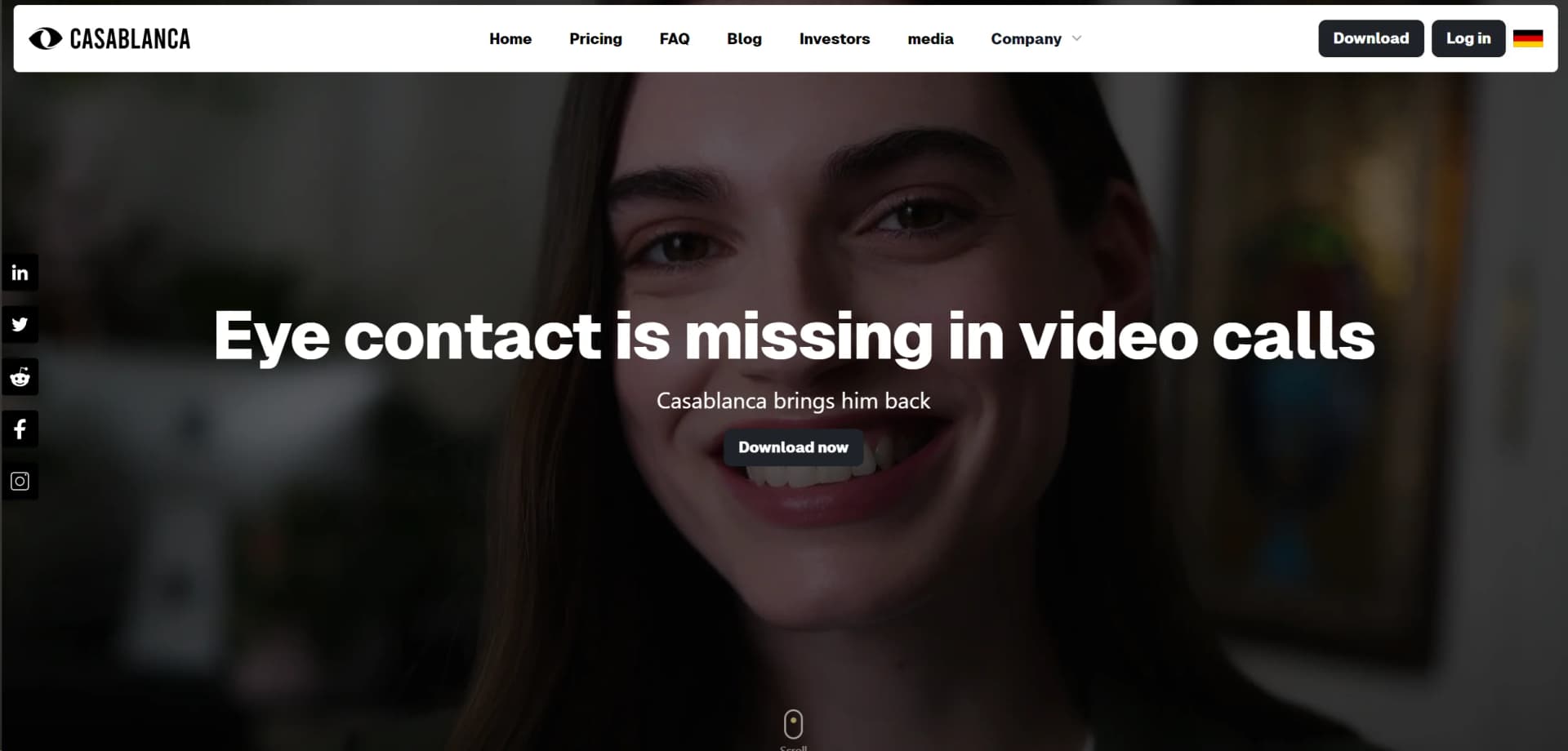
Revolutionize video calls with authentic eye contact; boosts trust, privacy ensured.
Key Takeaways
- What it is
- Revolutionize video calls with authentic eye contact; boosts trust, privacy ensured.
- Best for
- Authentic Eye Contact
- Real-Time Processing
- 100% Data Security
- Rating
- 4.7/5
What is Casablanca?
Casablanca is a groundbreaking AI tool designed to transform the way we conduct video calls. By introducing authentic eye contact, Casablanca enhances trust, attention, and ultimately, the success rate of sales and productivity in team collaborations. This tool is a game-changer for anyone relying on video communication, offering a solution that feels as if there's a camera right in the middle of your screen, without the actual hardware. Compatible with all major video call platforms like Zoom and Teams, Casablanca is set to revolutionize online communication through software alone.
Casablanca stands out by addressing a common yet overlooked issue in digital communication: the lack of natural eye contact. This AI tool not only enhances personal connection and trust in professional settings but also integrates seamlessly with existing technology, offering a unique blend of innovation without requiring additional hardware.
Casablanca excels in enhancing the quality of video communications by reintroducing the crucial element of eye contact. This innovation is not just a technical feat; it's a step towards more genuine and productive interactions in a digital-first world. Its emphasis on data privacy, along with seamless integration capabilities, positions Casablanca as an essential tool for anyone looking to elevate their video calling experience.
Who is Using Casablanca?
Remote Teams
Enhancing communication and productivity in virtual meetings.
Sales Professionals
Building better rapport with clients during pitches and presentations.
Educators and Trainers
Engaging students more effectively in online classes.
Healthcare Professionals
Improving doctor-patient interactions over telehealth platforms.
Uncommon Use Cases
Utilized by virtual event organizers to create a more engaging audience experience; adopted by customer support teams to make service calls more personal and trustworthy.
Key Features
Rating Breakdown
Pricing Plans
Free Trial
- Casablanca offers a free trial to experience its features firsthand
Subscription Model
- Details about subscription costs are available upon request
Which Casablanca plan should you pick?
Start with Starter for free; upgrade to Pro Version for all features, or contact Enterprise for custom deployment and support.
Starter
Good for users who want to try Casablanca's free version without obligations.
Pro Version
Good for users who need all features and the commercial full version.
Enterprise
Good for organizations needing a custom quote, partner support, centralized deployment, or premium customer support.
Casablanca Use Cases
Online meetings
Select Casablanca Virtual Camera in the conferencing tool to correct gaze during live meetings.
Outcome: More natural-looking eye contact and presence.
Presentations and webinars
Use Presentation mode while reading slides or a script.
Outcome: Continuous apparent eye contact with the audience.
Online teaching
Use Casablanca during remote classes and lectures.
Outcome: A more personal and engaging teaching experience.
Recruitment interviews
Use the virtual camera during remote interviews.
Outcome: A more direct and connected interview impression.
Customer conversations
Use Casablanca in customer-facing video calls.
Outcome: Greater perceived presence and attention.
Workflow Ideas with Casablanca
Set up a video call
- 1Install Casablanca on Windows or macOS
- 2Calibrate the gaze position
- 3Select Casablanca Virtual Camera in Zoom, Teams, Meet, or Webex
Prepare a presentation
- 1Enable Advanced mode
- 2Paste the script into the teleprompter
- 3Use Presentation mode while presenting
Check video quality
- 1Open the view menu
- 2Compare the corrected output with the uncorrected source
- 3Switch to Performance mode if the frame rate drops
How Casablanca fits into your stack
Desktop / IDE
Casablanca is a downloadable Windows and macOS application that runs locally and exposes a virtual camera. It processes video in real time on the user's computer.
Video conferencing
Users select Casablanca Virtual Camera inside video-conferencing tools. Official integration guidance names Zoom, Microsoft Teams, Google Meet, and Cisco Webex.
Browser
Casablanca can serve as the camera source for browser-based conferencing such as Google Meet, while the Casablanca desktop application runs in the background.
Pros
- +Enhanced Trust and Engagement: By restoring natural eye contact, it fosters greater trust and engagement among participants.
- +Increased Productivity: Studies have shown a 23% boost in productivity with improved team collaboration through video calls.
- +Data Privacy: With on-device processing of video data, it guarantees 100% data security.
- +Ease of Use: Casablanca is user-friendly, requiring no additional hardware and integrating effortlessly with existing video conferencing tools.
Cons
- −Adaptation Time: Users may need some time to get used to the enhanced eye contact feature.
- −Software Compatibility: While it works with major tools, there may be limitations with less common video conferencing applications.
- −Awareness: Being a relatively new solution, wider adoption and recognition in the market are still growing.
Limitations & when to consider alternatives
Known limitations
- Hardware requirements. Windows requires specified processor and graphics hardware; Mac requires an Apple M1 chip or later.
- Requires a camera and conferencing software. Use requires a suitable device, functioning camera, and compatible video-conferencing software.
- Performance depends on setup. Results can vary with system environment, hardware, lighting, camera angle, distance, and third-party software.
- The application must remain running. If Casablanca is not running during the call, the virtual-camera output can remain black.
- Support is limited for unpaid users. The terms state that support is provided exclusively to paying customers.
Look elsewhere when
- You need a mobile app.
- You need browser-based access.
- You need document or image analysis.
- You need code generation or workflow automation.
How to Use Casablanca
- 1
Install Casablanca
Download and install the Windows or Mac application, then sign in or use the free trial entry point.
- 2
Calibrate your gaze
Open calibration, look at the center of the screen, and adjust the eye position so the correction matches your setup.
- 3
Choose the virtual camera
In Zoom, Teams, Meet, Webex, or another supported tool, select Casablanca Virtual Camera instead of the physical webcam.
- 4
Select an eye-contact mode
Use Natural eye contact for conversations and Presentation mode for slides, webinars, or recordings.
- 5
Adjust performance
Leave performance mode on Automatic or switch to Performance mode if your computer cannot maintain the target frame rate.
- 6
Use the teleprompter when needed
Enable Advanced mode, paste your script, and combine the teleprompter with Presentation mode.
Who is Casablanca For?
Video-meeting participants
Casablanca helps people appear to maintain eye contact during ordinary online conversations and meetings.
Presenters and webinar hosts
Presentation mode supports continuous apparent eye contact while presenting slides, webinars, or recordings.
Teachers and lecturers
The site describes use in online teaching to make students feel more seen and included.
Recruiters and interviewers
Casablanca is positioned for recruitment interviews where perceived likeability, competence, and connection matter.
Sales and customer-facing professionals
The official terms specifically mention meetings, presentations, and customer conversations as use environments.
Frequently Asked Questions
What does Casablanca do?
Casablanca corrects gaze direction and head posture in real time so video-call participants appear to maintain natural eye contact.
Which video-conferencing tools does Casablanca support?
The official site lists Microsoft Teams, Google Meet, Webex, OBS Studio, Zoom, and Zoho.
Does Casablanca require additional hardware?
No. Casablanca is a software-based virtual camera and requires a suitable computer, working camera, and compatible conferencing software.
Is video data processed in the cloud?
The product guide says image data is processed locally on the user's computer and the AI runs on the local GPU.
What operating systems are supported?
The pricing page lists Windows and macOS support. Windows requires compatible hardware, while Mac requires an Apple M1 chip or later.
What is Presentation mode?
Presentation mode suppresses horizontal eye movement so viewers see continuous eye contact while the user reads slides or a script.
Community reviews
Be the first to share your experience.
Sign in to leave a review for Casablanca.
Casablanca Alternatives
Looking for alternatives to Casablanca? Here are similar tools in the same category: