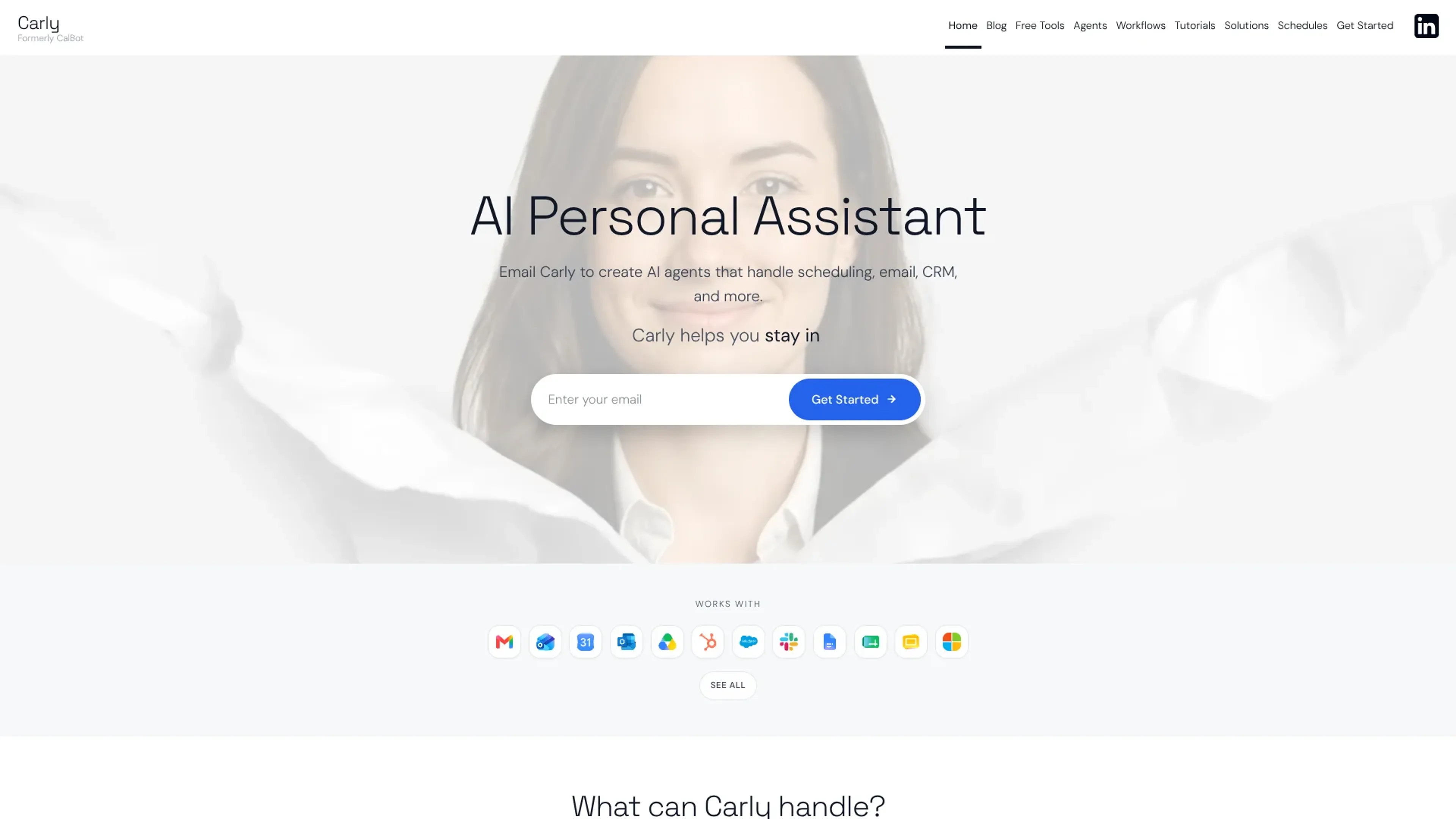
Carly AI is an email-native assistant, formerly known as CalBot, that lets professionals spin up AI agents to handle scheduling, email, CRM updates, and other workflows across more than 200 connected tools. Users CC Carly on threads or send instructions by email or text, and agents then triage messages, coordinate meetings, sync records to CRMs, and run automations without another app to manage.
Key Features:
Email-based AI agents: Create agents by emailing Carly and control them via CC or direct messages so scheduling, follow-ups, and admin work stay in the inbox.
200+ tool integrations: Connect Gmail, Outlook, Google and Outlook calendars, CRMs such as Salesforce and HubSpot, project tools like Asana and ClickUp, plus finance, analytics, and support stacks so agents can read and write data.
Workflow builder and templates: Use a web dashboard with templates for inbox, calendar, sales, support, marketing, ops, and personal assistant workflows to chain multi-step automations across tools.
Autonomous multi-step execution: Agents can sort mail, draft slides, chase unreplied leads, pull earnings reports into folders, schedule reminders, and file invoices or receipts once given instructions.
Specialized agents and memory: Give each agent its own email address and instructions, from a “Remember” agent that stores anything you send it to role-specific bots that write their own skills and memories over time.
Free scheduling utilities: Access free group scheduling, booking pages, email-to-calendar conversion, calendar sync, time zone planning, and a Pomodoro timer alongside the core product.
Pros
Inbox-first control: Running agents by CC or email means no new primary app to learn.
Broad integration surface: The long list of supported calendars, CRMs, project tools, and support platforms suits cross-functional teams.
Template and guide library: Agent templates, prompt libraries, and role-based guides reduce setup friction.
Strong scheduling stack: Native scheduling workflows plus multiple free scheduling tools cover many calendar use cases.
Cons
Limited public pricing detail: Beyond a Standard flat-rate plan, clear information on higher tiers is hard to find.
Security story not prominent: Certifications and detailed data-handling information are not front-and-center compared with large enterprise suites.
Setup for advanced flows: Getting full value from cross-tool automations will require time spent designing workflows and agent instructions.
Who is Using Carly AI?
Sales and revenue teams: Automate follow-ups to leads who have not replied and log activity into CRMs like Salesforce or HubSpot.
Founders and executives: Offload calendar juggling, email sorting, and recurring stakeholder check-ins to a personal assistant agent.
Customer support and success leaders: Route messages into tools such as Zendesk or Intercom and trigger follow-ups and reports from ticket activity.
Operations and finance teams: Use agents to add invoices and receipts to trackers, pull earnings reports, and schedule routine ops reviews.
Uncommon Use Cases: Tracking public schedules like Congress or SpaceX launches when planning content or monitoring stakeholders; building a dedicated “Remember” agent that acts as an email-accessible second brain.
Pricing:
Personal:$35 per month (billed annually). Includes unlimited custom agents, unlimited Google and Microsoft email/calendar connections, a generous LLM credit allowance, unlimited Zapier-style workflows, a full-service AI executive assistant, dedicated human support, custom agent skills, persistent agent memory, and all available features.
Enterprise:Custom pricing. Includes everything in Personal, plus custom features and tools, custom branding, team management and admin controls, custom integrations and API access, dedicated support and onboarding, advanced security and compliance, and bespoke solutions tailored to your organization.
Disclaimer: Please note that pricing information may not be up to date. For the most accurate and current pricing details, refer to the official Carly AI website.
What Makes Carly AI Unique?
Carly AI stands out by treating email as the command line for a fleet of named agents that each have their own instructions and tool access, then backing that with a workflow builder, over 200 integrations, and a set of free scheduling utilities and public schedules. Few competitors combine inbox-native control, cross-stack automations, and this breadth of calendar-centric tooling.
How We Rated It:
Accuracy and Reliability: 4.0/5
Ease of Use: 3.9/5
Functionality and Features: 4.5/5
Performance and Speed: 4.1/5
Customization and Flexibility: 4.4/5
Data Privacy and Security: 3.6/5
Support and Resources: 4.2/5
Cost-Efficiency: 4.0/5
Integration Capabilities: 4.8/5
Overall Score: 4.2/5
Carly AI For Email-First Automation Across Your Tool Stack:
Carly AI is a strong fit for operators, sales leaders, and founders who already live in email and want agents that actually execute tasks across calendars, CRMs, files, and ticketing systems. It will still reward teams that invest time in modeling workflows and reviewing security, but for organizations drowning in repetitive scheduling and inbox work, it offers a practical, integration-rich path to offload real operations to AI.