Capmonster Cloud
Automates CAPTCHA-solving, enhancing productivity with AI precision.
Watch Capmonster Cloud in Action
Key Takeaways
- What it is
- Automates CAPTCHA-solving, enhancing productivity with AI precision.
- Pricing
- $0.04 per 1 · $0.90 per 1 · $1.20 per 1 · $1.30 per 1 · $2.20 per 1 · $1.60 per 1 · $1.40 per 1 · $1 per 1 · $2 per 1 · $0.30 per 1
- Best for
- Automated CAPTCHA Solving
- Scalability
- API Integration
- Rating
- 4.5/5
What is Capmonster Cloud?
Capmonster Cloud revolutionizes CAPTCHA-solving by automating the process through advanced AI algorithms. Designed for businesses and developers who frequently encounter CAPTCHAs, it simplifies the task of solving these challenges efficiently and accurately. By leveraging sophisticated machine learning techniques, Capmonster Cloud offers a seamless experience in bypassing CAPTCHAs, ultimately enhancing workflow productivity.
Capmonster Cloud stands out with its ability to handle a wide variety of CAPTCHA types with high accuracy and efficiency. Its robust API integration allows for seamless incorporation into existing systems, making it a preferred choice for businesses looking to automate CAPTCHA-solving. The scalability and speed of Capmonster Cloud set it apart, catering to both small businesses and large enterprises with ease.
Capmonster Cloud offers a powerful solution for businesses and developers facing the persistent challenge of CAPTCHAs. With its advanced AI algorithms, the tool efficiently automates CAPTCHA-solving, providing a significant boost in productivity and cost savings. Its user-friendly interface and seamless API integration make it accessible to a wide range of users, from e-commerce platforms to digital marketing agencies. While primarily focused on CAPTCHA tasks, Capmonster Cloud's precision and scalability make it a standout choice for those looking to enhance their workflow efficiency.
Who is Using Capmonster Cloud?
E-commerce Businesses
Utilizing the tool to streamline checkout processes by automating CAPTCHA-solving.
Digital Marketing Agencies
Employing the tool to manage multiple accounts that require frequent CAPTCHA interactions.
Web Developers
Leveraging the tool to integrate CAPTCHA-solving into web applications seamlessly.
Data Analysts
Using the tool to facilitate data scraping activities that involve CAPTCHA-solving.
Uncommon Use Cases
Adopted by cybersecurity firms for testing CAPTCHA resilience; Employed by educational institutions for research on AI and automation.
Key Features
Rating Breakdown
Pricing Plans
reCAPTCHA v2
$0.04 per 1
- 000 images
- $0.60 per 1,000 tokens (99% success rate)
reCAPTCHA v3
$0.90 per 1
- 000 tokens (99% success rate)
reCAPTCHA Enterprise
$0.04 per 1
- 000 images
- $1 per 1,000 tokens (97% success rate)
GeeTest
$1.20 per 1
- 000 tokens (98% success rate)
Cloudflare Turnstile/Bot Challenge
$1.30 per 1
- 000 tokens (99% success rate)
DataDome
$2.20 per 1
- 000 tokens (99% success rate)
Tencent Captcha
$1.60 per 1
- 000 tokens (99% success rate)
Amazon WAF
$1.40 per 1
- 000 tokens (99% success rate)
Faucet Pay
$1 per 1
- 000 tokens (98% success rate)
Imperva (Incapsula)
$2 per 1
- 000 tokens (99% success rate)
Prosopo
$1.30 per 1
- 000 tokens (99% success rate)
Text Captcha
$0.30 per 1
- 000 tokens (99% success rate)
Capmonster Cloud Use Cases
Solve CAPTCHA challenges through an API
Create a task with CAPTCHA parameters, poll or receive the result, and insert the returned token or cookie into the target workflow.
Outcome: Automated CAPTCHA completion.
Solve CAPTCHAs in Chrome or Firefox
Install the browser extension, enter the API key, choose CAPTCHA types, and enable automatic solving.
Outcome: CAPTCHAs are handled directly while browsing.
Automate CAPTCHA handling in n8n
Add the CapMonster Cloud node between HTTP Request nodes, submit CAPTCHA parameters, and pass the returned result to later workflow steps.
Outcome: CAPTCHA-dependent workflows continue automatically.
Recognize image-based text CAPTCHAs
Send a Base64-encoded CAPTCHA image to the ImageToTextTask endpoint with optional recognition settings.
Outcome: The service returns the recognized text.
Test CAPTCHA implementations
Use the browser extension or API with a test environment to inspect CAPTCHA parameters, solving behavior, and token processing.
Outcome: Faster CAPTCHA integration testing.
Workflow Ideas with Capmonster Cloud
n8n CAPTCHA-processing workflow
- 1Trigger the n8n workflow
- 2Use an HTTP Request node to retrieve CAPTCHA parameters
- 3Send the parameters to CapMonster Cloud
- 4Pass the returned token to a subsequent HTTP Request node
- 5Process or verify the website response
API task-and-result workflow
- 1Create a CAPTCHA task with createTask
- 2Wait for processing
- 3Poll getTaskResult or receive the callback
- 4Insert the returned token or cookie into the target request
Browser-extension automation workflow
- 1Install the CapMonster Cloud extension
- 2Enter the personal API key
- 3Select CAPTCHA types and configure proxy or blacklist settings
- 4Let the extension solve the CAPTCHA
- 5Use autosubmit or browser automation to continue the action
How Capmonster Cloud fits into your stack
Browser
Chrome and Firefox extensions automatically solve supported CAPTCHAs, map parameters, and can trigger follow-up actions.
Automation and APIs
A JSON API, API keys, SDK libraries, and task endpoints let automation systems submit CAPTCHAs and retrieve solutions.
Desktop / IDE
The extension can be installed in ZennoPoster ProjectMaker, and documentation also covers Selenium integration with Node.js.
Pros
- +Efficiency Boost: Significantly reduces the time spent on manual CAPTCHA-solving, allowing users to focus on other tasks.
- +Cost-Effective Solution: Offers competitive pricing that lowers operational costs associated with CAPTCHA challenges.
- +High Accuracy: Delivers precise results, minimizing errors in CAPTCHA-solving.
- +User-Friendly Setup: Easy to integrate and use, even for those without extensive technical expertise.
Cons
- −Limited to CAPTCHA Solving: Primarily focused on CAPTCHA-related tasks, which may not suit users looking for broader AI automation solutions.
- −Dependent on Internet Connectivity: Requires a stable internet connection for optimal performance.
- −Initial Setup Required: Some initial configuration is necessary to tailor the tool to specific needs.
Limitations & when to consider alternatives
Known limitations
- English CAPTCHA limitation. The documentation states that the service can solve captchas only in English.
- Result-request limit. getTaskResult is limited to 120 requests per task; requests should not be made more often than recommended.
- Image size limit. Uploaded CAPTCHA images must not exceed 50 KB for image-upload task types.
- Balance required. A zero account balance prevents CAPTCHA tasks from being solved.
- Some domains are restricted. The API documentation includes an ERROR_DOMAIN_NOT_ALLOWED condition for forbidden domains.
Look elsewhere when
- You need a native mobile application.
- You need a shared team workspace with user roles.
- You need model fine-tuning on your own data.
- You need CAPTCHA solving in languages other than English.
How to Use Capmonster Cloud
- 1
Create an account
Register on CapMonster Cloud and open the dashboard to find the API key, balance, and task statistics.
- 2
Add funds
Top up the account balance using a supported payment method; CAPTCHA solving is charged by successful solutions.
- 3
Choose an integration method
Use the JSON API for programmatic integrations, the Chrome or Firefox extension for browser use, or the n8n node for workflows.
- 4
Create a CAPTCHA task
Call createTask with the CAPTCHA type and required parameters, such as websiteURL, websiteKey, proxy information, or Base64 image data.
- 5
Retrieve the result
Poll getTaskResult or configure callbackUrl, then read the returned token, text, cookie, or other solution data.
- 6
Submit the solution
Insert the returned result into the target form, browser session, HTTP request, or automation workflow.
Who is Capmonster Cloud For?
Developers
The documented JSON API, SDKs, callbacks, and code examples support programmatic CAPTCHA-solving integrations.
Businesses
The service is positioned for companies handling large-scale website interactions and business automation.
Automation specialists
Browser extensions, Selenium integration, n8n support, and external-program integrations fit browser and workflow automation.
People with vision or motor limitations
The documentation describes automatic CAPTCHA recognition as assistance for people who have difficulty solving CAPTCHAs manually.
Frequently Asked Questions
What is CapMonster Cloud used for?
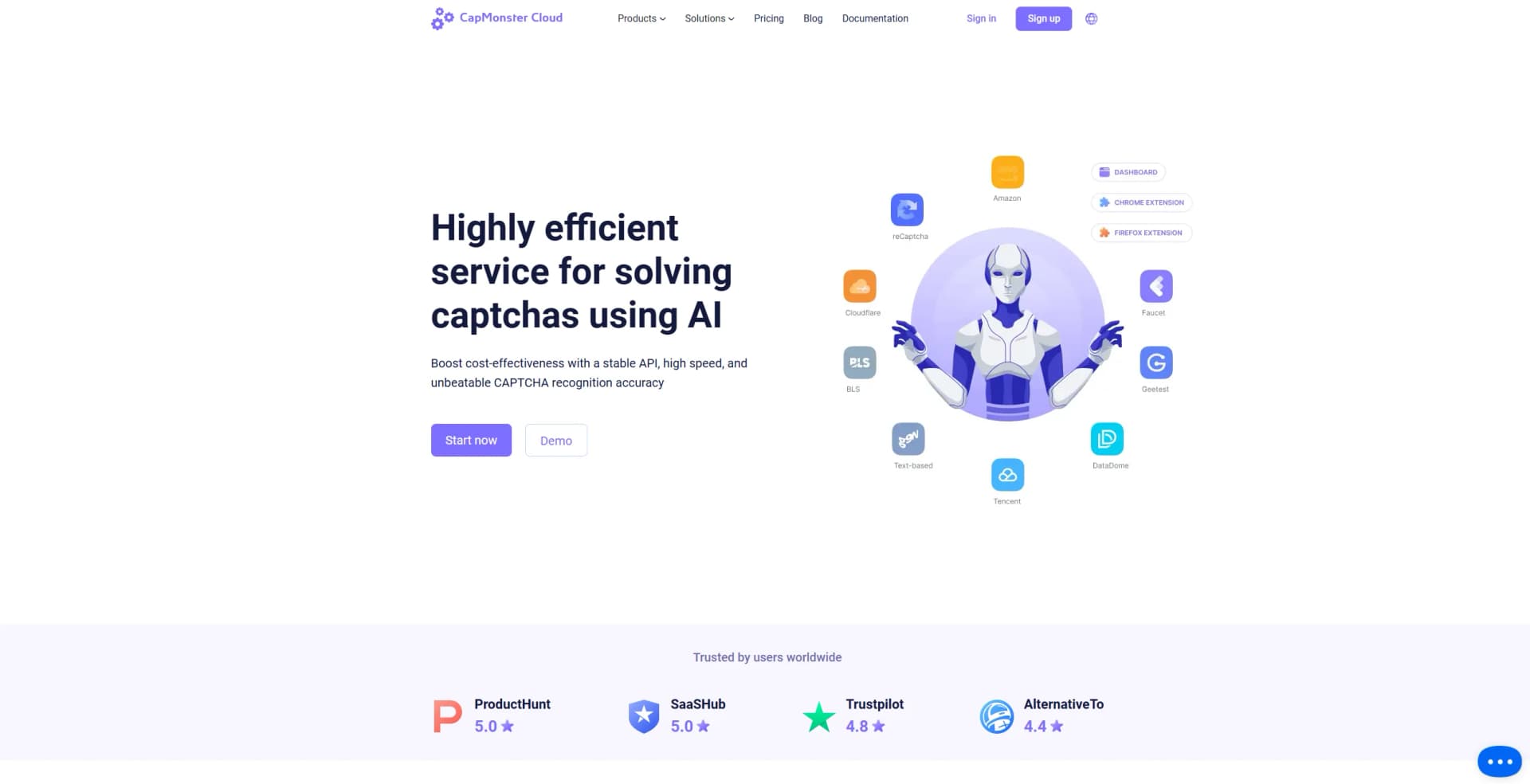
It is a cloud service for automatically recognizing and solving many CAPTCHA types, including reCAPTCHA, GeeTest, Cloudflare, DataDome, and image CAPTCHAs.
How do I get started?
Register, obtain the API key from the dashboard, top up the balance, and submit CAPTCHA tasks through the API or browser extension.
Does CapMonster Cloud provide an API?
Yes. The API uses JSON POST requests, including createTask and getTaskResult, with API-key authentication.
Which browser extensions are available?
CapMonster Cloud provides browser extensions for Chrome and Firefox for automatic CAPTCHA solving and parameter mapping.
What is the average solving speed?
The documentation states that recognition typically takes between 1 and 30 seconds, depending on CAPTCHA type.
Is there a free plan?
There is no documented free plan. New users can request a $0.1 test balance.
Community reviews
Be the first to share your experience.
Sign in to leave a review for Capmonster Cloud.
Capmonster Cloud Alternatives
Looking for alternatives to Capmonster Cloud? Here are similar tools in the same category:
Learn to Master Capmonster Cloud
With Skill Leap courses
Get in-depth training on Capmonster Cloud and 50+ other AI tools with our expert-led video courses.
Start 7-Day Free Trial