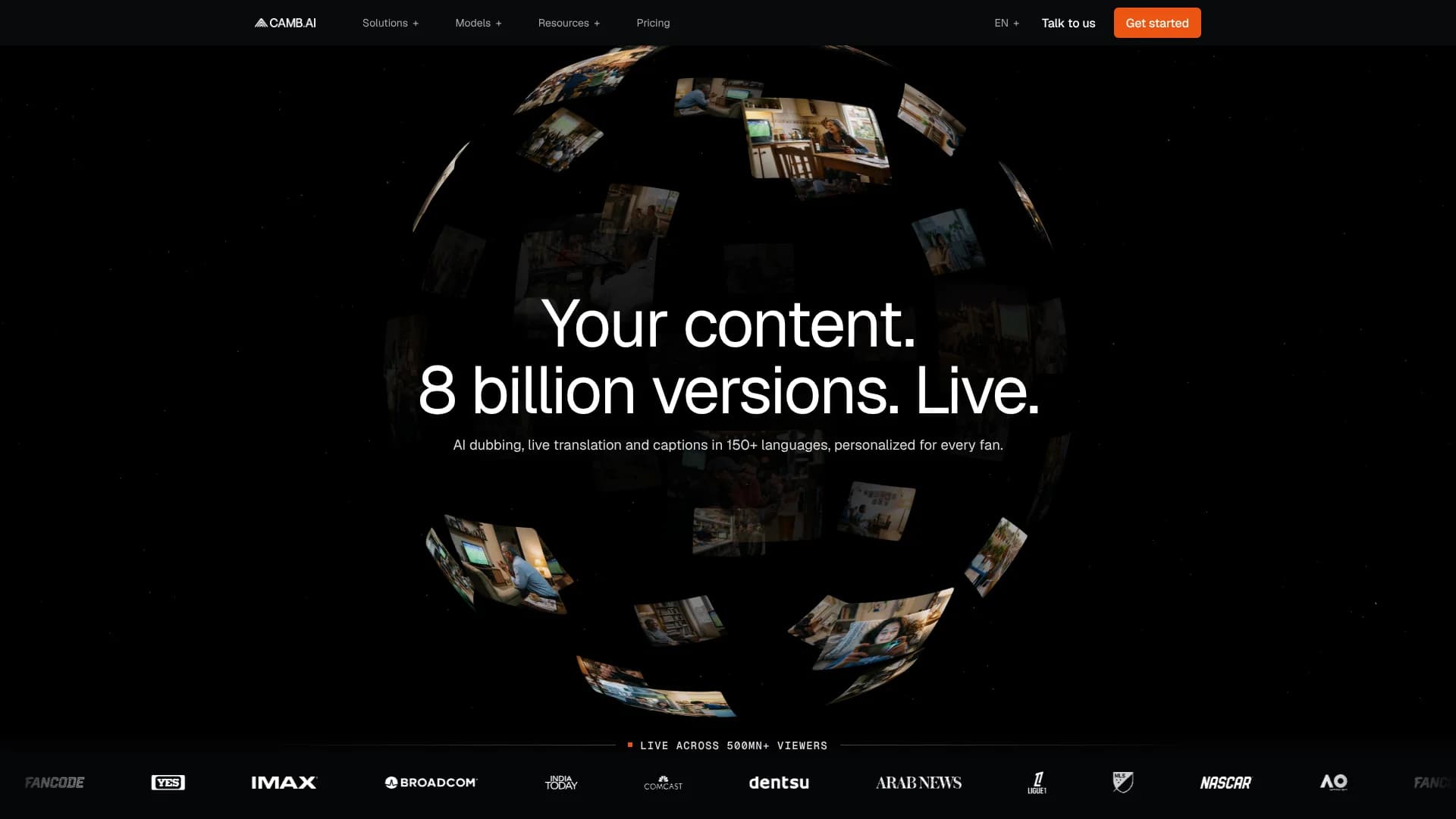
Camb.ai
Natural-sounding dubbing that lets media teams release content in 150+ languages.
Key Takeaways
- What it is
- Natural-sounding dubbing that lets media teams release content in 150+ languages.
- Pricing
- Freemium · $5 per month · $20 per month · $75 per month · $250 per month · $900 per month
- Best for
- AI Dubbing
- Voice Library
- Live Translation
- Rating
- 4.1/5
What is Camb.ai?
CAMB.AI turns video, audio, text, images, and documents into localized versions for audiences in 150+ languages. Its main workspace handles transcription, translation, subtitles, voiceover, and dubbing, so media teams can prepare one piece of content for multiple markets. Creators, broadcasters, sports organizations, and enterprises use it to make content sound natural in each target language.
CAMB.AI can preserve a speaker's voice across languages through voice cloning and emotional control, including live sports commentary and other real-time broadcasts.
The tool is best for media localization, multilingual marketing, sports broadcasting, accessibility, and voice production. It is less suited to general writing, coding, or image creation because its workflow centers on audio, video, translation, and speech. CAMB.AI is strongest when the finished work must sound like the original speaker in another language.
Who is Using Camb.ai?
Localization producers
Coordinate source files, target languages, translation review, dubbing, and delivery for international releases.
Sports commentators and broadcast teams
Generate translated commentary and live audio feeds for viewers who speak different languages.
Video editors
Adjust dialogue, timestamps, speaker voices, and translated subtitles before exporting the localized video.
Voice directors
Build reusable voice profiles and select the right voice style for dubbing, narration, and audiobooks.
API and media engineers
Send files to CAMB.AI, monitor processing jobs, and retrieve finished outputs from a production pipeline.
Uncommon Use Cases
Translate image-based documents and comics with rebuilt text; create personalized live commentary for different fan groups.
Key Features
Rating Breakdown
Pricing Plans
Free
Free
- 5,000 credits, one-time
- For individuals who want to try CAMB.AI's AI audio tools
Essentials
$5 per month
- 10,000 credits per month
- For individuals getting started with AI audio and translation
Pro
$20 per month
- 42,000 credits per month
- For creators producing audio and video content regularly
Premier
$75 per month
- 165,000 credits per month
- For professionals managing higher-volume, multi-tool workflows
- Includes 16 minutes of dubbing per month in the pricing calculator example
Advanced
$250 per month
- 575,000 credits per month
- For teams scaling multilingual and media production
Expert
$900 per month
- 1.35 million credits per month
- For organizations running AI audio and localization at scale
Enterprise
- Dedicated support and organization-specific packaging
- Workspace Analytics, Audio Mastering, Audio Packaging, and Custom Storage Support
- Unlimited workspaces and team members
- MXF file support
- Unlimited file sizes and duration for Dubbing, Narrations, and Subtitles
- Highest queue priority
Which Camb.ai plan should you pick?
Start with Free to test the workflow, choose Essentials or Pro for regular creator work, and move to Premier or higher when media volume and team needs increase.
Free
Good for individuals testing CAMB.AI with 5,000 one-time credits.
Essentials
Good for individuals starting with AI audio and translation at 10,000 credits per month.
Pro
Good for creators producing audio and video content regularly with 42,000 credits per month.
Premier
Good for higher-volume professional workflows with 165,000 credits per month.
Advanced
Good for teams scaling multilingual and media production with 575,000 credits per month.
Expert
Good for organizations running AI audio and localization at scale with 1.35 million credits per month.
Enterprise
Good for teams that need dedicated support, SSO, higher limits, and organization-specific capabilities.
Camb.ai Use Cases
Video localization
A finished video becomes a translated version with subtitles and AI voiceover in selected target languages.
Outcome: A localized video ready for review and download.
Voice-preserving dubbing
The original speaker's voice profile carries into another language instead of replacing it with an unrelated stock voice.
Outcome: Dubbing that keeps speaker identity and emotional character.
Live sports translation
Live commentary can be translated for viewers in different regions as the event happens.
Outcome: Additional language feeds for live audiences.
Subtitle production
Transcription and translation create timed subtitles that editors can compare and revise before export.
Outcome: Reviewed subtitle files and translated captions.
Multilingual voice production
Scripts become reusable narration, audiobook, or text-to-speech audio in supported languages and voices.
Outcome: Downloadable speech audio for media projects.
Workflow Ideas with Camb.ai
End-to-end video dubbing
- 1Upload a supported video or audio file and select the source and target languages.
- 2Choose End-to-End Dubbing to run transcription, translation, and voiceover in one project.
- 3Review translated dialogue, adjust timing or voices, and download the final output.
Review-first localization
- 1Upload the media and stop processing after transcription.
- 2Edit the transcript and generate the translated dialogue for review.
- 3Approve the translation, create the dub, and export the localized media.
Reusable voice production
- 1Upload a clean voice sample or clone a speaker from a video.
- 2Save the voice in the Voice Library with identifying details.
- 3Apply the saved voice to later dubbing, text-to-speech, or audiobook projects.
How Camb.ai fits into your stack
Media production
CAMB.AI sits after recording or editing, turning an approved video or audio master into translated versions.
Cloud storage
Public Google Drive links can provide source media for dubbing projects, which helps teams move files into the workspace without a separate upload step.
Cloud AI platforms
MARS voice models are available through Google Vertex AI and Amazon Bedrock, while CAMB.AI is also listed as a localization provider for NVIDIA Holoscan for Media.
Developer pipelines
The API accepts media files, returns processing status, and provides download endpoints for automated dubbing and transcription workflows.
Team operations
Shared workspaces support Owners, Admins, and Users with different project and download permissions.
Pros
- +Voice continuity: Cloned voices can be reused across projects and languages.
- +Localization range: The platform supports dubbing and translation workflows across 150+ languages.
- +Live media support: Real-time translation and commentary extend beyond prerecorded files.
- +Review controls: Editors can compare source and translated dialogue, adjust timing, and regenerate selected content.
- +Developer access: The API supports file uploads, job tracking, transcription, dubbing, and downloads.
Cons
- −Credit-based pricing: Usage is measured in credits, so the cost depends on the tool and volume.
- −Media focus: It is not a strong fit for general-purpose writing, coding, or visual design.
- −Processing time: Larger dubbing jobs require file processing before the final export is ready.
Limitations & when to consider alternatives
Known limitations
- Credit limits vary by plan. Each plan includes a fixed monthly or one-time credit allowance, and different tools consume credits at different rates.
- File and duration limits. The pricing comparison lists plan-specific video duration, file-size, transcription, text-to-speech, and translation limits.
- Free plan capacity. The Free plan includes 5,000 one-time credits and is intended for trying CAMB.AI's audio tools.
- Translation edits cannot be undone. The help center advises reviewing translation changes carefully because edits cannot be reversed.
- Enterprise features require the right plan. Features such as unlimited workspaces and team members, MXF support, unlimited file duration, and highest queue priority are listed under Enterprise.
Look elsewhere when
- You need a general-purpose chatbot for writing, research, or coding.
- You need a native mobile or desktop application.
- Your workflow depends on a browser extension.
- Your project requires custom model fine-tuning on private data.
How to Use Camb.ai
- 1
Choose a project type
Open Dubbing, Text to Speech, Subtitles, Translation, or another CAMB.AI tool that matches the media job.
- 2
Add your source
Upload a supported file or paste a public Google Drive link, then provide the source language and project details.
- 3
Select target languages
Choose one or more languages and decide whether you need translated subtitles only or subtitles with dubbing.
- 4
Set the processing stage
Stop after transcription or translation when you want to review the work, or select End-to-End Dubbing for a complete run.
- 5
Review the result
Edit translated dialogue, compare source and target text, change voices, and adjust timestamps or waveform timing.
- 6
Export the output
Download subtitles, text with timestamps, dubbed audio, or the finished video after processing is complete.
Who is Camb.ai For?
Media and entertainment teams
Localized films, series, documentaries, and unscripted content while retaining the original speaker's voice.
Sports organizations and broadcasters
Add translated commentary, captions, and personalized audio to live or recorded sports coverage.
Creators and production studios
Prepare videos, audiobooks, narration, and social content for audiences in several languages.
Accessibility teams
Create captions, translated audio, audio description, and other formats that make media easier to follow.
Enterprise localization teams
Manage multilingual production through shared workspaces, roles, SSO, and higher-volume plans.
Frequently Asked Questions
Does CAMB.AI have a free plan?
Yes. The Free plan includes 5,000 one-time credits and costs $0 per month.
What is the least expensive paid plan?
Essentials costs $5 per month and includes 10,000 credits per month.
Can CAMB.AI translate and dub the same video?
Yes. A project can generate translated subtitles only or translated subtitles with AI voiceover dubbing.
Can I use my own voice?
Yes. You can upload a voice sample, create a voice from a text description, or clone a speaker from a video and save the result in the Voice Library.
Does CAMB.AI offer an API?
Yes. The API provides authentication with an API key plus endpoints for uploading files, checking job status, and downloading processed files.
Does CAMB.AI support team access?
Yes. Shared workspaces support Owners, Admins, and Users, and Enterprise includes unlimited workspaces and team members.
Community reviews
Be the first to share your experience.
Sign in to leave a review for Camb.ai.
Camb.ai Alternatives
Looking for alternatives to Camb.ai? Here are similar tools in the same category: