
Breeze Copilot
AI-driven assistant streamlining marketing, sales, and customer service.
Key Takeaways
- What it is
- AI-driven assistant streamlining marketing, sales, and customer service.
- Pricing
- Freemium
- Best for
- AI-Driven Assistance
- Seamless Integration
- Conversational Interface
- Rating
- 4.6/5
What is Breeze Copilot?
Breeze Copilot is a cutting-edge AI tool integrated into HubSpot's expansive customer platform, designed to enhance productivity and streamline workflows across various business functions. Tailored for businesses leveraging HubSpot, Breeze Copilot acts as a virtual assistant, offering personalized insights and assistance by utilizing CRM data, making it an invaluable asset for marketing, sales, and customer service teams.
Breeze Copilot stands out with its deep integration into the HubSpot ecosystem, offering a seamless AI experience that is directly connected to CRM data. This ensures that insights and assistance are not only accurate but also contextually relevant, setting it apart from generic AI tools.
Breeze Copilot is an essential tool for any business using HubSpot, offering a unique blend of AI-driven insights and automation that significantly enhances productivity. Its seamless integration, user-friendly interface, and personalized assistance make it a standout choice for teams looking to optimize their workflows and drive efficiency without incurring extra costs. Whether you're in sales, marketing, or customer service, Breeze Copilot empowers you to work smarter and achieve more.
Who is Using Breeze Copilot?
Sales Teams
Utilize Breeze Copilot for efficient prospecting, pipeline building, and CRM updates.
Marketing Departments
Leverage the AI for content creation, task streamlining, and campaign management.
Customer Service Teams
Use it to expedite ticket resolution and improve customer satisfaction with AI-driven insights.
Small Businesses
Benefit from the comprehensive capabilities of Breeze Copilot to enhance overall business operations.
Uncommon Use Cases
Educational institutions use it for teaching CRM management; Non-profit organizations adopt it for donor management and engagement.
Key Features
Rating Breakdown
Pricing Plans
Free
Free
- Breeze Copilot is available at no cost to existing HubSpot users
- Making it very accessible
Which Breeze Copilot plan should you pick?
Start with Free to use Breeze Assistant at no cost, then upgrade to Starter, Professional, or Enterprise when you need broader HubSpot capabilities, permissions, collaboration, or advanced AI features.
Free
Good for individuals and small teams who need basic CRM functionality and Breeze Assistant without a paid subscription.
Starter
Good for growing teams who need additional CRM, marketing, sales, service, content, and automation features.
Professional
Good for teams that need advanced automation, reporting, AI agents, and expanded operational capabilities.
Enterprise
Good for organizations that need enterprise permissions, custom objects, advanced governance, and single sign-on.
Breeze Copilot Use Cases
Prepare for customer meetings
Ask Breeze Assistant to review calendar events and CRM activity before a meeting.
Outcome: A meeting briefing with relevant customer context.
Generate and refine content
Create or rewrite pages, blog posts, emails, knowledge base articles, social posts, and other content.
Outcome: Draft content that can be reviewed and edited before publishing.
Summarize CRM data
Ask questions about CRM records, campaigns, emails, reports, and activity timelines.
Outcome: Concise summaries, trends, and follow-up insights.
Research connected business data
Use connected Google Workspace, Microsoft 365, Slack, email, calendar, and shared-document context alongside CRM data.
Outcome: Answers grounded in business and customer context.
Create shared projects
Organize conversations, instructions, files, CRM records, and tools into projects accessible to selected users or teams.
Outcome: More consistent responses for recurring team tasks.
Workflow Ideas with Breeze Copilot
Meeting preparation workflow
- 1Connect your calendar to HubSpot
- 2Open Breeze Assistant and select an upcoming meeting
- 3Ask Breeze Assistant to summarize the customer’s CRM history and suggest next steps
Content production workflow
- 1Upload a source document or provide CRM context
- 2Ask Breeze Assistant to draft or refine the content
- 3Review the generated artifact and copy, send, or save the result
Shared team project workflow
- 1Create a Breeze project with instructions and reference files
- 2Set access for specific users, teams, or the entire account
- 3Have team members continue chats and reuse shared prompts within the project
How Breeze Copilot fits into your stack
Browser
Breeze Assistant runs inside HubSpot’s web application, where users chat, summarize CRM data, generate content, and complete tasks.
Team chat and tickets
The HubSpot app for Slack lets users mention Breeze Assistant, summarize threads, manage tickets, and update CRM records without leaving Slack.
Docs and writing
Breeze generates and refines pages, blog posts, knowledge-base articles, emails, social posts, presentations, and HTML artifacts.
Automation and APIs
Breeze builds HubSpot workflows and custom-code actions, while connected apps such as Asana, Notion, Slack, Gmail, and Google Drive extend its working context.
Knowledge and files
Users can upload files or create knowledge vaults so Breeze can reference documents, HubSpot content, diagrams, charts, screenshots, and other visual information.
Pros
- +Enhanced Productivity: Streamlines various business processes, allowing teams to focus on strategic tasks.
- +User-Friendly Design: The conversational interface makes it accessible to users with varying levels of technical expertise.
- +Cost-Effective Solution: As a free AI tool, it offers substantial value without additional financial investment.
- +Personalized Insights: Utilizes CRM data to provide insights that are specifically relevant to your business context.
Cons
- −Language Support: Currently optimized for English only, which may limit usability for non-English speaking teams.
- −Beta Features: Some features are still in beta, which might affect reliability for critical tasks.
- −Integration Limitations: While it integrates seamlessly with HubSpot, it may not support external platforms as effectively.
Limitations & when to consider alternatives
Known limitations
- Generation limits. Breeze Assistant content generation is limited to 30 requests per minute and 1,000 requests per day.
- Non-English output may be inconsistent. HubSpot states that the underlying language model can produce inconsistent results in non-English languages.
- Connected-app searches lack natural-language filters. Connected-app searches such as Gmail require the app’s search syntax rather than conversational filters.
- Some features require account permissions. Users need appropriate HubSpot permissions for actions such as editing records, publishing content, or using projects and agents.
- Standalone mobile app sunset. The standalone Breeze Assistant mobile app was sunset on June 30, 2026; mobile access now runs through the HubSpot mobile app.
Look elsewhere when
- You need a standalone desktop installer.
- You need model fine-tuning on your own data.
- You need a standalone Breeze mobile app after June 30, 2026.
How to Use Breeze Copilot
- 1
Enable Breeze Assistant
Turn on Breeze Assistant in HubSpot AI settings so users can access the assistant.
- 2
Start a chat
Open Assistant from HubSpot’s top navigation, enter a prompt, and use suggested or saved prompts for recurring requests.
- 3
Add context
Upload files, select HubSpot files, reference CRM records, or connect supported apps to improve response relevance.
- 4
Prepare for meetings
Connect your calendar, open an upcoming meeting in Breeze Assistant, and select Prepare to generate meeting context.
- 5
Create a project
Organize related chats, instructions, files, CRM records, and tools in a project, then configure access for users or teams.
- 6
Review and share results
Refine generated artifacts, review versions, and share read-only results with users, teams, or external recipients.
Who is Breeze Copilot For?
Sales teams
Use CRM context, prospect research, meeting preparation, and generated outreach to support sales work.
Marketing teams
Create and refine marketing content, define audiences, analyze performance, and use Loop Marketing guidance.
Service teams
Summarize customer records and support service workflows using HubSpot data and connected context.
Every employee
Breeze Assistant is positioned as an AI expert for every employee working in HubSpot.
Frequently Asked Questions
What is Breeze Assistant?
Breeze Assistant is HubSpot’s conversational AI assistant for generating content, summarizing records, preparing for meetings, and completing tasks across HubSpot.
How much does Breeze Assistant cost?
Breeze Assistant is included with HubSpot subscriptions at no additional cost.
Can Breeze Assistant use CRM data?
Yes. Breeze Assistant uses CRM data, meeting context, files, and connected workspace information when those data sources are enabled.
Can users upload files to Breeze Assistant?
Yes. Users can upload supported files from their computer or select files from HubSpot’s files tool.
Can Breeze Assistant be used on mobile?
Yes. Breeze Assistant is available inside the HubSpot mobile app for iOS and Android. The standalone Breeze Assistant mobile app was sunset on June 30, 2026.
Can teams share Breeze projects and prompts?
Yes. Projects can be shared with selected users or teams, and shared prompts can be made available to a team.
Community reviews
Be the first to share your experience.
Sign in to leave a review for Breeze Copilot.
Breeze Copilot Alternatives
Looking for alternatives to Breeze Copilot? Here are similar tools in the same category:
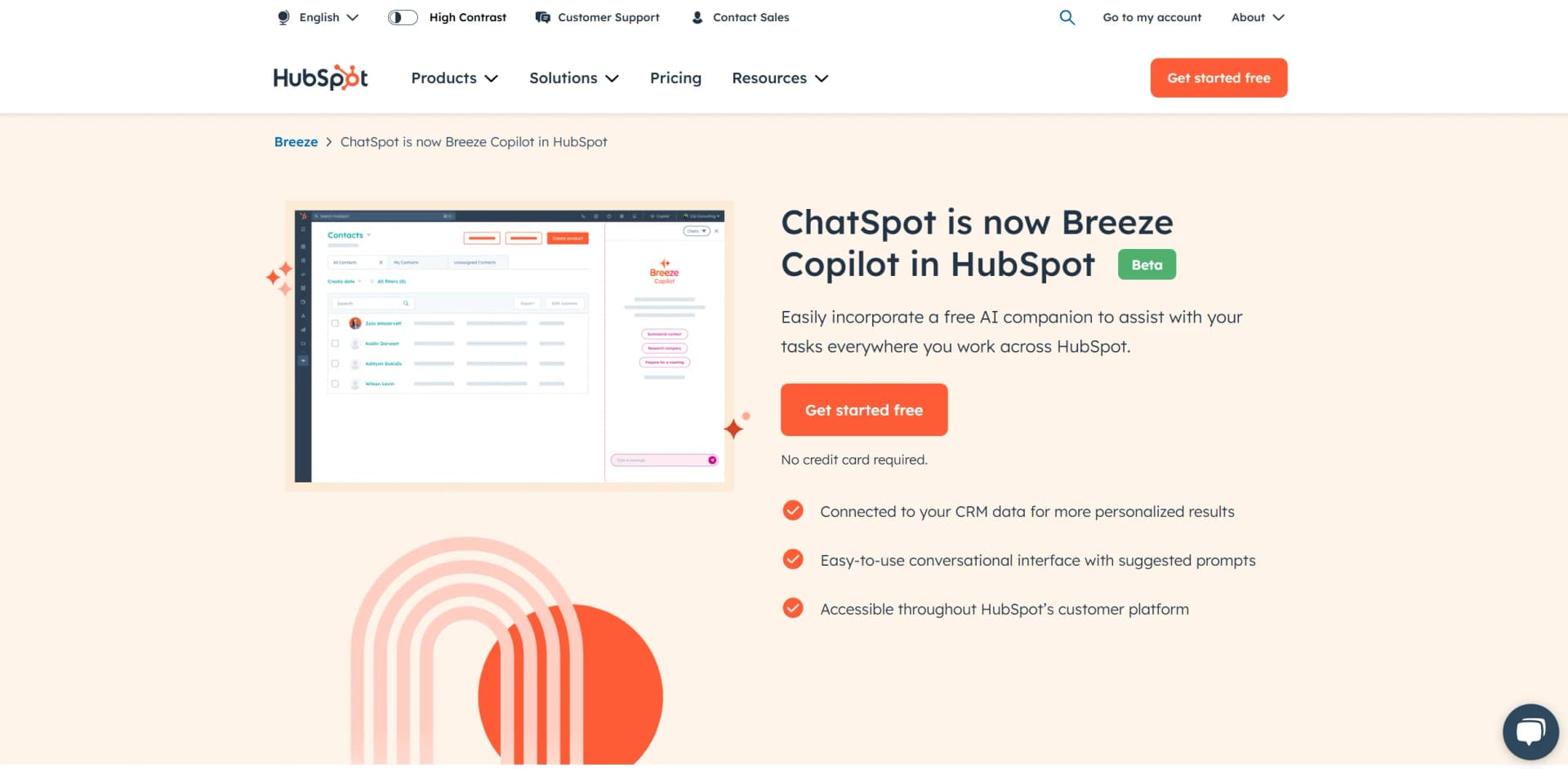
Learn to Master Breeze Copilot
With Skill Leap courses
Get in-depth training on Breeze Copilot and 50+ other AI tools with our expert-led video courses.
Start 7-Day Free Trial