
Book Witch
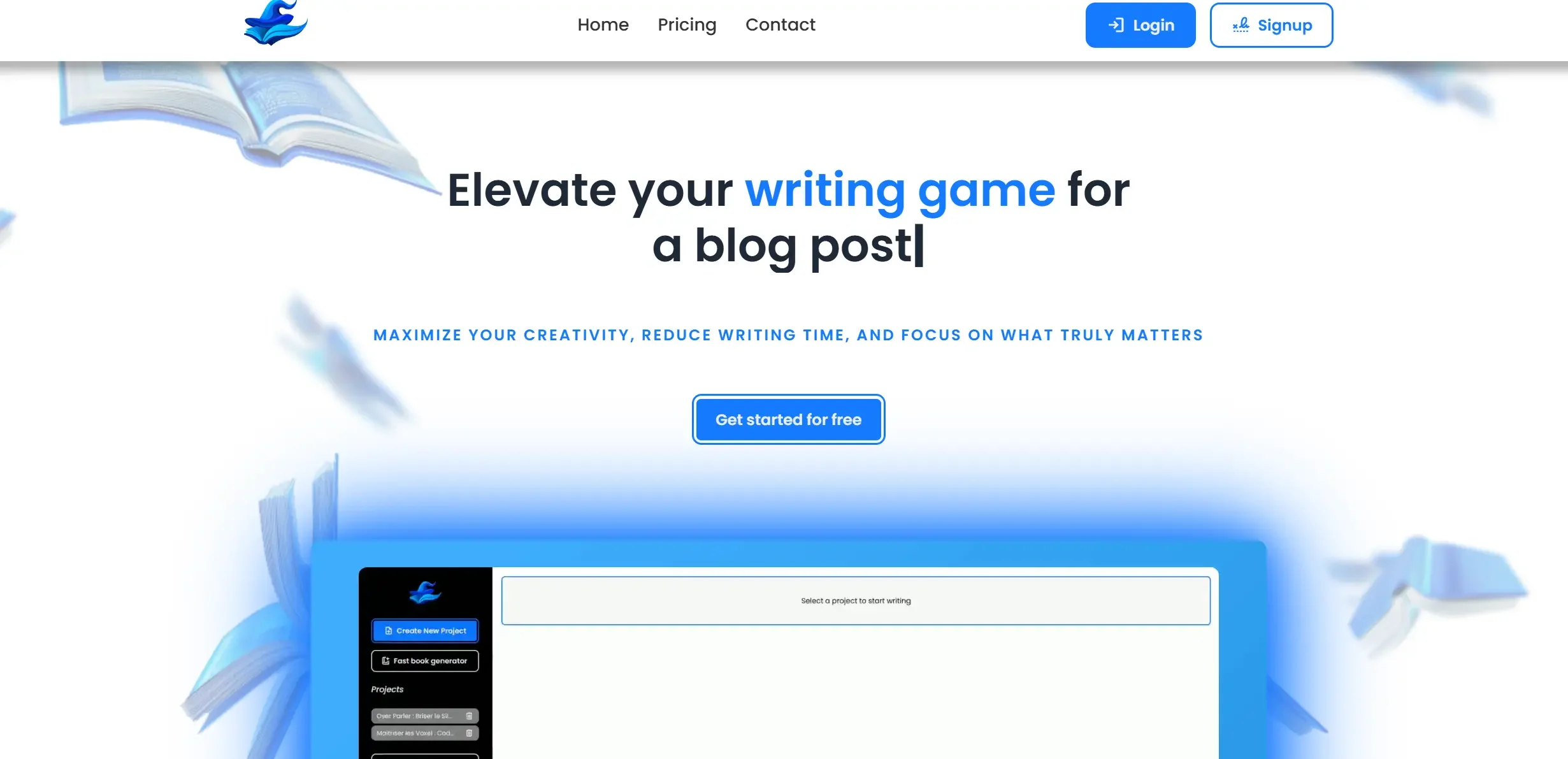
Automate and customize ebook creation swiftly with AI.
Key Takeaways
- What it is
- Automate and customize ebook creation swiftly with AI.
- Best for
- Automated Ebook Generation
- Long-form Content Excellence
- Customizable Content
- Rating
- 4.6/5
What is Book Witch?
Book Witch is a revolutionary tool designed to transform the ebook creation process. It offers an automated solution for generating complete ebooks with just one click, making it an invaluable resource for authors, entrepreneurs, and content creators. The platform simplifies the traditionally arduous tasks of writing and editing, allowing users to produce high-quality ebooks quickly and efficiently. Whether you're a seasoned author or a newcomer looking to break into the ebook market, Book Witch provides the tools necessary to unlock the potential of online publishing.
Book Witch stands out with its ability to generate complete ebooks with minimal input, a game-changer for content creators looking to maximize their productivity. Its focus on seamless long-form content generation and customization options using advanced AI models sets it apart from other content creation tools, making it an indispensable asset for those seeking to expand their digital presence efficiently.
Book Witch empowers users to overcome the traditional hurdles of ebook creation, offering a streamlined, cost-effective solution that saves time and enhances productivity. With its innovative use of AI, Book Witch not only simplifies the writing process but also opens up new opportunities for content creators to expand their reach and establish authority in their respective niches. Whether you're looking to build a personal brand or generate passive income through ebooks, Book Witch provides the tools you need to succeed in the digital publishing world.
Who is Using Book Witch?
Self-Published Authors
Utilize the tool to streamline the ebook creation process and increase publishing frequency.
Entrepreneurs
Create informative ebooks as part of content marketing strategies to establish brand authority.
Digital Content Creators
Produce engaging long-form content for various platforms with ease.
Educators
Develop educational materials quickly, enhancing teaching resources.
Uncommon Use Cases
Used by motivational speakers to produce self-help ebooks; employed by wellness coaches to create health guides.
Key Features
Rating Breakdown
Pricing Plans
Free Trial
- Experience Book Witch with a free trial to explore its capabilities
Which Book Witch plan should you pick?
Start with Free to test the editor, then upgrade to Monthly, Quarterly, or Annual when you need unlimited writing, advanced editing, multilingual support, and file import/export.
Free
Good for trying table-of-contents creation/editing and content creation/editing.
Monthly
Good for writers who need unlimited writing, fast ebook generation, advanced editing, multilingual support, file import/export, and priority support without a long commitment.
Quarterly
Good for active authors who want the full feature set at a lower monthly price than Monthly.
Annual
Good for authors committed to a longer writing and publishing workflow who want the lowest listed monthly equivalent.
Book Witch Use Cases
Draft a novel with persistent story memory
Create a Story Bible containing characters, locations, factions, and objects, then write with the copilot.
Outcome: More consistent scenes and fewer repeated explanations.
Revise prose with AI diffs
Highlight text to tighten, expand, or change tone, then accept, edit, or reject the proposed diff.
Outcome: Controlled line-by-line editing.
Plan chapters and scenes
Use structures, beats, and a scene board to outline the novel and track scenes from writing to completion.
Outcome: A clearer view of novel progress.
Analyze a manuscript
Ask the project copilot about the manuscript and run checks for pacing, repetition, and plot holes.
Outcome: A pre-reader critique before sharing the draft.
Prepare a book for Amazon KDP
Export a Kindle EPUB, print-ready paperback PDF, cover, description, keywords, and categories.
Outcome: Files prepared for KDP upload.
Workflow Ideas with Book Witch
Start and draft a novel
- 1Create a project with genre, language, and a short pitch
- 2Feed the Story Bible with characters, locations, factions, and objects
- 3Generate, tighten, or continue scenes with the copilot
Revise and critique a manuscript
- 1Highlight passages for tightening, expansion, or tone changes
- 2Review each AI suggestion as a diff
- 3Run analysis for pacing, repetition, and plot holes
Prepare a KDP release
- 1Finish and review the manuscript
- 2Export Kindle EPUB, paperback PDF, cover, and KDP metadata
- 3Upload the files to Amazon KDP and publish them yourself
How Book Witch fits into your stack
Browser
BookWitch is a browser-based AI writing studio for drafting, revising, planning, and managing a novel.
Docs and writing
The editor supports line-level generation and revision, including scene continuation, tightening, expansion, tone changes, and diff-based acceptance or rejection.
Knowledge and files
A persistent Story Bible stores characters, locations, factions, objects, plot details, and voice. Existing .docx and .epub manuscripts can be imported and split into chapters and scenes.
Pros
- +Free plan available
- +Persistent Story Bible for novel continuity
- +Native writing support for 48 languages
- +Diff-based editing with accept, edit, or reject controls
- +EPUB and print-ready PDF export for Amazon KDP
Cons
- −Initial Learning Curve: Users may need a short period to familiarize themselves with all advanced features.
- −Dependency on AI Models: The quality of output may vary depending on the chosen AI model and input quality.
Limitations & when to consider alternatives
Known limitations
- Author remains responsible for final text. BookWitch says the AI suggests changes, while the author decides what to accept, edit, or reject.
- Amazon publishing is not fully automatic. The site says authors must upload the files to their KDP account and press publish themselves.
- Free plan has limited features. The Free plan excludes unlimited writing, the fast ebook generator, advanced editing, multilingual support, file import/export, and priority support.
- No native mobile or desktop app documented. The official site presents BookWitch as an online writing studio and does not provide mobile-store listings or desktop installers.
How to Use Book Witch
- 1
Create a project
Choose a genre and language, add a short pitch, and start from scratch or import a .docx or .epub.
- 2
Build the Story Bible
Add character, location, faction, and object cards so the AI can use the story context throughout the manuscript.
- 3
Plan the novel
Use structures and beats to outline the book, then organize scenes on the scene board.
- 4
Write with the copilot
Generate the next scene, continue from a shortcut, or highlight text to tighten, expand, or change its tone.
- 5
Review and revise
Inspect AI suggestions as diffs and use analysis for pacing, repetition, and plot-hole checks.
- 6
Export for KDP
Generate the EPUB, paperback PDF, cover, metadata, and pre-flight validation before uploading to Amazon KDP.
Who is Book Witch For?
Novelists
The product is designed for long-form fiction writers who need continuity across characters, plot, world, and voice.
Authors writing in multiple languages
BookWitch supports writing, planning, and editing books directly in 48 project languages.
Self-publishing authors
It exports Kindle EPUBs, print-ready paperback PDFs, covers, and KDP metadata.
Authors writing mature fiction
The site explicitly supports spicy romance, dark fiction, and explicit scenes within the law.
Frequently Asked Questions
How is BookWitch different from ChatGPT?
BookWitch keeps the whole novel—characters, places, plot, and style—in memory across generations.
Does the AI write for me?
No. It suggests changes, while the author accepts, edits, or rejects each diff.
Do I own my manuscript?
Yes. The site says the author’s words remain theirs and can be exported anytime.
Can I write in my own language?
Yes. BookWitch supports writing books in 48 languages and responds in the project language.
Can I import a novel I already started?
Yes. Import a .docx or .epub, and the editor divides it into chapters and scenes.
Can I publish my book on Amazon KDP?
Yes. BookWitch generates Kindle EPUB, paperback PDF, cover specifications, and KDP metadata.
Community reviews
Be the first to share your experience.
Sign in to leave a review for Book Witch.
Book Witch Alternatives
Looking for alternatives to Book Witch? Here are similar tools in the same category:
Learn to Master Book Witch
With Skill Leap courses
Get in-depth training on Book Witch and 50+ other AI tools with our expert-led video courses.
Start 7-Day Free Trial