
Bloop
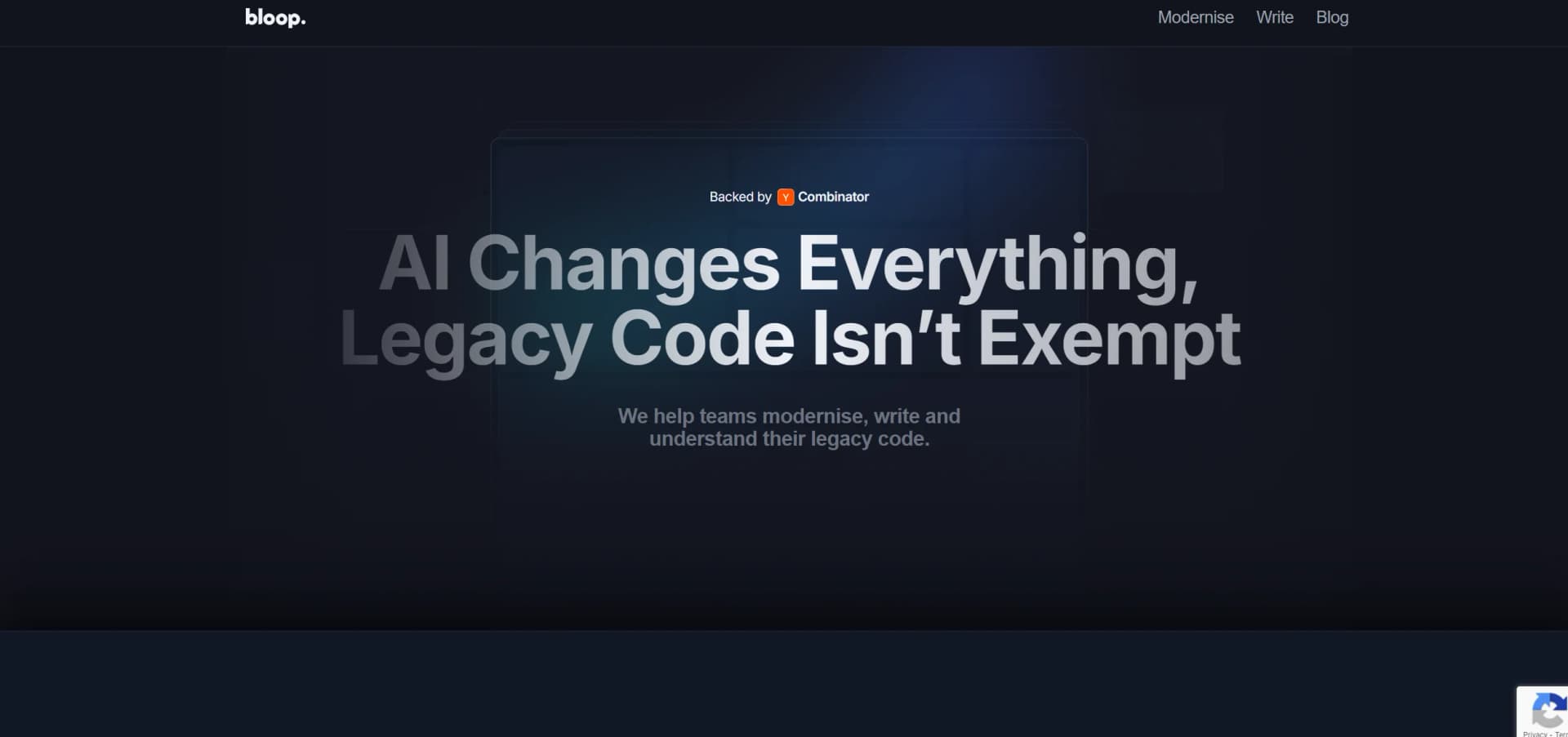
Transform legacy COBOL into modern Java effortlessly with AI.
Key Takeaways
- What it is
- Transform legacy COBOL into modern Java effortlessly with AI.
- Pricing
- $50 per month
- Best for
- AI-Powered Conversion
- Safety Guaranteed
- License-Free
- Rating
- 4.6/5
What is Bloop?
Bloop is a cutting-edge AI tool designed to modernize legacy code by converting outdated COBOL code into contemporary, maintainable Java code. This tool is ideal for organizations seeking to upgrade their software infrastructure efficiently, minimizing the manual effort and risk typically associated with legacy code refactoring.
Bloop's unique value lies in its ability to seamlessly transition from COBOL to Java while preserving the functionality and behavior of the original code. Its AI-driven conversion process ensures accuracy and reliability, making it a valuable tool for modernizing legacy systems.
Bloop excels in transforming legacy COBOL code into modern Java, offering a significant advantage in maintaining and upgrading outdated systems. Its ability to ensure functional parity and minimize disruption during the conversion process makes it a leading solution for legacy code modernization.
Who is Using Bloop?
Financial Institutions
Updating transaction processing systems.
Government Agencies
Modernizing legacy systems to align with contemporary standards.
Technology Companies
Integrating older software into new frameworks.
Academic Researchers
Converting legacy code for study or repurposing.
Uncommon Use Cases
Non-profits and startups working with legacy codebases.
Key Features
Rating Breakdown
Pricing Plans
Free Trial
- Available for initial exploration of Bloop's capabilities
Subscription Model
$50 per month
- Basic features
- Advanced options available at higher tiers
Which Bloop plan should you pick?
Start with FREE for individual use; use PRO or ENTERPRISE only if the corresponding team features and availability meet your needs, noting that the product is sunsetting and new paid subscriptions are closed.
FREE
Good for individual users who need the core kanban and AI-agent workflow at $0 per month.
PRO
Designed for teams of 2–49 users that need team features and a 99.5% SLA.
ENTERPRISE
Designed for organizations with 50 or more users that need SSO/SAML, a 99.9% SLA, and dedicated support.
Bloop Use Cases
Plan coding work
Create kanban issues with descriptions, priorities, tags, and assignees.
Outcome: A structured work queue for coding agents and people.
Execute tasks with coding agents
Start a workspace session for an issue using a selected agent, repository, and branch.
Outcome: The agent works in an isolated workspace.
Review generated code
Inspect diffs, leave comments, and review changes before merging.
Outcome: Safer review of AI-generated software changes.
Coordinate team projects
Invite members to Cloud organizations and assign issues to teammates.
Outcome: Shared project visibility and collaborative execution.
Generate tasks from project plans
Ask an MCP client to turn a project description into structured tasks.
Outcome: A plan is converted into actionable work items.
Workflow Ideas with Bloop
Turn a feature plan into agent tasks
- 1Describe the feature and requirements to an MCP client
- 2Ask the client to turn the plan into issues or tasks
- 3Start workspace sessions for selected issues with coding agents
Review and merge an agent change
- 1Create an issue and start a workspace
- 2Review the agent's diff and leave comments
- 3Approve, merge, or create follow-up work
Run a collaborative engineering board
- 1Create a Cloud organization and invite members
- 2Create projects, assign issues, and track statuses
- 3Use shared updates and synchronized boards to coordinate work
How Bloop fits into your stack
Development Environments
Compatible with major IDEs to enhance the development experience.
Cloud Integration
Integrates with cloud platforms for scalable deployments.
API Access
Provides APIs for custom integrations and automation.
Multi-Language Support
Tools available for understanding and navigating codebases in over 10 languages.
Pros
- +Enhanced Readability: Converts legacy code into a modern, human-readable format, avoiding common translation issues.
- +Cost Efficiency: Reduces costs by leveraging Open Source components.
- +No Disruption: Facilitates a smooth transition without disrupting existing operations.
- +Scalability: Supports scaling of conversion efforts without extensive manual intervention.
Cons
- −Platform Specific: Primarily focused on COBOL to Java conversions, which may not address all legacy system needs.
- −Initial Setup Complexity: May require technical adjustments and setup before full implementation.
- −Dependency on AI Accuracy: The effectiveness of the conversion heavily relies on the AI's ability to accurately replicate code behavior.
Limitations & when to consider alternatives
Known limitations
- The product is sunsetting. The pricing page says Vibe Kanban is sunsetting and that the project will continue as open source and community maintained.
- New paid subscriptions are closed. The Cloud documentation says team organizations and member invites are free, but new paid subscriptions are closed.
- Cloud requires internet access. Cloud projects require an internet connection, while local projects work offline.
- The MCP server is local-only. The MCP server runs on the user's computer and cannot be accessed through publicly accessible URLs.
- Sub-issues are only one level deep. Sub-issues cannot have their own sub-issues.
Look elsewhere when
- You need a native mobile app.
- You need a public hosted API.
- Your organization requires a paid plan with active subscriptions.
How to Use Bloop
- 1
Explore a range of tutorials on the Bloop website and YouTube, covering everything from setup to advanced operations.
Who is Bloop For?
Software engineers
Plan, execute, review, and merge software changes produced by AI coding agents.
Engineering teams
Use shared Cloud organizations, projects, issues, assignees, and real-time synchronization.
Users of AI coding agents
Coordinate agents such as Claude Code, Codex, Gemini CLI, and OpenCode from a kanban workflow.
Frequently Asked Questions
What is Vibe Kanban?
Vibe Kanban is a tool for planning and reviewing work performed by AI coding agents.
How do I start Vibe Kanban?
Run npx vibe-kanban. The application opens in a browser.
Can teams collaborate?
Cloud projects sync data so team members can see shared projects, issues, and updates.
Which coding agents are supported?
The documentation lists agents including Claude Code, Codex, Gemini CLI, OpenCode, Cursor Agent, Copilot, and others.
Is the MCP server public?
No. The MCP server is local-only and cannot be accessed through publicly accessible URLs.
Community reviews
Be the first to share your experience.
Sign in to leave a review for Bloop.
Bloop Alternatives
Looking for alternatives to Bloop? Here are similar tools in the same category:
Learn to Master Bloop
With Skill Leap courses
Get in-depth training on Bloop and 50+ other AI tools with our expert-led video courses.
Start 7-Day Free Trial