Blog2Video
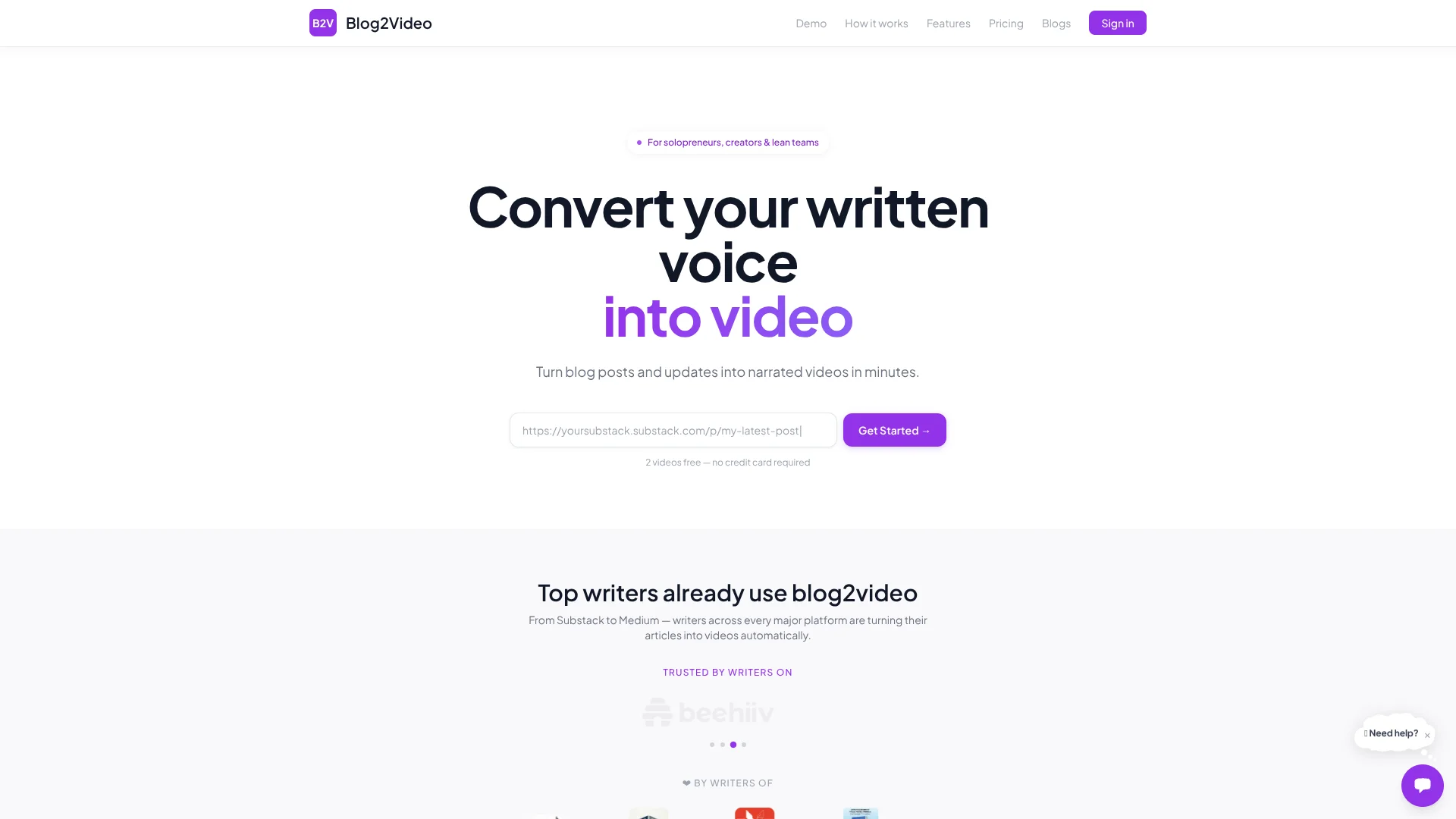
Turns blog posts into videos.
Key Takeaways
- What it is
- Turns blog posts into videos.
- Pricing
- Freemium · $3.99/video; $3 for 10–30; $2.80 for 31+ · $19.99/month or $15.99/mo billed annually · $34.99/month or $27.99/mo billed annually · $59.99/month or $47.99/mo billed annually
- Best for
- Blog, Article, and Document to Video
- AI Scene and Script Generation
- Scene-by-Scene Editing
Who is Using Blog2Video?
Content Creators
Repurpose written content into narrated videos without manually editing on a timeline.
Technical Bloggers
Convert technical tutorials, code-heavy articles, diagrams, and API walkthroughs into structured explainer videos.
Newsletter and Substack Writers
Turn newsletter essays and recurring written updates into repeatable video publishing workflows.
Marketers
Create promotional, product, and YouTube-ready videos from existing written marketing content.
Agencies and Content Teams
Produce client or campaign videos at variable volume using pay-per-video or subscription plans.
Key Features
Pricing Plans
Free
Free
- 1 video free
- AI script generation
- ElevenLabs voiceover
- Remotion video preview
- Render & download MP4
- 1 custom video template
- Monthly AI edit allowance
- Premium voiceover + cloning
Per Video
$3.99/video; $3 for 10–30; $2.80 for 31+
- No subscription needed
- AI script generation
- ElevenLabs voiceover
- Render & download MP4
- 20 AI edits per video purchase, usable across all videos
- Monthly AI edit allowance
- Custom video templates
- Premium voiceover + cloning
Lite
$19.99/month or $15.99/mo billed annually
- 10 videos per month
- AI script generation
- ElevenLabs voiceover
- Remotion video preview
- Render & download MP4
- 300 AI edit credits/month
- 2 custom video templates
- Premium voiceover + cloning
- Priority support
Standard
$34.99/month or $27.99/mo billed annually
- 30 videos per month
- AI script generation
- ElevenLabs voiceover
- Remotion video preview
- Render & download MP4
- 2000 AI edit credits/month
- 5 custom video templates
- Premium voiceover + cloning
- Priority support
Pro
$59.99/month or $47.99/mo billed annually
- 100 videos per month
- AI script generation
- ElevenLabs voiceover
- Remotion video preview
- Render & download MP4
- 5000 AI edit credits/month
- 20 custom video templates
- Premium voiceover + cloning
- Priority support
Customized / Enterprise
- Custom video limits
- All Pro features
- Custom integrations
- Dedicated support
- SSO & enterprise security
- On-prem deployment
Which Blog2Video plan should you pick?
Start with the Free plan to create one video; choose Per Video for occasional projects, Lite for up to 10 monthly videos, Standard for 30, Pro for 100, or Customized for enterprise requirements.
Free
Good for trying the workflow with one video and basic script, voiceover, preview, and MP4 export features.
Per Video
Good for occasional production when you do not want a subscription.
Lite
Good for creators producing up to 10 videos per month who need recurring access and 300 AI-edit credits.
Standard
Good for regular publishing at up to 30 videos per month with 2,000 AI-edit credits.
Pro
Good for serious content creators producing up to 100 videos per month with 5,000 AI-edit credits and more templates.
Customized
Good for enterprise teams needing custom limits, integrations, SSO, dedicated support, or on-prem deployment.
Blog2Video Use Cases
Blog-to-video repurposing
Paste a blog or article URL and convert the written content into narrated scenes.
Outcome: A publishable narrated video for channels such as YouTube, Shorts, or LinkedIn.
PDF explainers
Upload a PDF and rebuild its content as scenes with narration, diagrams, and templates.
Outcome: A narrated explainer rather than a page-by-page slideshow.
Technical content videos
Convert technical articles into videos using code blocks, diagrams, and educational layouts.
Outcome: A video version of technical content that can build search and authority.
Newsletter video publishing
Turn Substack, Medium, or newsletter updates into repeatable companion videos.
Outcome: More ways to distribute existing written content.
Branded video production
Provide a website or brand document so Blog2Video can generate a reusable branded template.
Outcome: Consistent colors, fonts, and visual styling across videos.
Workflow Ideas with Blog2Video
Article to narrated video
- 1Paste a blog URL or public link
- 2Choose a template and voice
- 3Review scenes and render the video
PDF to explainer
- 1Upload a PDF, PPTX, or DOCX
- 2Let Blog2Video generate the script, scenes, and voiceover
- 3Export the result as MP4, PowerPoint, PDF, or PNG
Automated AI-assistant workflow
- 1Connect Blog2Video to Claude, ChatGPT, Gemini, or n8n
- 2Ask the assistant to choose templates or create projects
- 3Have the workflow render the finished video
How Blog2Video fits into your stack
Browser
Runs as a web-based dashboard where users create projects, select templates and voices, edit scenes, preview results, and export videos.
Docs and writing
Sits downstream from blog posts, articles, newsletters, PDFs, DOCX files, and slide decks, converting written source material into narrated scenes.
Knowledge and files
Accepts uploaded documents such as PDFs, DOCX files, slide decks, and internal documents as video-generation inputs.
Pros
- +Free tier includes one video
- +Supports blog URLs and uploaded documents
- +Scene-level editing and voiceover regeneration
- +Custom branded templates
- +Pay-per-video option avoids mandatory subscription
Cons
- −Free plan is limited to one video
- −Premium voiceover and cloning require paid access
- −Monthly plans cap video volume
- −No documented public developer API
- −No dedicated native mobile or desktop app
Limitations & when to consider alternatives
Known limitations
- Free usage is limited. The free plan includes one video; larger allowances require pay-per-video or a subscription.
- Public links work best without paywalls. The site recommends using a paywall-free URL when starting from an article.
- AI editing uses allowances. Plans include specific AI-edit credits or allowances, such as 300 for Lite, 2,000 for Standard, and 5,000 for Pro.
- Avatar generation is in beta. Avatar results are less reliable with unclear, non-front-facing, or poorly lit source photos.
- Custom template creation takes time. The help documentation estimates approximately 5–10 minutes to generate a custom template.
Look elsewhere when
- You need a native iOS or Android app.
- You need a browser extension.
- You need a documented REST API with API keys and endpoints.
How to Use Blog2Video
- 1
Start with a source
Paste a public article URL, batch multiple links, or upload a PDF, PPTX, or DOCX so Blog2Video has material to transform.
- 2
Choose a visual style
Select a built-in template or create a custom branded template from a website or brand document.
- 3
Select narration
Choose a documentary voice, premium voice, custom voice, voice clone, or your own recording where available.
- 4
Review the generated scenes
Use the preview and AI editor to rewrite scenes, adjust tone, add detail, or restructure content.
- 5
Export the result
Render and download an MP4, or export scenes as PowerPoint, PDF, or PNG slides.
- 6
Automate recurring production
Connect the MCP workflow to Claude, ChatGPT, Gemini, or n8n to create projects and render videos through natural-language instructions.
Who is Blog2Video For?
Solo founders
Create product updates, launches, and behind-the-scenes videos without building a content team.
Indie makers
Turn build logs, feature releases, and roadmap notes into narrated videos.
Consultants and coaches
Repurpose expertise from articles and newsletters into video content.
Newsletter operators
Create companion videos from written newsletter updates.
Technical bloggers
Turn technical writing into videos with code blocks, diagrams, and educational templates.
Frequently Asked Questions
How much does Blog2Video cost?
There is a free plan with one video, pay-as-you-go pricing from $3.99 per video, Lite at $19.99 per month, Standard at $34.99 per month, Pro at $59.99 per month, and custom Enterprise pricing.
What can I use as a content source?
You can start with a blog URL, public link, multiple links, or uploaded PDF, PPTX, and DOCX documents.
What formats can I export?
Projects can be rendered as MP4 videos or exported as PowerPoint, PDF, and PNG slides.
Can I use my own voice?
Paid plans support premium voiceover and voice cloning. You can upload a 1–5 minute MP3, WAV, or M4A sample.
Can I create a branded template?
Yes. Blog2Video can extract colors, typography, spacing, and visual direction from a website or brand source to create a reusable template.
How long can videos be?
There is no stated time limit; video length follows the requirements of the source article.
Community reviews
Be the first to share your experience.
Sign in to leave a review for Blog2Video.
Blog2Video Alternatives
Looking for alternatives to Blog2Video? Here are similar tools in the same category:
Learn to Master Blog2Video
With Skill Leap courses
Get in-depth training on Blog2Video and 50+ other AI tools with our expert-led video courses.
Start 7-Day Free Trial