
Azara
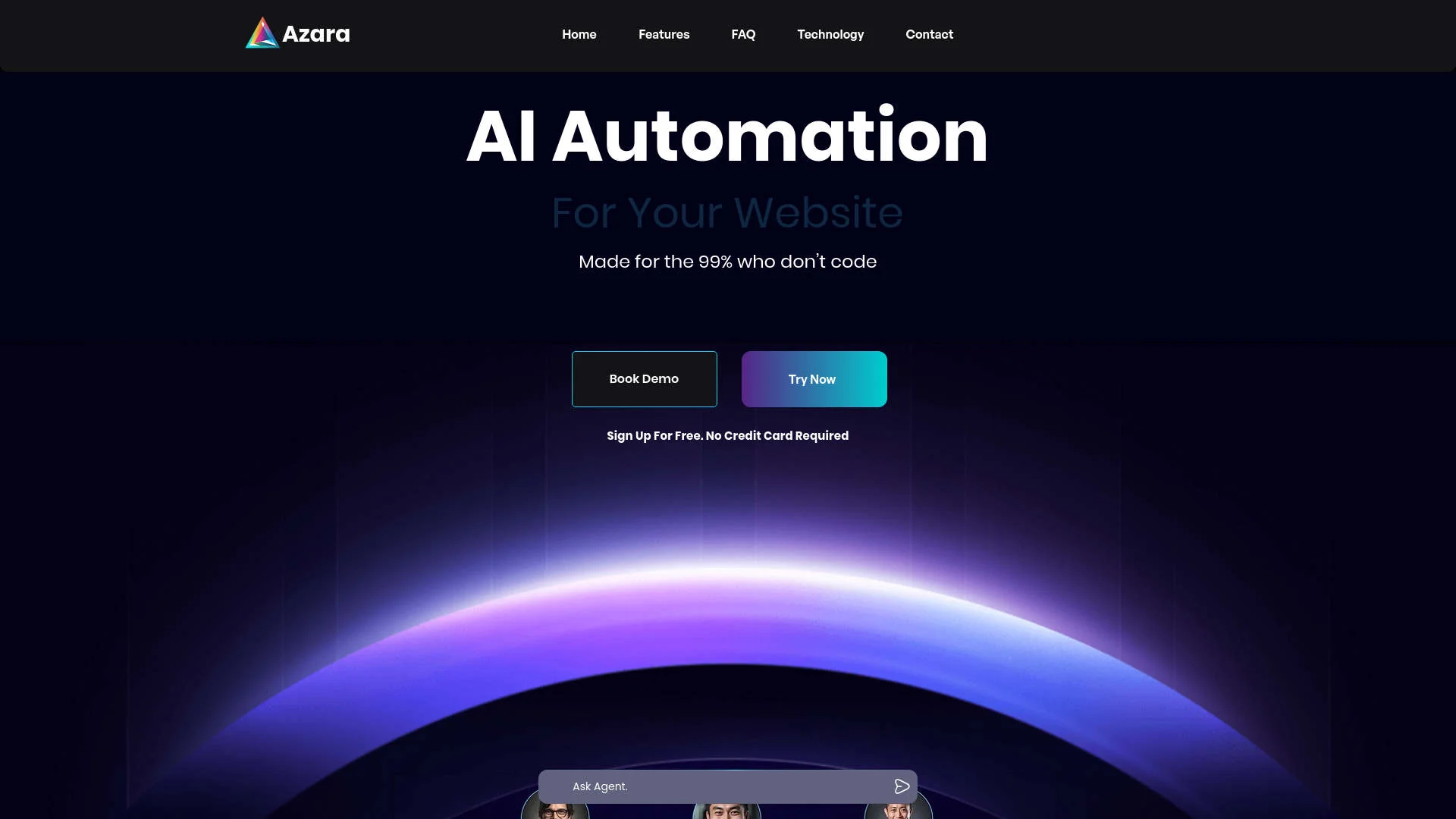
Revolutionize enterprise workflows with AI-driven automation and integration.
Key Takeaways
- What it is
- Revolutionize enterprise workflows with AI-driven automation and integration.
- Best for
- Generative Workflows
- Complete Control
- Multi-Agent Decision Making
- Rating
- 4.7/5
What is Azara?
Azara is an innovative AI tool designed to transform back-office operations for enterprises by providing AI Agents-as-a-Service. This groundbreaking platform simplifies complex, multi-step tasks with natural language command responses and integrates seamlessly with a wide range of applications. Azara is built to enhance efficiency and effectiveness in enterprise workflows, making it an essential tool for modern businesses.
Azara distinguishes itself with AI-powered agents that perform and understand complex commands across multiple platforms. Its ability to securely train on private company data and offer enterprise-level customization makes it a standout choice in the AI tools landscape.
Azara excels at automating and streamlining enterprise workflows with its advanced AI agents. Its robust integration capabilities, scalability, and ability to understand and execute complex commands securely make it a leading tool for enhancing operational efficiency in large organizations.
Who is Using Azara?
Large Enterprises
Utilize Azara for comprehensive workflow automation across various departments.
Tech Companies
Leverage AI agents for managing code generation and application interfacing.
HR Departments
Automate processes like employee onboarding, form integration, and scheduling.
Customer Support Centers
Enhance customer interactions with AI-driven responses and knowledge bases.
Uncommon Use Cases
Non-profits use Azara for managing donor communications and fundraising; educational institutions integrate it for automating administrative tasks.
Key Features
Rating Breakdown
Pricing Plans
Enterprise Plan
- Custom pricing based on the organization's size and specific requirements
Standard Plan
- Core features available starting at a competitive rate (specific rates are available upon request)
Azara Use Cases
HR onboarding
Create an onboarding workflow that sends welcome emails, schedules stakeholder meetings, sends documents for e-signature, and updates an employee directory.
Outcome: A coordinated onboarding process with less manual administration.
Customer support
Deploy an AI agent to answer customer questions and route requests through connected business systems.
Outcome: More automated and consistent customer-service handling.
Inbox and calendar operations
Use an agent to organize email, schedule meetings, and send reminders as part of a recurring workflow.
Outcome: Less repetitive administrative work.
Business process automation
Describe a multi-step business task in natural language and approve the generated workflow before execution.
Outcome: Automated execution of recurring processes.
Workflow Ideas with Azara
Employee onboarding workflow
- 1Describe the onboarding process in natural language
- 2Review and approve the generated workflow
- 3Send emails, schedule meetings, collect signatures, and update employee records
Customer-support workflow
- 1Connect the relevant customer-service tools
- 2Define how incoming requests should be handled
- 3Let the agent respond, route, and update connected systems
Inbox-management workflow
- 1Instruct the agent to organize incoming messages
- 2Define follow-up or scheduling actions
- 3Approve the workflow and let the agent execute recurring tasks
How Azara fits into your stack
Website Integration
Embed Azara AI agents into your company website.
Email Compatibility
Automate tasks and responses through email integration.
Slack Integration
Enhance team communication and manage workflows via Slack.
Adaptability to Multiple Platforms
Connects with a wide range of platforms, including WhatsApp and traditional emails.
Pros
- +Cost Efficiency: Performs tasks for as low as $2/hr, significantly reducing operational costs.
- +Advanced Automation: Outperforms traditional chatbots by managing multi-step tasks across various applications.
- +Rapid Deployment: Allows businesses to start using the tool in under 5 minutes, quickly enhancing support operations and documentation searches.
- +Scalable Solutions: Designed to scale with enterprise needs, adapting to growing demands seamlessly.
Cons
- −Complexity for Beginners: The broad capabilities might initially overwhelm new users, despite the no-tech requirement.
- −Dependency on Integration: Optimal functionality relies on successful integration with existing systems.
- −Limited Offline Functionality: Most features need an internet connection to operate effectively.
Limitations & when to consider alternatives
Known limitations
- Public pricing is unavailable. The official site does not publish plan names, prices, or a complete feature comparison.
- Public documentation is limited. No public developer documentation, API reference, or detailed help center was found.
- Availability appears limited. The current official site describes the product as coming soon rather than offering public self-service access.
Look elsewhere when
- You need a documented developer API.
- You need a native mobile app.
- You need transparent plan pricing.
How to Use Azara
- 1
Access various tutorials on the Azara website to learn about basic setups and advanced features, helping users maximize the tool’s capabilities.
Who is Azara For?
Non-technical business users
Users can describe tasks in natural language instead of configuring workflow boxes or writing Python scripts.
Business operations teams
Azara is intended to automate recurring operational work and reduce manual execution.
Customer service teams
Agents can support customer-service workflows and automate responses to common requests.
HR teams
Azara can generate onboarding workflows involving welcome emails, meetings, documents, and employee-directory updates.
Frequently Asked Questions
What is Azara?
Azara is an AI-agent platform designed to let users delegate work to agents that generate workflows and automate tasks.
Who is Azara for?
Azara is designed for business users who want AI automation without building workflows manually with code or drag-and-drop tools.
How does Azara create workflows?
Users describe the work they want completed, and Azara generates a workflow that can be reviewed and approved.
Can Azara work with existing business tools?
Azara is designed to route workflows through plugins and connected business tools such as email, calendars, spreadsheets, and CRM systems.
Community reviews
Be the first to share your experience.
Sign in to leave a review for Azara.
Azara Alternatives
Looking for alternatives to Azara? Here are similar tools in the same category:
Learn to Master Azara
With Skill Leap courses
Get in-depth training on Azara and 50+ other AI tools with our expert-led video courses.
Start 7-Day Free Trial