Autosheet
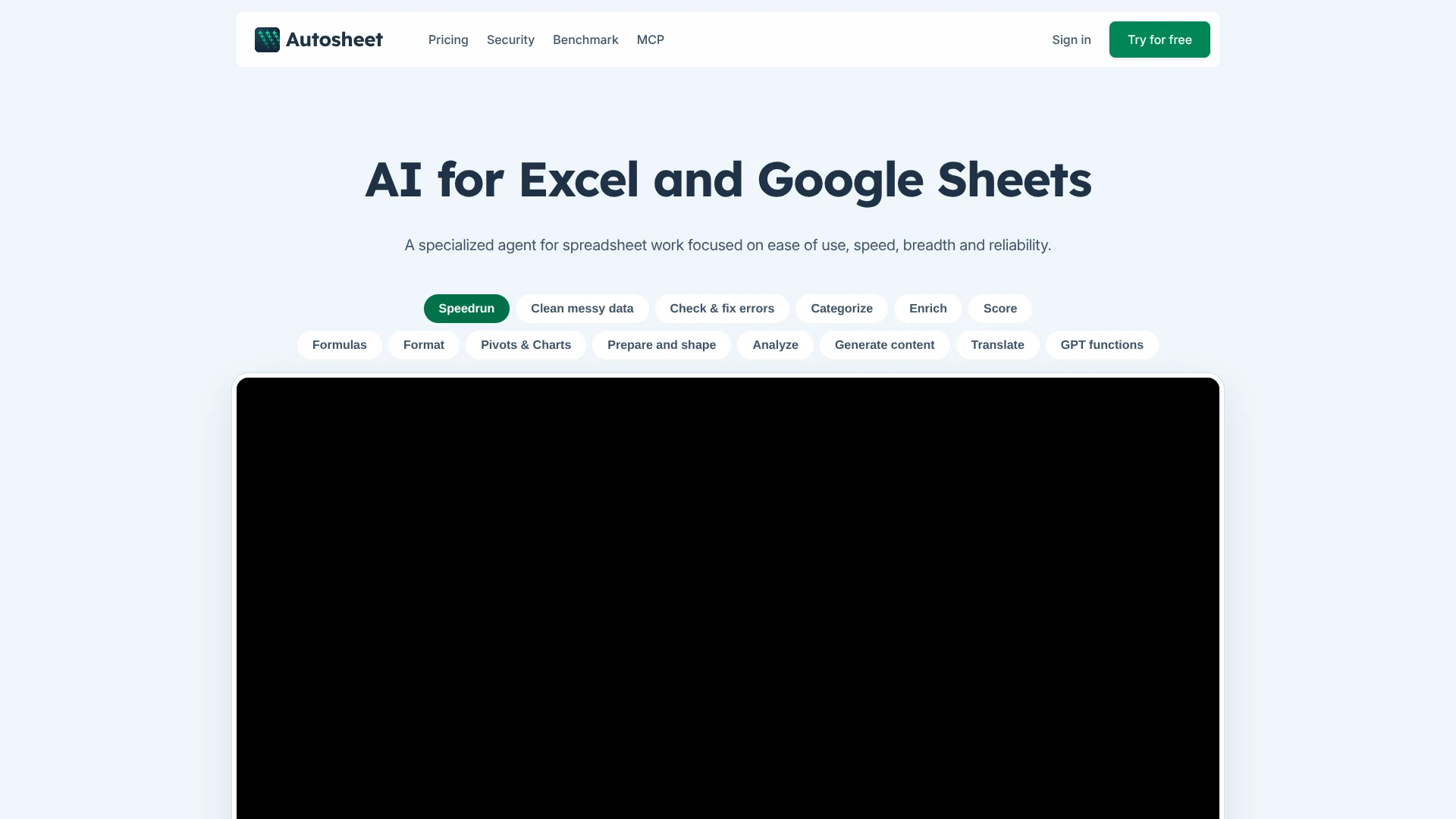
Turn plain-language instructions into hands-on edits across Excel and Google Sheets.
Key Takeaways
- What it is
- Turn plain-language instructions into hands-on edits across Excel and Google Sheets.
- Pricing
- $25 per month · $45 per seat per month
- Best for
- Agent
- Bulk tools
- GPT functions
- Rating
- 4.3/5
What is Autosheet?
Autosheet lets people work on spreadsheets by describing a task in plain language, then has its AI agent make changes directly in Microsoft Excel or Google Sheets. It can write and explain formulas, clean data, create charts, or handle repetitive work across rows, such as translating product descriptions or categorizing customer feedback.
For Google Sheets, the same spreadsheet agent can also be reached through Autosheet MCP, which connects it to AI clients such as Claude and ChatGPT. Its bulk tools can process rows one by one from a shared prompt, with the company reporting speeds of up to 1,000 rows per minute.
Autosheet is a fit for spreadsheet-heavy work where people need both hands-on edits and repeated AI tasks across large tables. Its features are centered on spreadsheets, and its documentation says the Agent cannot take documents or images as direct input; those tasks require separate tools in the add-in.
Who is Using Autosheet?
SEO specialists
Spreadsheet-based product and search content can be generated or revised across many rows.
E-commerce catalog managers
Product details can be standardized, translated, and expanded from existing catalog data.
Sales operations analysts
Lead lists can be scored and enriched with missing company information.
Customer insights analysts
Feedback and support responses can be categorized or scored against chosen criteria.
Spreadsheet analysts
Formula explanations, error checks, charts, and pivot tables help move from raw data to a usable summary.
Uncommon Use Cases
Web-research enrichment of company records; image-based prompts for product rows
Key Features
Rating Breakdown
Pricing Plans
Standard
$25 per month
- $25 of usage included per month
- Extra usage can be purchased as needed
- Includes the Agent, bulk tools, GPT functions, and Autosheet MCP for Google Sheets
Business
$45 per seat per month
- $25 of usage included per seat per month
- Extra usage is purchased for the shared team balance
- Includes team management, centralized billing and limits, and centralized AI configuration
Enterprise
- Includes Business features
- Adds enforced bring-your-own-AI and SAML SSO
- Includes high-priority support, guided setup, and team training
Which Autosheet plan should you pick?
Start with the free trial to test spreadsheet tasks, choose Standard for individual paid use, and move to Business or Enterprise when you need team administration or organization-wide controls.
Standard
Good for one person who needs the Agent, bulk tools, GPT functions, and $25 of monthly usage.
Business
Good for teams that need per-seat usage, team management, centralized billing, or custom AI connections.
Enterprise
Good for organizations that need enforced bring-your-own-AI, SAML SSO, or guided setup.
Autosheet Use Cases
Clean and standardize records
Inconsistent dates, names, capitalization, and duplicate entries can be corrected across a sheet.
Outcome: More consistent spreadsheet data.
Enrich company or lead lists
Web research can fill missing details and add results to spreadsheet columns.
Outcome: Richer records with research results in the sheet.
Translate or categorize rows
A bulk prompt applies the same translation or classification task across a selected set of rows.
Outcome: Consistent row-by-row results.
Fix and explain formulas
Formula help can identify errors, suggest corrections, and explain what a calculation does.
Outcome: Formulas that are easier to check and maintain.
Summarize spreadsheet data
Plain-language requests can turn spreadsheet data into charts, pivot tables, or a written analysis.
Outcome: A clearer view of trends and unusual results.
Workflow Ideas with Autosheet
Prepare a product catalog for a new market
- 1Standardize product names and remove duplicate rows.
- 2Translate descriptions with a bulk tool.
- 3Review the translated descriptions in the results column.
Score and enrich sales leads
- 1Open the lead spreadsheet in Google Sheets.
- 2Ask the Agent to research missing company details and score each lead using your criteria.
- 3Review the new fields and adjust the criteria if needed.
Turn customer feedback into categories
- 1Select the feedback rows in the spreadsheet.
- 2Run a classification bulk tool using your chosen categories.
- 3Summarize the resulting groups with the Agent.
How Autosheet fits into your stack
Excel and Google Sheets
Autosheet works inside spreadsheet add-ins, where its Agent, bulk tools, and GPT functions can read or edit the workbook.
Claude and ChatGPT
Autosheet MCP connects compatible AI clients to the spreadsheet agent for Google Sheets work.
Workflow tools and code
The Autosheet API can run spreadsheet-agent tasks from tools that support HTTP requests, or from custom code.
AI model providers
Autosheet offers built-in models and, on eligible plans, connections to users' own provider keys or custom endpoints.
Pros
- +Large-table processing: Apply a prompt row by row across substantial spreadsheets.
- +Several ways to work: Choose the Agent, bulk tools, or spreadsheet-cell functions for different tasks.
- +Model choice: Select from multiple AI providers rather than relying on one provider.
- +Google Sheets access: Run the spreadsheet agent from Claude or ChatGPT through Autosheet MCP.
- +Usage controls: Business spaces can set spending limits and track usage by seat.
Cons
- −Spreadsheet-focused: Its core features are built around Excel and Google Sheets, not general document work.
- −Credit-based usage: Tasks consume usage according to the model and work performed.
- −Different skill levels: The documentation rates GPT functions as advanced compared with the Agent.
Limitations & when to consider alternatives
Known limitations
- Agent input types. The Excel Agent documentation says it cannot take documents or images as direct input; separate bulk tools are available for URL content and image prompts.
- MCP spreadsheet support. Autosheet MCP works with Google Sheets only.
- API status. The Autosheet API is in preview and may change.
- Included usage. Monthly included usage does not roll over, and each seat's included amount is not shared across a Business space.
Look elsewhere when
- You need an AI tool centered on documents or images rather than spreadsheet tasks.
- You need MCP access to Excel rather than Google Sheets.
- Your workflow depends on a stable API that is not in preview.
How to Use Autosheet
- 1
Choose where to work
Install GPT for Sheets – Autosheet or GPT for Excel – Autosheet, or connect Autosheet MCP to a compatible AI client for Google Sheets.
- 2
Start with the Agent
Describe the spreadsheet task in plain language so the Agent can plan and perform the edits.
- 3
Pick a bulk tool for repeated row work
For tasks such as translation, extraction, or categorization, choose a bulk tool and select the rows to process.
- 4
Use GPT functions for formula-based work
Add an AI function to a spreadsheet cell when you want results tied to cell inputs or reusable across rows.
- 5
Check model and usage settings
Review the selected AI model and usage reporting; Business users can also manage shared settings and limits.
Who is Autosheet For?
Spreadsheet-heavy teams
Teams handling repeated cleanup, categorization, enrichment, or analysis in Excel and Google Sheets can delegate row-by-row work.
E-commerce teams
Product teams can generate or translate descriptions and enrich catalog rows.
Sales and research teams
People working with lead or company lists can score records and fill missing details with web research.
SEO teams
Marketers can generate or revise spreadsheet-based content at scale.
Organizations managing AI use
Business and Enterprise plans offer team controls, centralized configuration, and spending limits.
Frequently Asked Questions
Is Autosheet free?
Autosheet is free to install and starts with free credits, with no card required for first use. The pricing page describes this as a free trial, followed by paid plans.
How much does Autosheet cost?
Standard costs $25 per month, Business costs $45 per seat per month, and Enterprise has custom pricing. Each seat includes $25 of monthly usage.
Does Autosheet work with Excel and Google Sheets?
Yes. The paid plans provide access to either GPT for Sheets – Autosheet or GPT for Excel – Autosheet.
Can I use my own AI provider key?
Business and Enterprise users can connect their own AI provider keys or endpoints. Enterprise can require bring-your-own-AI across the organization.
Does Autosheet have an API?
Yes. The Autosheet API can run spreadsheet-agent tasks programmatically and is currently in preview.
Does Autosheet encrypt spreadsheet data?
Autosheet says its data is encrypted in transit and at rest and that the service is ISO 27001 certified.
Community reviews
Be the first to share your experience.
Sign in to leave a review for Autosheet.
Autosheet Alternatives
Looking for alternatives to Autosheet? Here are similar tools in the same category: