
Autopilot
Streamline data analysis, document creation, and presentations.
Key Takeaways
- What it is
- Streamline data analysis, document creation, and presentations.
- Best for
- Context Engine
- 100+ Integrations
- Turnkey Integrations
- Rating
- 4.5/5
What is Autopilot?
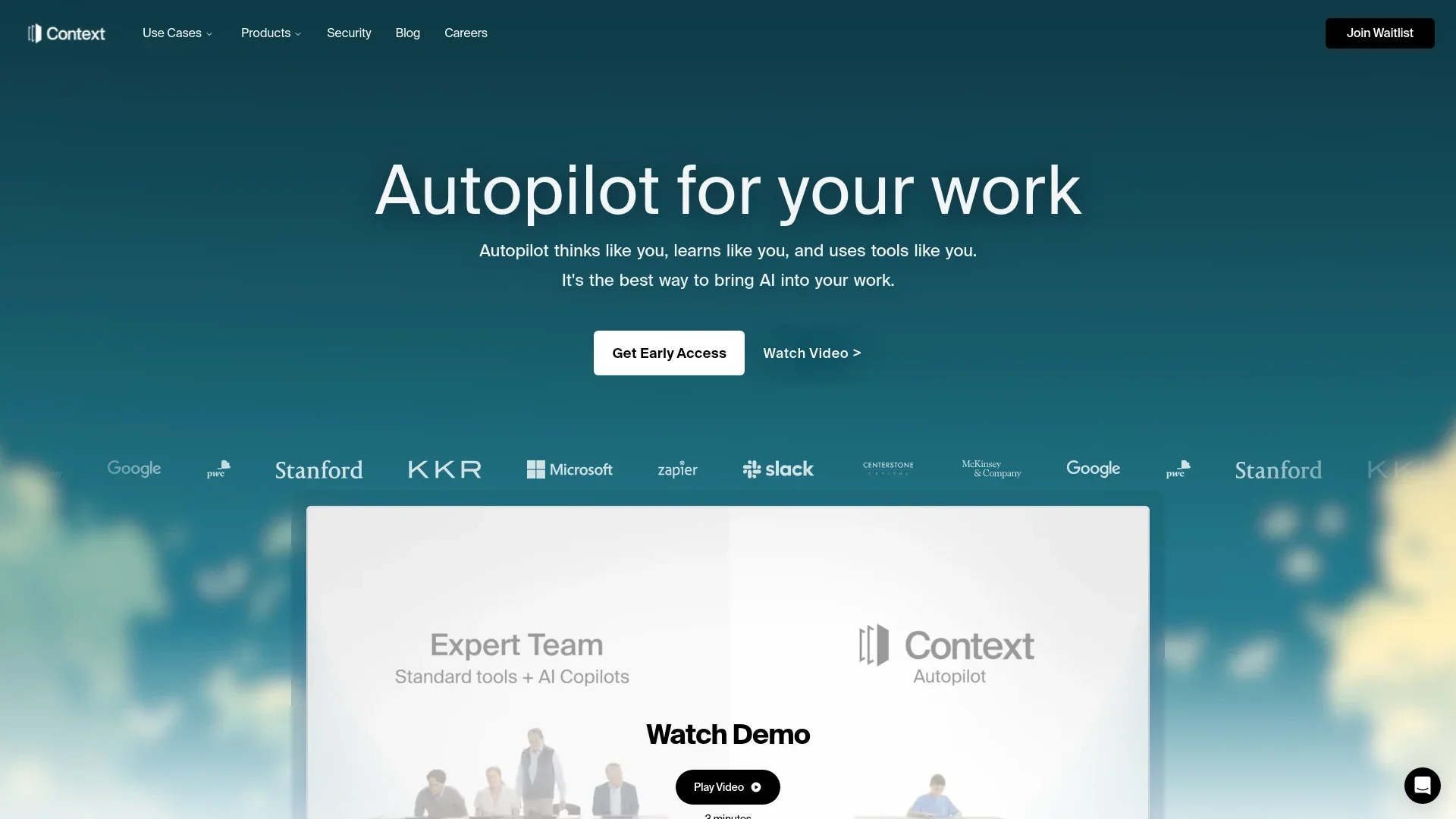
Autopilot is an innovative AI tool designed to seamlessly integrate artificial intelligence into your daily work processes. It revolutionizes how professionals handle data, create documents, and manage presentations by thinking and learning like you do. With its core purpose of enhancing efficiency and productivity, Autopilot offers key functionalities such as generating professional presentations, editing documents, and analyzing data trends through natural language commands. This tool is crafted for individuals and businesses seeking to simplify complex tasks and make data-driven decisions with ease.
Autopilot stands out with its context engine, a game-changer for professionals who rely on data-driven decisions. Its ability to think and learn like its users, coupled with the vast number of integrations, sets it apart in the AI productivity space. This unique feature empowers users to make informed decisions and streamline their workflows effortlessly.
Autopilot is a robust AI tool that effectively bridges the gap between complex data processing and user-friendly applications. Its unique ability to integrate AI into everyday tasks makes it a valuable asset for professionals seeking to enhance productivity and make informed decisions. Whether you're drafting a contract or analyzing financial trends, Autopilot provides the tools you need to succeed.
Who is Using Autopilot?
Corporate Teams
Utilizing Autopilot for generating reports and presentations efficiently.
Financial Analysts
Employing the tool for complex financial modeling and data analysis in spreadsheets.
Legal Professionals
Leveraging Autopilot for drafting and editing legal documents and contracts.
Educators
Using it to create educational materials and presentations swiftly.
Uncommon Use Cases
Adopted by researchers for data-driven insights; utilized by event planners for seamless presentation creation.
Key Features
Rating Breakdown
Pricing Plans
Waitlist/Early Access Only
- Currently
- Autopilot is on a waitlist only model. To get more information on pricing
- Sign up for the waitlist and early access today!
Autopilot Use Cases
Account research
Research an account before a meeting and produce a pre-call brief.
Outcome: A meeting-ready account brief.
Project management
Run project status work from Linear or Jira and assign tasks to agents.
Outcome: A recurring status view with assigned follow-ups.
Competitor monitoring
Track competitor pricing, product, and hiring pages.
Outcome: Briefings about meaningful changes.
Meeting recap decks
Turn meeting notes into a recap deck using a slide template.
Outcome: A completed presentation in the team's template.
Nightly code audits
Read a codebase nightly and open a cleanup pull request for each area.
Outcome: A queue of reviewable cleanup pull requests.
Workflow Ideas with Autopilot
Automated competitor watch
- 1Configure the competitor-watch template and target company pages
- 2Run recurring research across pricing, product, and hiring pages
- 3Review the resulting brief and cited changes
Meeting notes to presentation
- 1Upload or provide meeting notes
- 2Select a presentation template and describe the desired recap
- 3Review and export the generated deck
Nightly engineering audit
- 1Connect the repository and configure the audit scope
- 2Schedule the recurring code-review run
- 3Review the generated cleanup pull requests and test results
How Autopilot fits into your stack
Browser
Context Autopilot sits above users’ existing work tools and web applications, acting on business information without requiring a separate office-suite replacement.
Knowledge and files
It works across file systems and proprietary knowledge, ingesting slide masters, memo styles, spreadsheets, and other organizational materials to ground outputs.
Team chat and tickets
The product operates across chat streams and supports role-specific workflows for executives, department leads, and individual contributors.
Automation and APIs
Context provides one-click workflows for multi-step business tasks and advertises API and webhook infrastructure for enterprise-system connections.
Pros
- +Enhanced Productivity: Automates mundane tasks, allowing you to focus on strategic activities.
- +Data-Driven Insights: Provides deep understanding and novel insights from your data, reducing guesswork.
- +User-Friendly Interface: Designed for ease of use, making it accessible even for those with minimal technical expertise.
- +Time-Saving: Significantly reduces the time spent on creating presentations and documents.
Cons
- −Initial Learning Curve: Users might need time to fully leverage its advanced features.
- −Integration Limitations: While it supports numerous integrations, there might be specific platforms it doesn't yet support.
- −Pricing Transparency: Some users may find the pricing structure unclear without a detailed inquiry.
Limitations & when to consider alternatives
Known limitations
- Enterprise-oriented pricing. Current comparison material describes Context pricing as quote-based by deployment rather than publishing self-serve plan prices.
- Sensitive data restriction. The DPA states that the services are not designed for Sensitive Data and customers agree not to submit it.
- Desktop preview availability. Context Desktop is described as a private preview for macOS and Windows, with signed installers shared with approved preview teams.
- Local scheduled-run dependency. Local scheduled tasks require the device to be online unless the organization enables the Context runtime.
- Usage depends on deployment architecture. Available model endpoints, connectors, update processes, and support depend on the selected deployment architecture.
Look elsewhere when
- You need a self-serve free plan.
- You need a native mobile app.
- You need a browser extension.
- You need a native Windows desktop app rather than WSL 2.
How to Use Autopilot
- 1
Choose a deployment model
Decide between managed, customer VPC, on-premises, or disconnected deployment based on data-boundary and infrastructure requirements.
- 2
Connect your systems
Connect repositories, documents, CRMs, ticketing systems, communication tools, and other authorized sources.
- 3
Start from a template or agent
Use the marketplace to select a workflow such as account research, project management, competitor watch, or meeting recap.
- 4
Define the runbook
Specify the steps, tools, inputs, outputs, approval points, and evaluation criteria the agent should follow.
- 5
Review and improve runs
Inspect sources, tool calls, approvals, artifacts, and evaluation results, then refine the runbook or accepted examples.
Who is Autopilot For?
Executives
Context provides ROI dashboards showing hours saved, output shipped, and cost avoided.
Department leads
Department leads can use reusable workflows, connected systems, approvals, and evaluation criteria for operational work.
Individual contributors
Individual contributors can author plain-English workflows and use agents to create documents, spreadsheets, decks, and analyses.
Engineering teams
Context Code runs agent sessions with local files and shell access, while sessions appear in the shared workspace task list.
Business operations teams
Prebuilt agents support procurement, audit, finance operations, project management, and cross-tool handoffs.
Frequently Asked Questions
What is Context Autopilot?
Context is a platform for building and running agents on business workflows. Its agents use tools, identity, isolated compute, runbooks, and evaluation criteria.
How is Context different from a chatbot or copilot?
Context runs defined sequences of steps across systems, retaining sources, tool calls, outputs, approvals, and evaluation results.
Where does Context run?
It supports managed deployment, customer VPC deployment, on-premises deployment, and environments designed for disconnected operation.
How do agents access company systems?
Agents run in isolated environments and receive only the tools configured for each runbook, with delegated or scoped identities.
Does Context support scheduled work?
Context Desktop supports scheduled recurring runbooks, including cron-style runs, while the device or enabled runtime remains available.
How is customer data protected?
Customer data is encrypted in transit using TLS and at rest using industry-standard encryption; run traces remain within the selected deployment.
Community reviews
Be the first to share your experience.
Sign in to leave a review for Autopilot.
Autopilot Alternatives
Looking for alternatives to Autopilot? Here are similar tools in the same category:
Learn to Master Autopilot
With Skill Leap courses
Get in-depth training on Autopilot and 50+ other AI tools with our expert-led video courses.
Start 7-Day Free Trial