
Artisan
Transform your team with AI: automate workflows, boost productivity effortlessly.
Key Takeaways
- What it is
- Transform your team with AI: automate workflows, boost productivity effortlessly.
- Best for
- End-to-End Workflow Automation
- Rapid Onboarding
- Built-In Tools
- Rating
- 4.6/5
What is Artisan?
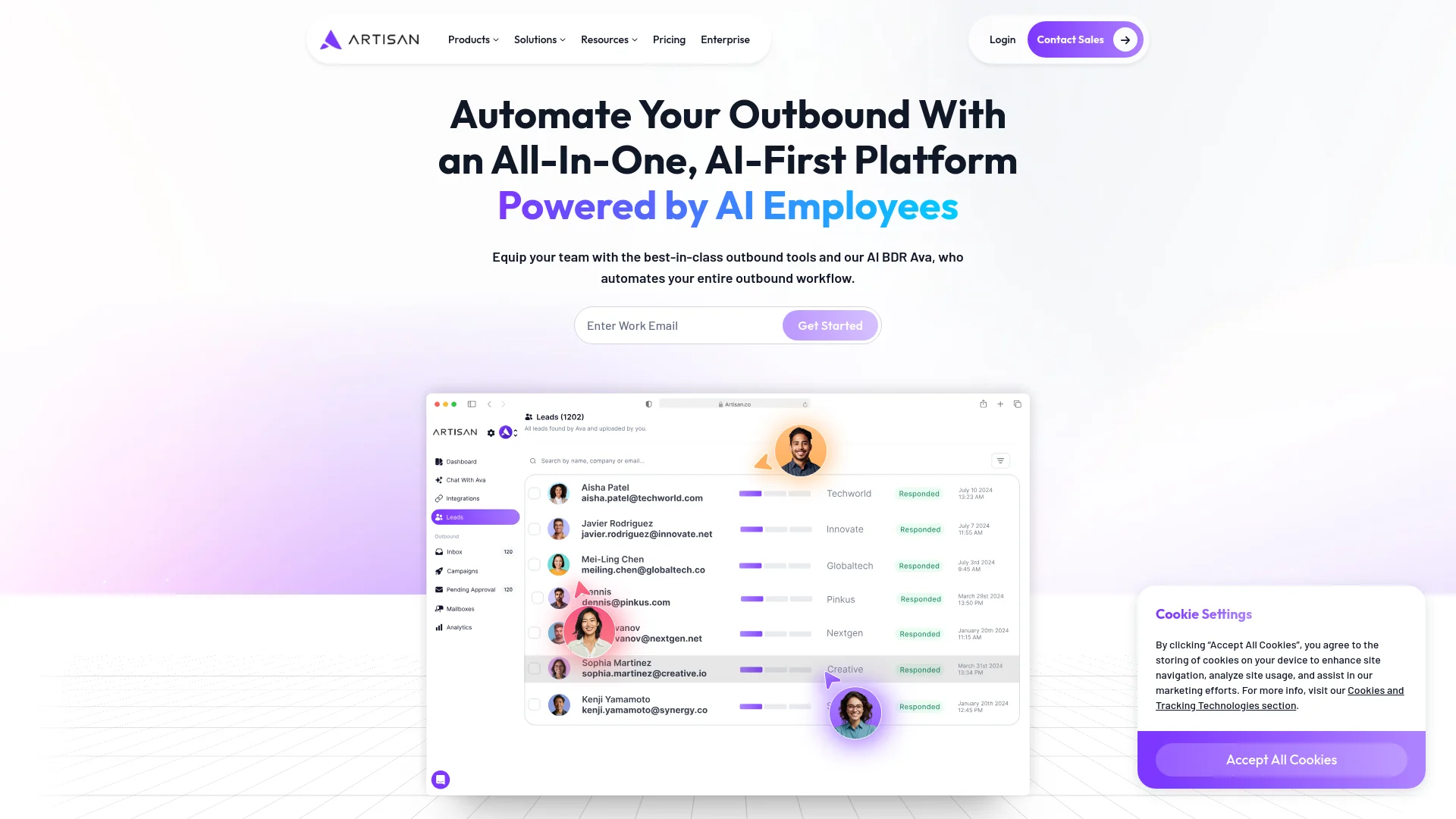
Artisan is a groundbreaking platform that introduces the concept of AI employees, termed "Artisans," to work alongside human teams across various business functions. With a focus on enhancing productivity and automating end-to-end workflows, Artisan is designed to transform the workplace by integrating digital workers into everyday tasks. The platform's first AI employee, Ava, exemplifies the capabilities of these digital workers, particularly in roles like sales, where she significantly boosts the productivity of human teams.
Artisan stands out by offering a first-of-its-kind workforce solution where AI employees work in symbiosis with human teams. This not only enhances efficiency but also fosters a collaborative environment where both human and AI workers thrive. The platform's ability to onboard AI workers quickly and without the need for technical skills is a significant innovation in workforce management.
Artisan revolutionizes the traditional workforce by integrating AI employees that enhance productivity and streamline operations across various business functions. With its innovative features like end-to-end workflow automation and the ability to improve continuously, Artisan is an essential tool for businesses aiming to embrace the future of work. The platform's ease of use and powerful in-built capabilities make it an attractive choice for companies looking to reduce operational complexities and scale efficiently.
Who is Using Artisan?
Sales Teams
Enhancing productivity with AI assistants like Ava who handle outbound sales activities.
Marketing Departments
Planning and executing multi-channel marketing campaigns with precision and efficiency.
Customer Support Centers
Utilizing AI to manage customer interactions and improve response reliability.
Small to Medium Enterprises (SMEs)
Seeking to streamline operations without the overhead of large teams.
Uncommon Use Cases
Non-profits using Artisans for donor management and engagement; educational institutions employing AI for administrative tasks.
Key Features
Rating Breakdown
Pricing Plans
Enterprise Customization
- Pricing is tailored for large enterprises
- Offering volume discounts and custom configurations
Standard Subscription
- Details are available upon request
- Options suitable for smaller teams
Which Artisan plan should you pick?
Start with Team for an initial outbound motion, upgrade to Scale for broader rep and segment coverage, and choose Enterprise for custom volume, security, and rollout support.
Team
Good for teams running their first serious outbound motion with approximately 2,500 leads contacted per month.
Scale
Good for teams scaling outbound across representatives and segments with dedicated customer success and priority support.
Enterprise
Good for organizations needing custom volume, advanced security, CRM configuration, and strategic rollout support.
Artisan Use Cases
Cold outbound
Find net-new prospects, enrich their data, and run personalized email and social sequences.
Outcome: More qualified outbound conversations.
CRM lead reactivation
Reengage known contacts already stored in the CRM.
Outcome: Additional conversations from existing records.
Closed-lost follow-up
Run campaigns for previously closed-lost opportunities.
Outcome: A structured way to revisit prior prospects.
Upsell and cross-sell
Use customer and account data to identify expansion opportunities.
Outcome: More revenue opportunities within existing accounts.
Meeting booking
Qualify replies, handle objections, and schedule meetings on representatives' calendars.
Outcome: Booked meetings routed to the appropriate sales owner.
Workflow Ideas with Artisan
Launch an autonomous outbound campaign
- 1Define the target audience and campaign rules
- 2Let Ava research prospects and write personalized outreach
- 3Allow Ava to handle replies and book meetings
Run outbound alongside the CRM
- 1Connect Salesforce or HubSpot
- 2Sync contacts, companies, activities, and ownership rules
- 3Send qualified engagement data back to the CRM
Add human approval and escalation
- 1Enable manual review or approval gates
- 2Define escalation rules for complex replies
- 3Have sales representatives approve, edit, or take over conversations
How Artisan fits into your stack
Self-contained Platform
Requires no external integrations, providing a standalone solution with all necessary tools built-in.
Web and Slack Interaction
Users can interact with Artisans through a web interface or directly via Slack, ensuring flexibility in communication.
Pros
- +Increased Productivity: Artisans like Ava can make human teams up to 10 times more productive by guiding them through optimized workflows.
- +Scalability: With Artisans, businesses can scale operations quickly without the proportional increase in human resources.
- +Ease of Use: The platform's design allows for easy interaction with Artisans through web chat or Slack, making it accessible to users with varying levels of tech-savviness.
- +No Integration Hassles: Since everything needed is built into the platform, companies don't face the common challenges of integrating new software with their existing systems.
Cons
- −Limited Awareness and Trust: As a novel concept, gaining trust and widespread acceptance of AI employees might take time.
- −Initial Setup Investment: While onboarding is quick, initial setup and adaptation to specific company processes can require upfront time and resource investment.
- −Dependency on Platform: Users must rely entirely on the Artisan platform, which can be a limitation if they require customization beyond its existing capabilities.
Limitations & when to consider alternatives
Known limitations
- CSV uploads are limited to 1,000 leads. Files containing more than 1,000 leads must be split across duplicated campaigns.
- Mailboxes require warming. Artisan-provided mailboxes undergo an approximately 14-day warmup before use.
- A connected mailbox is required for email outreach. Campaigns need at least one connected mailbox or LinkedIn account, qualified leads, and a complete sequence.
- Results may take several weeks. Artisan says consistent replies typically begin around weeks three to four after campaigns go live.
- Some team roles have broad permissions. The current team-member guide says the Delegate role grants full account access, similar to an administrator.
How to Use Artisan
- 1
Explore detailed guides and video tutorials on the Artisan website, which cover everything from basic setup to advanced features, ensuring users can fully leverage the capabilities of their AI employees.
Who is Artisan For?
Startups
Artisan is positioned for startups that want to build pipeline without hiring a BDR.
Mid-market teams
Mid-market teams can generate more pipeline per representative without adding headcount.
Enterprise revenue teams
Enterprise teams get custom rollout support, security controls, CRM integration, and organizational deployment.
BDRs, AEs, and AMs
Ava sends outreach on behalf of sales representatives, routes meetings, and handles repetitive prospecting work.
Frequently Asked Questions
How does Artisan pricing work?
Plans are sized according to lead volume, mailboxes, and dialer seats. Customers request pricing for a customized plan.
What does implementation include?
Every plan includes onboarding and customer-success support. Scale adds a dedicated CSM, while Enterprise adds a forward-deployed strategist.
Can users control what Ava sends?
Yes. Users can require approval before sending, lock tone and calls to action, set banned phrases, and coach Ava's writing.
Which tools does Ava integrate with?
Artisan documents bi-directional Salesforce and HubSpot sync, custom webhooks, and Slack notifications.
Does Ava replace the BDR team?
Ava automates repetitive outbound work such as prospecting, outreach, reply handling, and meeting booking while reps handle live conversations.
Is Artisan secure and compliant?
Artisan states that it is SOC 2 Type II certified and supports SSO, SAML, advanced security controls, and audit logs.
Community reviews
Be the first to share your experience.
Sign in to leave a review for Artisan.
Artisan Alternatives
Looking for alternatives to Artisan? Here are similar tools in the same category:
Learn to Master Artisan
With Skill Leap courses
Get in-depth training on Artisan and 50+ other AI tools with our expert-led video courses.
Start 7-Day Free Trial