
Anyword
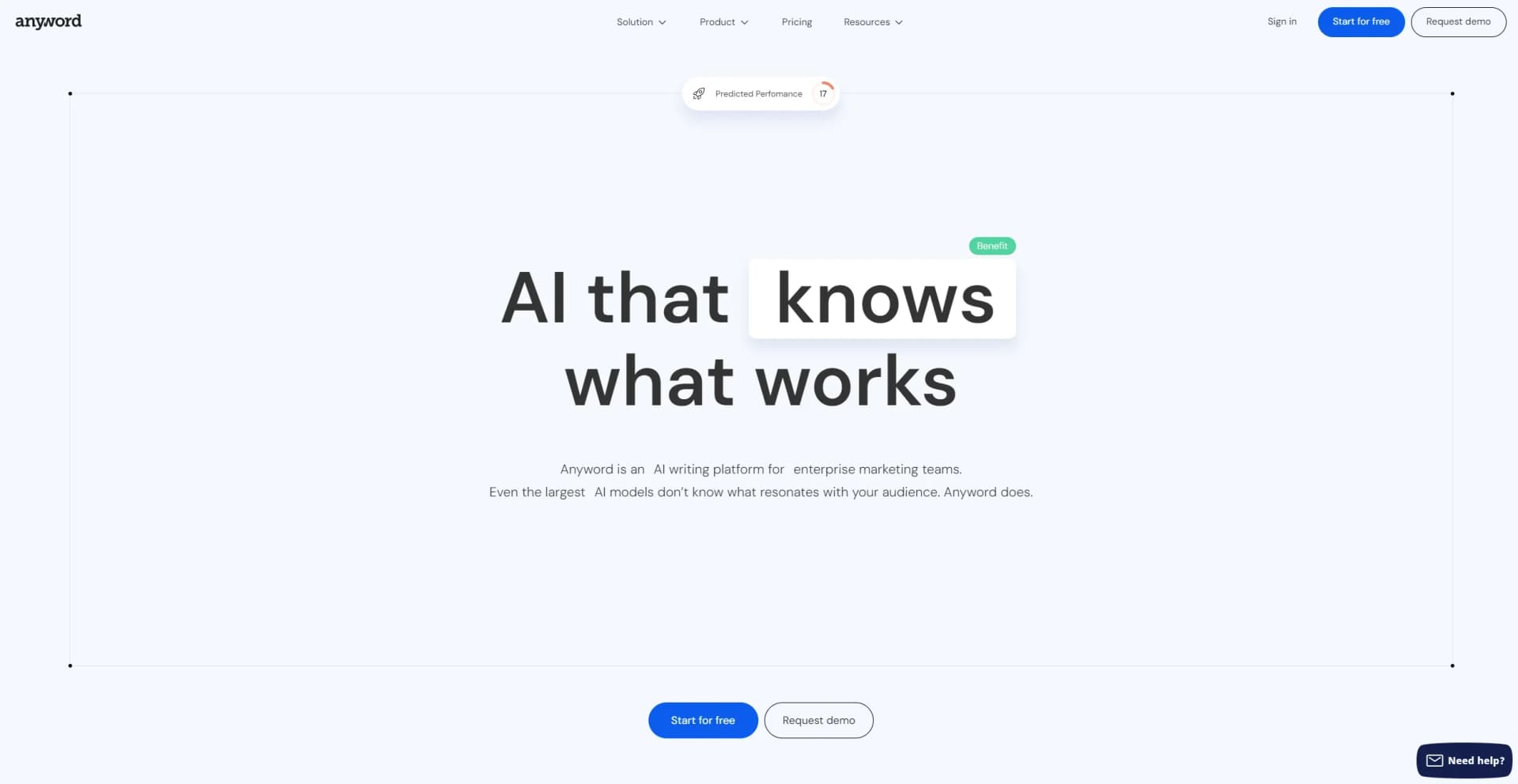
Take guesswork out of marketing text, converts for effective copy.
Watch Anyword in Action
Key Takeaways
- What it is
- Take guesswork out of marketing text, converts for effective copy.
- Best for
- Performance Prediction
- Copy Intelligence
- Brand Voice Management
- Rating
- 4.6/5
What is Anyword?
In the ever-evolving landscape of digital marketing, finding a tool that not only understands your audience but also crafts content that resonates with them can be a game-changer. This is where Anyword steps in, a cutting-edge AI writing platform designed specifically for marketing results. With its robust features, including performance prediction, copy intelligence, and brand voice management, Anyword promises to revolutionize how marketing teams create content. As someone who has navigated the vast sea of AI tools, I was intrigued by Anyword's promise to deliver content that converts, and I dove deep into exploring all it has to offer.
Anyword stands out with its performance prediction feature, a true game-changer in the realm of content marketing. The ability to forecast the engagement level of content before it even reaches the audience sets Anyword apart, making it an indispensable tool for marketers aiming for maximum impact.
Anyword has proven to be more than just a content creation tool; it's a comprehensive platform that empowers marketing teams to craft data-driven, engaging content that resonates with their audience. Its standout feature, performance prediction, not only maximizes engagement but also ensures that marketing efforts are not wasted on underperforming content. For any marketing professional looking to elevate their content strategy, Anyword offers an unmatched blend of innovation, efficiency, and insight, making it a must-have tool in their arsenal.
Who is Using Anyword?
Marketing Strategists
For those looking to align their content with overarching marketing goals.
Content Marketers
Crafting engaging, data-backed content for blogs, emails, and landing pages.
Social Media Managers
Creating posts that achieve higher reach and engagement.
Email Marketing Specialists
Generating optimized copy for emails that ensure high open and click-through rates.
Uncommon Use Cases
Non-profits using it to better engage their audience with compelling stories; startups leveraging it to quickly generate diverse content across channels.
Key Features
Rating Breakdown
Pricing Plans
Free Trial
- Anyword offers a chance to explore its features with a free trial
Subscription Plans
- Detailed pricing plans are available on their website
- Catering to different needs and scales of operation
Which Anyword plan should you pick?
Start with Starter for individual marketing work, upgrade to Data-Driven for small teams needing more seats and predictions, and choose Business or Enterprise for custom models, automation, integrations, SSO, or API access.
Starter
Good for solo marketers and freelancers who need on-brand content, templates, a Chrome Extension, and basic performance predictions.
Data-Driven
Good for marketing teams who need three seats, additional performance predictions, and real-time predictions for manual edits.
Business
Good for teams that need custom-built AI models, performance data training, website A/B testing, onboarding, and roles and permissions.
Enterprise
Good for organizations needing enterprise security, SSO, private language models, custom integrations, and full API access.
Anyword Use Cases
Demand-generation ad creation
Create ad copy for channels such as Google, Facebook, LinkedIn, and other advertising platforms, then evaluate predicted performance.
Outcome: Choose stronger messaging before publishing.
Long-form blog production
Use Blog Wizard to create outlines, introductions, headlines, and full blog posts from a brief.
Outcome: Produce blog content faster.
Website messaging optimization
Create multiple landing-page or product-page text variations and test them with Website Agent.
Outcome: Automatically identify and display higher-performing messaging.
Cross-channel content improvement
Use the Chrome Extension to generate, score, and optimize copy in tools such as ChatGPT, Google Docs, Notion, Canva, Facebook, and LinkedIn.
Outcome: Improve content without switching between applications.
Performance-informed content generation
Connect marketing platforms and use historical campaign performance, audience data, and high-performing talking points in new prompts.
Outcome: Generate content informed by real marketing results.
Workflow Ideas with Anyword
Website message testing
- 1Create multiple AI-generated text variations.
- 2Add Anyword’s JavaScript snippet to the website.
- 3Track visitor behavior and automatically display the strongest variation.
PDF-to-marketing-copy workflow
- 1Upload a product sheet, pitch deck, or other PDF.
- 2Select a generation template and instruct Anyword to use the document.
- 3Generate ads, product descriptions, or thought-leadership content from the extracted information.
In-context copy optimization
- 1Open a supported website or writing tool with the Anyword Chrome Extension.
- 2Select or generate marketing copy.
- 3Review predictive scoring and apply one-click optimization.
How Anyword fits into your stack
Works with Major AI Tools
Seamless integration with platforms like ChatGPT and HubSpot.
Brand Voice Customization
Easily inputs your brand guidelines into every content piece.
Performance Analytics
Offers insights across all channels, enhancing the decision-making process.
User-Friendly Interface
Designed to be intuitive, facilitating a smooth user experience.
Pros
- +Enhanced Engagement: The predictive performance scores help select the best copy, potentially increasing reach and engagement by 20%.
- +Time and Cost Efficiency: Anyword streamlines the content creation process, significantly reducing the time and resources spent on A/B testing.
- +Brand Consistency: It ensures that all content, irrespective of the creation source, aligns with your brand's messaging and tone.
- +Data-Driven Content Creation: With AI-driven insights, Anyword aids in crafting content that is not only engaging but also backed by data.
Cons
- −Learning Curve: Understanding and utilizing all features to their full potential might require some initial learning time.
- −Overreliance on AI: There's a risk of becoming too dependent on AI for content creation, potentially overlooking the human touch.
- −Integration Learning: While it integrates with many tools, setting these up might require a bit of technical know-how.
Limitations & when to consider alternatives
Known limitations
- Free access is limited. The free trial lasts 7 days or 2,500 credits, whichever ends first.
- Chrome Extension browser support. The extension is currently optimized for Google Chrome.
- Chrome Extension device support. The Chrome Extension is limited to desktop devices and requires an internet connection.
- Translation availability. The translation feature is currently in beta and is available only within the Long-Form Content Improver for white papers or research reports.
- Non-chart images in document translation. When processing documents for translation, non-chart images are automatically ignored.
Look elsewhere when
- You need a native mobile app.
- You need a coding-focused AI tool.
- You need standalone image analysis.
- You need a permanently free plan.
How to Use Anyword
- 1
The platform provides a wealth of learning resources, including instant tip videos, product walkthroughs, and a comprehensive blog, ensuring users can easily navigate and make the most out of Anyword.
Who is Anyword For?
Solo marketers and freelancers
The Starter plan is designed for solo marketers and freelancers who want on-brand content supported by performance data.
Marketing teams
Data-Driven and Business plans support teams creating on-brand content and improving performance across channels.
Demand generation marketers
Anyword helps demand-generation teams create ads and predict performance before publishing.
Product marketers
Product marketers can streamline workflows, align messaging with their brand voice, and create launch content.
SEO experts
Anyword provides SEO-oriented blog and content-generation tools for producing optimized, on-brand content at scale.
Frequently Asked Questions
What does Anyword generate?
Anyword provides templates for ads, landing pages, social posts, product listings, emails, SMS, and long-form blog content.
Does Anyword offer a free plan?
Anyword currently offers a 7-day free trial or 2,500 credits, whichever ends first; the pricing page lists paid Starter, Data-Driven, Business, and Enterprise plans.
What languages does Anyword support?
Anyword’s pricing page states that its plans support more than 30 languages.
Can Anyword optimize existing copy?
Yes. Users can edit generated copy, rewrite existing text, and use predictive performance scoring to improve content.
Can Anyword analyze PDF or DOCX content?
Yes. Anyword can import PDF and DOCX files, extract their text, and use the content for processing or translation.
Does Anyword support team workspaces?
Yes. Workspaces let team members share projects, brand assets, templates, and other resources.
Community reviews
Be the first to share your experience.
Sign in to leave a review for Anyword.
Anyword Alternatives
Looking for alternatives to Anyword? Here are similar tools in the same category:
Learn to Master Anyword
With Skill Leap courses
Get in-depth training on Anyword and 50+ other AI tools with our expert-led video courses.
Start 7-Day Free Trial