
AntWorks
Revolutionizes document processing with AI-driven automation and accuracy.
Key Takeaways
- What it is
- Revolutionizes document processing with AI-driven automation and accuracy.
- Best for
- Intelligent Document Processing
- Customizable Solutions
- Seamless Integration
- Rating
- 4.6/5
What is AntWorks?
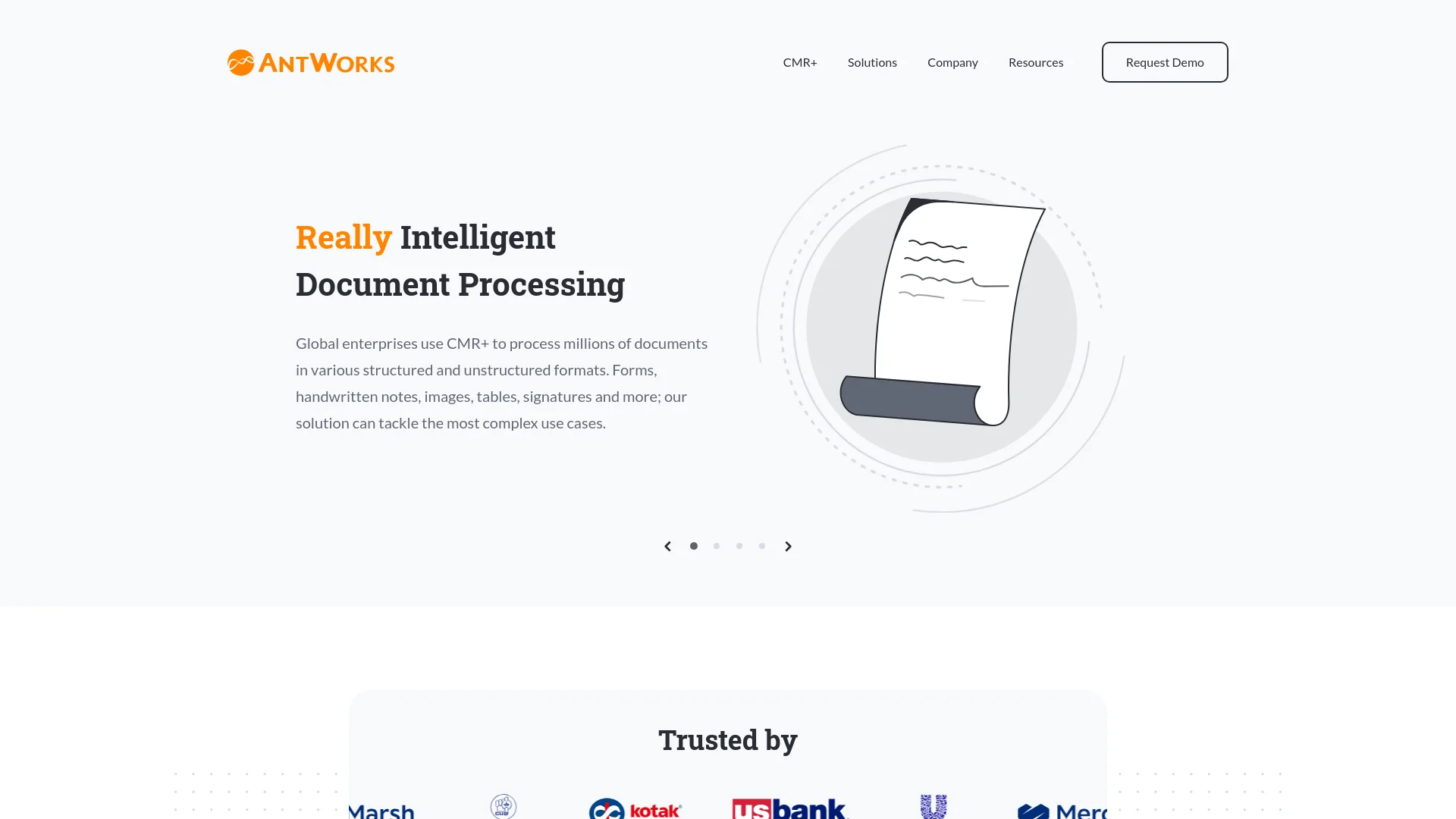
AntWorks is at the forefront of Intelligent Document Processing (IDP), offering a cutting-edge solution designed to handle and process diverse types of documents with remarkable efficiency and accuracy. Its flagship platform, CMR+, leverages advanced AI technology to automate document workflows, enhance operational efficiencies, and support data-driven decision-making across various industries, including banking, financial services, insurance, and supply chain management.
AntWorks distinguishes itself with its capability to process a wide variety of complex and varied document formats with high accuracy. The platform's seamless integration with low-code solutions and its scalable architecture make it an exceptional choice for enterprises seeking to upgrade their document processing capabilities.
AntWorks excels in revolutionizing document processing with its advanced CMR+ platform. Its ability to handle a wide range of document types with high accuracy and minimal training requirements offers significant advantages. By providing robust, scalable solutions and seamless integration capabilities, AntWorks is positioned as a leading choice in the Intelligent Document Processing space, ideal for enterprises seeking to optimize their document management processes.
Who is Using AntWorks?
Banking Institutions
Utilize CMR+ for efficient processing of loan applications and compliance documentation.
Insurance Companies
Employ the platform for handling claims, policy documentation, and related processes.
Healthcare Providers
Manage patient records and insurance claims with improved accuracy and efficiency.
Retail Chains
Streamline supply chain documentation and vendor contracts to enhance operational workflows.
Uncommon Use Cases
Non-profits use CMR+ for managing donor information and grant applications; educational institutions apply it to handle student records and administrative documents.
Key Features
Rating Breakdown
Pricing Plans
Custom Pricing Model
- AntWorks offers tailored pricing based on the specific requirements and scale of the enterprise
AntWorks Use Cases
Insurance policy review
Extract and compare information from insurance policies, slips, submissions, and related documents.
Outcome: Faster policy reviews with improved extraction accuracy.
Claims processing
Ingest, classify, extract, and manage supporting documents for insurance or airline claims.
Outcome: Reduced manual handling and faster claim decisions.
Invoice processing
Process large volumes of structured, unstructured, scanned, and handwritten invoices.
Outcome: Less manual data entry and improved processing efficiency.
Trade finance compliance
Identify and extract required data points from multiple documents while applying compliance checks.
Outcome: Fewer delays and improved operational efficiency.
Certificate and quality-data extraction
Extract key information from certificates of analysis and related manufacturing documents.
Outcome: Better access to data for quality, supplier, and regulatory decisions.
Workflow Ideas with AntWorks
Automated document intake and extraction
- 1Ingest documents from email, folders, webforms, cloud storage, or APIs
- 2Classify and optimize documents using OCR, image processing, and pattern recognition
- 3Extract structured and unstructured data and send results to downstream systems
Human-in-the-loop exception handling
- 1Process documents and calculate confidence scores
- 2Route low-confidence or exceptional cases to reviewers
- 3Apply corrections and feed verified results into model training
Pega claims-processing workflow
- 1Receive claim documents through Pega email or webforms
- 2Send documents to CMR+ for classification and data extraction
- 3Use extracted data in Pega rules for approval, rejection, or additional-information requests
How AntWorks fits into your stack
Pega Systems Integration
Strengthens process orchestration and automation capabilities by integrating with Pega Systems.
API Access
Allows developers to create custom integrations with other software and systems through available APIs.
Flexible System Compatibility
Adaptable to various enterprise systems and platforms, ensuring broad compatibility.
AntWorks provides robust integration options to enhance its functionality
Pros
- +Efficiency Enhancement: Significantly reduces the time and effort required for document processing, leading to improved operational efficiency.
- +High Accuracy: Provides reliable handling of difficult-to-read content, including varied document formats that other solutions may struggle with.
- +Scalability: Designed to scale effectively across enterprise environments, supporting high volumes of document processing.
- +User-Friendly Experience: Noted for its ease of use, requiring minimal coding skills and offering a straightforward setup and operation.
Cons
- −Initial Setup Complexity: The integration process may involve an initial adjustment period to fully align with existing systems and workflows.
- −Advanced Features Learning Curve: New users might face a learning curve when trying to master all of the platform's advanced functionalities.
- −Dependency on AI Understanding: Effective utilization of the platform benefits from a basic understanding of AI capabilities and limitations.
Limitations & when to consider alternatives
Known limitations
- Multilingual coverage is primarily Latin-script based. The product datasheet specifies support for multiple languages based on the Latin script; Japanese capability is described separately as being developed or included in training materials.
- Enterprise sales process. The official site directs prospective customers to request a tailored demo rather than providing self-serve signup or public product pricing.
- Browser-specific requirements. The datasheet lists supported browser environments including Internet Explorer 11 or later and Google Chrome 71 or later.
Look elsewhere when
- You need a native iOS or Android application.
- You need a browser extension rather than a browser-accessed platform.
- You need programming-code generation.
How to Use AntWorks
- 1
A comprehensive selection of tutorials and case studies is available on the AntWorks Content Hub, covering everything from basic setup to advanced operational techniques.
Who is AntWorks For?
Insurance organizations
CMR+ processes policies, claims, slips, submissions, forms, and other complex insurance documentation.
Banking and financial services
The platform extracts data from trade-finance, lending, compliance, and other high-volume financial documents.
Healthcare and pharmaceuticals
AntWorks lists healthcare and pharmaceuticals among the industries served by its document-processing platform.
Manufacturing, retail, and supply chain teams
CMR+ supports invoices, bills of materials, certificates, delivery notes, and other operational documents.
Business process outsourcing providers
The platform helps BPO organizations automate document-heavy workflows and reduce manual processing.
Frequently Asked Questions
What is AntWorks CMR+?
CMR+ is AntWorks’ AI-powered intelligent document-processing platform for classifying, extracting, validating, and contextualizing structured and unstructured data.
What types of documents can CMR+ process?
It processes PDFs, TIFFs, JPEGs, PNGs, Word and Excel files, emails, contracts, reports, tables, forms, images, handwriting, signatures, stamps, and barcodes.
Can CMR+ integrate with existing systems?
Yes. AntWorks documents REST APIs, webhooks, SDKs, pre-built connectors, RPA, microservices, and integrations with enterprise platforms such as Pega.
Does CMR+ support human review?
Yes. The platform includes human-in-the-loop verification, configurable confidence scores, quality-control criteria, queues, exceptions, and approvals.
Can CMR+ be deployed on-premises?
Yes. AntWorks documents on-premises, private-cloud, public-cloud, and service-based deployment options.
Does CMR+ support multiple languages?
Yes. It supports multiple languages, including languages based on the Latin script, and AntWorks describes multilingual document processing.
Community reviews
Be the first to share your experience.
Sign in to leave a review for AntWorks.
AntWorks Alternatives
Looking for alternatives to AntWorks? Here are similar tools in the same category:
Learn to Master AntWorks
With Skill Leap courses
Get in-depth training on AntWorks and 50+ other AI tools with our expert-led video courses.
Start 7-Day Free Trial