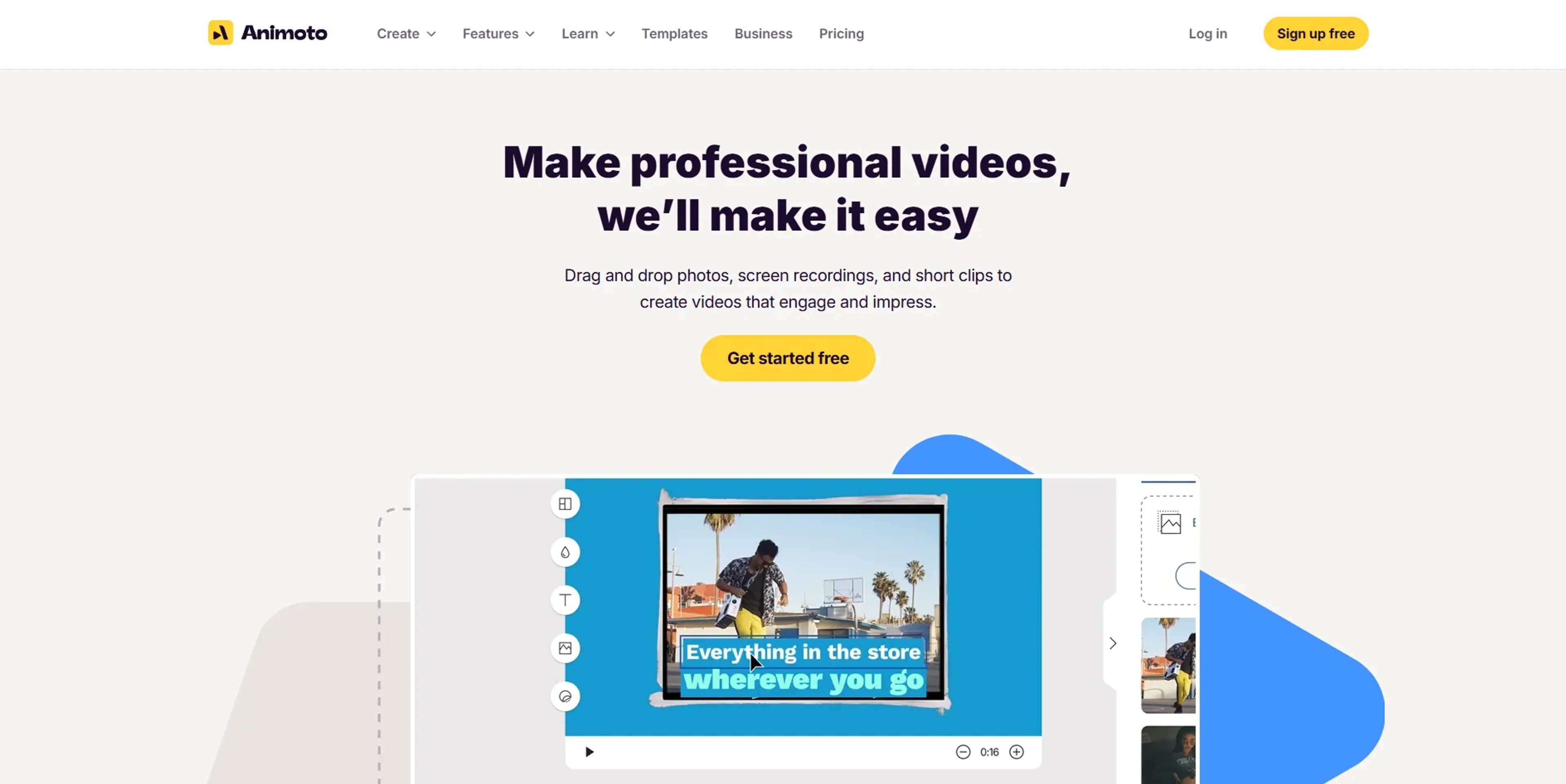
Animoto is an online video maker focused on marketing, social media, and training content. It combines drag‑and‑drop editing, template‑driven design, and AI‑assisted guidance so that non‑editors can turn photos, clips, text, and music into polished videos in minutes. Features like stock media from Getty Images, voice‑over, brand kits, and team workspaces make it appealing to small businesses, marketers, educators, and organizations that need frequent video without hiring a full production team.
Key Features:
AI‑Assisted Templates & Storyboards: Goal‑based templates and layouts that use AI to suggest pacing, structure, and styling for promos, explainers, reels, and more.
Extensive Stock & Music Library: Access to millions of Getty Images photos and clips plus thousands of licensed music tracks on higher tiers, so users rarely need separate stock subscriptions.
Branding & Saved Templates: Brand kits with logos, colors, fonts, watermarks, and reusable templates on Professional and Professional Plus plans keep large volumes of content visually consistent.
Voice‑Over, Screen Capture & Audio Tools: Built‑in voice‑over, screen recording, and up to eight voice tracks per video support narrated tutorials, product walkthroughs, and internal training.
Block‑Based Editor & Team Workspace: A block timeline with grid view, drag‑and‑drop reordering, and team workspaces with roles, comments, and seat management for collaborative production.
Pros
Very low barrier to entry: Non‑technical users can assemble professional‑looking videos quickly using drag‑and‑drop and guided templates.
Huge built‑in media catalog: Getty stock and licensed music reduce the need for external assets or extra licensing spend.
Designed for marketing outputs: Social‑ready formats, promos, ads, and presentation‑style videos match core needs of small businesses and marketers.
Scales from solo to team use: Individual creators can start free, then graduate to brand kits and multi‑seat workspaces as needs grow.
Cons
Template‑driven look: Creative control is more limited than in advanced editors, and results can feel “template‑y” for users with strong design preferences.
Free tier restrictions: Watermarks on exports and lack of downloads on the free plan push serious users to upgrade quickly.
Support and billing complaints: Some users report difficulty with auto‑renewal charges and slow or inflexible customer support responses.
Who is Using Animoto?
Small Businesses & Local Retailers: Creating product promos, seasonal offers, and social media clips without hiring videographers.
Marketing Teams & Agencies: Producing ad variations, explainer videos, and social campaigns at scale from a shared template and brand library.
Educators & Nonprofits: Building training modules, lesson intros, and fundraising stories with narration and simple motion.
Real Estate Agents & Solopreneurs: Turning listing photos, testimonials, and personal branding content into quick tours and social reels.
Uncommon Use Cases: Used by HR and People teams to produce onboarding or culture videos; adopted by conference organizers for sponsor reels and event highlight recaps.
Pricing:
Free: $0 per month; 1 user; includes core features, 720p video quality, unlimited video creation, screen + webcam recording, and 50 licensed music tracks (videos include an Animoto watermark).
Basic: $19 per month; billed monthly; 1 user; includes everything in Free plus no watermark, unlimited downloads, and 1080p video quality.
Professional: $29 per month; billed monthly; 1 user; includes everything in Basic plus logo/colors, 3,000 licensed music tracks, 1M+ Getty stock photos/videos, voice-over, customizable video landing pages, screen+webcam together, multiple songs per video, 3 saved templates, 70+ fonts, and 1 saved brand.
Professional Plus: $79 per month; billed monthly; 3 users; includes everything in Professional plus 100M+ premium Getty assets, 10 saved brands, 25 saved templates, custom font uploads, time-stamped comments, shared team workspace, user/role management, dedicated account manager, onboarding/training, additional seat purchases, and a license to resell to businesses.
Disclaimer: Please note that pricing information may not be up to date. For the most accurate and current pricing details, refer to the official Animoto website.
What Makes Animoto Unique?
Animoto sits in the sweet spot between slideshow creator and full editor, aimed squarely at business users who care more about speed and consistency than frame‑level control. AI‑assisted templates and goal‑based storyboards help users pick layouts and pacing that fit use cases like product launches, real estate tours, or training modules. The combination of a very approachable interface, large stock libraries, and business‑oriented features such as brand kits, saved templates, and team workspaces makes it especially attractive to organizations that need ongoing video output without building an in‑house production team.
How We Rated It:
Accuracy and Reliability: 4.3/5
Ease of Use: 4.7/5
Functionality and Features: 4.2/5
Performance and Speed: 4.4/5
Customization and Flexibility: 3.8/5
Data Privacy and Security: 4.0/5
Support and Resources: 3.5/5
Cost-Efficiency: 4.0/5
Integration Capabilities: 3.6/5
Overall Score: 4.1/5
Fast Business Video Creation For Non‑Editors:
Animoto offers a practical route into AI‑assisted video production for people who care more about getting effective content out the door than mastering complex post‑production. Its strengths lie in guided templates, plentiful stock assets, and branding options that keep marketing and training videos on message even when created by non‑specialists. The trade‑off is a somewhat templated aesthetic and limited depth for advanced editors, along with pricing and support that deserve a close read of the fine print. For solo founders, small teams, and departments that need dependable, good‑looking video on tight timelines, it remains a very appealing tool.