AngelQ
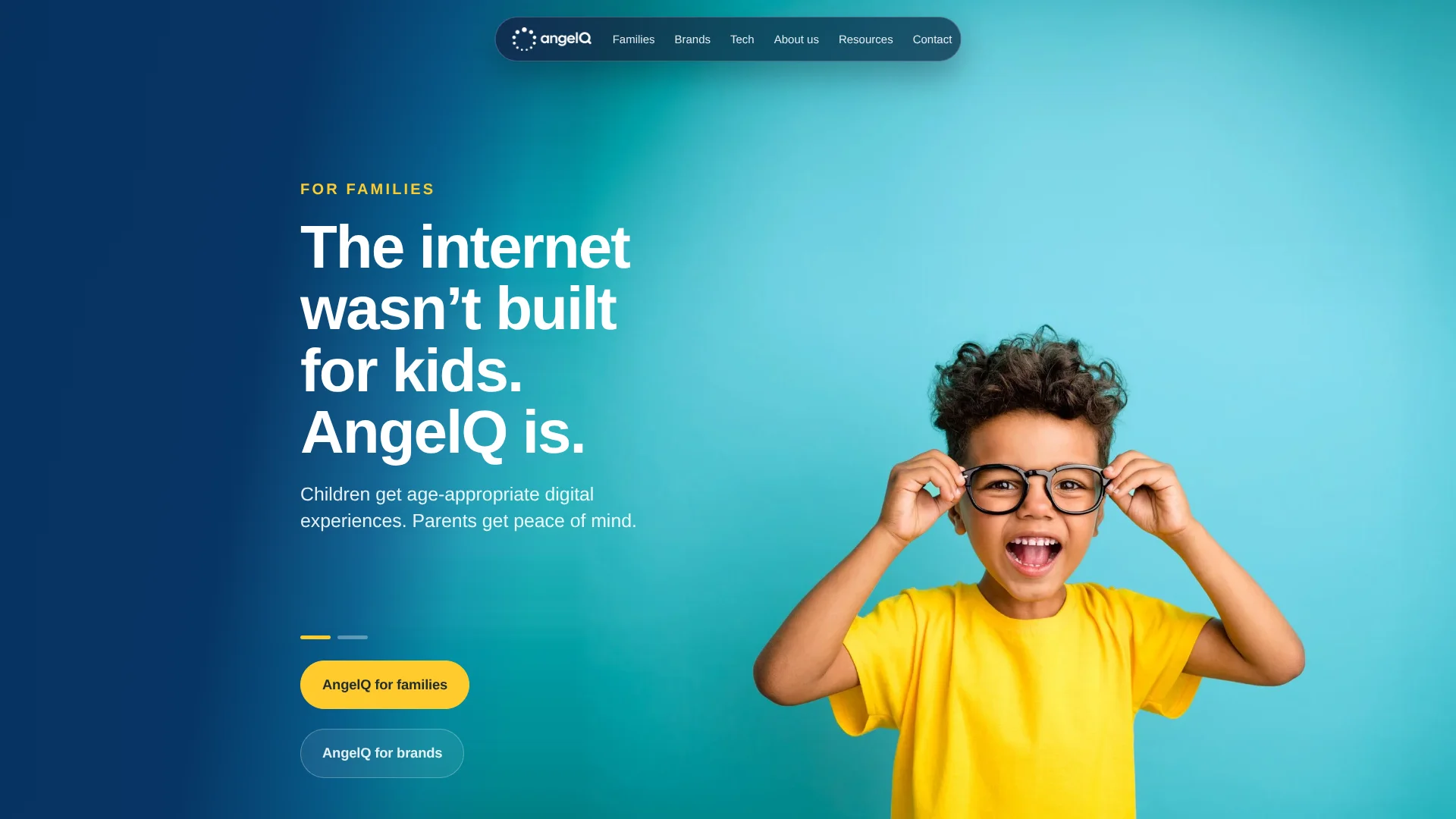
Kid-safe web exploration lets children ask AI questions with parents in view.
Key Takeaways
- What it is
- Kid-safe web exploration lets children ask AI questions with parents in view.
- Pricing
- $4.99 per month · $7.99 per month · $9.99 per month · $12.99 per month · $15 per month
- Best for
- Kid-safe search and AI questions
- Research Mode
- ParentQ
- Rating
- 4.1/5
What is AngelQ?
AngelQ gives children a kid-focused way to search the web, ask AI questions, and explore topics through age-appropriate answers, images, and videos. Parents can see what their child asked and watched in ParentQ, set time and content limits, and get alerts when a question needs an adult. AngelQ also offers its child-safety technology to brands building AI experiences for children.
The same child-focused safety system underlies AngelQ’s family app and its brand tools. For brands, that includes rules for how a character speaks, answers, and handles questions it should pass to a grown-up.
AngelQ is aimed at families who want children to explore online with parent visibility, and at children’s brands creating AI experiences. The family app is listed for iPhone and iPad, while technical access for builders starts with a scoped review. It fits best when child safety and parent oversight matter more than broad device support.
Who is Using AngelQ?
Parents and guardians
ParentQ helps them review a child’s activity, set limits, and see questions AngelQ referred to an adult.
Children
Curious kids can search, research, and follow interests with answers tailored to their age.
Children’s content producers
Story and podcast teams can build age-calibrated episodes using their characters and existing content.
AI product engineers
Builders can request a technical review of AngelQ’s safety layer for an AI experience aimed at children.
Uncommon Use Cases
Families can research a first pet together; children can explore a destination before a family trip.
Key Features
Rating Breakdown
Pricing Plans
AngelQ Essentials
$4.99 per month
- Monthly option listed in the US App Store.
Angel Monthly
$7.99 per month
- Monthly option listed in the US App Store.
AngelQ Essentials
$7.99 per month
- Another Essentials monthly option listed in the US App Store.
AngelQ Premium
$9.99 per month
- Monthly option listed in the US App Store.
AngelQ Premium
$12.99 per month
- Another Premium monthly option listed in the US App Store.
AngelQ
$15 per month
- AngelQ's FAQ lists this price for full access.
Which AngelQ plan should you pick?
Start with the 7-day trial to test the family app, then continue with the monthly subscription if its child-focused search and parent controls fit your household.
AngelQ
For families who want child-focused search, research, learning, and parent oversight under one family subscription.
AngelQ Use Cases
Child-safe topic exploration
A child follows a question about a personal interest through age-appropriate search results and AI answers.
Outcome: Children can explore topics while parents can review their activity.
Homework research
Research Mode gives children fuller explanations with sources and citations to check.
Outcome: Children can practice finding and checking information.
Parent oversight
ParentQ gives a parent a record of questions, watched videos, AI responses, and time spent.
Outcome: Parents can see what their child explored and adjust controls.
Character-based learning
A children’s brand can shape a character’s voice and boundaries for tutoring or guided exploration.
Outcome: The brand’s character can hold its intended style across a conversation.
Age-appropriate stories
Children’s content teams can create narrated stories and podcasts in their characters’ voices.
Outcome: Stories are written for the age of the child listening.
Workflow Ideas with AngelQ
Explore a child’s interest together
- 1A parent creates the child’s profile and adds their interests.
- 2The child explores a topic through AngelQ search or questions.
- 3The parent reviews the activity in ParentQ and uses the weekly summary to continue the conversation.
Research a school topic
- 1The child opens Research Mode and chooses a topic.
- 2They read the explanation and follow its sources and citations.
- 3A parent checks the activity in ParentQ and discusses what the child found.
Plan a child-focused brand experience
- 1The brand scopes a pilot with AngelQ.
- 2The team sets character rules, age guidance, and response boundaries.
- 3The team reviews the safety and audit approach during technical diligence.
How AngelQ fits into your stack
Child-facing app
The iPhone and iPad app is where children search, ask questions, and explore learning topics.
Parent oversight
ParentQ provides the family’s activity view and settings for time, content, and adult follow-up.
Streaming services
AngelQ’s help center documents connections with Netflix and Disney+.
Brand AI experiences
Children’s brands can work with AngelQ on conversational AI, stories, interactive narratives, and learning experiences.
Technical review
Builders can request access to the safety layer, which is designed to sit between an AI model and a child-facing experience.
Pros
- +Parent visibility: ParentQ shows what children asked, watched, and heard from the AI.
- +Learning-focused answers: Research Mode includes sources and citations for children to check.
- +Age-aware guidance: Graduated hints encourage problem-solving rather than giving only final answers.
- +Family subscription: The official help center lists one monthly price for the entire family.
Cons
- −Apple-device focus: The family app is listed for iPhone and iPad, limiting access for families using other devices.
- −Parent setup required: A parent creates the account and each child’s personalized profile.
- −Business access takes review: Builders must request technical access rather than sign up for a self-serve API.
Limitations & when to consider alternatives
Known limitations
- AI answers can be inaccurate. AngelQ’s terms say AI-enabled features may provide inaccurate information, so answers should not be treated as guaranteed facts.
- Family app availability. The App Store listing requires iOS 17.6 or later on iPhone and iPad.
- Technical access is reviewed. AngelQ says business technical access starts with a scoped review rather than an open signup.
Look elsewhere when
- You need a native Android app for your family.
- Your team needs a self-serve developer API with public signup.
- You need a general-purpose AI tool for adult users.
How to Use AngelQ
- 1
Install AngelQ
Download the AngelQ app from the Apple App Store for iPhone or iPad.
- 2
Set up a parent account
Create an account, then make one or more child profiles.
- 3
Personalize a child’s profile
Add hobbies and interests so the child’s exploration can reflect what they care about.
- 4
Explore or research
Children can ask questions, explore interests, or use Research Mode for explanations with sources.
- 5
Review ParentQ
Check the child’s activity, set time and content limits, and review anything AngelQ raised for a parent.
- 6
Request business access
Brands and builders can contact AngelQ to scope a pilot or request a technical review.
Who is AngelQ For?
Families
Parents who want children to explore online with age-appropriate AI answers and a view of their activity.
Children’s brands and creators
Teams can turn their characters and owned content into AI experiences designed for children.
AI builders serving children
Developers can request access to AngelQ’s child-safety and compliance layer for generative AI.
Frequently Asked Questions
Does AngelQ have a free plan?
AngelQ offers a 7-day free trial, not a permanent free tier. The App Store says the subscription begins after the trial unless canceled.
How much does AngelQ cost?
AngelQ’s official help center lists a subscription of $15 per month for the entire family. The App Store offers a 7-day free trial before the subscription begins.
Which devices support the AngelQ app?
The App Store lists AngelQ for iPhone and iPad and requires iOS 17.6 or later, or iPadOS 17.6 or later.
Can parents see what their child does in AngelQ?
Yes. ParentQ shows what the child explored, watched, and asked, along with AngelQ’s responses and questions it referred to a parent.
Can a brand use AngelQ to build a child-focused AI experience?
Yes. AngelQ works with children’s brands and creators on experiences such as conversational AI, stories, interactive narratives, and learning paths. Technical access starts with a scoped review.
Community reviews
Be the first to share your experience.
Sign in to leave a review for AngelQ.
AngelQ Alternatives
Looking for alternatives to AngelQ? Here are similar tools in the same category: