AMESA
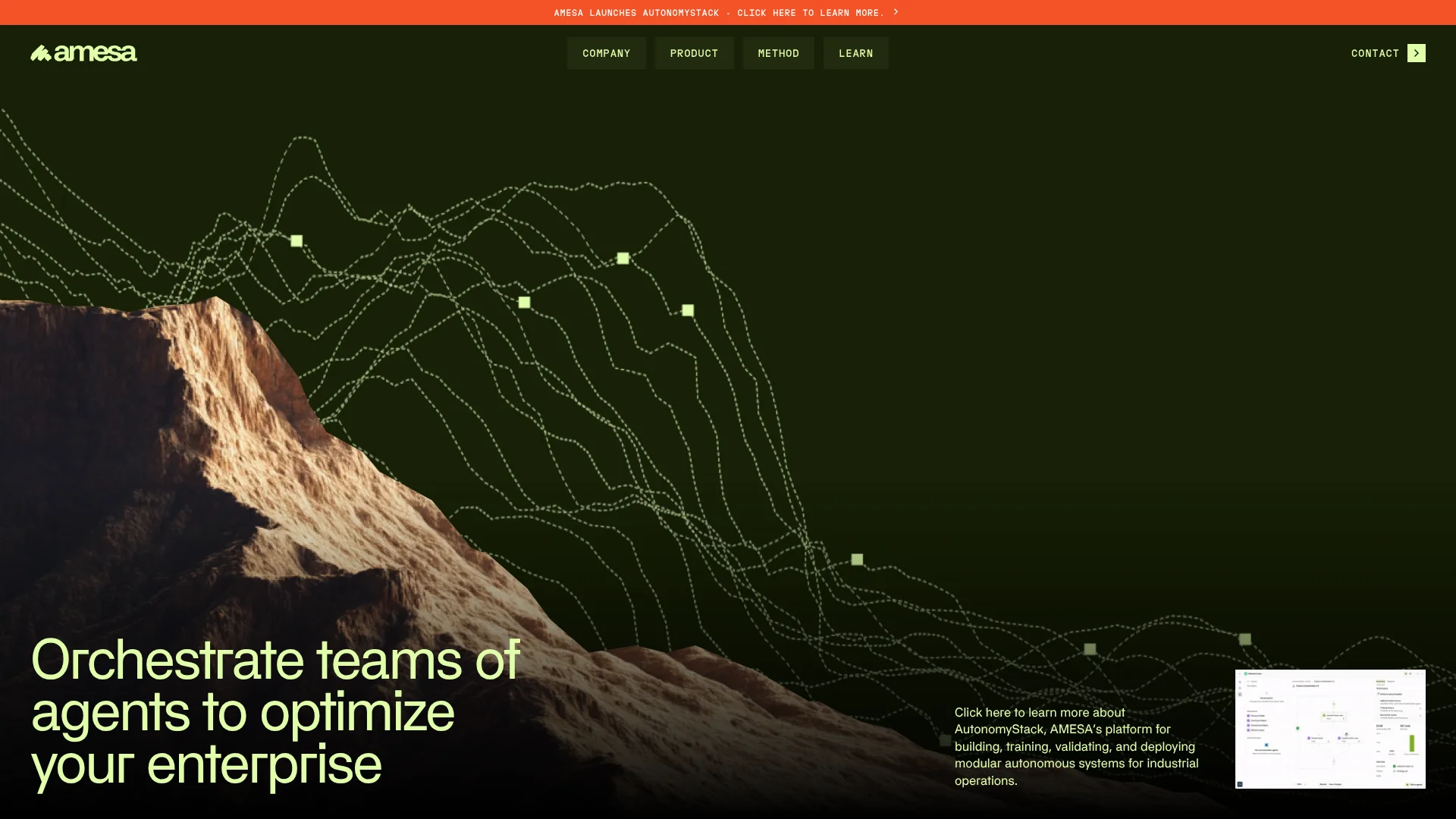
Industrial teams test human-guided AI agents in simulation before operational deployment.
Key Takeaways
- What it is
- Industrial teams test human-guided AI agents in simulation before operational deployment.
- Best for
- Autonomy Studio
- Simulation-based evaluation
- Human oversight
- Rating
- 4.1/5
What is AMESA?
AMESA turns operational data and experienced workers’ decision-making into AI agents for industrial processes and supply chains. Teams use AutonomyStack to design agents, train them on operational goals, and test their performance in simulated conditions before connecting them to live systems. It is built for organizations that want AI to handle operational decisions while keeping people involved when conditions change.
A distinctive part of AutonomyStack is that human experts can evaluate agent behavior in simulation, set how much autonomy an agent receives, and define when it should escalate a decision to a person before it reaches a live process.
AMESA is best suited to industrial companies with operational data, subject-matter experts, and a clear process to improve. It is not a general-purpose tool for everyday writing or research, so its value depends on having an operational use case to work on.
Who is Using AMESA?
Process engineers
Process engineers can capture operating goals and constraints and evaluate agent performance against them.
Controls engineers
Controls engineers can build or connect agent components and link trained systems to operational environments.
Data scientists
Data scientists can add models, algorithms, and simulation components to agent systems.
Operations subject-matter experts
Experienced operators can teach agents how decisions change across operating scenarios and review their behavior.
Uncommon Use Cases
Preserving experienced operators’ decision strategies for future teams; testing process-control approaches against digital twins before live use.
Key Features
Rating Breakdown
Pricing Plans
Free Trial
- Start with a set number of free training cycle credits to explore the platform's capabilities
Subscription Plans
- Detailed pricing plans are available upon request
- Tailored to the scale and needs of different businesses
Which AMESA plan should you pick?
Contact AMESA for an enterprise estimate; the current product page does not list self-serve plans or public prices.
AMESA Use Cases
Industrial process control
When production conditions vary, agents can learn operating strategies from process data and expert guidance.
Outcome: Tested agent behavior against operating goals before connecting it to a live process.
Supply-chain and logistics decisions
Operational teams can develop agents for complex decisions across supply-chain and logistics work.
Outcome: Agents designed for enterprise supply-chain and logistics deployments.
Capturing operator expertise
Experienced workers’ decision strategies can be captured as scenarios, skills, and constraints for agents.
Outcome: Operational expertise represented in agent behavior that experts can evaluate.
Evaluating agents before deployment
Teams can compare agent behavior across simulated conditions and operational performance measures.
Outcome: Evidence to help determine how much autonomy to grant an agent.
Workflow Ideas with AMESA
Teach and test an operational agent
- 1Choose a process and define its operating goals and constraints.
- 2Build an agent in Autonomy Studio using expert decision strategies.
- 3Evaluate its behavior in simulation before deciding whether to deploy it.
Bring existing models into an agent system
- 1Identify the models, scripts, or operational systems the project should use.
- 2Connect them to AMESA through its API, CLI, or MCP server.
- 3Test the combined agent system against operational goals.
Move a validated agent toward operations
- 1Review simulation results with operational experts.
- 2Set when the agent may act and when it must escalate to a person.
- 3Deploy on AMESA Agent Cloud or client-hosted infrastructure.
How AMESA fits into your stack
Agent design
Autonomy Studio is the visual workspace for designing agents, arranging them into teams, and setting goals and constraints.
Enterprise connections
AMESA Connect provides API, CLI, and MCP access for linking agents to enterprise data, applications, and operational systems.
Training and runtime
AMESA Compute orchestrates agent training and operational workloads on AMESA Agent Cloud or infrastructure chosen by the customer.
Simulation and operations
Agents can be evaluated in simulated operating environments before deployment into industrial processes or supply-chain settings.
Pros
- +Simulation before deployment: Teams can test agent performance before connecting it to a live process.
- +Expert-guided autonomy: People set constraints and decide when an agent should hand off a decision.
- +Deployment choice: Organizations can run the platform on AMESA-managed or client-hosted infrastructure.
- +No-code agent design: Autonomy Studio supports agent and team design through a visual interface.
Cons
- −Narrow focus: Its value is tied to industrial operations and supply-chain use cases.
- −Technical work may be needed: Building custom components can involve AMESA’s Python libraries and command-line tools.
- −Enterprise buying process: The site directs prospective customers to request an estimate rather than choose a public self-serve plan.
Limitations & when to consider alternatives
Known limitations
- No public plan prices. The product page describes tailored enterprise pricing and directs prospective customers to request an estimate.
- Enterprise deployment focus. AMESA describes AutonomyStack for industrial process controls and supply-chain and logistics deployments.
Look elsewhere when
- You need a general-purpose AI for writing, research, or everyday questions.
- Your project needs a self-serve subscription with publicly listed plan prices.
How to Use AMESA
- 1
Choose an operational problem
Select a process where better decisions can be measured against clear operational goals.
- 2
Bring in process knowledge and systems
Identify the operational data, simulations, and expert knowledge the agent needs to work with.
- 3
Design agents in Autonomy Studio
Create specialized agents or teams and define their goals, constraints, and success criteria.
- 4
Connect tools and systems
Use AMESA Connect’s API, CLI, or MCP server to connect agents with enterprise systems and applications.
- 5
Train and evaluate in simulation
Have experts review agent behavior across scenarios before granting it responsibility in a live process.
- 6
Choose where the system runs
Deploy through AMESA Agent Cloud or on your own cloud, edge, local, or on-premises infrastructure.
Who is AMESA For?
Industrial operations teams
Teams responsible for production processes can train agents against operational goals and test them before deployment.
Manufacturers
Manufacturers can apply AI agents to process control and other complex operating decisions.
Supply-chain and logistics organizations
Teams can develop agents for operational decisions across supply-chain and logistics environments.
Enterprise AI teams
Organizations with existing data, models, simulations, or infrastructure can use them as part of an autonomy project.
Frequently Asked Questions
Does AMESA have a free plan?
The current AutonomyStack product page does not list a free plan. It directs prospective customers to request an enterprise estimate.
How much does AMESA cost?
AMESA describes its pricing as tailored to enterprise needs and does not show a public price on the current product page.
Can AMESA run on a company's own infrastructure?
Yes. AMESA describes deployment on client-owned cloud, edge, local, or on-premises infrastructure, as well as AMESA Agent Cloud.
Does AMESA require coding?
Autonomy Studio supports no-code agent design. AMESA also offers Python libraries and command-line tools for building components and connecting systems.
How does AMESA test agents before they go live?
Agents can be evaluated in simulated operating environments, where teams measure performance and human experts review behavior before deployment.
Community reviews
Be the first to share your experience.
Sign in to leave a review for AMESA.
AMESA Alternatives
Looking for alternatives to AMESA? Here are similar tools in the same category: