
Amazon Translate
Break language barriers with real-time, scalable, accurate translations.
Key Takeaways
- What it is
- Break language barriers with real-time, scalable, accurate translations.
- Pricing
- Freemium · $15 per million
- Best for
- High-Quality Translations
- Real-Time and Batch Translation Capabilities
- Extensive Language Support
- Rating
- 4.6/5
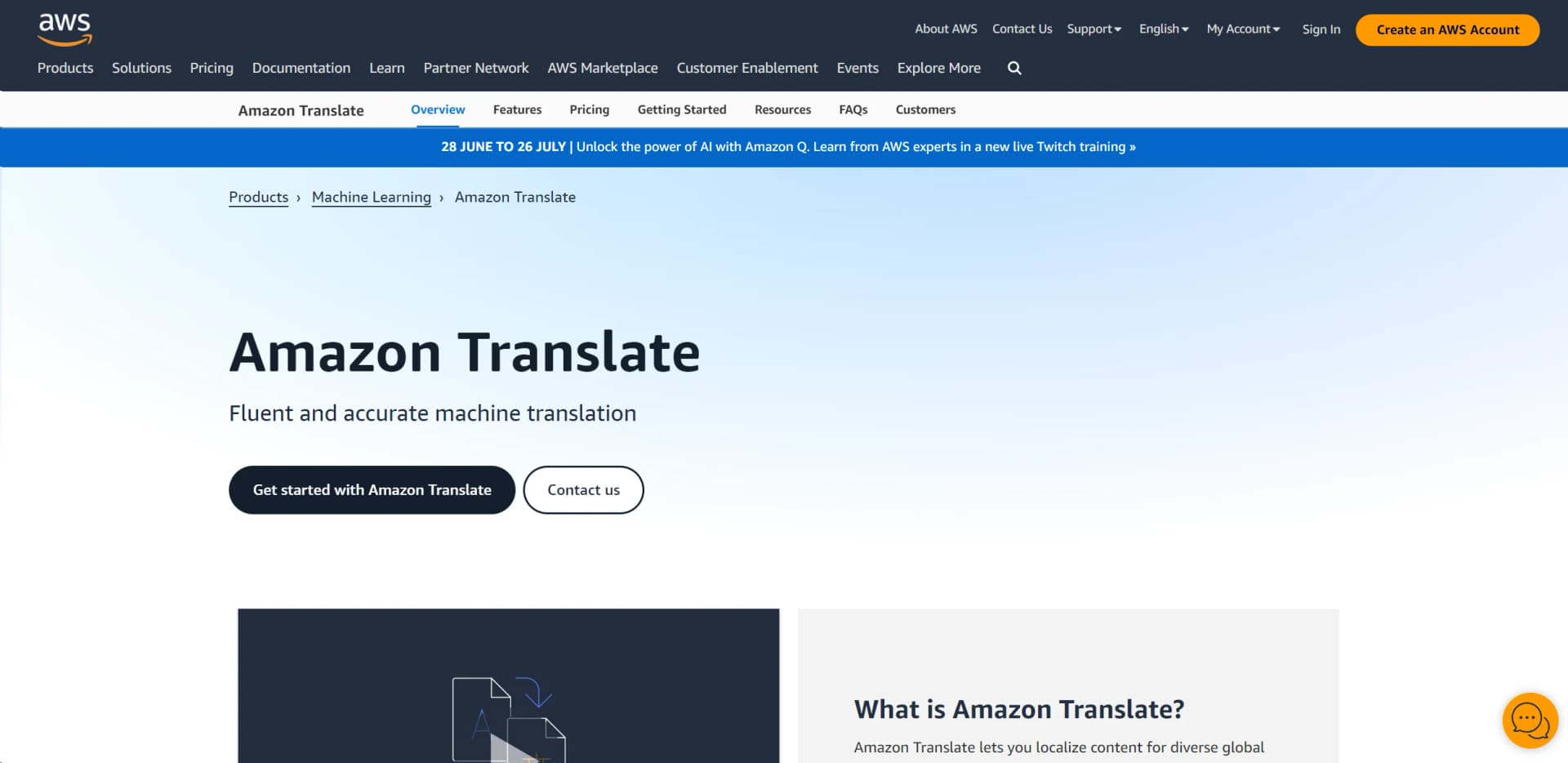
What is Amazon Translate?
In the bustling digital age, the power to communicate across language barriers is more crucial than ever. Enter Amazon Translate, a robust neural machine translation service designed to break down these barriers, enabling businesses and developers to provide more inclusive and comprehensive communication solutions. Whether it’s translating large volumes of text or integrating real-time translation capabilities into applications, Amazon Translate stands out as a pivotal tool in today’s global market.
Amazon Translate distinguishes itself with its deep learning models that continuously learn and adapt from new data, ensuring that the translations become more accurate over time. This ability to evolve makes it an invaluable asset for businesses looking to expand into new markets without the language barrier being a hindrance.
Amazon Translate excels in providing high-quality, scalable, and efficient translation solutions, making it an essential tool for any business operating on a global scale. Its integration capabilities and continuous improvement in model accuracy particularly offer an unmatched advantage in overcoming language barriers.
Who is Using Amazon Translate?
Global Corporations
Utilizing the tool to manage multi-lingual customer support and documentation.
Content Creators
Enabling creators to offer multiple language versions of their content seamlessly.
Educational Institutions
Facilitating a more inclusive learning environment by providing resources in multiple languages.
Healthcare Providers
Improving patient care by easing communication barriers in treatment and consultation.
Uncommon Use Cases
Used by legal teams for quick translation of documents during international cases; adopted by travel agencies to provide real-time travel updates in various languages.
Key Features
Rating Breakdown
Pricing Plans
Free Tier
Free
Pay-as-you-go
$15 per million
- Characters
Amazon Translate Use Cases
Translate user-generated content
Automatically translate social-media stories, profile descriptions, comments, forums, or reviews.
Outcome: Users can access content in their preferred language.
Enable multilingual customer communications
Add real-time translation to chat, email, helpdesk, and ticketing applications.
Outcome: Agents and customers can communicate across languages.
Localize application experiences
Translate dynamic application components such as multilingual search, reviews, and user-facing content.
Outcome: Applications can serve users in multiple languages.
Translate document collections
Submit documents stored in Amazon S3 for asynchronous batch translation.
Outcome: Large collections can be processed in a single batch workflow.
Analyze multilingual text
Translate content before applying natural-language-processing applications to conversations, news, surveys, or other text.
Outcome: Organizations can extract insights across languages.
Workflow Ideas with Amazon Translate
Automated batch document translation
- 1Upload source documents to an Amazon S3 location
- 2Start an asynchronous Amazon Translate batch job
- 3Write translated files to a specified Amazon S3 location
Event-driven translation job monitoring
- 1Create Amazon Translate translation or parallel-data resources
- 2Send resource events to Amazon EventBridge
- 3Trigger Lambda, Step Functions, SNS, SQS, or another supported action
Real-time multilingual application
- 1Send source text and language parameters to the Translate API
- 2Receive translated text synchronously
- 3Display or route the translation within chat, email, helpdesk, or ticketing software
How Amazon Translate fits into your stack
AWS Ecosystem Integration
Seamlessly works with other AWS services like Amazon S3 and AWS Lambda for enhanced data processing and workflow automation.
API Access
Offers robust API support for easy integration into existing systems or building new applications.
SDK Support
Provides SDKs in multiple programming languages, including Python, Java, and more, facilitating easier adoption.
Third-Party Tools
Compatible with various content management and customer support tools, enhancing its utility in diverse environments.
Pros
- +Free tier of up to 2 million characters monthly for 12 months
- +Pay-as-you-go pricing based on translated characters
- +Real-time, batch, and document translation
- +Custom terminology and parallel-data customization
- +Supports numerous human languages and common document formats
Cons
- −Complex Pricing Structure: While competitive, the pricing can be complex and may require careful analysis to understand potential costs fully.
- −Language Limitations: Despite a broad selection, there are still languages and dialects not fully supported.
- −Technical Knowledge Required: To maximize its capabilities, a certain level of technical expertise is necessary, which might be a barrier for non-technical users.
Limitations & when to consider alternatives
Known limitations
- Real-time input limits. Real-time translation requests have limits on input bytes, document characters, and document size.
- Batch job limits. Asynchronous batch translation supports up to 5 GB per API call, with limits for individual documents, characters, and document counts.
- Supported formats are document-focused. Supported inputs include text, HTML, DOCX, XLSX, PPTX, and XLIFF; image understanding is not documented.
- Free tier is time-limited. The standard free tier applies for 12 months after the first translation request, and some translation services have no free tier.
- Machine translation may require editing. AWS describes raw output as appropriate where some translation imperfection is acceptable and recommends post-editing for higher-value content.
Look elsewhere when
- You need a native mobile app or browser extension.
- You need image understanding.
- You need model fine-tuning or weight training.
- You need collaborative shared workspaces.
How to Use Amazon Translate
- 1
Explore the extensive documentation and tutorials provided by AWS to get started with Amazon Translate, covering everything from basic setups to advanced configurations.
Who is Amazon Translate For?
Application developers
Developers can integrate real-time and batch translation into multilingual applications using APIs, SDKs, or the AWS CLI.
Businesses with large content volumes
Organizations can translate company-authored or user-authored content across many languages at machine-translation scale.
Language service providers
Language service providers can increase translation productivity and customize output with Active Custom Translation.
Translation resellers
Translation resellers can expand their service offerings without building and maintaining translation infrastructure.
Frequently Asked Questions
What is Amazon Translate?
Amazon Translate is a neural machine translation service for translating text between supported languages through the console, API, CLI, or SDKs.
What languages does Amazon Translate support?
Amazon Translate supports translation between 75 languages, including English, Spanish, French, German, Japanese, Chinese, Arabic, and Portuguese.
How can Amazon Translate be used?
You can translate text in real time, translate batches of documents, localize application content, and support multilingual communications.
What input formats are supported?
Real-time translation supports UTF-8 text and TXT, HTML, and DOCX files. Batch translation also supports XLSX, PPTX, and XLIFF files.
What are the API limits?
Real-time requests have input-size limits, while asynchronous batch jobs support up to 5 GB per API call, with document and character limits.
Does Amazon Translate retain processed text?
AWS may store some processed content to provide and improve the service, and states that content is protected with encryption at rest and in transit.
Community reviews
Be the first to share your experience.
Sign in to leave a review for Amazon Translate.
Amazon Translate Alternatives
Looking for alternatives to Amazon Translate? Here are similar tools in the same category:
Learn to Master Amazon Translate
With Skill Leap courses
Get in-depth training on Amazon Translate and 50+ other AI tools with our expert-led video courses.
Start 7-Day Free Trial