Alter AI
Transform selfies into professional headshots swiftly and affordably.
Key Takeaways
- What it is
- Transform selfies into professional headshots swiftly and affordably.
- Pricing
- $14.99 per month · $24.99 per month · $34.99 per month
- Best for
- AI-Powered Image Generation
- High-Resolution Output
- Quick Turnaround Time
- Rating
- 4.5/5
What is Alter AI?
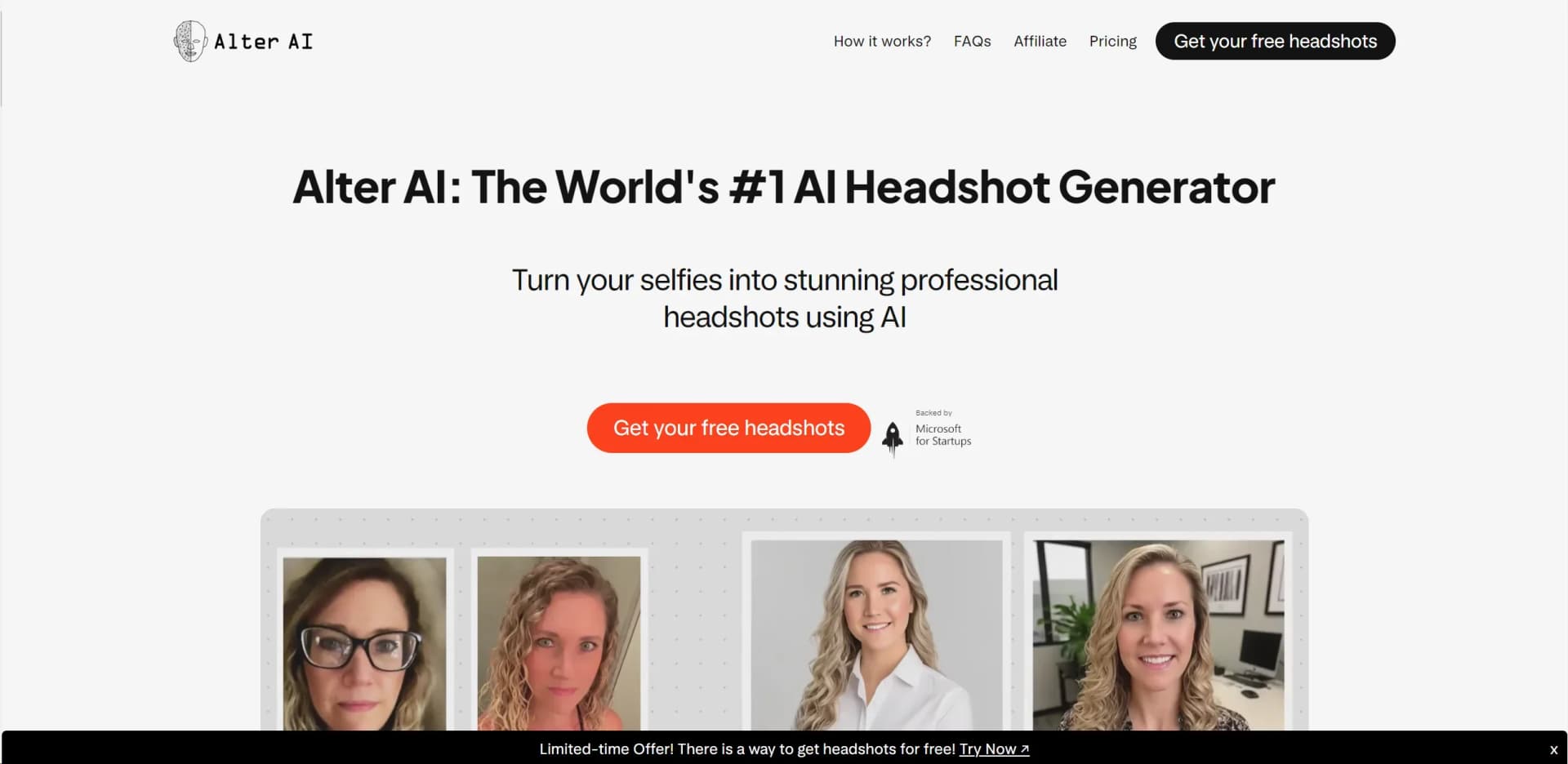
Alter AI, accessible at getalter.ai, is a cutting-edge AI tool designed to transform ordinary selfies into stunning professional headshots. This tool is particularly useful for individuals who require high-quality images for professional purposes, such as LinkedIn profiles, job applications, or personal branding. Alter AI leverages advanced machine learning models to deliver realistic and polished headshots, making it a cost-effective and efficient solution for anyone needing professional-grade imagery without the hassle of traditional photography.
Alter AI stands out with its ability to generate professional headshots that maintain the authenticity and natural look of traditional photography. Its unique selling point is the rapid transformation of ordinary selfies into high-quality headshots, catering to various professional needs without the high costs associated with conventional photography services.
Alter AI offers a compelling solution for anyone in need of professional headshots without the traditional hassle and expense. Its user-friendly interface, rapid processing, and high-quality output make it an invaluable tool for job seekers, entrepreneurs, and social media influencers alike. With flexible pricing options and a strong focus on data privacy, Alter AI provides a reliable and efficient service that stands out in the field of AI-powered image generation.
Who is Using Alter AI?
Job Seekers
Enhancing LinkedIn profiles and CVs with professional headshots.
Entrepreneurs
Utilizing headshots for personal branding on websites and promotional materials.
Social Media Influencers
Creating polished images for social media platforms.
Freelancers
Improving personal marketing materials and online portfolios.
Uncommon Use Cases
Employed by actors for audition submissions; used by corporate teams for uniform professional headshots.
Key Features
Rating Breakdown
Pricing Plans
Starter Plan
$14.99 per month
- 40 real AI headshots
- Available in 10 styles with no reprocessing
Basic Plan
$24.99 per month
- 80 real AI headshots
- Available in 20 styles with one reprocessing allowed
Premium Plan
$34.99 per month
- 120 real AI headshots
- Available in 30 styles with two reprocessings allowed
Which Alter AI plan should you pick?
Start with Basic for the best balance of output volume, styles, turnaround, and one reprocessing opportunity; choose Premium when you need more images, styles, or reprocessing.
Starter
Good for users who need 40 headshots, 10 styles, and do not need reprocessing.
Basic
Good for users who need 80 headshots, 20 styles, and one reprocessing opportunity.
Premium
Good for users who need 120 headshots, 30 styles, faster listed delivery, and two reprocessing opportunities.
Alter AI Use Cases
LinkedIn profile photo
Upload selfies and generate professional headshot variations.
Outcome: A polished profile image for LinkedIn.
Job application photo
Create a professional-looking headshot for a job application.
Outcome: A ready-to-use candidate photo.
Website headshot
Generate professional portraits for a personal or business website.
Outcome: Professional visual content for a website.
Social media profile
Generate multiple styles from uploaded selfies for social profiles.
Outcome: A selection of profile images.
Headshot reprocessing
On eligible plans, submit a different set of photos when the initial output is unsatisfactory.
Outcome: A second set of improved headshots.
Workflow Ideas with Alter AI
Generate professional headshots
- 1Upload at least 15 selfies of the same person
- 2Let Alter AI train its model and generate the images
- 3Download the resulting headshots
Choose a headshot package
- 1Compare Starter, Basic, and Premium plans
- 2Select the desired image quantity, style count, and turnaround time
- 3Submit the selfie set and receive the generated bundle
Reprocess unsatisfactory results
- 1Review the initial generated headshots
- 2Upload a better or different set of photos if the plan allows reprocessing
- 3Receive an improved generation
How Alter AI fits into your stack
Browser
Alter AI is used through its web-based headshot workflow: upload at least 15 selfies, wait for processing, and download generated professional headshots.
Pros
- +Affordable Alternative to Professional Photography: Significantly reduces the cost and time associated with hiring a professional photographer.
- +User-Friendly Process: Simple three-step process—upload selfies, let AI work its magic, and download the results.
- +Natural-Looking Results: Delivers headshots that look like professionally captured photos, maintaining a natural appearance.
- +Flexible Use: Provides a full commercial license, granting users the freedom to use their headshots for any purpose.
Cons
- −No Free Trial: Due to the GPU-intensive nature of the service, a free trial is not available.
- −Initial AI Learning Requirement: Requires uploading at least 15 diverse photos for optimal results.
- −Potential Wait During High Demand: Processing times may extend by 1-2 hours during peak usage periods.
Limitations & when to consider alternatives
Known limitations
- No free trial. Alter AI says it does not offer a free trial because headshot generation is GPU-intensive.
- Minimum photo requirement. The service recommends uploading at least 15 photos of the same person.
- Processing is not immediate. Listed turnaround times range from 45 to 90 minutes, with possible extra delays during high demand.
- Reprocessing is plan-limited. Starter includes no reprocessing, Basic allows one reprocessing, and Premium allows two.
- Uploaded data is retained temporarily. The site says uploaded data is deleted from its servers within 30 days.
Look elsewhere when
- You need a free plan or free trial
- You need programmatic API access
- You need native mobile or desktop software
- You need extensive reprocessing
How to Use Alter AI
- 1
Prepare your selfies
Collect at least 15 photos of the same person with varied expressions, outfits, lighting, and locations to improve results.
- 2
Choose a plan
Select Starter, Basic, or Premium based on image quantity, style count, turnaround, and reprocessing needs.
- 3
Upload your photos
Submit the selfie set to begin the AI headshot generation process.
- 4
Wait for processing
Allow approximately 45–90 minutes depending on the selected plan, with possible delays during high demand.
- 5
Download your headshots
Download the generated professional headshot variations for LinkedIn, applications, websites, or social media.
- 6
Request reprocessing if eligible
If the results are unsatisfactory, upload a different photo set when your Basic or Premium plan includes reprocessing.
Who is Alter AI For?
Job applicants
The service creates professional headshots for job applications.
LinkedIn users
Users can create polished profile photos for LinkedIn.
Website owners
The generated headshots can be used on personal or business websites.
Social media users
Alter AI provides professional-looking images for social media profiles.
Professionals
The platform is positioned for professional visual use without hiring a photographer.
Frequently Asked Questions
Can I try your service before paying?
No. Alter AI says it cannot provide a free trial because generating headshots is GPU-intensive.
What types of photos should I upload for the best results?
Upload at least 15 photos of the same person, with varied expressions, outfits, locations, and lighting.
How long does the process take?
Processing normally takes 30–90 minutes depending on the plan, with possible additional delays during high demand.
Can I get a refund if I don't like my headshots?
Refunds are available within 7 days when the photo guidelines have been followed.
Can I use the photos anywhere?
Alter AI grants full commercial license and ownership, allowing users to use the photos for any purpose.
What do you do with my photos after training?
Alter AI says it trains its model, creates the headshots, and deletes uploaded data from its servers within 30 days.
Community reviews
Be the first to share your experience.
Sign in to leave a review for Alter AI.
Alter AI Alternatives
Looking for alternatives to Alter AI? Here are similar tools in the same category:
Learn to Master Alter AI
With Skill Leap courses
Get in-depth training on Alter AI and 50+ other AI tools with our expert-led video courses.
Start 7-Day Free Trial