Almetra
Video-based production insights help factory teams spot where lines lose time.
Key Takeaways
- What it is
- Video-based production insights help factory teams spot where lines lose time.
- Best for
- Almetra Capture
- Morning Briefing Agent
- Shift Performance Monitor
- Rating
- 4.0/5
What is Almetra?
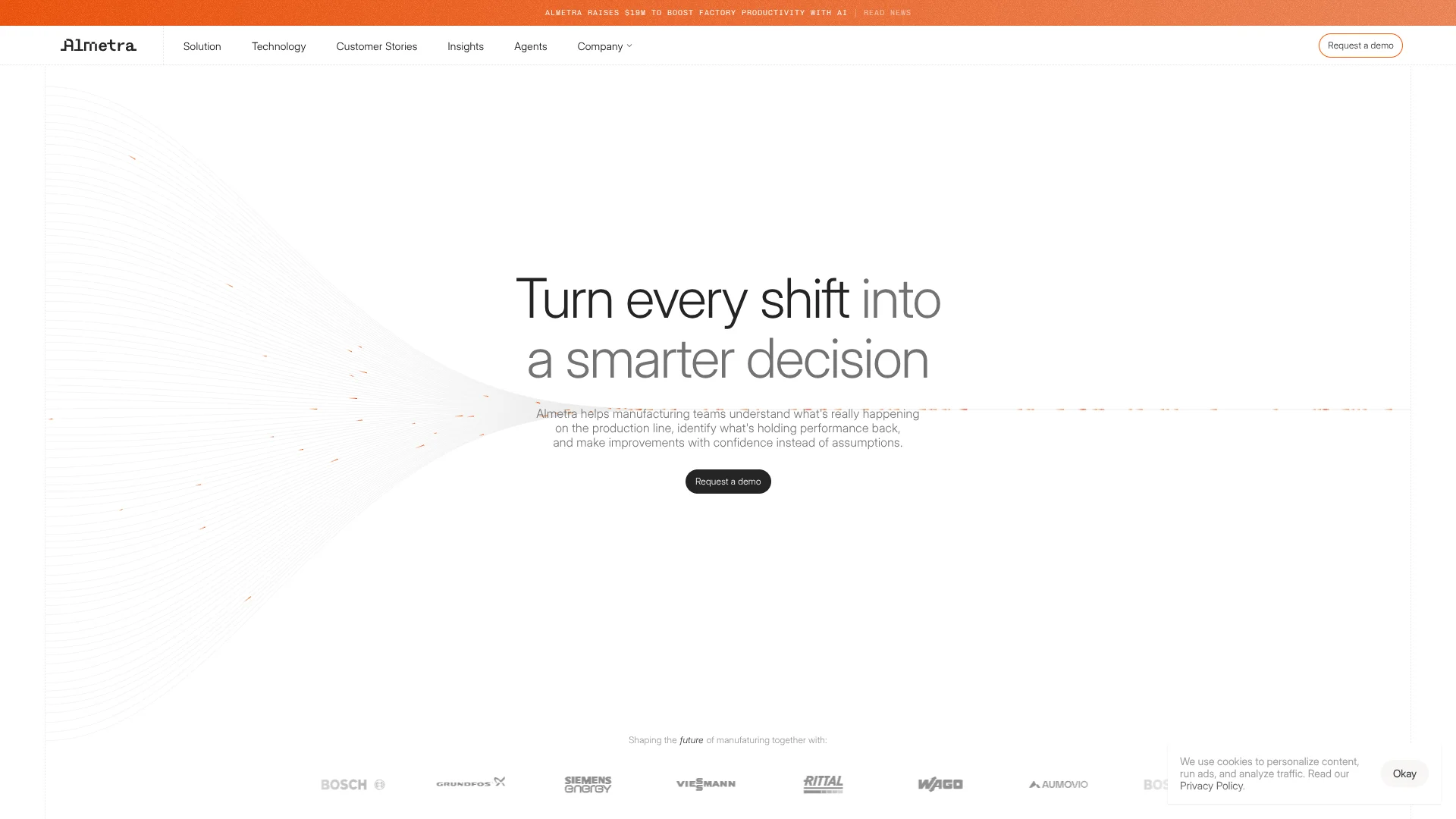
Almetra uses privacy-preserving video and AI to show manufacturing teams what is happening on production lines and where time or output is being lost. Its system combines video with machine and production data, then gives managers and engineers information they can use during a shift, such as cycle-time changes, downtime, and bottlenecks. It is built for factories that need more than end-of-shift totals to understand performance.
Almetra says raw video is processed and discarded, while the system tracks how work happens rather than recording individual worker performance. That lets teams review production patterns and, where needed, anonymized video snippets tied to a finding.
The clearest fit is a manufacturer looking to find recurring production losses and act on them with shop-floor teams. Almetra is specialized for factory operations, and its website directs prospective customers to request a demo rather than offering self-serve signup, so it is not a quick trial for general AI tasks.
Who is Using Almetra?
Plant managers
Shift briefings and ranked losses help plant managers set priorities for daily production reviews.
Production engineers
Cycle-time and bottleneck findings help engineers investigate constraints on a line.
Continuous improvement specialists
Evidence about recurring losses gives improvement teams a basis for testing changes and tracking results.
Shift leaders
Live target and output tracking helps shift leaders spot a developing performance gap.
Uncommon Use Cases
Finding walking routes that add unnecessary movement; identifying repeatable best-practice cycles for operator training.
Key Features
Rating Breakdown
Pricing Plans
Free Trial
- 3-month trial available to evaluate impact on operations
Subscription Model
- Pricing based on the number of production lines and cameras installed
Which Almetra plan should you pick?
Almetra does not publish self-serve plans or prices, so request a consultation to discuss fit and pricing.
Almetra Use Cases
Prepare a daily production stand-up
A ranked summary of the previous shift helps managers focus the meeting on the largest losses.
Outcome: A focused agenda for the daily stand-up.
Monitor shift performance
Live output, cycle time, staffing, and target progress show whether production is on track.
Outcome: Teams can respond before a target gap becomes unrecoverable.
Investigate downtime
Machine signals, fault codes, video, and operator input help classify stoppages and surface likely causes.
Outcome: More explainable downtime events and likely root causes.
Find bottlenecks
Video and production signals show which station is limiting throughput, including when the constraint moves.
Outcome: A clearer view of where throughput is being limited.
Measure micro-stops
Short, recurring interruptions become visible so teams can assess their combined effect on output.
Outcome: The cumulative impact of small stops is easier to see.
Workflow Ideas with Almetra
Start the shift with a loss review
- 1Review the Morning Briefing Agent's summary of the previous shift.
- 2Discuss the largest ranked losses at the daily stand-up.
- 3Use the findings to decide which issue the team will investigate.
Respond to a live production deviation
- 1Monitor output and cycle-time progress during the shift.
- 2Review a contextual alert sent through Microsoft Teams or email.
- 3Investigate the flagged station and likely cause with the production team.
Investigate recurring downtime
- 1Review a stoppage classified by the Downtime Root Cause Agent.
- 2Compare the machine signals, video, and operator input associated with the event.
- 3Use the likely cause to guide a focused improvement review.
How Almetra fits into your stack
Production floor
Almetra Capture uses privacy-preserving video to track production activity, machine stoppages, and movement on factory lines.
Factory systems
The site describes connections to PLC, MES, and ERP data, adding machine and production context to video findings.
Shift operations
Morning briefings and live shift tracking bring Almetra's production insights into daily management routines.
Team alerts
Contextual alerts can reach the right people through Microsoft Teams or email.
Pros
- +Production context: Brings video, machine data, and employee feedback together to help explain why output is changing.
- +Shift-level guidance: Briefings and live tracking turn production data into information managers can use during the day.
- +Privacy focus: The site says raw footage is processed and discarded, and individual performance is not captured or stored.
- +Tailored agents: The Agent Builder supports adapting agents to a factory's use case and systems.
Cons
- −No self-serve pricing: The site asks prospects to request a demo and does not publish subscription prices.
- −Factory-specific setup: Video capture and production-system context make this a factory deployment, not a quick general-purpose AI tool.
- −Narrow use: Its features focus on manufacturing operations rather than everyday writing or office tasks.
Limitations & when to consider alternatives
Look elsewhere when
- You need a self-serve product with published subscription pricing.
- You need a general-purpose AI tool for work outside manufacturing operations.
How to Use Almetra
- 1
Request a consultation
Submit the Almetra contact form to discuss whether the system fits your factory and production needs.
- 2
Choose a production problem
Identify a line or recurring issue, such as downtime, bottlenecks, or shift performance, to give the evaluation a clear focus.
- 3
Review the factory context
Discuss the relevant video, machine data, and production systems with Almetra so the insights reflect how the line runs.
- 4
Select or tailor agents
Match an agent from the library to the use case, or customize one around your systems and shop-floor setup.
- 5
Put findings into shift routines
Bring briefings, live tracking, and contextual alerts into the team's production reviews and response process.
Who is Almetra For?
Manufacturing teams
Production teams can see line performance and recurring losses as they happen.
Factory and plant managers
Shift summaries and live tracking help managers focus stand-ups on the largest issues.
Continuous improvement teams
Production evidence can help these teams investigate root causes and track recurring losses.
Production engineers
Line-level cycle and bottleneck insights help engineers identify where a process needs attention.
Frequently Asked Questions
How does Almetra handle production video?
Almetra says raw footage is processed and discarded immediately. Its site also says it tracks processes rather than individual performance.
Does Almetra replace MES, ERP, or PLC systems?
Almetra describes connecting with machine and production data from PLC, MES, and ERP systems to add context to its insights.
What production issues can Almetra help investigate?
Its agents cover shift performance, bottlenecks, downtime root causes, and micro-stops.
How can a factory learn about pricing?
Almetra's website directs prospective customers to request a demo or consultation; it does not list self-serve plan prices.
Community reviews
Be the first to share your experience.
Sign in to leave a review for Almetra.
Almetra Alternatives
Looking for alternatives to Almetra? Here are similar tools in the same category: