Align AI
AI product teams use semantic search to uncover chatbot problems after launch.
Key Takeaways
- What it is
- AI product teams use semantic search to uncover chatbot problems after launch.
- Best for
- Real-Time Data Ingestion
- Contextual Semantic Search
- Issue Identification
- Rating
- 4.0/5
What is Align AI?
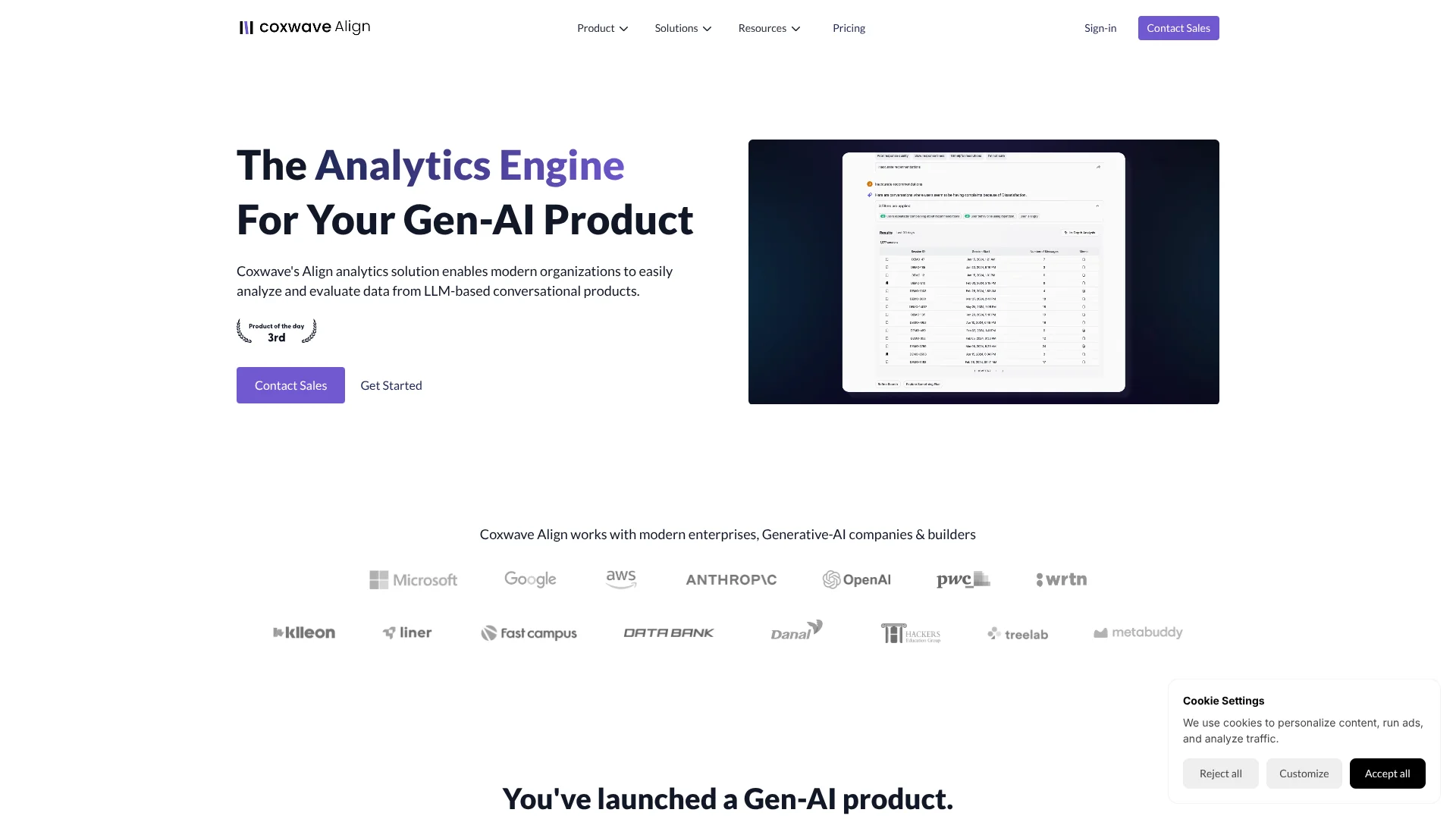
Align AI, also called Coxwave Align, helps teams understand what happens inside AI chatbot conversations after launch. Its SDK sends user and chatbot messages into a dashboard where product and engineering teams can search conversations, find satisfaction drop-offs, study usage patterns, and monitor whether the chatbot behaves as intended. It is built for companies developing AI-native products.
The clearest edge is contextual semantic search across live conversational data, so teams can find relevant interactions by describing the issue in natural language instead of relying only on keywords. Align AI then turns those findings into metrics, dashboards, and prioritized action items.
Align AI fits teams responsible for AI chatbot quality, product decisions, and post-production monitoring, especially when conversation volume makes manual review impractical. It is less suitable for general website analytics or teams seeking a self-serve consumer chatbot tool. Its value comes from treating chatbot conversations as product data that can be investigated and improved.
Who is Using Align AI?
Product Managers
Product managers can identify satisfaction drop-offs, discover unexpected use patterns, and decide which chatbot issues deserve attention first.
AI Engineers
AI engineers can send user, session, message, and feedback events through the SDK and inspect chatbot behavior in production.
Conversation Designers
Conversation designers can find recurring friction in real interactions instead of reviewing chatbot transcripts one by one.
Quality and Evaluation Teams
Quality teams can monitor whether chatbot responses continue to perform as intended after model or product changes.
Data and Analytics Leads
Analytics leads can turn conversational data into cohorts, metrics, dashboards, and product action items.
Uncommon Use Cases
Education teams can compare how student groups respond to different teaching methods; supply-chain companies can analyze chatbot data while keeping sensitive information under stricter deployment controls.
Key Features
Rating Breakdown
Pricing Plans
Coxwave Align Cloud
- Pricing depends on organization-specific factors
- Data consumption is based on the number of chatbot messages
- Managed cloud deployment
Coxwave Align Enterprise
- Custom self-hosted and on-premise deployment
- SSO and advanced permission management
- Training, onboarding, and post-deployment support
Which Align AI plan should you pick?
Start with Coxwave Align Cloud if you want a managed deployment, and discuss Coxwave Align Enterprise when you need self-hosting, on-premise control, SSO, advanced permissions, or custom support.
Coxwave Align Cloud
Good for AI product teams that want managed conversational analytics and a setup the vendor says can begin in less than 15 minutes.
Coxwave Align Enterprise
Good for organizations that need custom deployment, stricter data control, SSO, advanced permissions, and post-deployment support.
Align AI Use Cases
Chatbot Quality Monitoring
Post-production tracking shows whether an AI chatbot is responding as intended as users and models change.
Outcome: Earlier detection of chatbot behavior that needs correction.
Conversation Issue Discovery
Natural-language search isolates conversations involving poor experiences, forgotten context, or unsatisfactory answers.
Outcome: A focused set of conversations for product and engineering review.
User Satisfaction Analysis
Product teams can study where satisfaction changes and investigate the reasons behind those changes.
Outcome: Clearer priorities for improving the chatbot experience.
Product Feature Prioritization
Conversation patterns reveal what users are trying to do and which unexpected behaviors may point to new features.
Outcome: Product decisions grounded in actual chatbot usage.
Education Chatbot Evaluation
Education teams can compare student engagement and response quality across different learner groups and teaching methods.
Outcome: Better visibility into what supports student engagement and learning.
Workflow Ideas with Align AI
Find and Fix Conversation Friction
- 1Send chatbot sessions and messages to Align AI through the SDK
- 2Search for conversations connected to a suspected user problem
- 3Turn recurring patterns into prioritized product or engineering actions
Check a Model or Product Update
- 1Capture conversations before and after the update
- 2Compare chatbot performance and user behavior across the relevant data
- 3Review changes in metrics, issues, and action items
Monitor an Education Chatbot
- 1Group conversations by student or learner attributes
- 2Study engagement and response patterns across groups
- 3Use the findings to adjust the chatbot's teaching experience
How Align AI fits into your stack
AI Chatbot Application
Align AI sits after the chatbot runtime, capturing the user and chatbot messages your product already produces.
Developer SDK
The Python SDK sends structured user, session, message, and feedback events with an API key and project ID.
Conversation Analytics
The dashboard is the investigation layer for searching conversations, studying cohorts, and identifying user experience problems.
Product Improvement
Metrics, dashboards, and action items help product and engineering teams decide what to change in the chatbot.
Enterprise Infrastructure
Enterprise deployment can fit environments that require self-hosting, on-premise control, SSO, advanced permissions, or Google Cloud and Vertex AI support.
Pros
- +Conversation search: Finds relevant chatbot interactions through natural-language queries.
- +Production monitoring: Tracks chatbot behavior after launch and after product updates.
- +Fast cloud setup: The Cloud solution says organizations can get started in less than 15 minutes.
- +Enterprise deployment: Self-hosted and on-premise options give organizations more control over conversational data.
- +Developer access: Python SDK documentation covers user, session, message, and feedback events.
Cons
- −Sales-led pricing: The site does not publish standard subscription prices.
- −Technical setup: Developers need to add an SDK and send structured conversation events.
- −Narrow scope: The product focuses on AI chatbot conversation analytics rather than broad business analytics.
Limitations & when to consider alternatives
Known limitations
- Message-Based Consumption. The pricing page says data consumption is calculated from the number of messages produced between users and the AI chatbot.
- SDK Integration Required. Conversation data must be ingested through the SDK or another supported data connection before it can be analyzed.
- Enterprise Pricing Depends on Usage. The vendor says pricing depends on organization-specific factors and the amount of message data.
- Python SDK Version Requirement. The documented Python SDK supports Python 3.9 and above.
- Custom Enterprise Setup. Self-hosted and on-premise deployments are custom solutions that include onboarding and post-deployment support.
Look elsewhere when
- You need broad website or product analytics across non-conversational events.
- You need a consumer-facing chatbot rather than analytics for a chatbot you operate.
- Your team cannot add an SDK or send structured conversation data.
- Your organization needs transparent self-serve pricing before speaking with sales.
How to Use Align AI
- 1
Choose a deployment
Select Align Cloud for a managed setup or discuss Enterprise when self-hosted, on-premise, SSO, or permission requirements matter.
- 2
Create a project and API key
The SDK requires a project ID and API key so your application can send conversational events to Align AI.
- 3
Install the SDK
The documented Python SDK supports Python 3.9 and above and can be installed with pip.
- 4
Send conversation events
Record users, sessions, messages, assistants, custom properties, and feedback so the dashboard has the context needed for analysis.
- 5
Search and analyze
Use natural-language search and conversation cohorts to investigate chatbot issues, behavior patterns, and satisfaction changes.
- 6
Track improvement
Review metrics and dashboards after product or model changes to see whether chatbot performance is moving in the intended direction.
Who is Align AI For?
Generative-AI Companies
AI product companies can monitor chatbot quality and learn how users interact with their products after launch.
Modern Enterprises
Organizations with sensitive conversational data can consider Cloud, self-hosted, or on-premise deployment options.
AI Product Builders
Teams building conversational products can turn user conversations into product decisions and improvement priorities.
Productivity Chatbot Teams
Productivity chatbot builders can study satisfaction changes, topic engagement, and response quality.
Education Chatbot Teams
Education chatbot teams can compare student engagement patterns and evaluate whether responses support learning goals.
Frequently Asked Questions
Does Align AI have a free plan?
The official pricing page does not list a free plan or standard free trial.
How is Align AI priced?
Pricing depends on organization-specific factors, including the number of messages produced between users and the AI chatbot. The vendor asks prospective customers to request a customized proposal.
What developer tools does Align AI provide?
The documentation includes a Python SDK for server-side data ingestion. It covers user identification, sessions, messages, feedback, custom properties, batching, and API-key authentication.
Can Align AI run on-premise?
Yes. The Enterprise solution offers custom self-hosted and on-premise deployment for organizations that need control over their data.
Does Align AI support SSO?
The Enterprise offering describes SSO and advanced permission management for organizational security.
What data does Align AI analyze?
Align AI analyzes conversational data generated between users and AI chatbots, including sessions, messages, user details, and feedback.
Community reviews
Be the first to share your experience.
Sign in to leave a review for Align AI.
Align AI Alternatives
Looking for alternatives to Align AI? Here are similar tools in the same category: