
Airkit
Streamlines app creation, testing, and deployment for customer experiences.
Key Takeaways
- What it is
- Streamlines app creation, testing, and deployment for customer experiences.
- Best for
- Code-Free AI Agents
- 24/7 Customer Interaction
- Proactive Service
- Rating
- 4.5/5
What is Airkit?
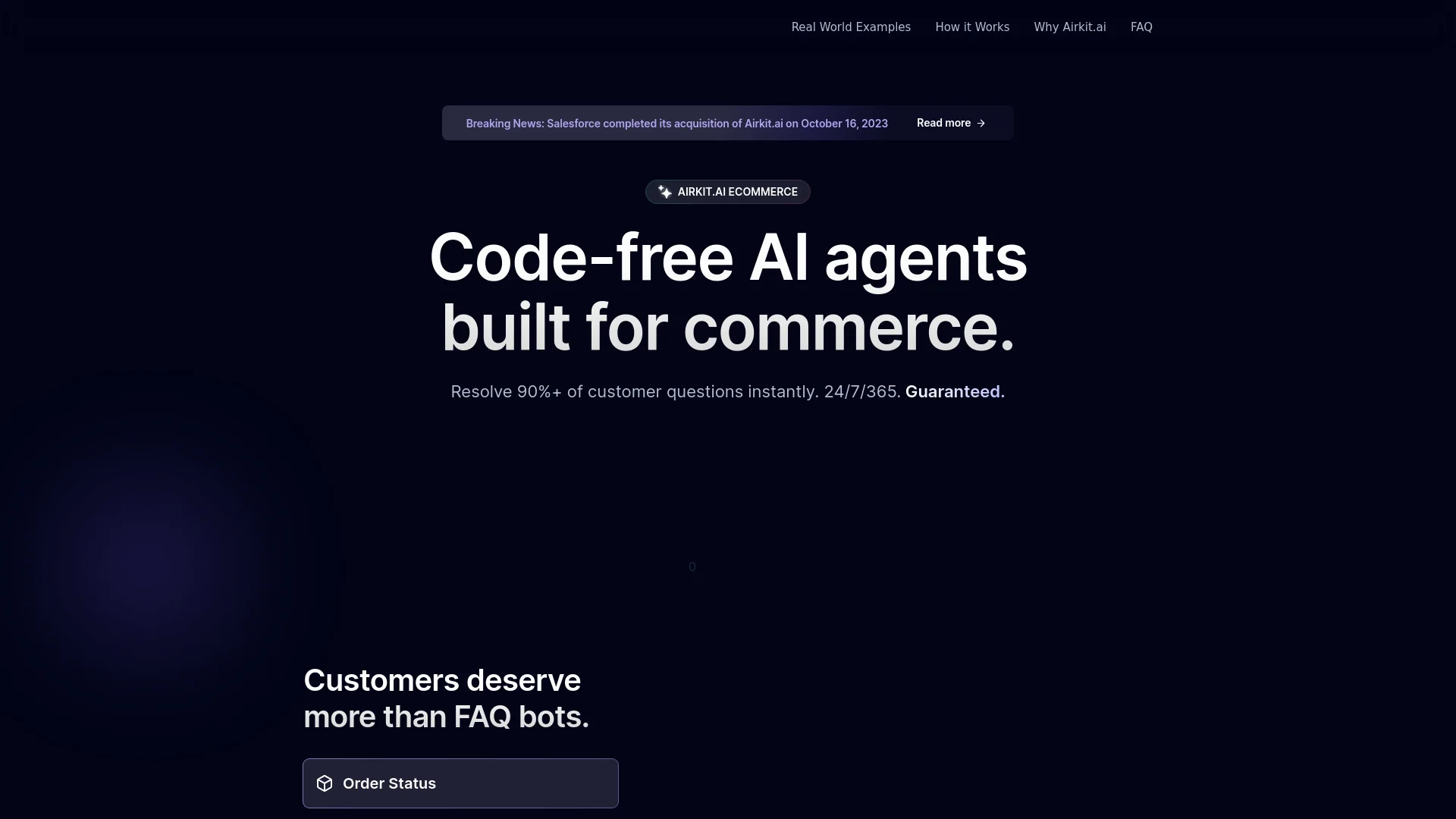
Airkit is a pioneering platform designed to transform eCommerce customer interactions through code-free AI agents. It offers a streamlined approach to handling a wide range of customer queries—from order inquiries to support requests—24/7. By leveraging AI, Airkit enables businesses to enhance customer satisfaction and engagement without needing extensive technical resources.
Airkit distinguishes itself by transforming traditional customer service into a proactive, intelligent operation. Its code-free deployment, combined with seamless integrations and 24/7 service capabilities, makes it a significant innovation in customer engagement.
Airkit excels in elevating customer interaction through innovative, AI-driven solutions. Its robust features and ease of use make it a valuable tool for eCommerce businesses aiming to enhance customer engagement and streamline support processes. By setting a new standard in customer service, Airkit enables companies to focus on strategic tasks and thrive in a competitive digital landscape.
Who is Using Airkit?
Mid-Market eCommerce Businesses
Enhancing customer interaction without expanding support teams.
Large Enterprises
Implementing scalable, sophisticated customer service solutions.
Small Businesses
Utilizing AI to offer competitive customer service with limited resources.
Customer Service Managers
Improving team efficiency and job satisfaction with AI tools.
Uncommon Use Cases
Non-profits for managing donor interactions; event organizers for instant participant queries.
Airkit is widely adopted across various sectors within the eCommerce industry
Key Features
Rating Breakdown
Pricing Plans
Custom Pricing Model
- Tailored based on the specific needs and scale of the business
Which Airkit plan should you pick?
Start with Salesforce Foundations for free, then upgrade to usage-based credits, conversations, user licensing, add-ons, or Agentforce 1 Editions as deployment needs grow.
Salesforce Foundations
Good for teams evaluating Agentforce Builder, Prompt Builder, Agent Script, and starter AI capabilities at $0.
Flex Credits
Good for organizations that want consumption-based pricing for customer-facing or employee-facing agents and actions.
Conversations
Good for customer-facing deployments priced by conversation.
Agentforce User License
Good for deploying metered Agentforce access broadly across employees.
Agentforce 1 Editions
Good for organizations needing bundled Salesforce capabilities, agent access, and larger annual credit allocations.
Airkit Use Cases
Customer service automation
Answer customer questions, resolve cases, manage orders, and troubleshoot issues through autonomous agents.
Outcome: Reduced response times and always-on service.
Appointment scheduling
Schedule appointments using customer history and context, then send reminders and follow-ups.
Outcome: More personalized scheduling at lower operating cost.
Sales development
Answer product questions, handle objections, qualify prospects, and book meetings for sales representatives.
Outcome: Shorter deal cycles and increased efficiency.
Employee support
Answer employee questions and automate routine workplace tasks with specialized internal agents.
Outcome: Higher productivity and faster resolution times.
Product recommendations
Help shoppers search for products, receive recommendations, and complete buying tasks through conversational agents.
Outcome: More personalized commerce experiences.
Workflow Ideas with Airkit
Customer order-status workflow
- 1Authenticate the customer using their email address
- 2Retrieve order details from the order-management system
- 3Return the current status and estimated delivery date
Sales prospecting workflow
- 1Upload product and pricing documents to a Data Library
- 2Assign contacts using lead-score or company-size conditions
- 3Generate personalized outreach and activate the agent
Multi-system service workflow
- 1Receive a customer request through a supported channel
- 2Retrieve trusted data from Salesforce or external systems
- 3Execute an action or escalate the issue to a human agent
How Airkit fits into your stack
CRM Systems Compatibility
Integrates with popular CRM systems to provide a unified customer view.
eCommerce Platforms
Works seamlessly with major eCommerce platforms to streamline interactions.
Helpdesk Integrations
Enhances existing helpdesk systems with AI capabilities.
Real-Time Analytics
Provides insights into customer interactions and service performance.
Pros
- +Efficiency in Resolution: Handles over 90% of customer inquiries instantly, reducing the workload on human agents.
- +Enhanced Customer Satisfaction: Offers a more responsive and engaging customer service experience.
- +Scalability: Scales effortlessly to handle peak loads without additional human resources.
- +Data Security: Complies with strict security standards to ensure the safe handling of customer data.
Cons
- −Dependence on Tech Infrastructure: Requires robust backend integrations, which may be complex for smaller businesses.
- −Potential Overreliance on AI: Risk of losing the personal touch that human interactions provide.
- −Initial Setup Complexity: Despite being code-free, initial setup and integration can be challenging without proper guidance.
Limitations & when to consider alternatives
Known limitations
- Data Cloud is required for Data Libraries. Agentforce Data Libraries require Data 360 to index and retrieve uploaded or connected content.
- File size limits apply. The documented limits are 4 MB for text or HTML files and 100 MB for PDF files.
- A library supports one data type. A Data Library uses one source type, such as Knowledge, files, websites, or a custom retriever.
- Uploaded-file images are not chunked. Salesforce documentation states that Data Cloud processes text rather than images within uploaded files.
- Agent testing is sandbox-only. The Agentforce Testing API documentation states that agent testing is available only in sandboxes.
Look elsewhere when
- You need a native Airkit.ai mobile app.
- You need image understanding for uploaded documents.
- You need a desktop installer or browser extension.
How to Use Airkit
- 1
Activate Salesforce Foundations
Start with the $0 Foundations option to access Agentforce Builder and related starter capabilities.
- 2
Create or configure an agent
Define the agent’s role, subagents, instructions, and actions in Agentforce Builder.
- 3
Connect trusted data
Assign Salesforce data, Knowledge, external systems, or a Data Library so the agent can ground its responses.
- 4
Add actions and automations
Use Flow, Apex, prompts, MuleSoft connectors, or APIs to let the agent perform business tasks.
- 5
Test the agent
Preview conversations in Builder or use the Testing API and Agentforce DX in a sandbox.
- 6
Deploy through an API or channel
Use Agent API, web chat, voice, mobile SDKs, or supported Salesforce channels to expose the agent to users.
Who is Airkit For?
Customer service teams
Use agents to answer questions, resolve cases, manage orders, and troubleshoot customer issues.
Employee support teams
Deploy specialized agents that answer internal questions and automate routine employee tasks.
Sales teams
Use sales agents to answer product questions, handle objections, qualify leads, and book meetings.
IT service teams
Use agents to resolve help desk tickets, patch system alerts, and reset user access.
Enterprise developers and administrators
Build, customize, test, integrate, and deploy agents using Builder, APIs, SDKs, Flow, Apex, and developer tools.
Frequently Asked Questions
What is Airkit?
The airkit.ai domain currently redirects to Salesforce Agentforce, a platform for building and deploying autonomous AI agents.
How much does Agentforce cost?
Salesforce Foundations is available at $0. Other options include Flex Credits, Conversations, user licensing, add-ons, and Agentforce 1 Editions.
Can Agentforce connect to external systems?
Yes. MuleSoft, Flow, APIs, MCP, and related integration tools connect agents to external applications and workflows.
Can Agentforce use uploaded documents?
Yes. Data Libraries can ingest uploaded text, HTML, and PDF files to ground agent responses.
Does Agentforce support multiple languages?
Yes. Agentforce supports many human languages and can detect and respond in the user’s language.
Can Agentforce understand images in uploaded files?
No. Salesforce documentation states that Data Cloud chunks text rather than images in uploaded files.
Community reviews
Be the first to share your experience.
Sign in to leave a review for Airkit.
Airkit Alternatives
Looking for alternatives to Airkit? Here are similar tools in the same category:
Learn to Master Airkit
With Skill Leap courses
Get in-depth training on Airkit and 50+ other AI tools with our expert-led video courses.
Start 7-Day Free Trial