
aiOS
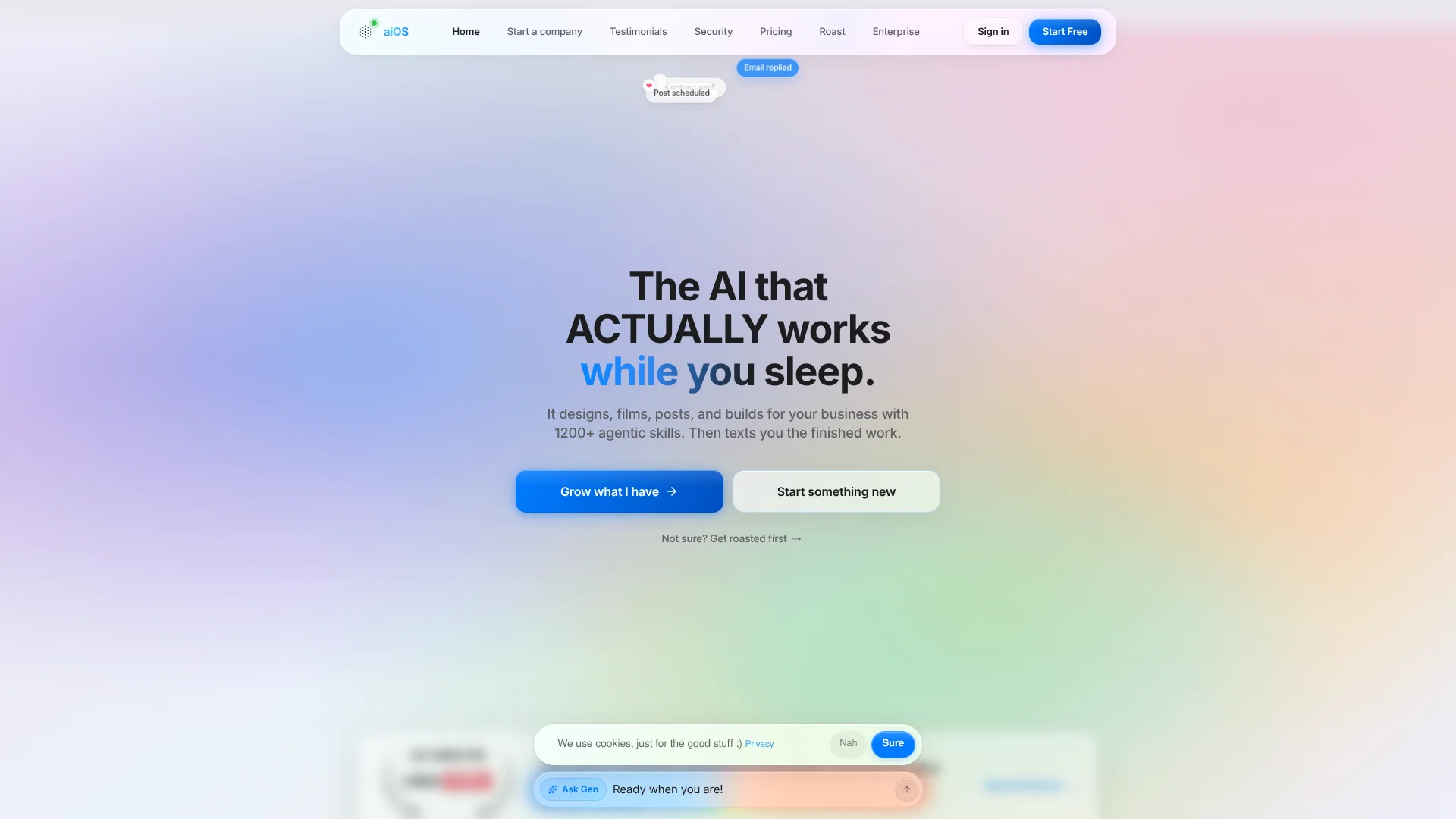
Turns business website into texting AI employee.
Key Takeaways
- What it is
- Turns business website into texting AI employee.
- Pricing
- Freemium · $20/mo · $49/mo · $100/mo · $200/mo
- Best for
- Multi-channel AI control
- Business memory
- Marketing and content production
Who is Using aiOS?
Business operators
The Basic and Plus plans target everyday and serious operators who want business work handled from messaging channels.
Marketing and content teams
aiOS is positioned for branded social content, image and video creation, website production, and scheduled publishing.
Sales teams
Sales users can use lead enrichment, outreach, pipeline management, proposal drafting, and call booking.
Customer support teams
Enterprise deployments provide agents across iMessage, WhatsApp, Instagram DMs, and web chat for customer conversations.
Mid-market and enterprise organizations
Enterprise plans target organizations needing multi-seat access, permissions, SSO, dedicated compute, SLAs, and compliance support.
Key Features
Pricing Plans
Free
Free
- About 15 chats a day on your dashboard
- Chat, plan, and draft with an AI that knows your brand
- No card required
Basic
$20/mo
- Chat + memory + 1 distribution channel (iMessage, Telegram, WhatsApp, or web)
- Image generation + voice notes + Gen on the dashboard
- Cost + 40% margin overage rate after fair-use
- Rollover up to 3x your bundle (2,250 msg), oldest credits first
Plus
$49/mo
- 2x the Basic bundle: 1,500 messages every month
- All distribution channels (iMessage + Telegram + WhatsApp + web)
- Web search + 1 connected integration (Gmail, Calendar, Slack, Notion, Shopify)
- Everything in Basic, rollover up to 3x your bundle (4,500 msg)
Pro
$100/mo
- Everything in Plus
- Video generation + web agents + long-running jobs
- All integrations + custom skills + workspace sites
- Rollover up to 3x your bundle (10,500 msg), oldest credits first
Ultra
$200/mo
- Everything in Pro
- Parallel agents + priority routing
- Heavier compute share + Opus escalation budget
- Rollover up to 3x your bundle (30,000 msg), oldest credits first
Enterprise
- Everything in Ultra
- Outbound voice (Retell autodial + Linq SMS push to non-initiating contacts)
- Multi-seat + white-label + SSO + SLA
- Dedicated compute + compliance pack (HIPAA, SOC2 path)
Which aiOS plan should you pick?
Start with Free for evaluation, choose Plus for connected business work, and upgrade to Pro or Enterprise when you need automation breadth, multi-seat access, or advanced controls.
Free
Good for trying chat, planning, and drafting with a daily usage allowance.
Basic
Good for everyday operators who need memory, image generation, voice notes, and one channel.
Plus
Good for serious operators who need all channels, web search, and one connected integration.
Pro
Good for power users who need video generation, web agents, long-running jobs, all integrations, and custom skills.
Ultra
Good for heavy users who need parallel agents, priority routing, heavier compute, and expanded message capacity.
Enterprise
Good for organizations needing multi-seat access, SSO, white-labeling, SLA coverage, outbound voice, and dedicated compute.
aiOS Use Cases
Create branded social content
Generate branded carousels, posts, images, and videos, then queue social content.
Outcome: Finished content is delivered instead of remaining as drafts.
Run sales outreach
Find and enrich leads, launch outreach sequences, manage replies, and book calls.
Outcome: Prospecting and appointment booking run from a messaging thread.
Handle customer support
Use AI agents to answer customer conversations across connected channels.
Outcome: Customer questions receive faster automated responses.
Build business websites
Provide a website or business idea and have aiOS create a live website.
Outcome: A live site can be launched from the aiOS workflow.
Manage marketing operations
Connect services such as Gmail, Meta, Shopify, Slack, and Google Calendar for business tasks.
Outcome: Marketing and operational work is coordinated from one agent.
Workflow Ideas with aiOS
Launch an AI business team
- 1Paste your website or business idea
- 2Let aiOS map the business and customer context
- 3Review the AI team and finished outputs
Run a sales campaign
- 1Ask aiOS to find and enrich prospects
- 2Launch a multi-touch outreach sequence
- 3Review replies and booked calls
Publish a content campaign
- 1Request branded posts or carousels
- 2Review the generated creative
- 3Queue the approved content for publishing
How aiOS fits into your stack
Browser
The web dashboard provides a browser-based surface for chatting, planning, drafting, monitoring usage, and accessing dashboard generation.
Messaging
aiOS operates through iMessage, WhatsApp, and Telegram, returning finished marketing, sales, support, and operational work through messaging.
Automation and APIs
The product exposes API access and uses agents for multi-step processes such as outreach sequences, pipeline management, booking, publishing, and long-running jobs.
Business systems
Connected OAuth services include Gmail, Calendar, Slack, Notion, Shopify, HubSpot, Meta Ads, Stripe, Google Drive, and Zapier.
Pros
- +Free account tier available
- +Broad messaging-channel access
- +Named integrations with major business tools
- +Multi-step sales and marketing automation
- +Enterprise SSO, roles, dedicated compute, and compliance path
Cons
- −Outbound autodial and cold SMS are Enterprise-only
- −Multi-seat collaboration is limited to Enterprise
- −Paid plans use message bundles with overage billing
- −Native mobile, desktop, and browser-extension apps are not documented
Limitations & when to consider alternatives
Known limitations
- Free usage is limited. The free account provides about 15 dashboard chats per day, while the anonymous trial provides five lifetime messages per device.
- Outbound voice and SMS are Enterprise-only. Agent-initiated phone calls and SMS push to contacts who did not start the thread require Enterprise.
- Paid plans use message bundles. Each paid plan includes a monthly message allowance; additional use is billed at an overage rate.
- One account per person. The terms state that accounts are non-transferable and limited to one account per person.
- Content requires user review. The terms state that AI-generated content is provided as-is and users are responsible for reviewing it before use.
Look elsewhere when
- You need a native iOS or Android application.
- You need a documented public developer API.
- You need file uploads or image-analysis workflows.
- You need programming-code generation or editing.
How to Use aiOS
- 1
Provide your business context
Paste your website, social profile, LinkedIn profile, or business idea so aiOS can map your business and customers.
- 2
Choose a channel
Use the web dashboard or, depending on your plan, iMessage, Telegram, or WhatsApp to send requests.
- 3
Request finished work
Ask for content, sales outreach, customer-support responses, websites, ads, or other business tasks.
- 4
Connect business services
On eligible plans, connect services such as Gmail, Calendar, Slack, Notion, Shopify, Meta, or Google Drive.
- 5
Review and approve outputs
Check generated content and approve actions before publishing or sending, especially for customer-facing work.
- 6
Monitor usage and billing
Use the billing settings to track message bundles, set spending ceilings, and optionally enable a hard cap.
Who is aiOS For?
Everyday operators
The Basic plan is positioned for operators who need chat, memory, image generation, voice notes, and one distribution channel.
Serious operators
The Plus plan targets users who need all channels, web search, and one connected business integration.
Power users
The Pro plan is aimed at users needing video generation, web agents, long-running jobs, all integrations, and custom skills.
Business owners
aiOS is presented as a business operating system for marketing, sales, customer support, content, and operations.
Enterprise organizations
Enterprise is designed for organizations needing multi-seat access, SSO, white-labeling, SLA coverage, and dedicated compute.
Frequently Asked Questions
Is there a free plan?
Yes. Free accounts receive about 15 dashboard chats per day, refreshed every morning. There is also a five-message anonymous trial without signup.
What paid plans are available?
The paid plans are Basic at $20/month, Plus at $49/month, Pro at $100/month, Ultra at $200/month, and custom Enterprise pricing.
Which channels can aiOS use?
Depending on the plan, aiOS works through iMessage, Telegram, WhatsApp, and the web, with inbound voice available on paid tiers.
Which integrations are supported?
Named integrations include Gmail, Calendar, Slack, Notion, Shopify, Meta, HubSpot, Stripe, Outlook, Facebook, WhatsApp, Calendly, TikTok, Google Drive, X, and Zapier.
Does aiOS train models on customer data?
aiOS states that conversations, emails, and customer data are not used to train foundation models.
What is restricted to Enterprise?
Multi-seat access, SSO, white-labeling, outbound voice, and outbound SMS push are listed as Enterprise capabilities.
Community reviews
Be the first to share your experience.
Sign in to leave a review for aiOS.
aiOS Alternatives
Looking for alternatives to aiOS? Here are similar tools in the same category:
Learn to Master aiOS
With Skill Leap courses
Get in-depth training on aiOS and 50+ other AI tools with our expert-led video courses.
Start 7-Day Free Trial