
AICarousels
Create stunning social media carousels with AI-driven ease.
Key Takeaways
- What it is
- Create stunning social media carousels with AI-driven ease.
- Pricing
- Freemium
- Best for
- AI Writing Assistant
- Auto-Resize Functionality
- Predefined Colors & Fonts
- Rating
- 4.6/5
What is AICarousels?
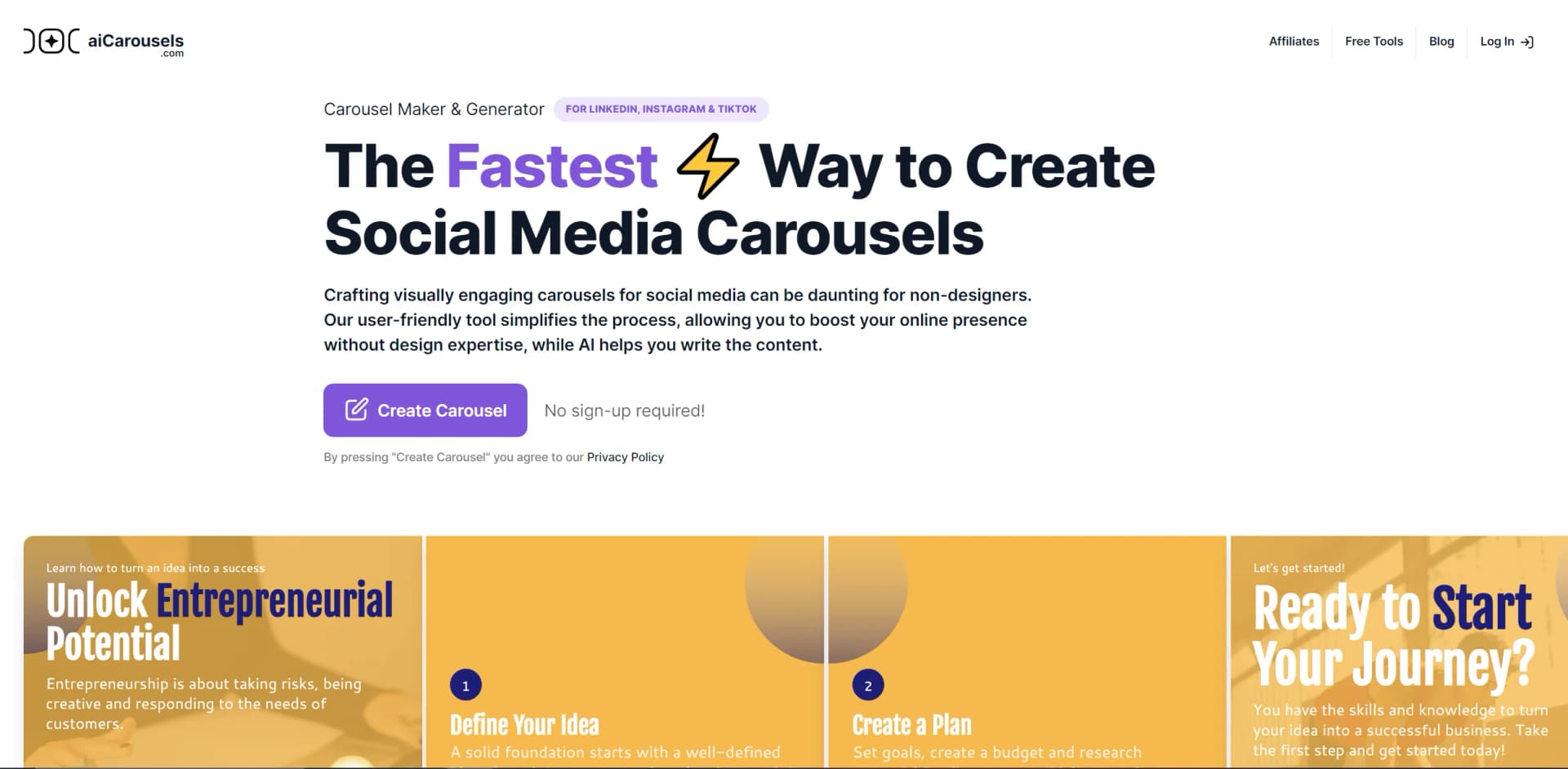
AICarousels, found at aicarousels.com, is a dynamic AI-powered tool designed to streamline the creation of visually engaging social media carousels. Tailored for platforms like LinkedIn, Instagram, and TikTok, AICarousels simplifies the design process, making it accessible even to non-designers. With its user-friendly interface and AI writing assistant, it allows users to craft professional-looking carousels that can significantly boost online presence without requiring extensive design skills.
AICarousels stands out with its AI-driven content generation, which is a game-changer for social media marketing. Its ability to combine design simplicity with advanced AI features makes it an invaluable tool for creating impactful carousels without the need for extensive design expertise.
AICarousels offers an impressive blend of AI-powered content creation and intuitive design features, making it an essential tool for anyone looking to enhance their social media presence. With its robust capabilities and user-friendly approach, it's an excellent choice for both novices and seasoned marketers aiming to create visually striking carousels effortlessly.
Who is Using AICarousels?
Digital Marketing Agencies
Utilizing the tool to create eye-catching campaign content that stands out on social media.
Social Media Managers
Leveraging the tool to efficiently craft engaging posts for various platforms.
Content Creators
Using AICarousels to produce high-quality visuals that enhance brand storytelling.
Small Business Owners
Employing the tool to boost their online marketing efforts with minimal investment.
Uncommon Use Cases
Educational institutions using the tool for teaching digital marketing skills; freelancers utilizing it to streamline their content creation processes.
Key Features
Rating Breakdown
Pricing Plans
Free Tier
Free
- Experience AICarousels with no sign-up required for basic features
Which AICarousels plan should you pick?
Start with the free tools for basic designs; upgrade to PRO ✧ when you need the AI Carousel Generator and the broader generator suite.
PRO ✧
Good for creators, brands, and marketers who need AI carousel generation, LinkedIn post tools, infographics, quote cards, post ideas, and headshots.
AICarousels Use Cases
Topic-to-carousel creation
Enter a topic and let the AI create the carousel’s content and slide structure.
Outcome: A draft social-media carousel ready for editing and export.
Repurpose text or documents
Paste text or provide a PDF, website, or YouTube video as source material.
Outcome: Existing content is transformed into a visual carousel or post.
LinkedIn post creation
Generate LinkedIn posts from topics, URLs, YouTube videos, PDFs, or an existing carousel.
Outcome: A formatted LinkedIn post with optional captions and visual enhancements.
Quote-card creation
Turn content or selected lines into branded quote cards with custom text, colors, fonts, and images.
Outcome: Shareable social-media quote graphics.
Infographic creation
Convert topics, text, URLs, videos, or PDFs into infographic layouts.
Outcome: Scannable visual explainers for LinkedIn and other social platforms.
Workflow Ideas with AICarousels
Turn a YouTube video into social content
- 1Provide the YouTube video to the AI Carousel Generator
- 2Review and customize the generated slides
- 3Download the carousel and optionally convert it into a LinkedIn post
Repurpose a PDF into a carousel
- 1Upload the PDF in the PDF-to-Carousel workflow
- 2Generate and edit the resulting carousel
- 3Download the finished PDF or image assets for posting
Create and brand a LinkedIn carousel
- 1Choose a topic or paste source text
- 2Select a template, colors, fonts, branding, and images
- 3Generate a caption and download the final carousel
How AICarousels fits into your stack
Browser
aiCarousels is an online browser editor for generating, customizing, importing, and exporting social-media carousels.
Docs and writing
Users can turn pasted text, website URLs, YouTube content, or PDFs into editable carousel copy, then refine it with the AI writing assistant.
Knowledge and files
PDF upload and carousel import let users bring existing documents or previously exported projects into the editor.
Pros
- +User-Friendly Interface: The tool is easy to use, making it accessible for individuals with no design background.
- +Time Efficiency: Significantly reduces the time required to create professional carousels, enhancing productivity.
- +Cost-Effective: Offers powerful features at no initial cost, with additional features available in the Pro plan.
- +Versatile Application: Supports multiple social media platforms, including LinkedIn, Instagram, and TikTok.
Cons
- −Limited Free Features: While the basic tool is free, advanced features require a Pro subscription.
- −Initial Learning Curve: Some users may need time to explore and utilize the full range of features effectively.
Limitations & when to consider alternatives
Known limitations
- Downloaded-carousel import has a date restriction. The import feature works only with carousels exported after May 2025.
- Browser extensions can interfere with downloads. Ad blockers, privacy extensions, and script blockers may cause missing elements or broken downloads.
- Social publishing is manual. The help center instructs users to download the PDF or images and then upload them separately to LinkedIn, Instagram, or TikTok.
Look elsewhere when
- You need a native mobile app.
- You need an API or developer integration.
- You need automated publishing across social platforms.
How to Use AICarousels
- 1
Choose a creation source
Open the AI Carousel Generator and start from a topic, text, website, YouTube video, or PDF.
- 2
Select the output language
Choose the language for the generated carousel before generating it.
- 3
Customize the template
Adjust the platform, layout, colors, typography, background elements, branding, and slide counter.
- 4
Add or edit visuals
Use stock images, AI-generated images, uploaded images, or screenshot mode for individual slides.
- 5
Polish the text
Use the AI Writing Assistant to improve, rephrase, shorten, simplify, or correct slide text.
- 6
Generate the caption and download
Generate an AI caption, then download the finished carousel for manual posting.
Who is AICarousels For?
Content creators
Create branded carousels, posts, quote cards, and infographics for social media.
Businesses and brands
Produce consistent branded visual content for business or personal purposes.
LinkedIn creators
Generate LinkedIn carousels, posts, captions, quote cards, and infographics.
Non-designers
Use templates, auto-resizing, predefined palettes, and AI writing without design expertise.
Frequently Asked Questions
What is a social media carousel?
A carousel showcases multiple related images or slides in one social post, helping brands and individuals tell a more complete story.
What platforms does aiCarousels support?
The site supports carousel creation for LinkedIn, Instagram feeds, Instagram Stories, and TikTok.
Can aiCarousels create carousel ads?
Yes. The help center says aiCarousels can create carousel ads for Facebook, LinkedIn, Instagram, and other compatible platforms.
Can I create a carousel from existing content?
Yes. Supported inputs include text, websites, YouTube videos, and PDF documents.
Can I import a downloaded carousel?
Use Load Downloaded Carousel in Drafts and select the original PDF or ZIP. Import works only with carousels exported after May 2025.
What should I do if a download looks incorrect?
Disable ad blockers or other interfering browser extensions, refresh the page, try another browser or private mode, and contact support if necessary.
Community reviews
Be the first to share your experience.
Sign in to leave a review for AICarousels.
AICarousels Alternatives
Looking for alternatives to AICarousels? Here are similar tools in the same category:
Learn to Master AICarousels
With Skill Leap courses
Get in-depth training on AICarousels and 50+ other AI tools with our expert-led video courses.
Start 7-Day Free Trial