
AI21 Studio
Enterprise AI solutions enhancing scalability, accuracy, and seamless integration.
Key Takeaways
- What it is
- Enterprise AI solutions enhancing scalability, accuracy, and seamless integration.
- Best for
- Foundation Models
- Task-Specific Models
- RAG Engine
- Rating
- 4.6/5
What is AI21 Studio?
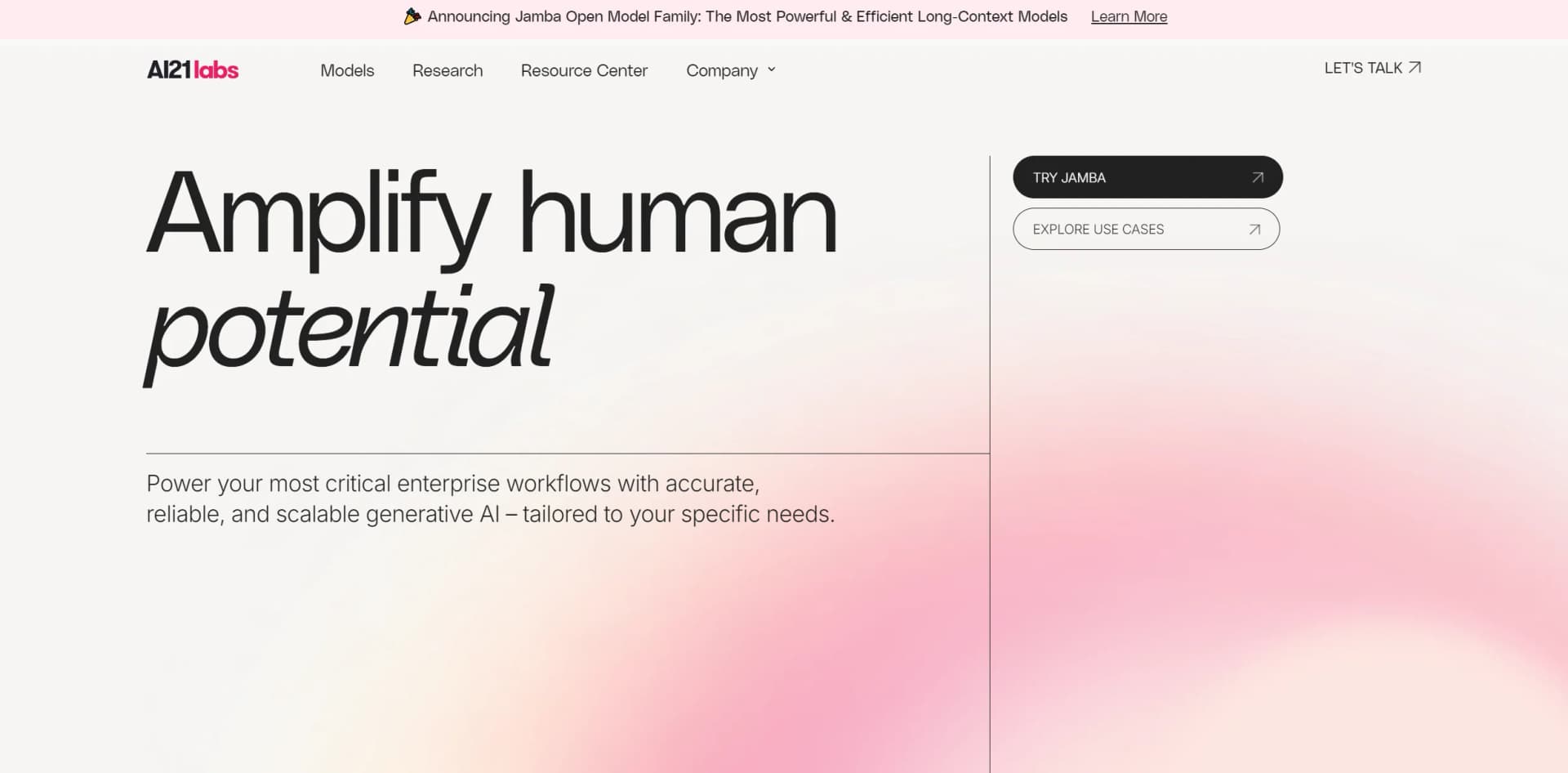
AI21 is a leading company in the field of generative AI, focusing on enhancing enterprise applications with advanced AI technology. Their mission is to elevate human capabilities by integrating sophisticated AI into key business processes, offering a range of solutions designed for accuracy, reliability, and scalability.
AI21's RAG Engine is a notable feature, offering significant advancements for enterprises seeking instant AI integration without extensive setup. Its tailored, scalable solutions provide a competitive edge in leveraging AI for critical business processes.
AI21 stands out for its robust and scalable AI solutions, which significantly enhance enterprise operations. With its advanced RAG Engine and strong security measures, AI21 provides exceptional value for businesses aiming to leverage AI effectively. Its flexible deployment options and dedicated support structure make it a key player in the enterprise AI landscape.
Who is Using AI21 Studio?
Large Enterprises
Implementing scalable AI solutions to integrate into complex workflows.
Educational Institutions
Utilizing AI21 for research and academic applications, offering advanced tools to students and faculty.
Financial Institutions
Enhancing fintech innovations and customer service operations with AI21.
Healthcare Providers
Managing and analyzing large datasets for improved healthcare delivery.
Uncommon Use Cases
Non-profits use AI21 for data management and donor insights; startups accelerate product development with AI capabilities.
Key Features
Rating Breakdown
Pricing Plans
Free Trial
- Explore AI21 with a limited-time free trial
Enterprise Plan
- Custom pricing based on specific business needs and usage volume
Which AI21 Studio plan should you pick?
Start with the introductory usage credit for evaluation, then use Pay as you go for normal usage or request a customized plan for larger usage and support needs.
Free trial usage
Good for developers who need to evaluate the APIs, SDK, and Playground with the introductory $10 credit.
Pay as you go
Good for users who need ongoing platform access with usage-based token billing.
Customized plan
Good for organizations with large usage expectations or specialized billing and support requirements.
AI21 Studio Use Cases
Document question answering
Upload documents to the File Library and use File Search or RAG to ground model responses in those documents.
Outcome: More relevant, domain-grounded answers.
Structured data extraction
Use Structured RAG to generate schemas from uploaded documents and extract consistent fields.
Outcome: Structured outputs from unstructured documents.
Code generation
Generate code from natural-language descriptions or translate functions between programming languages.
Outcome: Faster prototyping and code transformation.
Content summarization and simplification
Transform existing text into summaries, shorter versions, or easier-to-read language.
Outcome: More concise and accessible content.
Agent workflows
Combine planning, tool calling, web search, external APIs, and file search in Maestro.
Outcome: Automated multi-step AI applications.
Workflow Ideas with AI21 Studio
Grounded document assistant
- 1Upload PDF, DOCX, TXT, HTML, or Markdown files to the File Library
- 2Configure File Search or Structured RAG
- 3Ask questions and generate responses grounded in the selected documents
Enterprise knowledge ingestion
- 1Connect a source such as Google Drive, Notion, SharePoint, or Zendesk
- 2Ingest and index the connected data in the workspace
- 3Use the indexed content to ground Maestro responses
Tool-using AI agent
- 1Define an HTTP tool or connect an MCP server
- 2Configure the agent's planning and task requirements
- 3Run the agent so it can retrieve information or invoke external services
How AI21 Studio fits into your stack
API Access
Allows developers to create custom solutions using AI21's APIs.
Cloud Integration
Works seamlessly with major cloud platforms for flexible deployment.
Data Management Systems
Compatible with various enterprise data systems for enhanced processing.
Custom Integration Support
Offers specialized support for integrating with existing enterprise systems.
Pros
- +Scalability: Designed to scale easily with growing enterprise requirements.
- +Cost Efficiency: Lowers operational costs with specialized, pre-trained models.
- +Enhanced Performance: Provides reliable, high-quality outputs suitable for enterprise use.
- +Strong Support Structure: Features a dedicated integration team and extensive expertise in deployment.
Cons
- −Complexity in Initial Setup: Integration and optimization within existing systems may require initial support.
- −Higher Cost for Advanced Features: Premium models and advanced capabilities can be expensive.
- −Limited Accessibility for Small Businesses: Primarily targeted at larger enterprises, which may limit access for smaller organizations.
Limitations & when to consider alternatives
Known limitations
- Introductory credit is limited. New accounts receive $10 in credit for three months; continued use requires billing information.
- File Library upload limits. The Studio interface supports up to 50 files per upload request, a maximum of 100MB per file, and a 1GB total limit.
- API file limits differ. The file-upload API documents a 5MB maximum file size and does not provide bulk upload through the API.
- Enterprise connectors are restricted. Browse Website is available to all users, while the listed enterprise connectors require enterprise eligibility.
- Responsible-use restrictions apply. AI21 restricts uses including illegal activity, harmful content, certain protected-characteristic profiling, and automated public posting without human intervention.
Look elsewhere when
- You need native iOS or Android access.
- You need image understanding or image-file analysis.
- You need a dedicated desktop client.
How to Use AI21 Studio
- 1
Access a range of tutorials on AI21’s platform, from basic guides to advanced strategies, helping users maximize the tool’s potential.
Who is AI21 Studio For?
Developers
They can build applications with AI21 models through REST endpoints, API keys, SDKs, and API references.
Enterprise users
They can use organizational workspaces, SSO, roles, enterprise data connectors, and private deployment options.
AI researchers
They can experiment with Jamba models, open-weight models, fine-tuning methods, and model evaluation workflows.
Application builders
They can create RAG, agent, document-processing, and structured-output applications with Maestro.
Frequently Asked Questions
What is AI21 Studio?
AI21 Studio is AI21 Labs' platform for experimenting with models in a web playground and building applications through APIs and SDKs.
Does AI21 Studio provide an API?
Yes. AI21 provides REST API endpoints, API keys, Python and TypeScript SDKs, and API reference documentation.
What file types can users upload?
The File Library supports PDF, DOCX, HTML, TXT, and Markdown files.
Does AI21 Studio support enterprise data sources?
Enterprise users can connect sources such as Amazon S3, Box, Confluence, Dropbox, Google Drive, Notion, SharePoint, and Zendesk.
Does AI21 Studio support fine-tuning?
AI21 documents full fine-tuning, LoRA, and QLoRA approaches for Jamba models.
How does pricing work?
New accounts receive $10 in platform credit for three months. After the credit or trial period ends, usage requires billing information and is charged according to token usage.
Community reviews
Be the first to share your experience.
Sign in to leave a review for AI21 Studio.
AI21 Studio Alternatives
Looking for alternatives to AI21 Studio? Here are similar tools in the same category:
Learn to Master AI21 Studio
With Skill Leap courses
Get in-depth training on AI21 Studio and 50+ other AI tools with our expert-led video courses.
Start 7-Day Free Trial