
AI Video Cut
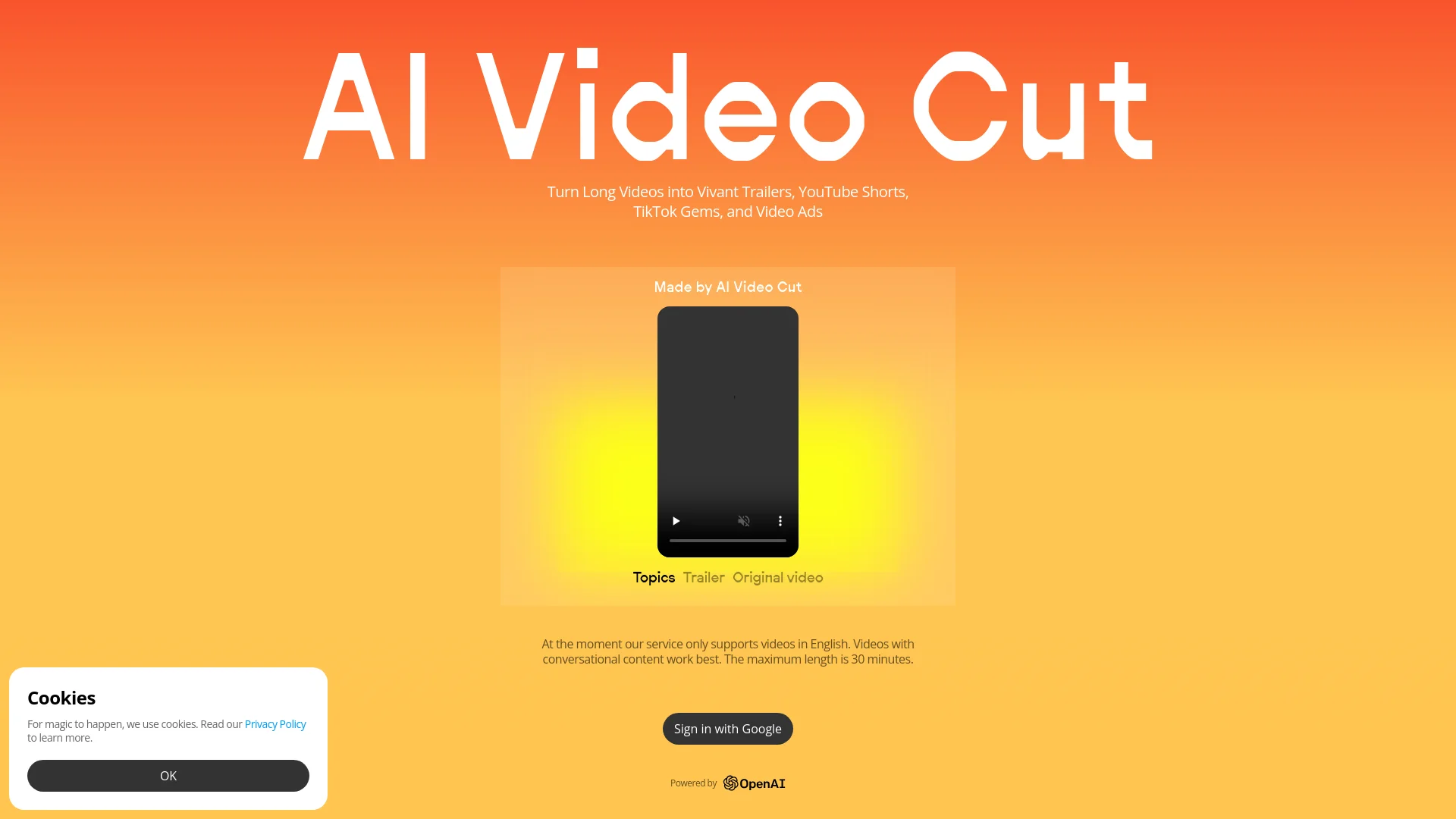
AI-driven tool transforms long videos into engaging, viral clips.
Key Takeaways
- What it is
- AI-driven tool transforms long videos into engaging, viral clips.
- Pricing
- Freemium
- Best for
- 100% Viral Content
- Tone-of-Voice Options
- Flexible Length
- Rating
- 4.6/5
What is AI Video Cut?
AI Video Cut revolutionizes video content creation with AI-driven features that transform long videos into engaging trailers, YouTube Shorts, TikTok clips, and video ads. Perfect for content creators, digital marketers, social media managers, and e-commerce businesses, it simplifies the process of producing viral content with ease and precision.
AI Video Cut stands out with its ability to create 100% viral content using advanced AI, offering precision in transcription and flexible content length. Its unique features ensure high-quality, tailored outputs for various platforms and audiences.
AI Video Cut excels in transforming long videos into engaging, viral content with advanced AI-driven features. Its high transcription accuracy, flexible length options, and user-friendly interface make it a valuable tool for content creators, digital marketers, and social media managers. The platform's ability to efficiently produce tailored clips offers a significant advantage.
Who is Using AI Video Cut?
Content Creators and Influencers
For platforms like YouTube, TikTok, Instagram, and Facebook.
Digital Marketers
Optimizing video ads and content.
Social Media Managers
Efficient content creation.
E-commerce Businesses
Creating product videos and ads.
Event Planners
Repurposing event recordings.
Podcasters
Creating highlight reels or visual episode summaries.
Key Features
Rating Breakdown
Pricing Plans
Free Tier
Free
- Basic features available at no cost
Which AI Video Cut plan should you pick?
Start with Free to test the workflow; choose Starter for regular moderate-volume editing or Pro for higher annual video volume and longer files.
Free
Good for testing AI clipping with 50 one-time minutes, watermarked exports, and files up to 30 minutes.
Starter
Good for creators and small teams needing 1,800 minutes per year, watermark-free exports, and files up to two hours.
Pro
Good for higher-volume creators needing 3,600 minutes per year, watermark-free exports, and files up to three hours.
AI Video Cut Use Cases
Repurpose podcast episodes
Upload a podcast and automatically identify engaging, self-contained moments with captions.
Outcome: Export multiple short clips for TikTok, Instagram Reels, and YouTube Shorts.
Create product-review clips
Use the Product Review prompt to highlight opinions and feedback from long videos.
Create sports or gaming highlights
Select Sports Highlights or Gaming Highlights to find notable moments in long footage.
Edit videos through transcripts
Correct transcript text, remove filler words, and delete matching video segments.
Outcome: Produce cleaner short-form videos without timeline scrubbing.
Generate captioned social clips
Choose caption styles, aspect ratios, clip lengths, and speech languages before exporting.
Outcome: Download MP4 videos optimized for social platforms.
Workflow Ideas with AI Video Cut
Podcast-to-short-clips workflow
- 1Upload a podcast file or paste a public YouTube link
- 2Choose the output type, aspect ratio, language, length, and caption style
- 3Review, edit, regenerate, and download the finished clips
Transcript-based cleanup workflow
- 1Open a processed project from My Projects
- 2Correct transcript errors or remove unwanted text and video segments
- 3Apply changes and overwrite or save a new version
Mobile editing workflow
- 1Open AI Video Cut in a phone browser
- 2Select a project and edit its transcript or captions
- 3Apply changes and download the finished video to the phone
How AI Video Cut fits into your stack
Google Integration
Seamless sign-in and use with Google accounts.
Telegram Bot
Video clipping through a dedicated bot (coming soon).
Multiple Platforms
Export content in various aspect ratios (coming soon).
Pros
- +Time Efficiency: Quickly convert lengthy videos into short, engaging clips.
- +Cost-Effective: Free tier available for basic features.
- +High Accuracy: Advanced AI ensures precise transcription and editing.
- +User-Friendly: Intuitive interface with seamless Google integration.
Cons
- −Language Limitation: Currently supports only English videos.
- −Feature Availability: Some features, like tone-of-voice options and aspect ratios, are not yet available.
Limitations & when to consider alternatives
Known limitations
- Speech-focused analysis. The tool primarily analyzes speech and does not perform image recognition or object detection.
- Free-plan processing limits. The Free plan includes 50 one-time minutes, 30-minute maximum files, 2GB uploads, a watermark, and 14-day storage.
- Paid-plan upload limits. Starter supports files up to two hours; Pro supports files up to three hours and 4GB per file.
- Free editing limits. The Free plan provides five transcript/video editor uses and three regenerations.
- YouTube input restrictions. YouTube links must point to a single public video rather than a playlist or channel, and must not have age restrictions.
Look elsewhere when
- You need image-aware or object-aware video analysis.
- You need a native iOS or Android app.
- You need programmatic API access.
- You need collaborative team workspaces.
How to Use AI Video Cut
- 1
Explore the comprehensive tutorial series on YouTube for detailed guidance on using AI Video Cut.
Who is AI Video Cut For?
Content creators and influencers
Create short-form content for YouTube, TikTok, Instagram, and other platforms.
Digital marketers
Produce video ads and promotional clips for marketing campaigns.
Social media managers
Reduce editing time while maintaining a consistent brand presence.
E-commerce businesses
Turn product demonstrations into engaging product videos and advertisements.
Podcasters
Extract compelling moments from episodes to attract listeners to full-length content.
Frequently Asked Questions
How do you calculate video upload minutes?
Upload minutes are calculated from the duration of videos uploaded during the billing period.
Do free-plan upload minutes refresh?
No. The Free plan includes a one-time allocation of 50 minutes.
What does regeneration mean?
Regeneration creates new clips from the same uploaded video using different prompts or caption styles.
Can I edit the transcript and video?
Yes. Users can correct transcripts, remove filler words, and remove corresponding video segments.
What videos work best?
The tool works best with conversational videos such as interviews, podcasts, presentations, webinars, and talking-head content.
Is the AI Video Editor free?
The Free plan includes five editor uses; paid plans provide unlimited editor access.
Community reviews
Be the first to share your experience.
Sign in to leave a review for AI Video Cut.
AI Video Cut Alternatives
Looking for alternatives to AI Video Cut? Here are similar tools in the same category:
Learn to Master AI Video Cut
With Skill Leap courses
Get in-depth training on AI Video Cut and 50+ other AI tools with our expert-led video courses.
Start 7-Day Free Trial