AI Test Automation
Turn plain-language test steps into browser tests for web apps and chatbots.
Key Takeaways
- What it is
- Turn plain-language test steps into browser tests for web apps and chatbots.
- Pricing
- Freemium
- Best for
- Intent-Based Test Creation
- Self-Healing Smart Selectors
- AI Assertions
- Rating
- 4.4/5
What is AI Test Automation?
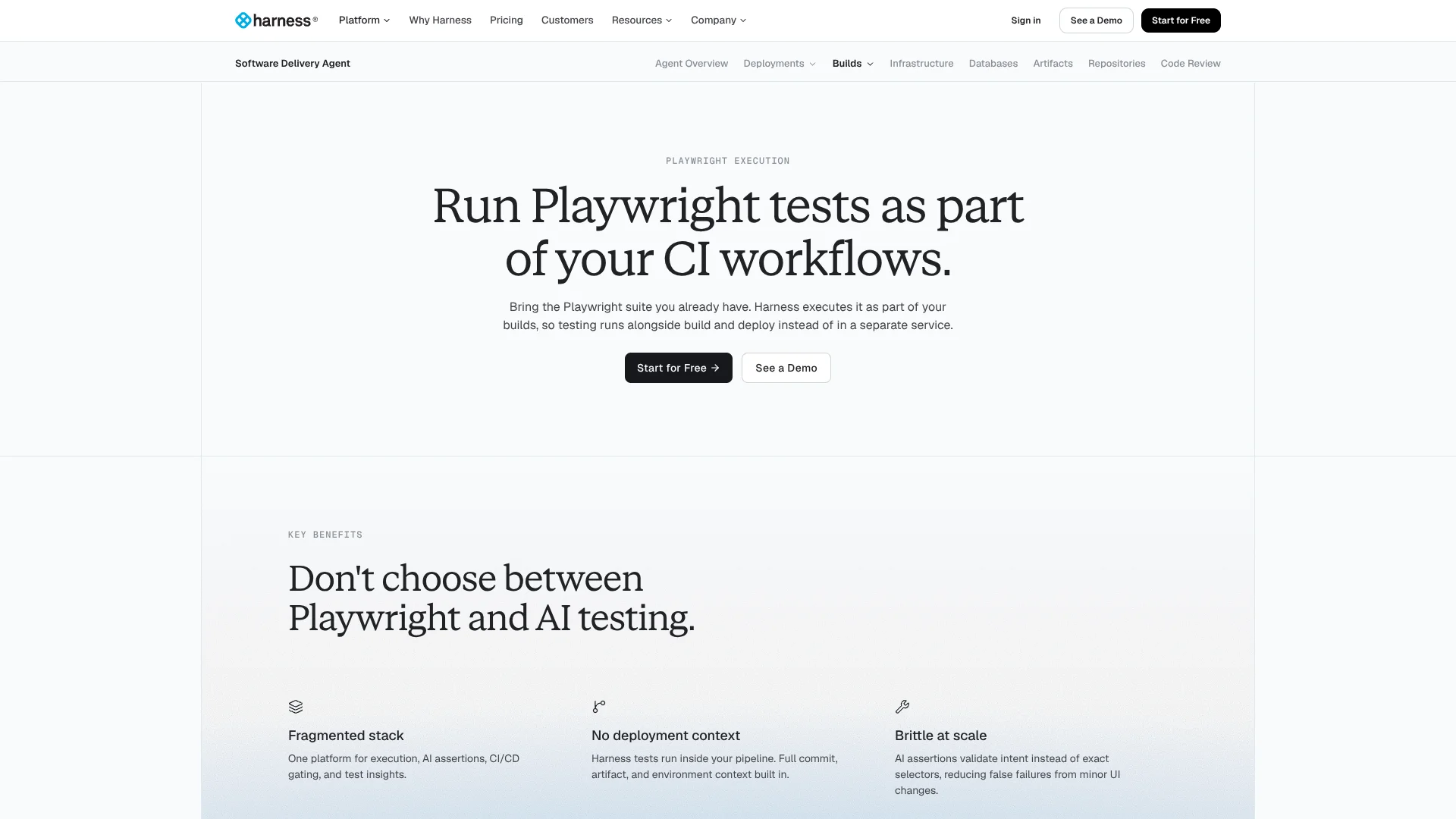
Harness AI Test Automation turns plain-language steps or a recorded browser session into runnable tests for web apps and AI chatbots. QA engineers and developers can also bring existing Playwright suites. It helps teams expand test coverage and catch failures within the same CI/CD workflow used to build and release software.
For chatbot checks, AI Assertions judge whether a live browser conversation meets a plain-English goal, rather than matching an exact phrase. They can evaluate a chatbot without access to its API, prompts, or model. That makes it possible to test what a user sees, even when the underlying AI is managed elsewhere.
QA and engineering teams get the most from Harness when they need self-healing browser tests or want Playwright results tied to CI/CD releases. The tradeoff is that Harness does not publish a dedicated price for AI Test Automation on its pricing page. It fits teams that want testing close to their delivery pipeline.
Who is Using AI Test Automation?
QA Engineers
Broader coverage starts with tests created from user journeys and product requirements.
Software Developers
Existing Playwright checks run alongside builds, with failures connected to pipeline context.
Test Automation Engineers
Parallel browser runs and self-healing selectors help maintain end-to-end test suites.
Engineering Managers
Shared run results and failure summaries give teams a common view of test health.
Uncommon Use Cases
Checking whether a chatbot refuses a jailbreak attempt; validating that an AI agent completes a task through its browser interface.
Key Features
Rating Breakdown
Pricing Plans
Free Plan
Free
- Harness lists the plan for individual developers and small teams.
- AI Test Automation is offered with free access and no credit card.
Essentials Plan
- Harness describes this as an all-in-one DevOps bundle.
- Includes CI, CD, infrastructure as code, and security.
Enterprise Plan
- Choose and combine Harness modules.
- Enterprise features are available across modules.
Which AI Test Automation plan should you pick?
Start with the Free Plan to try AI Test Automation; consider Essentials or Enterprise if you need a paid Harness subscription, and ask Harness for pricing.
Free Plan
Good for trying AI Test Automation and its test creation, self-healing, and Playwright features without a credit card.
Essentials Plan
Good for growing organizations seeking Harness CI, CD, infrastructure-as-code, and security capabilities; contact Harness for pricing.
Enterprise Plan
Good for teams that want to select Harness modules and enterprise features; contact Harness for pricing.
AI Test Automation Use Cases
Create browser tests from a user journey
A plain-language description becomes a runnable test without manually coding every step and selector.
Outcome: Runnable browser tests for described user journeys.
Keep tests working after page changes
When page elements move or change, Smart Selectors can adapt rather than relying only on fixed identifiers.
Outcome: Fewer test failures caused by changed page elements.
Run Playwright suites in CI/CD
Existing Playwright scripts run in parallel as part of Harness pipeline stages.
Outcome: Test results connected to build and deployment context.
Check AI chatbot behavior
AI Assertions evaluate whether a browser-rendered conversation meets a natural-language criterion.
Outcome: Checks based on intent rather than exact wording.
Investigate failed test runs
AI-generated failure summaries point teams toward likely causes, including product bugs, flaky tests, and infrastructure issues.
Outcome: A plain-language summary of likely failure causes.
Workflow Ideas with AI Test Automation
Turn a product requirement into a test
- 1Provide a product requirement or user story as the source for test planning.
- 2Generate test cases and review the suggested edge cases.
- 3Create and run browser tests for the selected user journeys.
Gate a release with Playwright
- 1Connect the repository containing the existing Playwright suite.
- 2Add the Playwright Execution step to a Harness CI/CD stage.
- 3Review test results and use the pipeline gate before deployment.
Test a chatbot through its browser interface
- 1Create a browser test that runs a conversation with the chatbot.
- 2Add an AI Assertion that describes the response or behavior expected.
- 3Review whether the conversation meets the stated intent.
How AI Test Automation fits into your stack
Browser test creation
Harness turns natural-language journeys and product requirements into tests for web applications.
Playwright suites
Existing Playwright tests can run in Harness cloud infrastructure as parallel pipeline steps.
CI/CD pipelines
Test stages can act as release gates and keep results tied to build and deployment context.
Source control and integrations
Harness lists GitHub, Traceable, Jira, and Playwright among its integrations, and its Playwright setup references GitHub, GitLab, Bitbucket, and Azure Repos.
Pros
- +Plain-language test authoring: People can describe a web journey without writing selectors by hand.
- +Tests that adapt: Smart Selectors can adjust to page changes instead of failing on every changed element.
- +Chatbot checks without API access: AI Assertions assess the conversation shown in the browser.
- +Pipeline visibility: Playwright results and failure summaries appear alongside build and release context.
Cons
- −Harness-centered workflow: Teams get the closest pipeline connection when they already use Harness.
- −Unclear paid cost: The public pricing page does not show a dedicated AI Test Automation price.
Limitations & when to consider alternatives
Known limitations
- Test runs include retries. Harness counts each executed test as a Test Run, and each retry counts as one additional Test Run.
Look elsewhere when
- You need a published monthly price specifically for AI Test Automation.
- Your team wants to run tests outside the Harness platform and its CI/CD workflow.
How to Use AI Test Automation
- 1
Start with the free access
Harness says AI Test Automation is available to try free without a credit card.
- 2
Choose what to test
Start with a web journey, a user story, or an existing Playwright suite.
- 3
Connect your test source
For Playwright execution, point Harness to the repository folder containing your tests.
- 4
Set up the run
Choose the branch and runtime options; for Playwright, select browser targets such as Chrome, Edge, or Firefox.
- 5
Run and inspect results
Trigger tests on demand or from a CI/CD pipeline, then review logs and AI-generated failure summaries.
- 6
Add AI checks where useful
Use natural-language assertions for outcomes that are hard to check with an exact text match.
Who is AI Test Automation For?
QA Engineers
AI test creation and self-healing selectors can help expand browser coverage while reducing manual test upkeep.
Developers
Existing Playwright suites can run as part of Harness CI/CD without rewriting the tests.
Test Automation Engineers
Parallel execution, AI assertions, and failure summaries support larger automated test suites.
Engineering Leaders
Pipeline-linked test results help teams see failures before promoting software to the next environment.
Frequently Asked Questions
Can I try Harness AI Test Automation for free?
Yes. Harness says AI Test Automation is available free without a credit card.
Can I bring existing Playwright tests?
Yes. Harness says existing Playwright suites can run without changes to the test code.
Can AI Test Automation test chatbots?
Yes. AI Assertions evaluate browser-rendered conversations against plain-language criteria, without requiring access to the chatbot's API or model.
What does Harness charge for its plans?
Harness lists a Free Plan and lists Essentials and Enterprise with contact-sales pricing. Its public pricing page does not give a separate price for AI Test Automation.
Which browsers can Playwright tests target?
The Playwright Execution page lists Chrome, Edge, and Firefox as browser targets.
Community reviews
Be the first to share your experience.
Sign in to leave a review for AI Test Automation.
AI Test Automation Alternatives
Looking for alternatives to AI Test Automation? Here are similar tools in the same category: