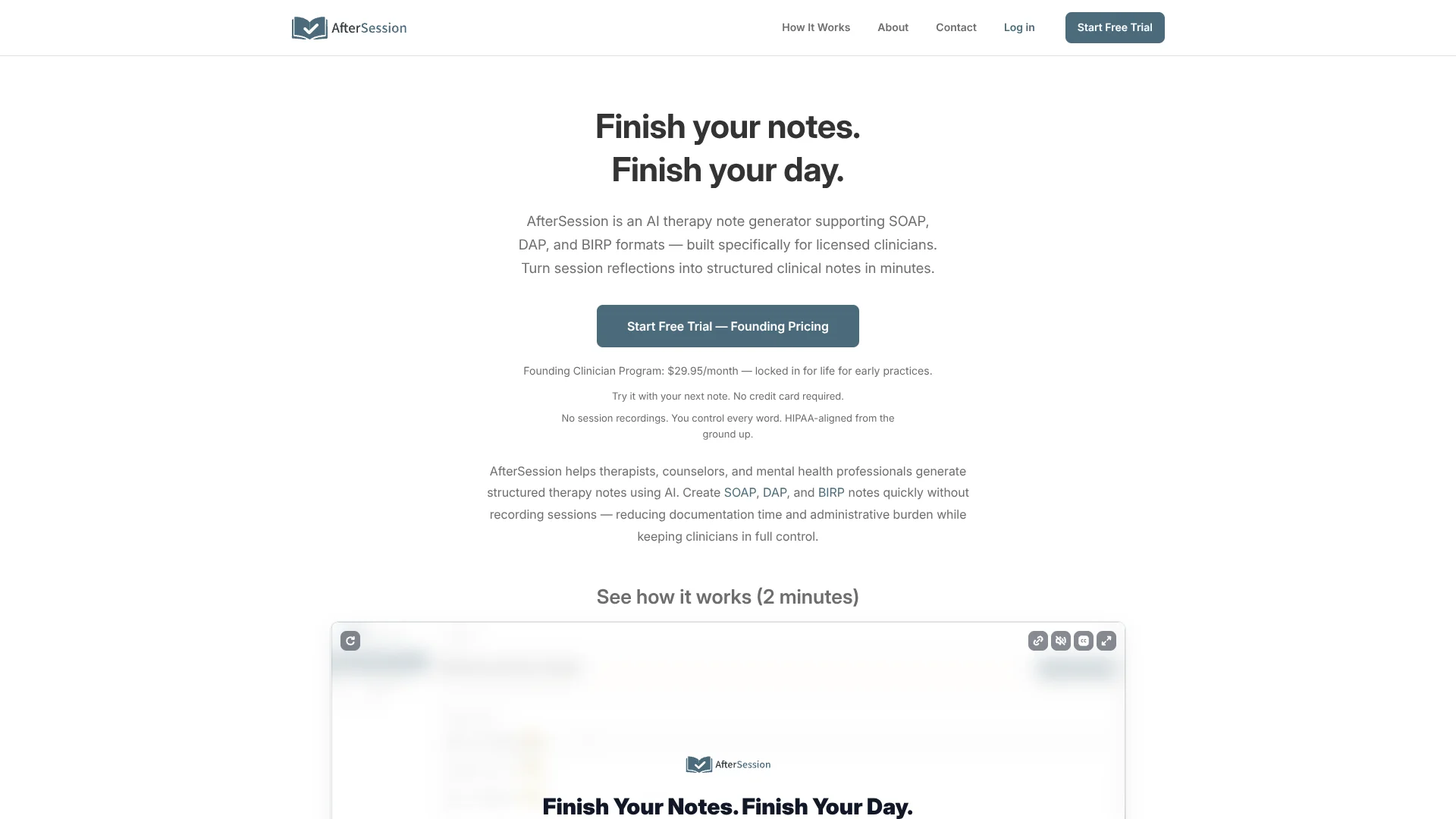
AfterSession
Turn brief reflections into structured therapy notes.
Key Takeaways
- What it is
- Turn brief reflections into structured therapy notes.
- Pricing
- $29.95 per month · $49.95 per month · Freemium
- Best for
- Multi Format Note Generation
- Voice or Text Input
- Custom Clinical Voice
- Rating
- 4.5/5
What is AfterSession?
AfterSession focuses on one thing: turning post session reflections into structured therapy notes in minutes. Built specifically for licensed clinicians, it uses AI to transform brief written or spoken summaries into SOAP, DAP, BIRP, GIRP, or PIE notes. It keeps therapists in control of every word, avoids live session recording, and is aligned with HIPAA requirements, including encryption and US based infrastructure. It aims to cut documentation time and reduce burnout without touching scheduling, billing, or clinical decision making.
AfterSession deliberately focuses on post session documentation instead of recording or transcribing therapy sessions. That design choice respects the privacy of clinical encounters and keeps the AI firmly in a documentation support role, not a treatment advisor. Its commitment to never using client data to train models, combined with US only, HIPAA eligible hosting and automatic deletion of voice input, gives cautious clinicians more confidence. Add in support for multiple note formats and customizable output tone, and it fits naturally into existing clinical workflows rather than forcing a new style of charting.
AfterSession offers a focused AI therapy note generator for clinicians who want faster documentation without sacrificing control or client confidentiality. Its strengths sit squarely in rapid, structured note creation, support for standard formats, and a privacy posture built for regulated clinical work. It will not replace an EHR or practice management system, but for therapists who feel buried under progress notes, it functions as a practical companion that turns brief reflections into clear, audit ready documentation while giving evenings back to real life.
Who is Using AfterSession?
Private Practice Therapists
Solo clinicians using it to keep up with progress notes without extending their workday.
Small Group Practices
Teams of 2 to 10 clinicians standardizing formats and reducing collective documentation backlog.
Psychologists and Social Workers
Clinicians in assessment and therapy roles creating structured notes for audits and supervision.
Telehealth Practices
Online providers capturing post session reflections quickly between back to back video appointments.
Uncommon Use Cases
Utilized by training clinics for helping interns learn structured note formats; adopted by supervisors to draft teaching examples and templates for supervisees.
Key Features
Rating Breakdown
Pricing Plans
Founding Clinician Program
$29.95 per month
- The first clinician
- $19.95 per month for each additional clinician
- Unlimited note generation, SOAP/DAP/BIRP/GIRP/PIE formats, typed or brief voice notes, custom AI prompts, secure note storage, PDF or text export, BAA availability, no contracts, and cancel anytime. Rate is locked in for life for eligible early practices
Standard
$49.95 per month
- The first clinician
- $29.95 per month for each additional clinician
- Unlimited note generation, SOAP/DAP/BIRP/GIRP/PIE formats, typed or brief voice notes, custom AI prompts, secure note storage, PDF or text export, and BAA availability
Free trial
Free
- During the trial period
Which AfterSession plan should you pick?
Start with the 7-day or 5-note trial, choose Founding Clinician if available for the lower locked-in rate, and upgrade to Standard when founding pricing ends.
Founding Clinician
Good for early solo clinicians and small practices who need unlimited notes and want the discounted rate locked in for life.
Standard
Good for clinicians and practices starting after the founding program or needing the regular paid plan.
AfterSession Use Cases
Generate SOAP notes
Provide a brief typed or spoken post-session recap and select the SOAP format.
Outcome: Receive an editable structured clinical draft.
Create DAP, BIRP, GIRP, or PIE notes
Use the supported format that matches the practice's documentation workflow.
Outcome: Produce consistent notes without starting from a blank page.
Document immediately after a session
Capture observations by typing or dictating a short summary after the session ends.
Outcome: Reduce documentation backlog and after-hours charting.
Customize clinical writing style
Use custom AI prompts to guide tone, structure, and level of detail.
Outcome: Keep drafts aligned with the clinician's preferred style.
Export finalized notes
Review and edit the draft, then save it securely or export it as PDF or text.
Outcome: Move completed documentation into existing records.
Workflow Ideas with AfterSession
Post-session note workflow
- 1Type or dictate a brief summary after the session
- 2Choose SOAP, DAP, BIRP, GIRP, or PIE
- 3Review, edit, and save the generated draft
EHR transfer workflow
- 1Generate a structured note in AfterSession
- 2Edit the draft for accuracy and completeness
- 3Export it or copy it into the preferred EHR
Practice style workflow
- 1Define preferred tone, structure, and detail with custom AI prompts
- 2Generate notes from brief post-session observations
- 3Review each note before finalizing
How AfterSession fits into your stack
Browser
AfterSession is used after a therapy session to enter a brief typed or spoken recap, generate a structured clinical draft, review it, and save or export it.
Docs and writing
The product supports clinical note drafting in SOAP, DAP, BIRP, GIRP, and PIE formats. Clinicians can edit wording, structure, and detail before finalizing.
Knowledge and files
AfterSession provides secure note storage and export to PDF or text, allowing finished documentation to be transferred into an existing EHR or records system.
Pros
- +Major Time Savings: Dramatically shortens progress note writing, helping clinicians finish documentation the same day.
- +Clinician Control: No live recording, no auto saving drafts until the clinician approves, and full editability of AI output.
- +Strong Privacy Posture: Audio removed after processing, client data kept in the US, and no model training on clinical content.
- +Format Flexibility: Supports common therapy note structures, making it easy to match existing supervision or compliance expectations.
- +Easy EHR Pairing: Notes can be copied or exported into any existing EHR without complex integration work.
Cons
- −No Built In EHR Features: Does not handle scheduling, billing, treatment plans, or full charting beyond notes.
- −No Native Integrations Yet: Operates alongside, not inside, practice management systems, which adds a copy and paste step.
- −Cloud Only: Practices that require on premise hosting or offline tools will not find their needs met here.
Limitations & when to consider alternatives
Known limitations
- No session recording. AfterSession does not record or listen to therapy sessions; clinicians provide a post-session recap instead.
- Not a full EHR replacement. The product focuses on note generation and requires users to transfer completed notes into their existing EHR.
- No scheduling or billing features. The site identifies scheduling and billing as capabilities users may need elsewhere.
- No on-premise hosting. The site states that organizations requiring on-premise hosting may not be a fit.
- BAA requires a paid plan. The free trial does not include a BAA; the agreement is available after upgrading.
Look elsewhere when
- You need full EHR integration
- You need scheduling or billing
- Your organization requires on-premise hosting
- You want live transcription
How to Use AfterSession
- 1
Start the trial
Begin the free trial without a credit card to test note generation.
- 2
Add a post-session recap
After the session, type observations or dictate a brief voice note instead of recording the conversation.
- 3
Choose a note format
Select SOAP, DAP, BIRP, GIRP, or PIE based on the documentation style required.
- 4
Generate the draft
Let AfterSession structure the recap into an editable clinical note.
- 5
Review and customize
Edit wording, add or remove details, and apply custom AI prompts when you need a consistent style.
- 6
Save or export
Save the approved note securely or export it as PDF or text for use in existing records.
Who is AfterSession For?
Therapists and counselors
They can turn brief post-session observations into structured therapy notes without recording the session.
Psychologists and social workers
They can use familiar clinical note formats and retain control over review and final approval.
Solo clinicians
The tool is designed to reduce documentation time for individual practitioners.
Small group practices
Small practices can add clinicians and use structured notes across common documentation formats.
Practices needing HIPAA-aligned tools
Paid subscribers can receive a Business Associate Agreement, with encryption and HIPAA-eligible infrastructure.
Frequently Asked Questions
What is AfterSession?
AfterSession is an AI-powered therapy note generator that creates structured clinical notes from brief post-session voice or text summaries.
Does AfterSession record therapy sessions?
No. It does not record sessions, listen to live conversations, or store session audio.
Can I type notes instead of using voice?
Yes. Clinicians can type observations directly; voice notes are optional.
Can I edit generated notes?
Yes. Notes remain editable drafts until the clinician reviews, changes, and saves them.
Which note formats are supported?
Supported formats include SOAP, DAP, BIRP, GIRP, and PIE.
Can AfterSession work with my EHR?
It works alongside existing EHR workflows. Users review notes and transfer them into their preferred documentation system.
Community reviews
Be the first to share your experience.
Sign in to leave a review for AfterSession.
AfterSession Alternatives
Looking for alternatives to AfterSession? Here are similar tools in the same category: