
Adaptive Planning
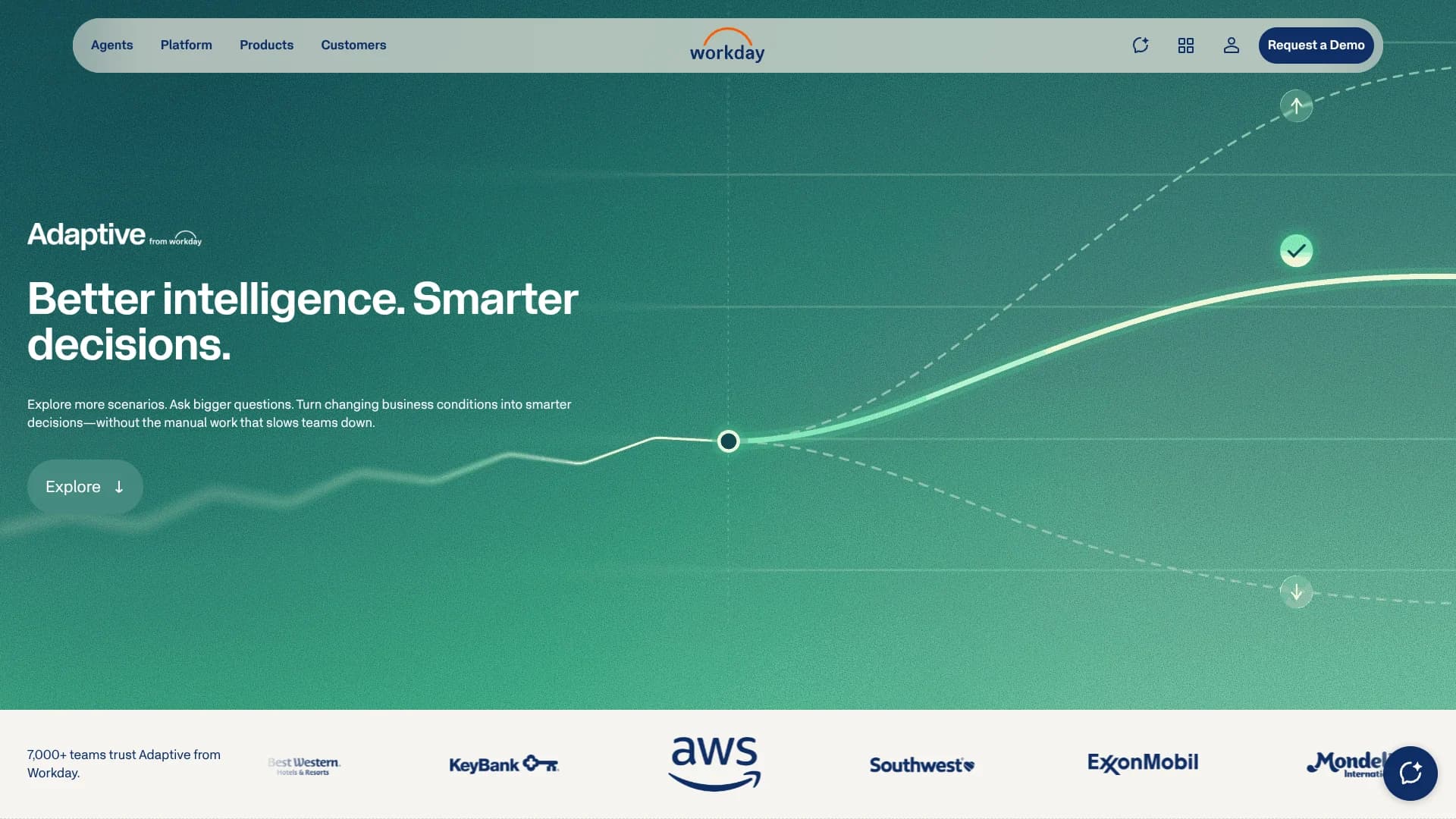
Driver-based planning for finance teams managing complex enterprise budgets.
Key Takeaways
- What it is
- Driver-based planning for finance teams managing complex enterprise budgets.
- Best for
- Adaptive Decision Intelligence
- Driver-Based Planning
- What-If Scenarios
- Rating
- 4.1/5
What is Adaptive Planning?
Adaptive Planning gives finance, workforce, and operations teams a shared place to budget, forecast, report, and test business scenarios. Its driver-based models connect inputs such as headcount, sales volume, utilization, and pricing to financial results, reducing the spreadsheet reconciliation that slows planning cycles. The cloud platform is built for organizations that need governed planning across departments and business units.
Decision Intelligence lets analysts investigate variances, explore what-if scenarios, run advanced analysis, and submit approved changes back to Adaptive Planning through existing security and approval chains.
Adaptive Planning is best suited to finance and enterprise planning teams with complex models, multiple data sources, and formal review processes. It is less suitable for a small business seeking a lightweight budgeting app or a public self-serve subscription. The strongest reason to consider it is the combination of driver-based planning and governed AI analysis in the same planning model.
Who is Using Adaptive Planning?
FP&A Analysts
Variance analysis, driver-based forecasts, and what-if scenarios help analysts answer leadership questions faster.
CFOs and Finance Leaders
A governed view of plans, actuals, and operational data supports decisions about growth, costs, margins, and risk.
HR and Workforce Planners
Headcount, salary, benefits, taxes, staffing capacity, and skills gaps can be modeled with financial impact.
Operations Planners
Sales, projects, capacity, demand, utilization, and supply assumptions can feed operational and financial plans.
Controllers and Reporting Teams
OfficeConnect refreshes board books, financial reports, and management presentations from current Adaptive Planning data.
Uncommon Use Cases
Government decision package modeling and grant-level research portfolio planning; healthcare supply and demand planning tied to patient volumes.
Key Features
Rating Breakdown
Pricing Plans
Workday Adaptive Planning Free Trial
- 30-day access to Workday Adaptive Planning
- Guided walkthrough of core planning capabilities
- Step-by-step guide for planning, reporting, and dashboards
- No obligation
Workday Adaptive Planning
- Connects with any ERP or general ledger
- Unlimited versions
- Unlimited what-if scenarios
- Single sign-on
- Active dashboards
- No data limits
Workday Adaptive Planning Close & Consolidation
- Available in the AWS Marketplace
- Request a private offer
Which Adaptive Planning plan should you pick?
Start with the 30-day Free Trial to test core planning capabilities, then request a quote when you need a production planning environment or close and consolidation.
Workday Adaptive Planning Free Trial
Good for teams that want guided access to core planning, reporting, and dashboard capabilities before requesting a quote.
Workday Adaptive Planning
Good for organizations that need budgeting, forecasting, unlimited versions, unlimited what-if scenarios, and connections to ERP or general ledger systems.
Workday Adaptive Planning Close & Consolidation
Good for organizations that want close and consolidation capabilities alongside planning, with availability through the AWS Marketplace.
Adaptive Planning Use Cases
Budgeting and Forecasting
Finance teams maintain budgets, forecasts, actuals, and reports in a governed model instead of reconciling disconnected workbooks.
Outcome: A consistent view of financial performance and plan changes.
Scenario Modeling
Leadership can compare personal or shareable what-if scenarios for pricing, staffing, demand, capacity, or investment decisions.
Outcome: Faster comparison of possible business outcomes.
Workforce Planning
Headcount and employee costs connect with organizational strategy, staffing capacity, compensation, benefits, and payroll data.
Outcome: A clearer financial view of workforce choices.
Operational Planning
Operations teams model sales pipelines, project revenue, utilization, supply needs, production costs, or service volumes.
Outcome: Operational changes flow into financial plans.
AI Variance Analysis
Decision Intelligence investigates changes, ranks drivers, analyzes root causes, and produces narrative summaries from planning data.
Outcome: More time for analysis and decision-making.
Workflow Ideas with Adaptive Planning
Quarterly Forecast Review
- 1Load actuals, pipeline, headcount, and operating assumptions into Adaptive Planning.
- 2Run Decision Intelligence analysis to identify variance drivers and root causes.
- 3Compare forecast scenarios and commit the approved version to the governed plan.
Workforce Cost Planning
- 1Connect workforce and payroll data with financial planning structures.
- 2Model hiring, attrition, compensation, benefits, and staffing capacity assumptions.
- 3Review the effect on department budgets, margins, and long-range forecasts.
Board Reporting
- 1Build financial reports in OfficeConnect for Excel.
- 2Link the Excel data to Word board books or PowerPoint presentations.
- 3Refresh the connected files when the planning period or data changes.
How Adaptive Planning fits into your stack
Core planning system
Adaptive Planning sits at the center of budgeting, forecasting, workforce planning, operational planning, reporting, and scenario modeling.
ERP and financial data
The platform connects with ERP and general ledger systems, including Oracle, SAP, NetSuite, Sage Intacct, and Microsoft Dynamics.
CRM, HR, and operations
Data from Salesforce, Workday HCM, project systems, operational applications, and other sources can feed planning models.
AI analysis
Decision Intelligence adds natural-language investigation, root-cause analysis, scenario comparison, simulations, and narrative summaries to the planning workflow.
Microsoft Office reporting
OfficeConnect connects planning data to Excel, Word, and PowerPoint for financial reports, board books, and presentations.
APIs and external agents
REST APIs support data retrieval, creation, updates, metadata management, and integration tasks, while the Adaptive Planning MCP Server connects approved external AI tools.
Pros
- +Governed AI analysis: Decision Intelligence works with Adaptive Planning data, permissions, and approval chains.
- +Scenario depth: Unlimited versions and unlimited what-if scenarios support detailed planning cycles.
- +Broad data connectivity: The platform connects with ERP, general ledger, CRM, HR, and other business systems.
- +Microsoft Office reporting: OfficeConnect keeps Excel, Word, and PowerPoint reports linked to current planning data.
- +Model flexibility: Click-not-code configuration lets finance teams adjust dimensions, logic, and planning models.
Cons
- −Quote-based pricing: Paid plans do not publish a standard US list price.
- −Enterprise orientation: The product may be more than a small organization needs for basic budgeting.
- −Implementation effort: Data connections, model design, permissions, and governance require planning and administration.
Limitations & when to consider alternatives
Known limitations
- Paid pricing is quote-based. The official pricing page lists Workday Adaptive Planning and Workday Adaptive Planning Close & Consolidation as pricing that varies.
- Decision Intelligence availability. Some Decision Intelligence capabilities depend on product access, permissions, configuration, and the customer’s Workday subscription.
- OfficeConnect is Windows-focused. The official technical requirements list Windows 11 or later and state that the Mac operating system is not supported.
- Source-data administration remains necessary. Click-not-code modeling reduces coding needs, but integrations, refresh schedules, credentials, permissions, and governance still require administration.
Look elsewhere when
- You need a low-cost budgeting app with published self-serve pricing.
- You need a native Mac desktop planning application.
- Your team wants a lightweight spreadsheet replacement without enterprise model administration.
How to Use Adaptive Planning
- 1
Start with the planning model
Define the accounts, dimensions, versions, organizational structures, and drivers that represent your planning process.
- 2
Connect source systems
Bring in data from an ERP, general ledger, CRM, HR system, data warehouse, or another business source.
- 3
Build the planning cycle
Set up budgets, forecasts, reports, dashboards, process management, and approval steps for the teams involved.
- 4
Explore scenarios with AI
Open Decision Intelligence to investigate variances, model assumptions, compare scenarios, or analyze uploaded CSV and Excel files.
- 5
Commit approved changes
Submit the selected scenario to Adaptive Planning through the existing security and approval chains.
- 6
Publish reports
Connect OfficeConnect to Excel, Word, or PowerPoint when stakeholders need board-ready reports and presentations.
Who is Adaptive Planning For?
Finance and FP&A Teams
Budget owners and analysts get connected plans, actuals, forecasts, reports, and scenario analysis.
Workforce Planning Teams
HR and finance leaders can connect headcount, compensation, benefits, and organizational plans to financial outcomes.
Operations Leaders
Operational teams can model drivers such as capacity, demand, utilization, project work, and supply needs.
Enterprise Organizations
Organizations with multiple departments, entities, data sources, and approval requirements get a governed planning model.
Industry Planning Teams
Financial services, healthcare, higher education, professional services, public sector, and other industries get specialized planning use cases.
Frequently Asked Questions
Does Adaptive Planning have a free plan?
No. Workday offers a 30-day free trial of Workday Adaptive Planning, but the paid product uses quote-based pricing.
How much does Adaptive Planning cost?
The official US pricing page lists Workday Adaptive Planning and Workday Adaptive Planning Close & Consolidation as pricing that varies. Workday does not publish a standard paid list price.
What integrations does Adaptive Planning support?
Workday says Adaptive Planning can connect with any ERP or general ledger and documents integrations with systems such as Oracle, SAP, NetSuite, Sage Intacct, Microsoft Dynamics, Salesforce, Deltek Vision, Epicor, Sage, Plex, Multiview, and Workday HCM.
Can Adaptive Planning connect to AI tools?
The official documentation describes an Adaptive Planning MCP Server that can connect to external agents such as Claude, ChatGPT, and Cursor through authenticated access.
Can users upload files for AI analysis?
Decision Intelligence supports CSV and Excel uploads in a prompt, along with Adaptive Planning reports, standard sheets, modeled sheets, and cube sheets.
Does Adaptive Planning support single sign-on?
Yes. Workday supports SAML single sign-on and OpenID Connect, and Adaptive Planning includes single sign-on in its listed capabilities.
Community reviews
Be the first to share your experience.
Sign in to leave a review for Adaptive Planning.
Adaptive Planning Alternatives
Looking for alternatives to Adaptive Planning? Here are similar tools in the same category:
Learn to Master Adaptive Planning
With Skill Leap courses
Get in-depth training on Adaptive Planning and 50+ other AI tools with our expert-led video courses.
Start 7-Day Free Trial