
Accio
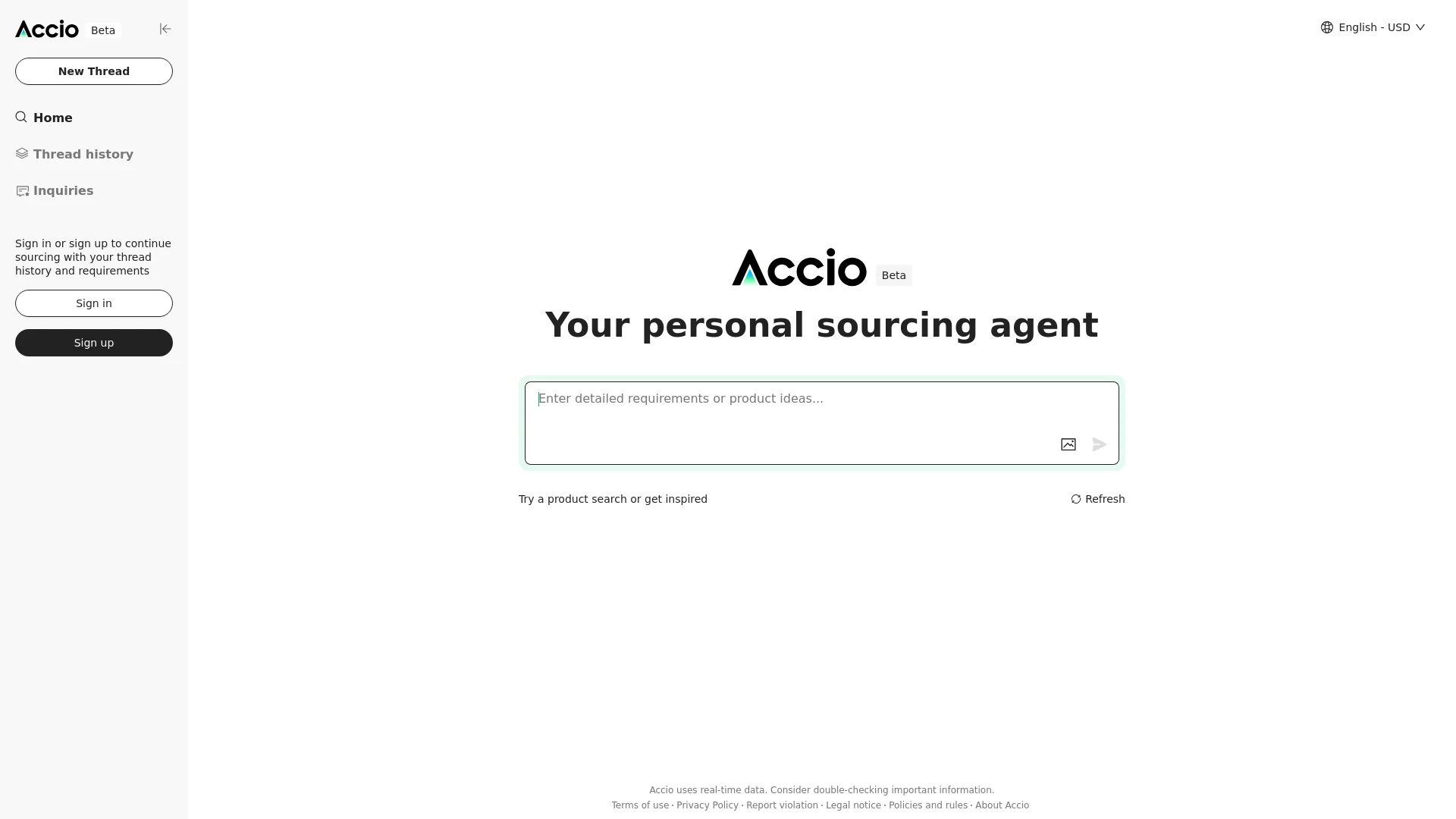
Streamlines data management and analysis with AI-driven insights.
Key Takeaways
- What it is
- Streamlines data management and analysis with AI-driven insights.
- Pricing
- Freemium
- Best for
- Advanced Analytics
- Seamless Integration
- User-Friendly Interface
- Rating
- 4.6/5
What is Accio?
Accio is a cutting-edge AI tool designed to streamline data management and analysis processes. It revolutionizes the way businesses handle big data, offering advanced analytics and seamless integration capabilities. Tailored for data-driven organizations, Accio simplifies the complexities of data processing, making it accessible and actionable for users at all levels.
Accio stands out with its ability to seamlessly integrate with a wide range of data platforms, a game-changer for organizations looking to enhance their data ecosystems. Its AI-driven analytics provide unprecedented insights, setting it apart in the data management industry.
Accio excels in providing robust data management and analysis capabilities, making it an essential tool for data-driven organizations. Its seamless integration and advanced analytics offer unmatched efficiency and insights, empowering users to make data-driven decisions with confidence.
Who is Using Accio?
Data Scientists
Utilizing Accio for sophisticated data modeling and analysis.
Business Analysts
Employing the tool to derive actionable business insights.
IT Departments
Leveraging the tool for efficient data management and integration.
Marketing Teams
Using the tool to analyze consumer data and trends.
Uncommon Use Cases
Adopted by educational institutions for data science courses; used by non-profits for impact analysis and reporting.
Key Features
Rating Breakdown
Pricing Plans
Free Tier
Free
- Experience Accio with a 14-day free trial
Which Accio plan should you pick?
Start with Free for web search and basic sourcing; upgrade to Pro for deeper research, Elite for automation and API access, or Ultra for enterprise controls.
Free
Good for users who need web search and basic sourcing without a subscription.
Pro
Good for freelancers and startups who need monthly credits, deep research tasks, and full knowledge-base access.
Elite
Good for growing teams who need higher credit limits, scheduling, monitoring, custom knowledge bases, and API access.
Ultra
Good for enterprises that need custom agents, deployment options, SSO, advanced security, and dedicated support.
Accio Use Cases
Market research
Research demand, competitors, products, and market trends.
Outcome: Produce structured business insights for decision-making.
Product and supplier sourcing
Find products, compare suppliers, evaluate capabilities, and initiate supplier contact.
Outcome: Move from an idea to qualified supplier options.
Store launch
Create products, listings, design, and SEO for an online store.
Outcome: Launch a storefront with ready-to-use commercial content.
Competitor monitoring
Track competitor pricing, products, and campaigns with scheduled tasks.
Outcome: Receive recurring findings that support sharper business strategy.
Document analysis
Upload quotes, invoices, reports, or other files for organization and analysis.
Outcome: Turn unstructured documents into tables, charts, and insights.
Workflow Ideas with Accio
Product sourcing workflow
- 1Describe the product idea and sourcing requirements
- 2Research products and match qualified suppliers
- 3Compare supplier information and initiate inquiries
Competitor monitoring workflow
- 1Define competitors, products, pricing, and campaigns to monitor
- 2Schedule recurring monitoring tasks
- 3Review findings and adjust business strategy
Document analysis workflow
- 1Upload quotes, invoices, reports, or other files
- 2Have Accio organize the information into tables and charts
- 3Compare results and identify actionable insights
How Accio fits into your stack
Browser
Accio Work controls a connected Chrome or Chromium browser to search pages, scrape data, fill forms, and complete multi-step workflows.
Knowledge and files
It reads uploaded PDFs, Word files, Excel files, images, and local workspace folders, then organizes or processes their contents.
Automation and APIs
Automations schedule recurring research, reports, inventory checks, and other tasks. Connectors let agents operate services such as Gmail, GitHub, Alibaba.com, and Feishu.
Team chat and tickets
Agents can be deployed through Telegram, Discord, DingTalk, WeChat, and Feishu so users can send tasks and receive results through messaging channels.
Pros
- +Time Efficiency: Significantly reduces the time required for data analysis and reporting.
- +Cost-Effective: Automates complex data processes, lowering operational costs.
- +Scalability: Easily adapts to growing data needs without compromising performance.
- +Comprehensive Support: Offers extensive resources and customer support to assist users.
Cons
- −Initial Learning Curve: Users may need time to familiarize themselves with all features.
- −Limited Customization: Some users may find customization options limited compared to other tools.
Limitations & when to consider alternatives
Known limitations
- Free plan is web-search only. The Free plan is listed as free forever but includes web search and a basic sourcing tool.
- Desktop support is limited to macOS and Windows. The documented native desktop platforms are macOS and Windows; Linux is not listed.
- SSO/SAML is not yet generally available. The security documentation describes organization-wide SSO/SAML binding as a future development.
- No inbound Agent API. Accio Work currently does not expose an inbound Agent API, webhook, or deep-link endpoint.
- Connector availability varies. Several integrations, including Google Drive, Notion, Slack, Shopify, and Salesforce, are documented as coming soon rather than currently supported.
How to Use Accio
- 1
Choose your access method
Use the browser app for quick tasks, or install the macOS or Windows desktop client for local files, terminal access, browser automation, and scheduled tasks.
- 2
Create or select an agent
Choose a template such as Daily Assistant, Coder, Reviewer, or E-commerce Expert, then configure its role and workspace.
- 3
Connect relevant applications
Open Capabilities, select Connectors, choose a supported application, and complete authorization.
- 4
Describe the business task
Give the agent a natural-language objective; it selects appropriate capabilities such as search, file operations, image analysis, code tools, or browser automation.
- 5
Use teams for complex work
Create an Agent Team with a Team Lead and specialized member agents when a task benefits from delegation and shared context.
- 6
Schedule recurring work
Use scheduled tasks for recurring monitoring, reporting, research, or operational workflows.
Who is Accio For?
Small and medium businesses
Accio Work is positioned as an AI agent team for automating business tasks end to end.
Solo founders
It helps one person handle work that traditionally required a larger team.
E-commerce sellers
Accio supports product discovery, supplier sourcing, storefront operations, marketing, and customer acquisition.
Retailers and wholesalers
The sourcing product connects buyers with suppliers, product data, and wholesale marketplaces.
Developers
The Coder template supports code development, debugging, refactoring, terminal commands, and browser automation.
Frequently Asked Questions
Is Accio free to use?
Accio offers a free plan, with optional upgrades for advanced AI sourcing features.
Which platforms does Accio Work support?
Accio Work is available as a native desktop application for macOS and Windows, and it can also be used in a browser.
What can Accio Work automate?
It automates end-to-end business tasks including market research, sourcing, storefront operations, marketing, and customer acquisition.
Can Accio connect to third-party applications?
Supported connectors include Gmail, X, LinkedIn, Instagram, GitHub, Alibaba.com, and Feishu.
Can multiple agents collaborate?
Agent Teams let multiple AI agents work together in a group chat with a Team Lead, shared context, and task tracking.
Does Accio provide SSO or SAML?
The permissions documentation says organization-wide SSO/SAML binding is still being developed.
Community reviews
Be the first to share your experience.
Sign in to leave a review for Accio.
Accio Alternatives
Looking for alternatives to Accio? Here are similar tools in the same category:
Learn to Master Accio
With Skill Leap courses
Get in-depth training on Accio and 50+ other AI tools with our expert-led video courses.
Start 7-Day Free Trial